Here is the short answer for GTA 6 (Grand Theft Auto VI) car customization: open the map, find the mod shop that specializes in your type of vehicle, and drive straight in.
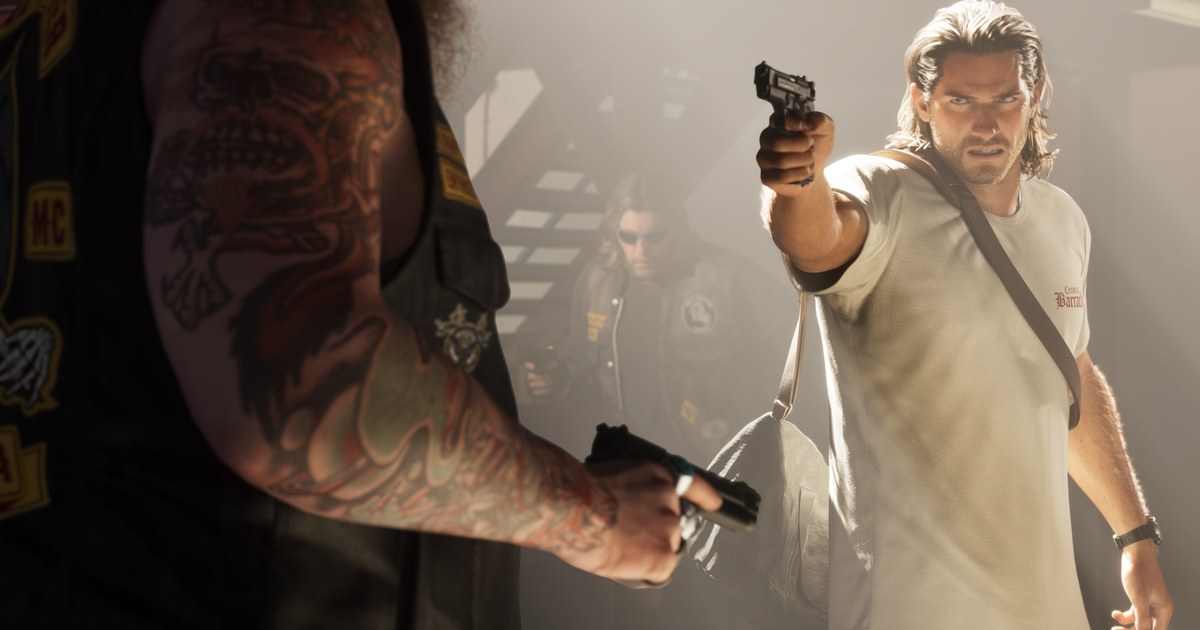
Your first mod shop opens in the Chapter 1 story mission Just a Scratch, when Jason takes his battered '70 Ganado to Joey at Coastal Auto Care, and the engine repair and respray in that mission walk you through the shop menu for the first time.
After that you can use 14 mod shops across Leonida, and each one focuses on something different, such as retro cars, muscle cars, lowriders, off road builds or bikes. Two of them, Rideout Customs and One-Eyed Willie's, are Ultimate Edition only, which leaves 12 in the standard edition.
If you want to mod a stolen car, you need to register it first, so read GTA 6 stealing, registering and garages before you go. Below are the specialty and region of every shop, the upgrade types, what you need for expensive builds, and how weapon customization works, all as of November 23, 2026. GTA 6 launched on PS5 and Xbox Series X|S on November 19, 2026.
The answer: pick the shop that matches your car, and open a bank account first
Not every mod shop offers the same menu. Take a retro car to the retro specialist and an off road truck to the off road specialist, because the matching shop gives you more parts and cosmetic options. Open the map, choose the Vehicles category and select Mod Shops to see their locations.
Only shops in areas you have already uncovered from the map fog appear, so drive through new regions at least once. Upgrades fall into two groups.
Performance parts such as the engine raise speed and acceleration, while cosmetic options such as respray, rims, interiors, wraps and liveries change the look. Pro Builds bundle a set of parts and cosmetics so you can install them in one go.
Upgrades that cost more than $1,000 require a bank account, which opens through a Chapter 1 main mission, so check how to open a GTA 6 BuckMe bank account first. If the two Ultimate Edition shops tempt you, weigh them up in GTA 6 price and editions.
The shop names, specialties and regions in this guide were confirmed only where at least two different guide outlets agreed, and we left out prices that change easily, such as the cost of each upgrade.
How to customize a car in GTA 6
- 1Unlock your first mod shop in Just a ScratchIn the Chapter 1 story mission Just a Scratch, Jason drops his car off at Joey's shop, Coastal Auto Care. Drive inside when the door opens, repair the engine and pick a new paint color to finish. The engine is in the performance menu and the paint is under Cosmetics, so learning the layout here makes later builds faster.
- 2Find the right shop on the mapOpen the map, choose the Vehicles category and select Mod Shops. The shops you have found appear along with a counter. Only uncovered areas show up, so drive through new regions yourself, then pick the specialist that matches your vehicle type.
- 3Register stolen cars firstA stolen car with a standard tracker cannot be modified until you register it as your own. Register cars without a tracker with Moses in Port Gellhorn after his Chapter 2 mission, then bring them to a mod shop.
- 4Choose performance parts and cosmeticsDrive the car into the shop to open the menu. Performance parts like the engine raise speed and acceleration, while respray, rims, interiors, wraps and liveries change the look. Repair a damaged car before you start modding.
- 5Use Pro Builds for a full kitIf picking parts one by one feels slow, open Pro Builds and install a bundle of performance parts and cosmetics at once. Upgrades over $1,000 require a bank account, so open one before you go.
All 14 GTA 6 mod shops by vehicle type
| Vehicle type | Mod shop | Region |
|---|---|---|
| Retro | Coastal Auto Care (first visit in Chapter 1, Just a Scratch) | Mariana County |
| Muscle cars and hot rods | Capri Classic, Stockyard Speedshop | Mariana County, Vice-Dale County |
| Luxury and tuner | Euroform Automotive, Vice Auto Customs | Vice-Dale County |
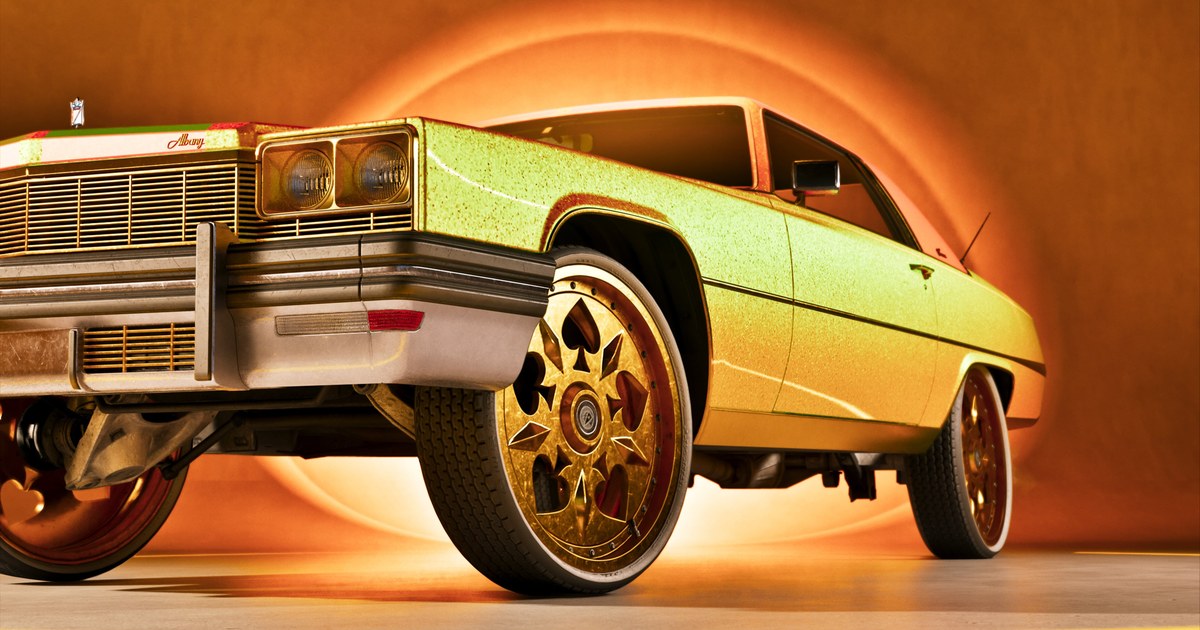
| Lowriders and donks | Lowballers Customs, Rideout Customs (Ultimate Edition) | Vice-Dale County |
| Racing cars | Whisler Motorsport | Kelly County |
| Off road | Wasteland Off-Road, One-Eyed Willie's (Ultimate Edition) | Kelly County, Lake Leonida in Leonard County |
| Motorcycles | Two Wheel Fury Motorsport (sport), Dirt Merchants (dirt), Ledford Motorcycle Workshop (choppers) | Vice-Dale, Kelly and Lummox counties |
| Wraps and liveries | Vice Vinyl | Vice-Dale County |
Check this before you visit a mod shop
- You have finished the Chapter 1 mission Just a Scratch, so mod shops are open.
- The shop on the map specializes in your vehicle type.
- A stolen car has its tracker dealt with and is registered as yours.
- You have a bank account if you plan to buy upgrades over $1,000.
- For a quick repair or respray, a Pay 'n' Spray is enough. Performance parts are only fitted at mod shops.
How to make a GTA 6 video
To show off a car you spent hours building, or to make a before and after tuning video, capture it on your console, move it to your PC or phone, then polish it in DOR Studio. On PS5, the Create button saves recent gameplay from 15 seconds up to 1 hour, or starts a new recording of up to 1 hour.
On Xbox Series X|S, press the Xbox button to save the last 30 seconds right away, change the length to save up to the last 2 minutes, or use Start recording to capture from now on.
Copy PS5 captures to a USB drive or get them on your phone through the PS App, and get Xbox captures from the Xbox mobile app.
Upload the clips to DOR Studio on dor.gg and, right in your browser, set a 9:16 vertical ratio, merge several clips, trim, and add text, music and effects, then export an mp4 or share a link, with no watermark. The full steps are in How to make a GTA 6 video and Edit clips in your browser with no install.
For supported PC games, just keep the DOR app running and it detects the game and records the whole match automatically.