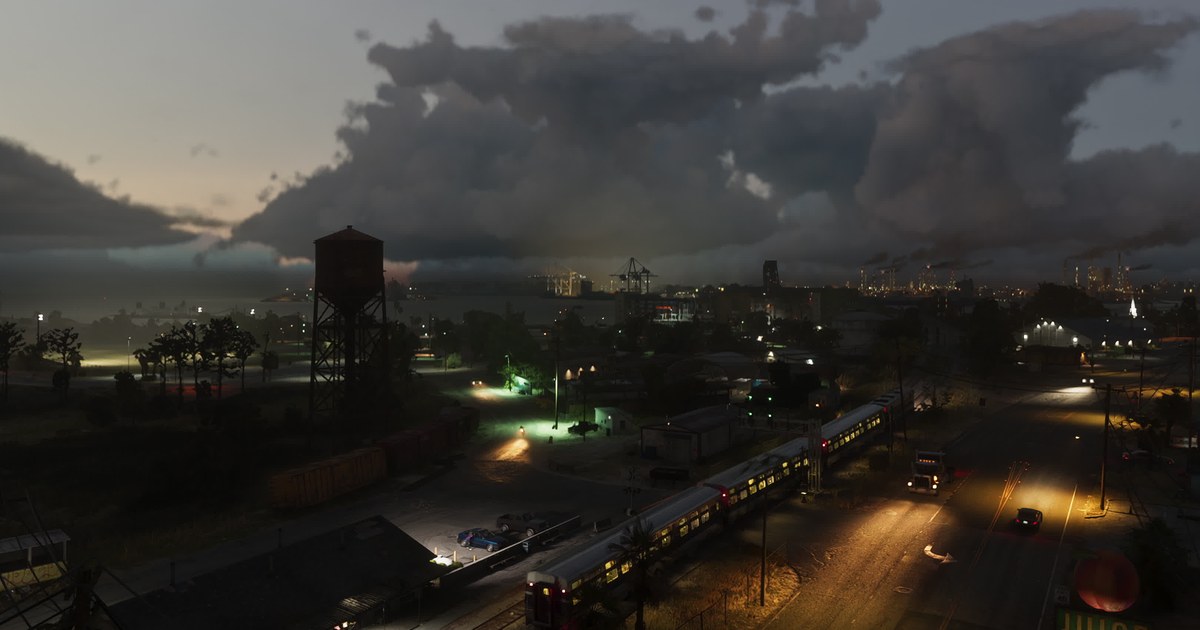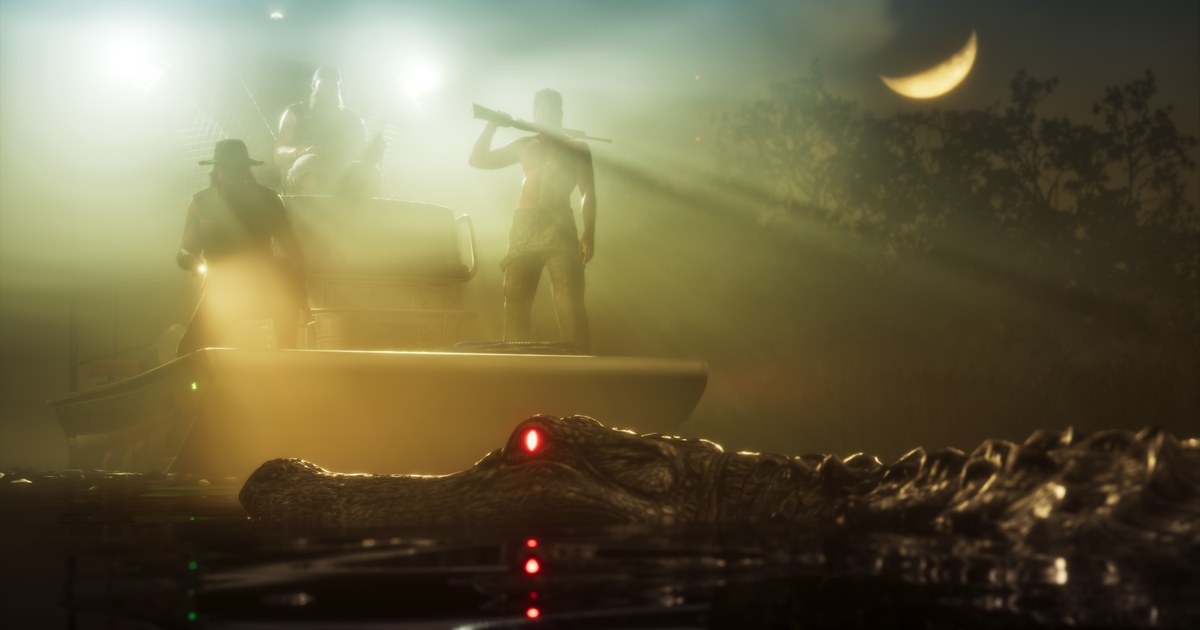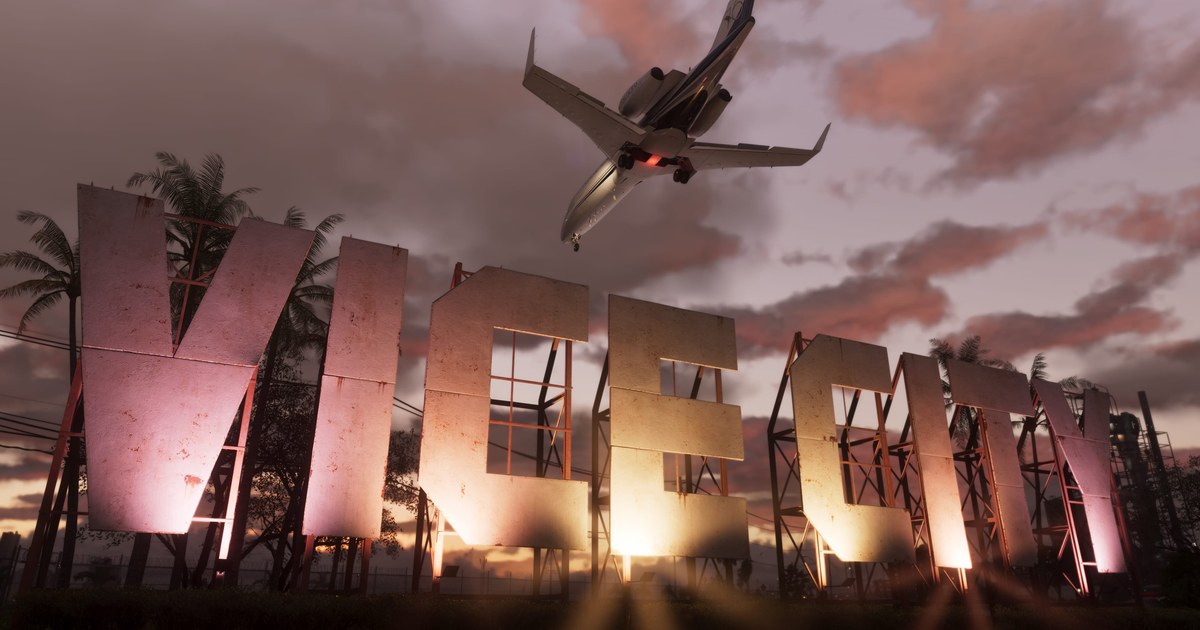
The short answer: if you are buying GTA 6 now, most players can start with the Standard Edition ($79.99, or 89,800 won on the Korean PS Store).
The extra content in the Ultimate Edition ($99.99, 112,800 won) is in game items such as vehicles, weapons, outfits and mod shops, and you can still buy it as an upgrade after picking up the Standard Edition.
GTA 6 launched on PS5 and Xbox Series X|S on November 19, 2026, and as of November 23, 2026 Rockstar has not officially announced a PC version.
This guide cross checks the Rockstar and Take-Two announcements with outlets that reported store prices, and covers dollar, won and yen prices, what each edition includes, whether there is a disc version, and what happened to the pre-order bonuses. Prices can change with store promotions, so check the amount on the store screen before you pay.
Verdict: Standard for the story, Ultimate if you want the exclusive items from day one
Both editions contain the same base game. The difference is a bundle of in game items that only the Ultimate Edition includes.
According to what Rockstar revealed on June 24, 2026, the Ultimate Edition adds a Classic Car Collection with four Ultimate only vehicles, two exclusive mod shops (Rideout Customs and One-Eyed Willie's), a Shitzu Squalo boat, exclusive revolvers for Jason and Lucia plus custom pistol variants, and clothing, hairstyle and tattoo items.
These items unlock gradually as the story progresses. The price gap is $20 in the US and 23,000 won on the Korean PS Store. Because the Ultimate upgrade was confirmed to be sold separately after launch, starting with the Standard Edition and deciding later costs you very little.
If you want to cruise Leonida with the exclusive cars and weapons from the first few hours, buying the Ultimate Edition up front is simpler. If you plan to play on PC, check the GTA 6 PC release date status first, since no PC version has been announced yet.
GTA 6 Standard vs Ultimate (as of November 23, 2026)
| Item | Standard Edition | Ultimate Edition |
|---|---|---|
| US price | $79.99 | $99.99 |
| Korean PS Store | 89,800 won | 112,800 won |
| Japan price (tax included) | 9,800 yen | 12,280 yen |
| Contents | Base game | Base game + exclusive vehicles, 2 mod shops, boat, exclusive revolvers, outfits and more |
| Physical package | A box with a download code, no disc | Buy digitally or add the upgrade to Standard |
| Switching later | Ultimate upgrade can be bought separately | Not applicable |
| Platforms | PS5, Xbox Series X|S | PS5, Xbox Series X|S |
Check before you buy
- The Vintage Vice City Pack pre-order bonus (a 1955 Vapid Stanier with a garage, retro outfits and hairstyles, and an exclusive weapon pattern) went to anyone who pre-ordered or bought before November 20 (physical pre-orders while supplies lasted). As of November 23 the official Rockstar site lists it as a digital add-on you can buy separately.
- PS Store and Microsoft Store pre-orders also included one month of GTA+, once per account. Buying now may not include this bonus.
- The Vice City Collection ($399.99) is a merchandise box and does not include the game. You need to buy the game separately.
- If you bought the physical package, you can buy the Ultimate upgrade on the store of the same account after redeeming the code.
- Prices are as of November 23, 2026 and can change with store sales or exchange rates.
How to choose and buy a GTA 6 edition
- 1Pick your console firstGTA 6 is out on PS5 and Xbox Series X|S. The official Rockstar site marks PS5 as the platform it Plays Best On. As of November 23, 2026 there is no official PC announcement, so if you do not own a console there is no reason to rush the purchase.
- 2Choose between Standard and UltimateThe Standard Edition is enough to enjoy the story and the open world. Pick the Ultimate Edition if you want items like the exclusive classic cars, mod shops and revolvers from the start. Ultimate items unlock step by step as the story moves forward.
- 3Compare digital and the physical packageThe physical package has no disc, only a download code. Installing and launching works the same as the digital version, so choose the box only if you want it on your shelf or a retailer offers a lower price.
- 4Confirm the final amount on the store screenRight before paying, check the edition name and price on the PS Store or Microsoft Store. If you are adding the upgrade to a Standard copy, the upgrade price can differ by store, so check it separately.
- 5Free up storage before buyingWhether you redeem a code or buy digitally, the game has to be downloaded and installed. Clearing plenty of console storage beforehand lets you start installing right away, even during busy periods like launch week.
How to make GTA 6 videos: from console capture to DOR Studio editing
To turn GTA 6 moments into videos, record on your console, move the files to your PC, and edit them in DOR Studio on dor.gg. On PS5, the Create button saves recent gameplay from 15 seconds up to 1 hour, or starts a new recording of up to 1 hour.
On Xbox Series X|S, press the Xbox button and then X to save the last 30 seconds, or choose a length to save up to the last 2 minutes. Copy PS5 clips from the Media Gallery to a USB drive, or download them to your phone with the PS App, then move them to your PC.
Next, open DOR Studio in your browser and upload the video to trim, merge several clips, switch to a vertical 9:16 ratio, add text, music and effects like shake zoom, and export an mp4 or share a dor.gg link. Your result has no watermark. The full workflow is in how to make GTA 6 videos, editor basics are in editing clips in your browser, and Shorts sizing is in how to crop a video to vertical 9:16.