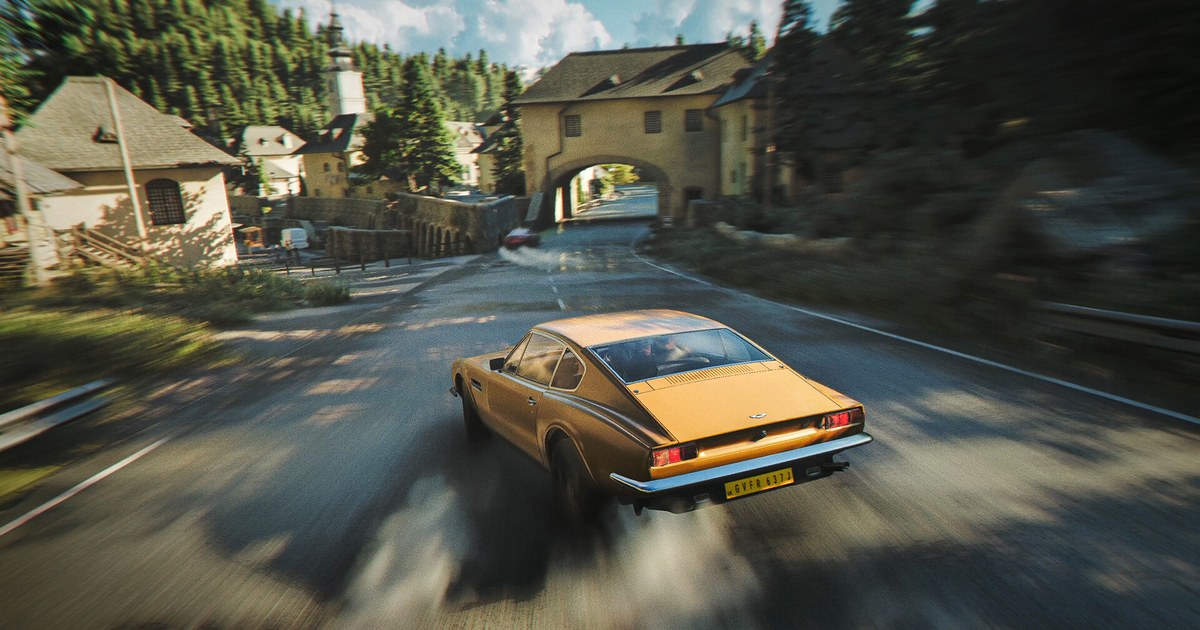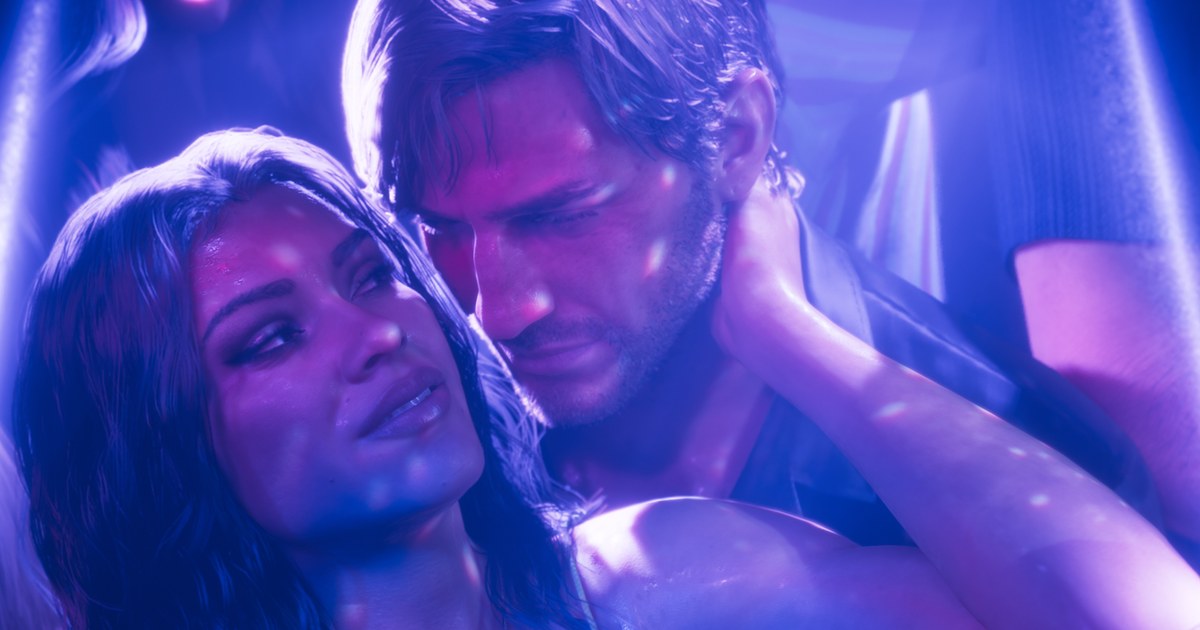
Short answer: no, you cannot play GTA 6 natively on PC as of November 24, 2026, because no PC version has been announced. The console release date was set for November 19, 2026, and only PS5 and Xbox Series X|S are listed. Rockstar said most of its players are on consoles, so consoles come first.
If you want the game on a PC monitor right now, the practical route is to keep your own console running and send its picture to the PC with Remote Play, or to connect it through an HDMI capture card. Xbox Cloud Gaming is the route people ask about most, but Xbox said the game will not stream to PC.
This guide covers what works, what each option needs, and what to check if you also want to record the PC window. For how streaming and recording differ in general, see game streaming vs recording.
Bottom line: no PC version yet, so use Remote Play from your console
The most realistic way to play GTA 6 on a PC screen is Remote Play from a PS5 or Xbox Series X|S you already own. The game runs on the console, so the graphics match the console no matter how strong your PC is, while image quality and input delay depend on your home network.
Xbox Cloud Gaming was announced for Xbox One and Series X|S devices, and Xbox reportedly said the game will not stream to PC. No PlayStation cloud option was expected at launch either.
A GamesBeat report in October 2026 cited four anonymous sources saying PC is targeted for the first quarter of 2027, but Rockstar has not confirmed it, so treat it as a rumor. For context, GTA V reached PC about 19 months after consoles and Red Dead Redemption 2 about 13 months after. Everything here is as of November 24, 2026 and can change.
How to get GTA 6 on your PC screen
- 1Check that you own a console firstEvery route to a PC screen assumes a console that is switched on. Without a PS5 or Xbox Series X|S there is currently no way to play GTA 6 on PC, and the only option is to wait for a PC announcement.
- 2On PS5, turn on Remote PlayEnable Remote Play and the rest mode network options in the PS5 settings, install the PlayStation Remote Play app on your PC, and sign in with the same account. You need at least 5 Mbps and 15 Mbps is recommended, and a wired connection is the steadiest.
- 3On Xbox, connect through the Xbox appTurn on remote features on the Series X|S, then pick the console in the Xbox app or a browser on Windows. The console runs the game at its own settings and the PC only receives the picture. A 5 GHz Wi-Fi connection or better is recommended.
- 4Run a short test before recordingA Remote Play window on your PC can be captured with DOR screen recording. Some apps can produce a black picture, so record 30 seconds first and check both picture and sound. If it comes out black, read fix black screen in game recording.
- 5Follow only official channels for PC newsPC rumors are everywhere but nothing is confirmed. Use Rockstar's official site and announcements as the source of truth and treat media reports as hints.
Ways to play GTA 6 on PC, as of November 24, 2026
| Method | Works on PC? | What you need |
|---|---|---|
| Native PC version | Not announced | Wait for an official Rockstar announcement |
| PS5 Remote Play | Yes, with a console | A PS5, Windows 10 64-bit or 11, a 7th-gen or newer Intel Core CPU, at least 5 Mbps (15 Mbps recommended) |
| Xbox Remote Play | Yes, with a console | An Xbox Series X|S and the Xbox app or a browser on Windows 10 or 11 |
| Xbox Cloud Gaming | Not on PC | Described for Xbox devices only, with PC streaming reportedly ruled out |
| HDMI capture card | Yes, with a console | A capture card, HDCP turned off on PS5, console and PC close together |
| Q1 2027 PC report | Unconfirmed | An anonymous-source report, not an announcement |
Check before you start
- You own a PS5 or Xbox Series X|S
- Your PC runs Windows 10 64-bit or newer
- The console is wired near the same router as your PC
- You signed in to the Remote Play app with the same account
- You tested a 30 second recording with sound
Record your GTA 6 window on PC with DOR
DOR is a free Windows app. For supported games it detects the game and records the whole match, and for anything that is not a game it offers screen recording. A Remote Play window on your PC can be captured with screen recording, and DOR output has no watermark.
Recordings gather in My Clips in the app, where you can trim to 16:9, 9:16 or 1:1, or merge videos in DOR Studio, export an mp4 and share a dor.gg link. Some apps may capture a black picture, so a short test recording first is recommended.