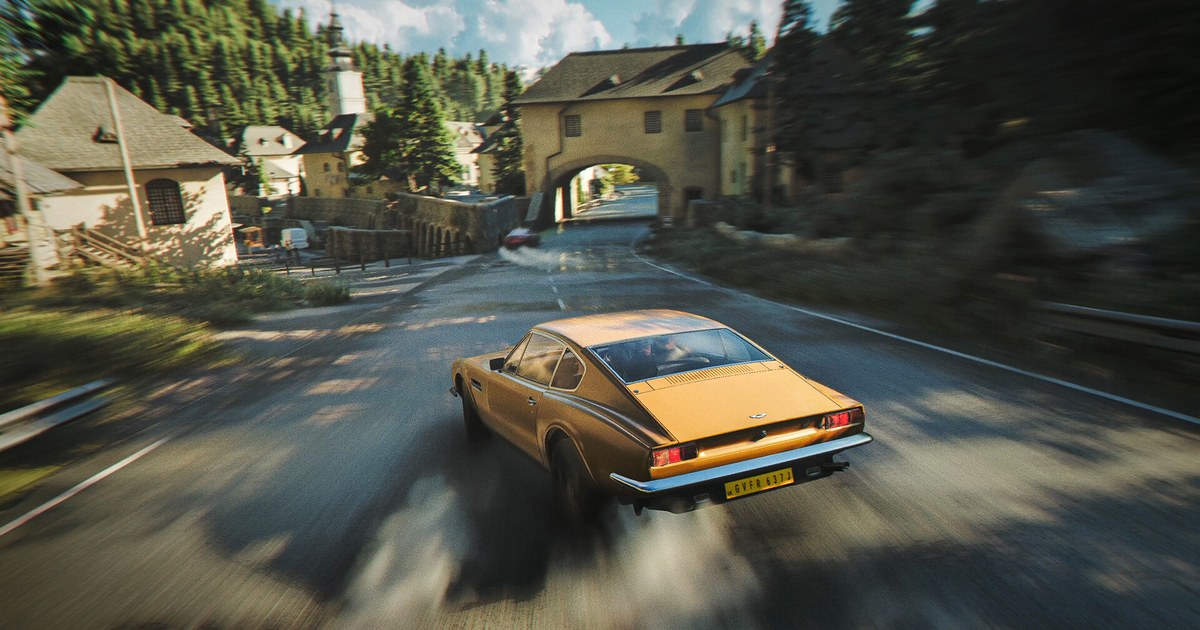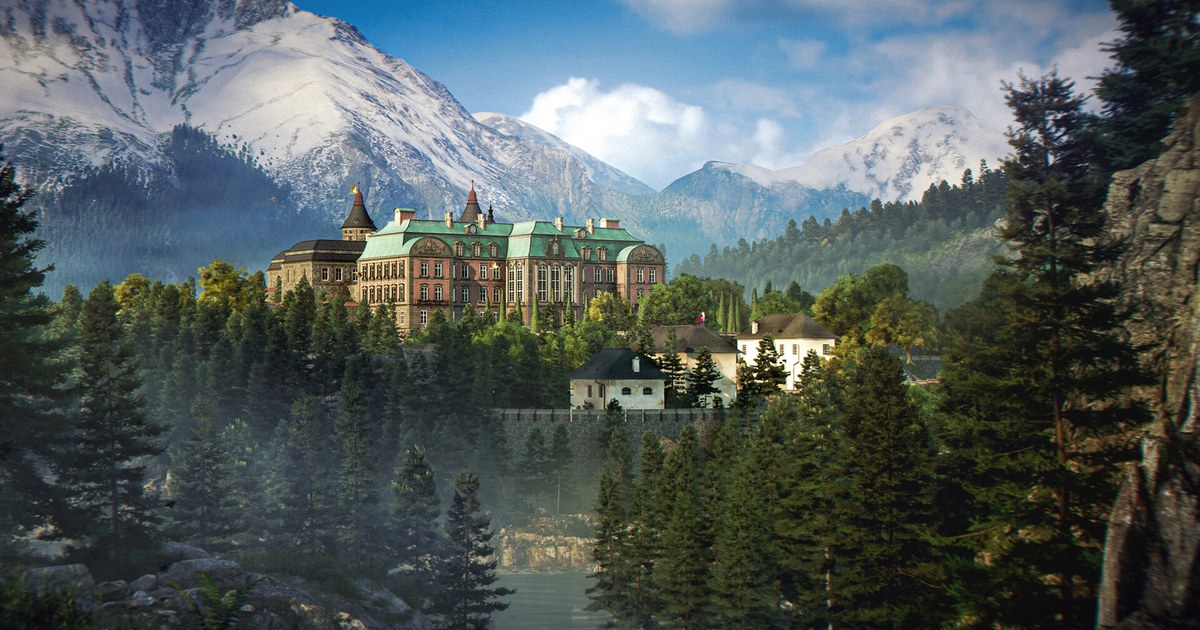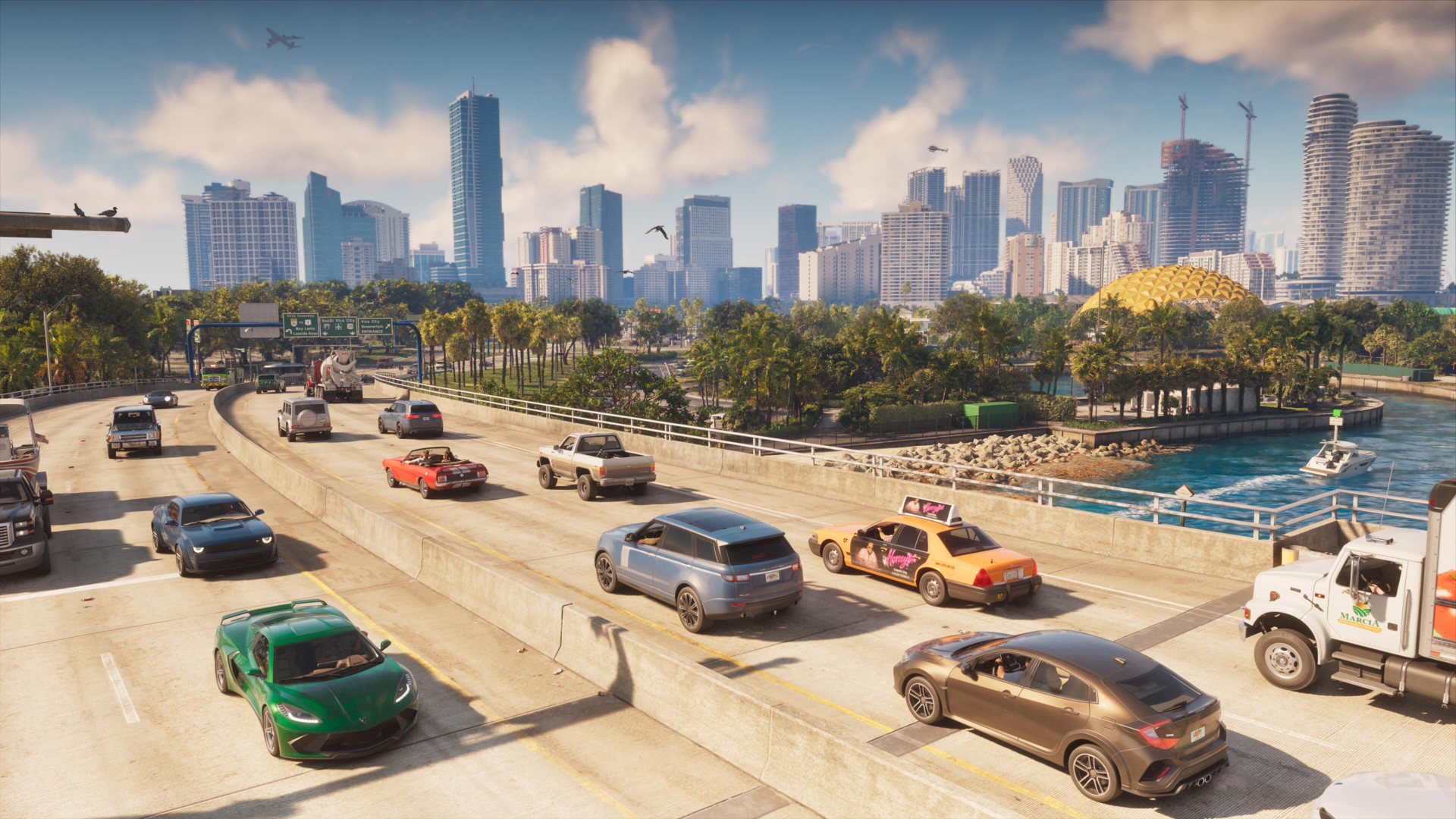
The short answer: GTA 6 photo mode pictures are saved by your console, not by the game. On PS5 open the Media Gallery app from the home screen. On Xbox Series X|S go to My games & apps, then Apps, then Captures.
The phone gallery on your character's in game phone will not show them, so there is no need to dig through phone apps. If a picture seems to be missing, first check that you held the confirm button in Photo Studio instead of tapping it.
This guide is current as of November 24, 2026 and covers the console versions (PS5 and Xbox Series X|S). For PC release news, see GTA 6 PC release date.
The steps for moving pictures use console system features, so they work the same no matter which game patch you are on, although menu names can shift slightly after system updates.
The answer: pictures live in the console capture library, and the console decides how you move them
Photo Studio pictures in GTA 6 are console captures, not game files. That is why where you find them and how you move them differs between PS5 and Xbox. On PS5, PlayStation's own support page describes picking a capture in Media Gallery, then More, then Copy to USB Drive.
On Xbox, Captures lets you upload a picture, set it as a background, or delete it, and cloud backup options can sit in different menus depending on your system version, so check Xbox support too.
One caution: we could not confirm an official GTA 6 specific upload site for these pictures, so this guide only lists console features that are documented.
If what you really want is gameplay video on your PC, that comes from recording a PC game, not from console captures, so read the DOR section below.
How to save, find, and move photo mode pictures
- 1Open Photo Studio from the pause menuPause the game. Press Options on PS5 or Menu on Xbox, then choose Photo Studio. Guides say photo mode is available from the moment you take control of the main character in the prologue.
- 2Hold the confirm button to saveWhen your shot is framed, hold X on PS5 or A on Xbox. A quick tap is reported not to be enough. On Xbox, a Screenshot saved notification tells you the capture worked.
- 3Find it in the console capture libraryOn PS5 open the Media Gallery app from the home screen. If the icon is missing, go to the far right of the home screen, open Game Library, sort alphabetically, and look under M. On Xbox open My games & apps, then Apps, then Captures. For a picture you just took, press the Xbox button, then Capture & share, then Recent captures.
- 4On PS5, copy to a USB drivePlug a USB storage device into the PS5 and pick the picture in Media Gallery. For several pictures use Select Multiple, then choose More and Copy to USB Drive. While the drive is connected, a USB tab in Media Gallery shows the copied files, and you can plug the same drive into a PC to move them over.
- 5On Xbox, upload or back up from CapturesSelect a picture in Captures to upload it, set it as a background, or delete it. Automatic backup and external storage options differ by system version, so read the capture backup guide on Xbox support before you start.
GTA 6 photo mode pictures: where they save and how to move them
| Item | PS5 | Xbox Series X|S |
|---|---|---|
| Take the picture | Pause with Options, open Photo Studio, hold X | Pause with Menu, open Photo Studio, hold A |
| Where it is saved | Media Gallery | Captures |
| In game phone gallery | Picture does not appear | Picture does not appear |
| See the latest picture | Create button, then the newest thumbnail, or the Recently created card | Xbox button, Capture & share, Recent captures |
| Find the app | Media Gallery on the home screen, or M in Game Library | My games & apps, Apps, Captures |
| Move it out | Plug in USB, then Media Gallery, More, Copy to USB Drive | Choose upload in Captures, and check Xbox support for backup options |
If a picture is missing, check this
- You opened Media Gallery or Captures on the console, not the in game phone gallery
- You held X on PS5 or A on Xbox when saving
- On PS5 you also looked under M in Game Library if the home icon is missing
- On Xbox you went through My games & apps, Apps, Captures
- You confirmed the copy to USB finished before deleting anything
Console pictures stay on the console, PC game video goes to DOR My Clips
GTA 6 photo mode pictures sit in your console's capture library, so you manage them separately from anything on a PC. DOR is a free Windows game recording app. When you launch a supported game, it detects it automatically and records the whole match, and recordings collect in My Clips.
Knowing that PC game video lives in My Clips and console pictures live in PS5 Media Gallery or Xbox Captures keeps your files from getting mixed up.
In the app you can trim the part you want, and in DOR Studio you can join clips, change the aspect ratio, and export an mp4 or share a dor.gg link, with no watermark. To see where recordings are stored and how storage is managed, read DOR recording location and storage. If you also hunt for screenshot folders on Windows, NVIDIA screenshot folder location helps.