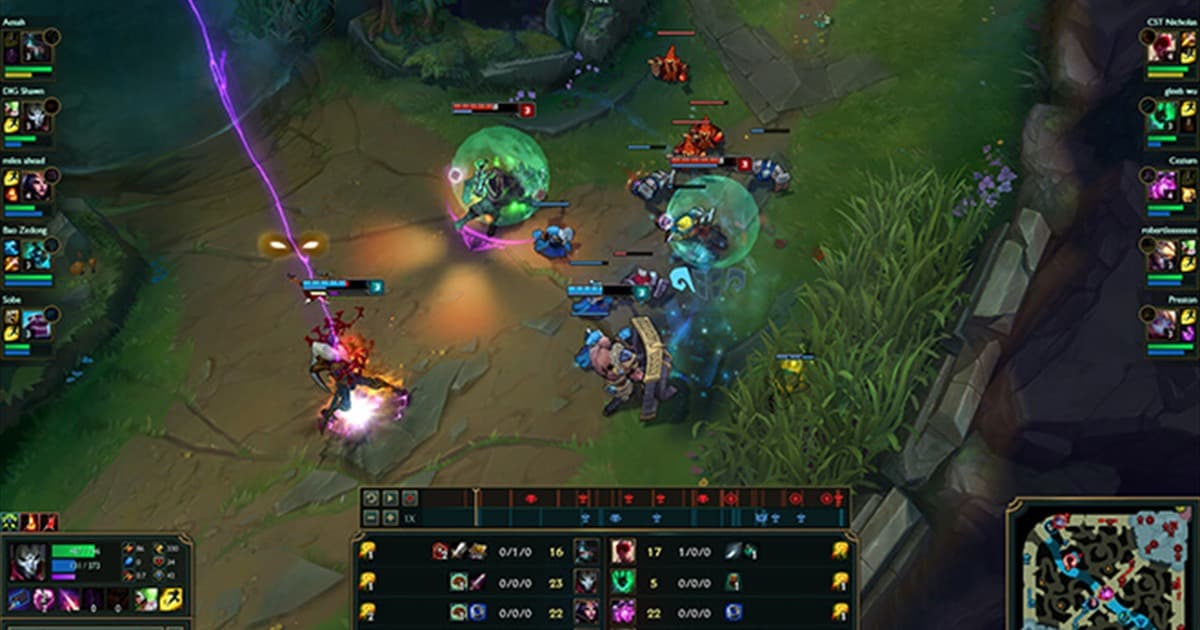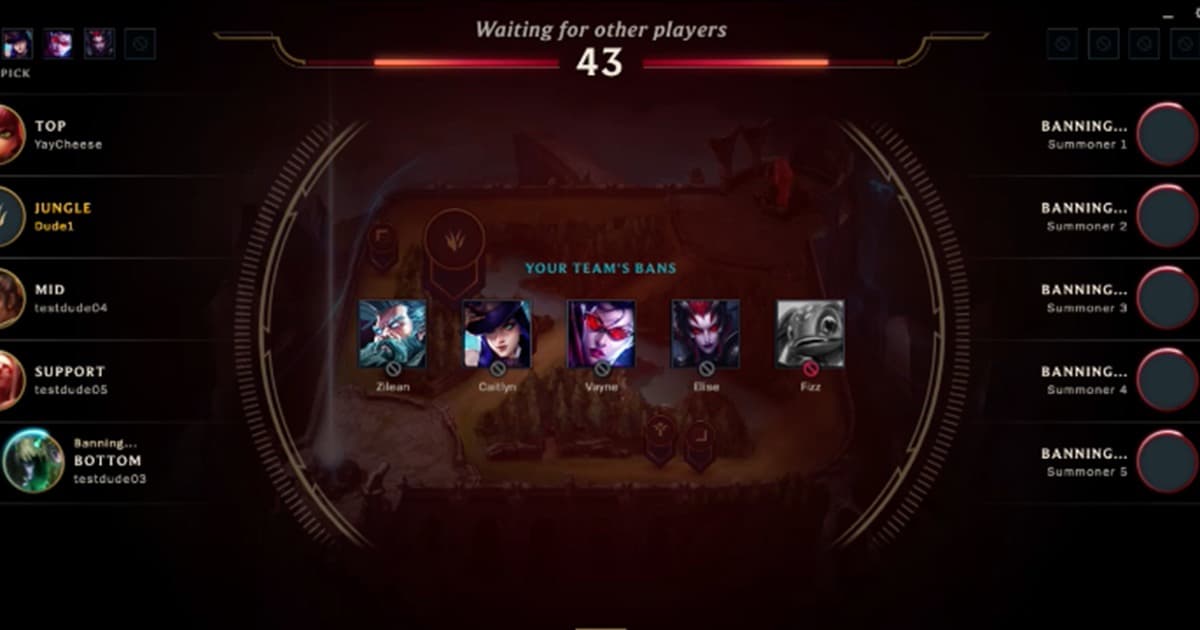
This is for organizers and players who have several friends but struggle to assemble ten reliably and split two teams credibly. Searches that look similar can hide very different outcomes. A full headcount can still stall through duplicated roles, skill gaps, late arrivals, sudden departures, spectator interference, and disputes over publishing results. This guide treats “League custom game finder” as the main task while covering “LoL in-house recruitment” and “League 5v5 custom game” without pretending one setting fits every PC, mode, or team. Before installing an app or joining a group, verify the current version, game mode, audio path, storage budget, region, and active hours that can materially change the result.
League custom game finder: Define the outcome and failure condition first
Publish region, time, mode, broad experience range, primary and secondary role, voice expectation, standby list, and team assignment time. Decide before game one whether teams stay fixed or can be adjusted once. The best choice is not automatically the most famous tool or the biggest server; it is the option that produces a repeatable result under your conditions. Run a short recording test or a one-match conversation, then note output quality, response time, setup cost, and anything that would make you stop. Preserve the original file, settings, and recruitment message so you can reverse course without losing work.
Compare the practical options
| Option | Best fit | Check before committing |
|---|---|---|
| Organizer-balanced teams | The host knows participants’ play patterns | Publish assignment criteria and the single rebalance condition |
| Captain draft | Team selection is part of the event | Protect the last pick and prioritize role coverage |
| Random then one role swap | A fast and transparent start matters most | Only fix obvious role collisions |
A repeatable workflow
- 1Lock time and headcount — Confirm ten players and two standbys30 minutes before start, with the late cutoff and replacement time in the post.
- 2Collect minimal role context — Ask for primary role, backup role, and recent play level; avoid collecting unnecessary account or identity information.
- 3Read the lobby rules — Confirm champion restrictions, spectators, pauses, remake, voice channels, result screenshots, and clip publication in one minute.
- 4Review after game one — Discuss punctuality, role failure, and technical issues instead of blaming results, then use the agreed adjustment rule.
Pre-publish or pre-join checklist
- Ten players and standbys are confirmed
- Primary and backup roles were collected
- Team assignment is public
- Remake and spectator rules are written
- Voice and clip consent is confirmed

Turn the search into a useful next step with DOR
Use the League game page and public clips in DOR as conversation context, but the organizer must verify participants and make team assignments directly. Continue with League game page, League Discord finder, ranked fives team finder. DOR does not promise automatic matchmaking or identity verification. Use public game pages, clips, and community context to understand play style, then verify the player name, region, schedule, and server rules yourself before moving the conversation.
Official source and freshness check
Riot and Discord linking in supported regions lets players invite Discord friends and share lobby links, which can help custom recruitment, while lobby rules remain the organizer’s responsibility. Menu names, supported modes, and limits can change, so the current details were checked against official League of Legends Patch 26.13 notes. Future updates should follow the date and version on that primary source rather than copying an undated third-party summary.