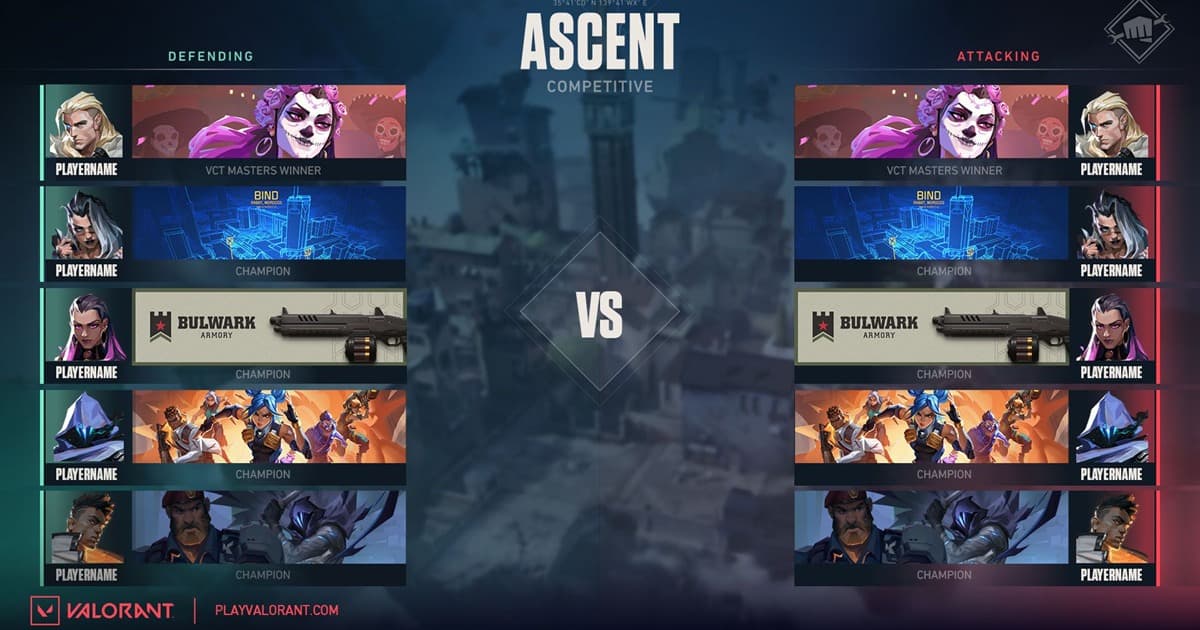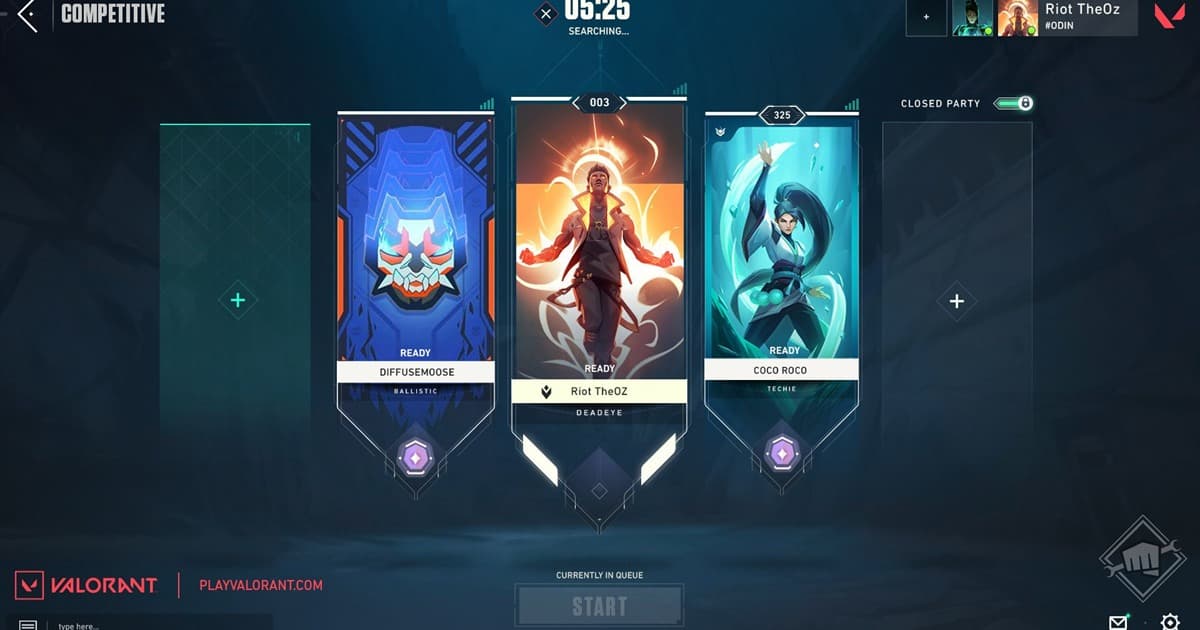
This is for players who want more structure than a duo but lose groups to missing controllers, incompatible comms, or schedules. Searches that look similar can hide very different outcomes. Similar rank does not solve duplicate roles, server ping, map avoidance, backseating, post-loss behavior, or different active hours. This guide treats “VALORANT five-stack finder” as the main task while covering “find a VALORANT five stack” and “VALORANT ranked party” without pretending one setting fits every PC, mode, or team. Before installing an app or joining a group, verify the current version, game mode, audio path, storage budget, region, and active hours that can materially change the result.
VALORANT five-stack finder: Define the outcome and failure condition first
Lead with region, server, rank range, exact hours, needed role, voice expectation, and target games. Public clips or friend replays start a conversation about choices; they are not identity or complete-skill verification. The best choice is not automatically the most famous tool or the biggest server; it is the option that produces a repeatable result under your conditions. Run a short recording test or a one-match conversation, then note output quality, response time, setup cost, and anything that would make you stop. Preserve the original file, settings, and recruitment message so you can reverse course without losing work.
Compare the practical options
| Option | Best fit | Check before committing |
|---|---|---|
| Expand from an existing duo | Two players already share a clear comms baseline | Do not force an existing friendship dynamic on the other three |
| Recruit in a game Discord | Fill a defined session today | Check rules, activity, moderation, and report path |
| Start with public clips | Discuss role and decision tendencies first | One highlight never verifies a complete player |
A repeatable workflow
- 1Write a searchable first line — Example: NA, Diamond,8–11pm ET, controller/sentinel needed, voice required. Put decisions before personality copy.
- 2Ask for role pool, not one agent — Collect a comfortable role and a backup so map selection and patches do not collapse the composition.
- 3Trial two games — Observe ping, call length, echo, reaction to errors, and round-to-round reset rather than judging only win rate.
- 4Set replay boundaries — Agree whether12.10 friend replays may be reviewed and whether any clip may be published outside the team.
Pre-publish or pre-join checklist
- Region, rank, and time are written
- Needed and backup roles are known
- Voice and call intensity are agreed
- The trial stops after two games
- Replay and clip consent is explicit
Turn the search into a useful next step with DOR
Browse the VALORANT game page and public clips in DOR for role and play context, then verify player name, server, and schedule directly before forming the party. Continue with VALORANT game page, VALORANT duo finder, VALORANT Discord finder. DOR does not promise automatic matchmaking or identity verification. Use public game pages, clips, and community context to understand play style, then verify the player name, region, schedule, and server rules yourself before moving the conversation.
Official source and freshness check
Patch12.10 enabled friend replay access for Competitive, Unrated, Swiftplay, Premier, and Custom; Custom recording must be enabled by the lobby owner before every game. Menu names, supported modes, and limits can change, so the current details were checked against official VALORANT Patch 12.10 notes. Future updates should follow the date and version on that primary source rather than copying an undated third-party summary.