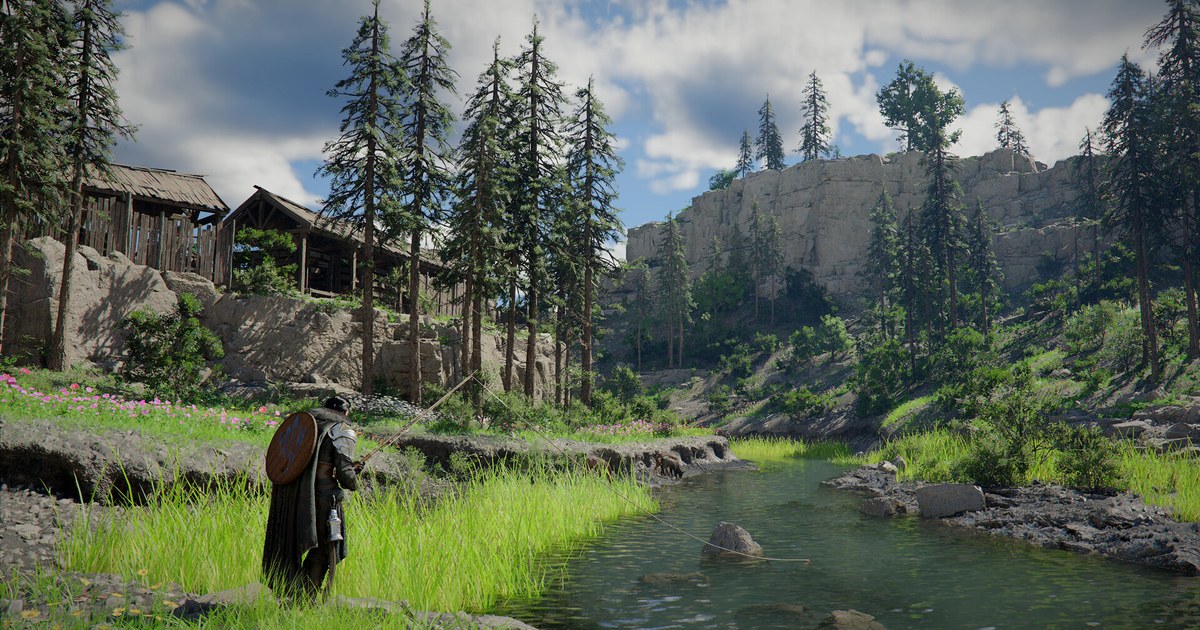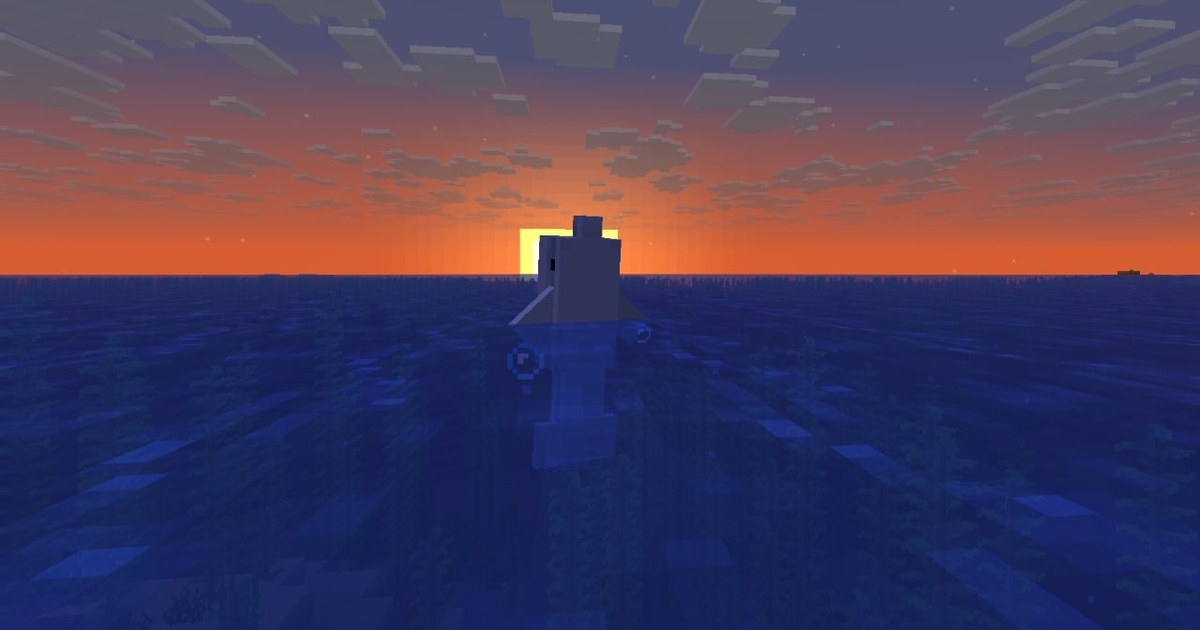
Shaders are what turn Minecraft into the screenshots you see on Reddit: real shadows that swing as the sun moves, water that mirrors the sky, sunsets that bleed across the clouds. If you just downloaded a shader pack and nothing happened, that is expected.
Minecraft: Java Edition needs a shader loader, either Iris or OptiFine, before it can read a pack, and both the loader and the pack have to support the exact game version you play.
This guide walks through which loader to pick, how to install shaders with Iris from start to finish, where the shaderpacks folder lives, what to turn down when your frame rate tanks, and what Bedrock players use instead.
We rechecked Mojang's version data and the official Iris and OptiFine download pages on November 10, 2026, when the newest full Java release was 26.3 (released September 15, 2026). If Minecraft refuses to launch or crashes after you add shaders, run through our Minecraft crash and lag fixes as well.
The short answer: Iris for current versions, OptiFine for older worlds
You only need one loader. Iris Shaders is a modern shader loader built to be compatible with existing OptiFine shader packs, and it runs alongside Sodium, a rendering optimization mod.
Iris 1.11.7 for 26.3 shipped on September 30, 2026 in both Fabric and NeoForge versions, and the official Windows installer downloads Sodium for you. If you are on the latest version and just want shaders, the Iris installer is the shortest path.
OptiFine is the long running all in one mod that bundles shader support with extra video options. On November 10, 2026, its official download page lists HD U J9 for 1.21.11 as the newest full release, offers only preview (pre) builds for 26.1.2 and 26.2, and has no 26.3 entry.
It makes sense if you are staying on an older version or use a resource pack that depends on OptiFine features. Install one or the other, not both, in the same profile. Bedrock Edition works differently.
Instead of Java shader packs, Bedrock has had an official graphics mode called Vibrant Visuals since June 17, 2025, which you switch on in Video settings on supported devices.
Mojang has said it is refactoring Java Edition's rendering code to bring Vibrant Visuals over and will ship pieces in snapshots first, but no Java release date has been announced.
How to install shaders in Minecraft with Iris
- 1Check your edition and versionIn the Minecraft Launcher, make sure Minecraft: Java Edition is selected on the left and note the version next to the Play button. Shader packs only load in Java Edition, and both the loader and the pack must list that version. The newest full release on November 10, 2026 is 26.3. Development builds such as the 26.4 snapshots are changing how graphics are handled, so keep your shader world on a full release. Back up the world folder before trying shaders on a save you care about. If you do not own Java Edition yet, Minecraft: Java & Bedrock Edition for PC gives you both editions in one purchase; on November 10, 2026 it lists at US$29.99 in the Microsoft Store, with no sale running that day. Iris, OptiFine and most shader packs are free downloads.
- 2Install IrisDownload the Windows installer from the official Iris website and run it; it fetches both Iris and Sodium. The universal JAR installer needs Java to open. Pick your game version, click Install and close the window once it says Completed. If you plan to run other Fabric mods, choose Fabric install as the installation type. When you reopen the launcher you will see a new Iris (or Fabric) profile.
- 3Download a shader packGet packs from official sources such as Modrinth, CurseForge or the creator's own page, and check that the supported versions list includes your Minecraft version and Iris. If this is your first time, grab one lightweight pack or a pack with a low profile and one high quality pack, then compare them on your own PC. Leave the download as a zip file.
- 4Put the pack in the shaderpacks folderLaunch Minecraft once with the Iris profile, go to Options, Video Settings, Shader Packs and click Open Shader Pack Folder. Drop the zip in as is, without extracting it, or drag the file straight onto the Shader Packs screen. Click the refresh button in the top right and the pack shows up in the list.
- 5Turn the shader on in gameIn the Shader Packs menu, click Shaders: Disabled to enable them, select your pack and press Apply. The active pack's name turns yellow. Shader Pack Settings opens the options that pack offers. While playing, the O key opens the shader menu over a transparent background so you can watch changes live, and K toggles shaders on and off. On OptiFine, the Shaders menu and Shaders Folder button in Video Settings do the same job.
- 6Turn down the heavy settings if FPS dropsShaders lean hard on your graphics card. Start by dropping the pack's quality profile one step, then lower shadow resolution and shadow distance and cut expensive effects like reflections and volumetric clouds. Lowering render distance in Minecraft's own Video Settings usually wins back the most frames. On laptops with two GPUs, confirm javaw.exe is running on the dedicated card with our guide to choosing which GPU a game uses. If it still stutters, switch to a lighter pack.
Ways to get shaders in Minecraft compared (as of November 10, 2026)
| Method | What it supports | Pick it when |
|---|---|---|
| Iris installer (shaders only) | Latest versions including 26.3, installs Sodium for you | You want shaders and no other mods. It adds an Iris profile to the launcher. |
| Iris with Fabric | Iris 1.11.7 for 26.3, works with other Fabric mods | You also run mods like a minimap. Choose Fabric install in the installer and drop mods into the mods folder. |
| Iris with NeoForge | NeoForge builds available from Iris 1.11.7 for 26.3 | You are adding shaders to a NeoForge modpack. Match the file to the pack's game version. |
| OptiFine | Full release up to 1.21.11 (HD U J9), previews for 26.1.2 and 26.2 | You play a 1.21.11 or older world or rely on OptiFine resource pack features. |
| Vibrant Visuals on Bedrock | Official Bedrock graphics mode, live since June 17, 2025 | You play Minecraft for Windows (Bedrock). Change the graphics mode in Video settings. |
| Vibrant Visuals on Java | Not announced yet, rendering rewrite in progress | It will appear in snapshots first. Until then, Java uses Iris or OptiFine. |
If your shaders are not showing up
- You launched the Iris (or OptiFine) profile in Java Edition
- Both the loader and the pack support your current Minecraft version
- The pack is a zip sitting directly in the shaderpacks folder
- Shaders are enabled and you pressed Apply in the Shader Packs menu
- Iris and OptiFine are not installed together in the same profile
Recording your shader worlds
A world you spent an evening tuning deserves to be on video, whether that is the reveal of a finished build or a sunset over the ocean. DOR is a free Windows app that detects Minecraft when you launch it and records from launch to exit, collecting everything in My Clips inside the app.
Trim just the slow scenic pass and save it in 16:9, or cut 9:16 for Shorts and Reels and 1:1 for square posts. The free plan records at 720p or 1080p and 30 or 60 fps (1080p at 30 fps by default), and 60 fps suits camera pans across shader lighting.
On supported NVIDIA cards such as the RTX series, DOR records with NVENC hardware encoding, and game audio and your mic are captured on one track. In DOR Studio you can stitch several shots together, add music and text, and export an mp4. For resolution and frame rate choices, see our best Minecraft recording settings, and to send a clip to friends, read how to share Minecraft clips.