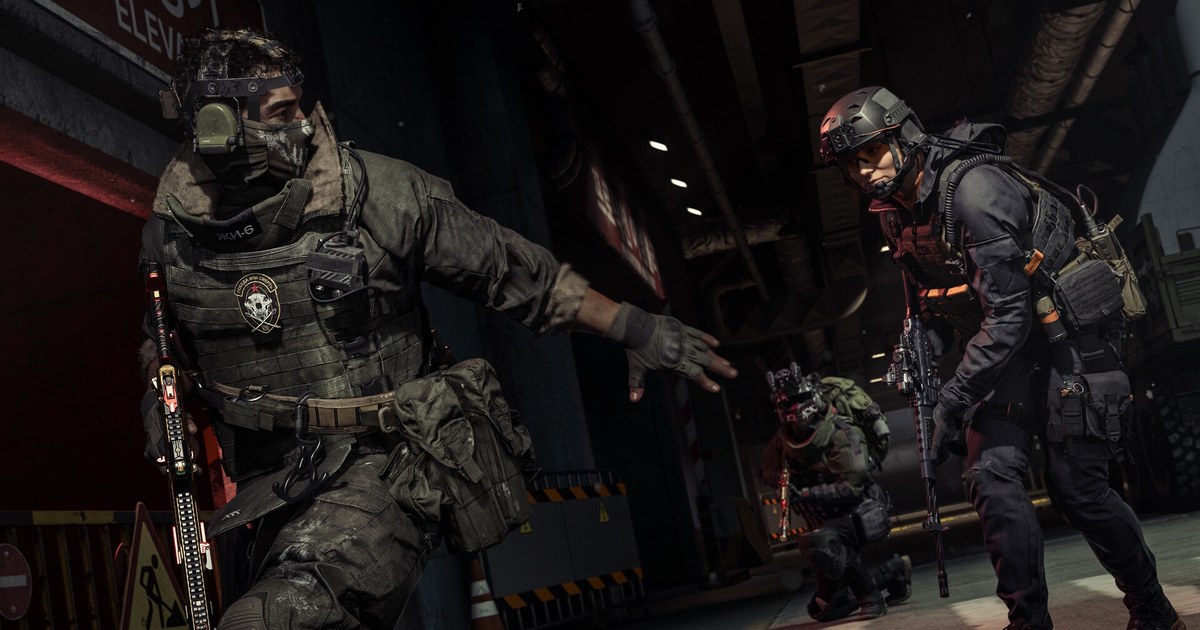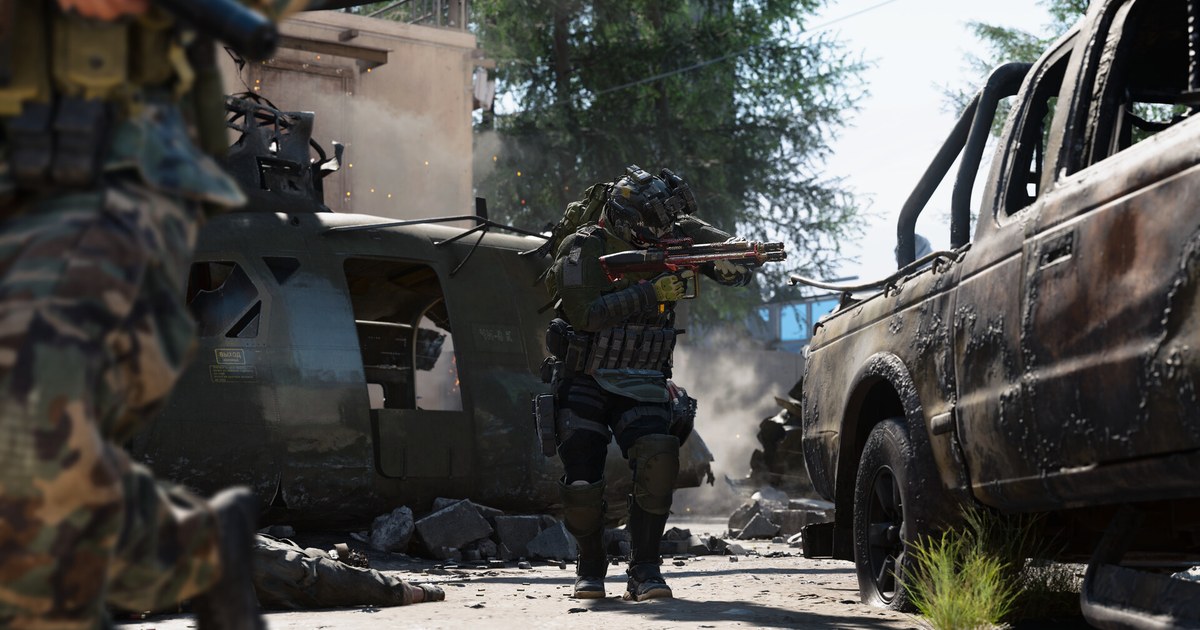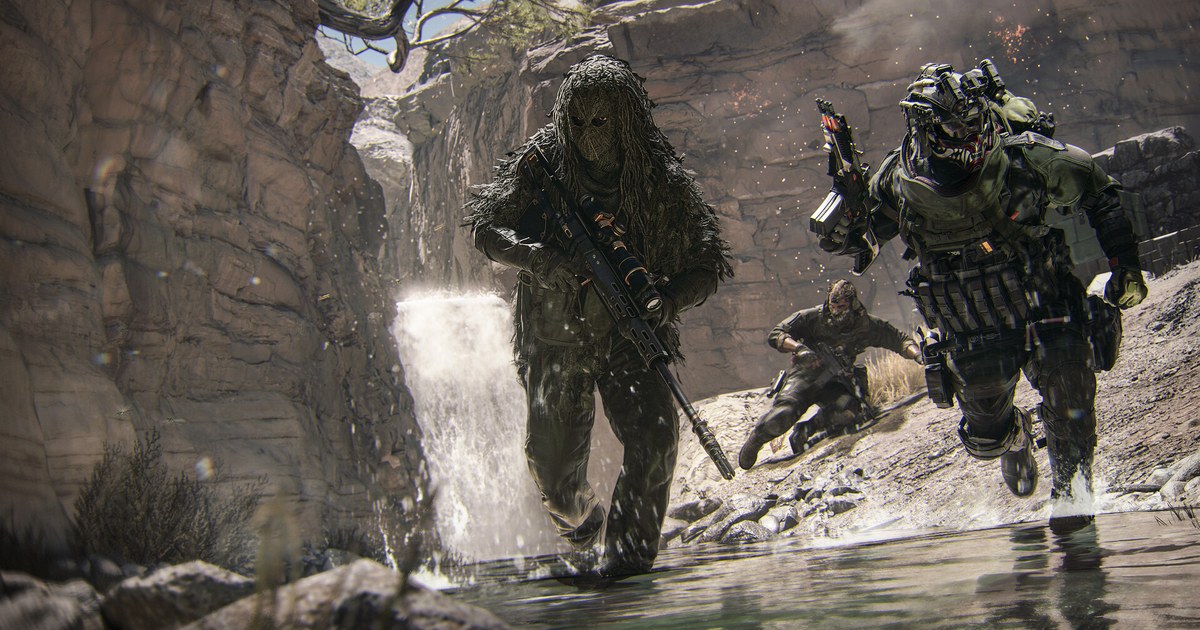
Short answer: do not count on it. Call of Duty: Modern Warfare 4 is not set up for Steam Family Sharing as of November 10, 2026.
The feature list on its Steam store page covers single-player, multiplayer, cross-platform multiplayer, Steam Achievements, controller support and a set of accessibility options, but Family Sharing is not on it. The notes further down the page also say the game requires an Activision account.
So if the plan was to buy one copy and let a sibling, partner or kid borrow it from the family library, plan around something else.
This guide sticks to what the store page and Steam's official Families FAQ actually say, explains why you should not count on a shared copy, and walks through what each player needs so the whole group ends up in the same lobby. Most people searching for MW4 family sharing really want to play together, and that part is very doable.
What the Modern Warfare 4 Steam page shows (as of November 10, 2026)
| Item | What the store page or Steam FAQ says | What it means for sharing and playing together |
|---|---|---|
| Family Sharing label | The MW4 feature list has no Family Sharing entry. | Do not plan around borrowing it from the family library. Games that can be shared show Family Sharing in that same list. |
| Third-party account | An Activision account and acceptance of the Activision Software License and Services Agreement are required. | Steam's Families FAQ lists games that need an additional third-party key, account or subscription as not shareable. |
| Phone number | A mobile phone number must be linked to your Steam account to play MW4. | Every family member or friend joining you needs this on their own account first. |
| Security requirements | TPM 2.0 and Secure Boot are required, and other security measures may be enforced. | Each PC in the group has to meet these before the game will run. |
| Cross-platform | Cross-Platform Multiplayer is in the feature list. | Friends who bought MW4 on another platform can still play with you. |
| Warzone | The Call of Duty store page describes Warzone as a free-to-play combat arena. | Anyone without MW4 can install Warzone and squad up. Free-to-play games are outside Family Sharing anyway. |
| Black Ops 7 and the bundle page | The Black Ops 7 page and the Call of Duty page covering MW4, Black Ops 7 and Warzone also lack Family Sharing. | Recent Call of Duty games all read the same way, so one copy per player is the baseline across the series. |
| Steam price | As of November 10, 2026, the Steam list price is $69.99 for the standard game and $99.99 for the Vault Edition ($30.00 to upgrade from standard), with no discount running. | With no sharing, cost scales with the group: two players on standard is $139.98. Prices can change, so check again at checkout. |
Why it does not work: the feature list and the Activision account
Steam Families replaced the old Family Sharing setup in September 2024 and lets up to six household members borrow each other's games. Not every game qualifies, though.
Steam's Families FAQ says these cannot be shared: games that need an additional third-party key, account or subscription; free-to-play games and DLC bought for them; games or DLC restricted in a member's region; games that do not support the other member's operating system; games the publisher has marked as unavailable for sharing; and games the original owner has marked private.
The Modern Warfare 4 page states that an Activision account is required, and the Family Sharing entry that shareable games carry is missing from its feature list. The page does not say which rule is the deciding one, so this guide does not guess beyond that.
What you can act on is simple, because there are three realistic ways to play together. Everyone who wants the full game buys their own copy, anyone not ready to buy joins through Warzone, which is free to play, and friends who already own MW4 on another platform meet you through cross-platform play.
Our Warzone Season 1 breakdown covers what changed in Warzone this season, and the PC game store buying guide helps if you are still deciding where to buy.
How to get everyone into the same match without Family Sharing
- 1Check the Family Sharing label on the store pageOpen the Modern Warfare 4 page on the Steam store and look at the feature list on the right. Shareable games show a separate Family Sharing entry there, and MW4 does not have one as of November 10, 2026. Read the notes lower on the page as well, since the Activision account, phone number and TPM 2.0 lines tell you what the next steps involve. Labels can change, so look again right before you buy.
- 2Decide who buys MW4 and who joins through WarzonePlaying the campaign and multiplayer together takes one copy of MW4 per person. Even for games that do support Steam Families, two people playing the same game at once needs two copies in the family library, so playing side by side always means a copy each. If the goal is simply to drop into a few matches together, anyone without MW4 can join through Warzone, which is free to play.
- 3Link a phone number to each Steam accountThe MW4 store page says a mobile phone number must be linked to your Steam account to play. The Call of Duty page that includes Warzone adds that a phone number linked to your Activision account may be required. If a kid or sibling is playing on their own account, sort this out before the download finishes so nobody is stuck at the first launch.
- 4Link Activision accounts and check each PCAs the store page notes, you need an Activision account linked to your Steam account and you have to accept the license agreement. Each person joining you uses their own Activision account. The page also lists TPM 2.0 and Secure Boot as required, so confirm both are turned on for every PC in the group ahead of game night.
- 5Add each other in game and form a partyOnce everyone is set up, add each other as friends from the in game social menu and start a party. Because Cross-Platform Multiplayer is in the feature list, a friend who bought MW4 on another platform can join the same party. Anyone without MW4 joins from the Warzone side.
Before you buy or invite anyone
- I checked the MW4 Steam page for a Family Sharing entry right before buying.
- Every player has their own Steam account and their own Activision account.
- Each Steam account has a phone number linked.
- Every PC in the group has TPM 2.0 and Secure Boot turned on.
- Anyone without MW4 knows they are joining through Warzone.
Everyone sees a different match, so record your side of it
Once each of you is in the same match on your own copy, everyone walks away with a different version of it. DOR is a free Windows app that detects MW4 when you launch it and records the whole session from launch to exit, collecting the recordings in My Clips.
After the match, find the moment you revived a teammate or the final fight from your own view, trim just that part and save it as 16:9, 9:16 or 1:1. Game audio and your microphone are captured on one track, so your callouts stay with the clip.
Clips picked from several matches can be stitched into one video in DOR Studio (dor.gg/studio), then exported as an mp4 or shared as a dor.gg link. See the Modern Warfare 4 recording page to get set up, and the guide to sending Warzone clips to friends for the sharing side.