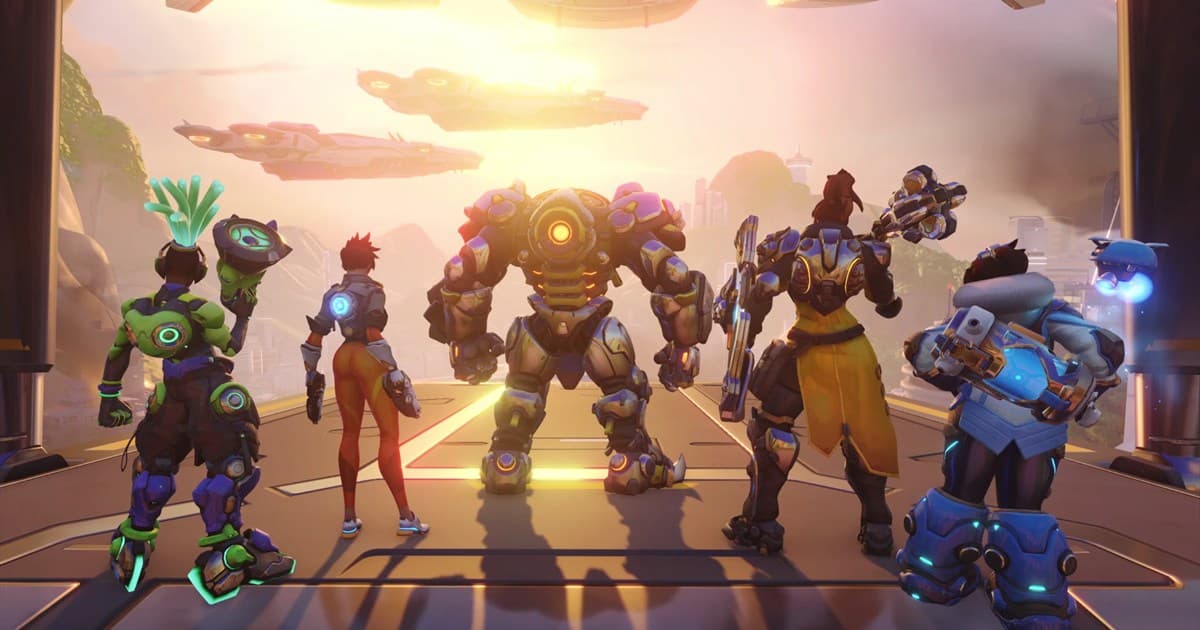
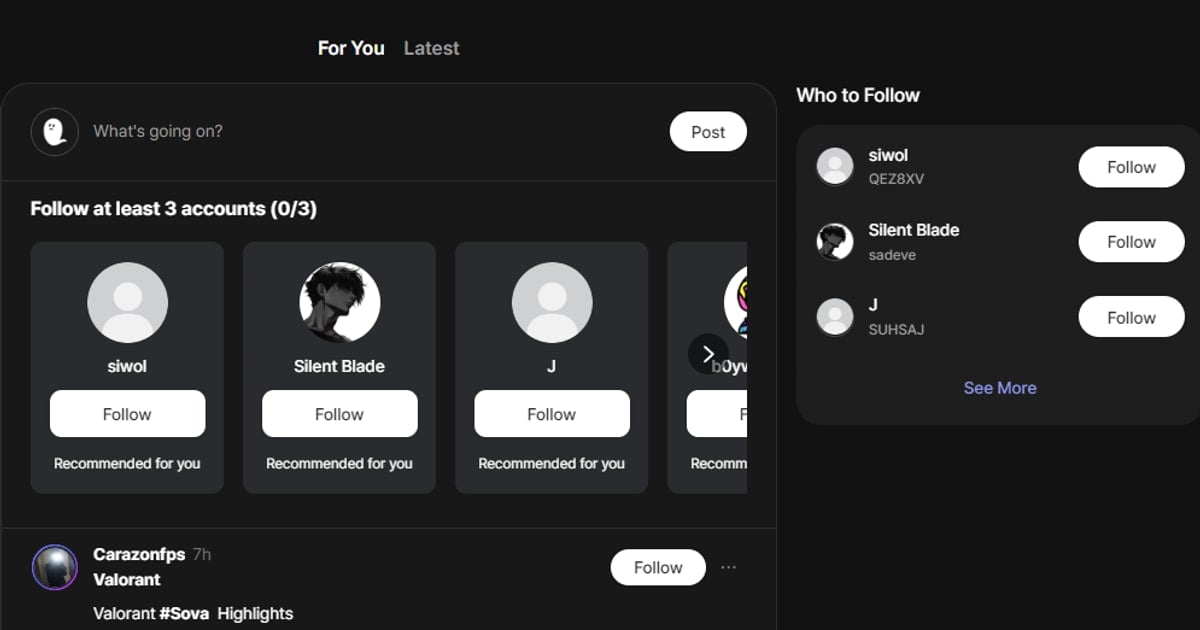
An Overwatch party needs compatible calls for engaging, disengaging, and ultimate use, not merely a filled role queue. Public Overwatch content can provide context, but one highlight cannot prove skill or temperament. DOR is a place to browse public content and communities and connect directly; it does not automatically form a party or verify a player.
Confirm current roles and modes in the game client
Game modes, role selection, social and invite screens, and competitive requirements can change. Read Blizzard's official Competitive friends and Wide Group guidance, date the post, state platform and region, and have every participant check the live client before inviting.

Overwatch party brief and first-session plan
| Field | Example |
|---|---|
| Mode and goal | Three quick-play games; hero practice and relaxed play over results |
| Role | One support; list 2–3 main heroes and willingness to practice |
| Rank and platform | For competitive, state current range, platform, and region |
| Time and voice | Start 21:00 KST; Discord voice optional |
| Feedback | Concise calls in game; advice after a match when requested |
- 1Name the purpose — Choose competitive climb, quick play, hero practice, or arcade as the primary purpose.
- 2Confirm role and schedule — Recheck role, main heroes, platform, region, start, and end time in conversation.
- 3Run a short first session — Across two or three games, observe calls, regrouping, ultimate planning, and responses to mistakes.
- 4Choose the relationship — Schedule again if both sides agree; otherwise close without blame.
Safety in party chat and voice
- Use an in-game contact such as BattleTag at first; do not share legal name, phone, school, workplace, or address.
- Reject requests for account login, codes, skin purchases, boosting, or unauthorized software.
- Tell participants before recording or publishing voice and play, and agree on the audience.
- Mute, block, and report discrimination, sexual harassment, threats, or persistent personal attacks.
Use the general game friend and party finder for a reusable recruitment foundation. If you need a voice space, apply the invite and moderation checks in the gaming Discord server guide.