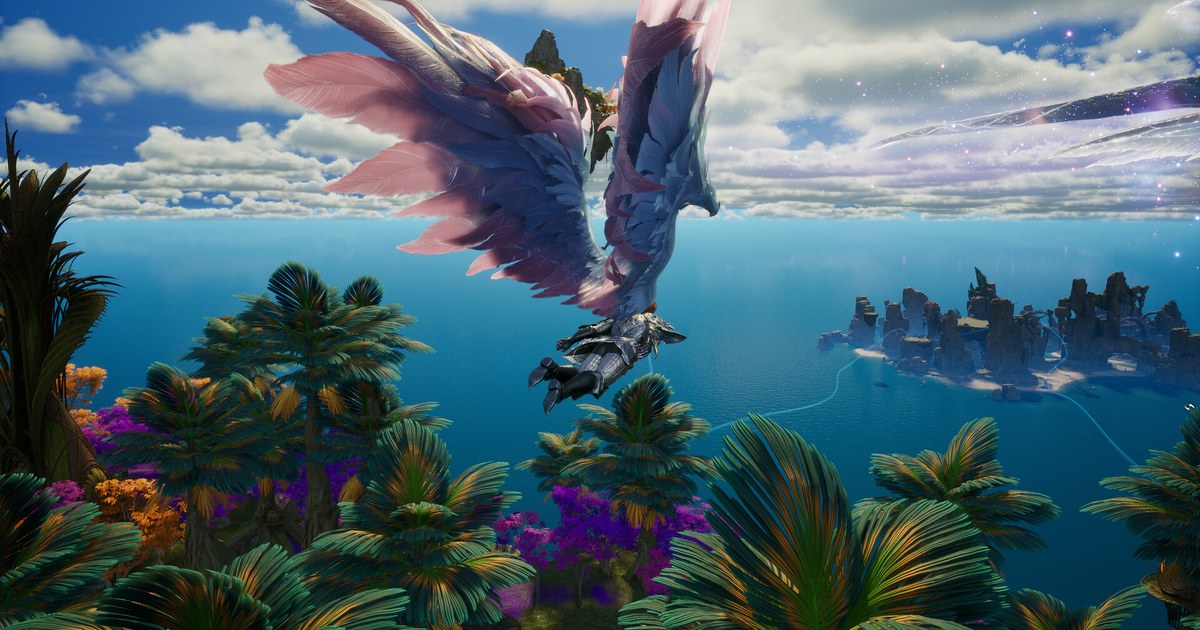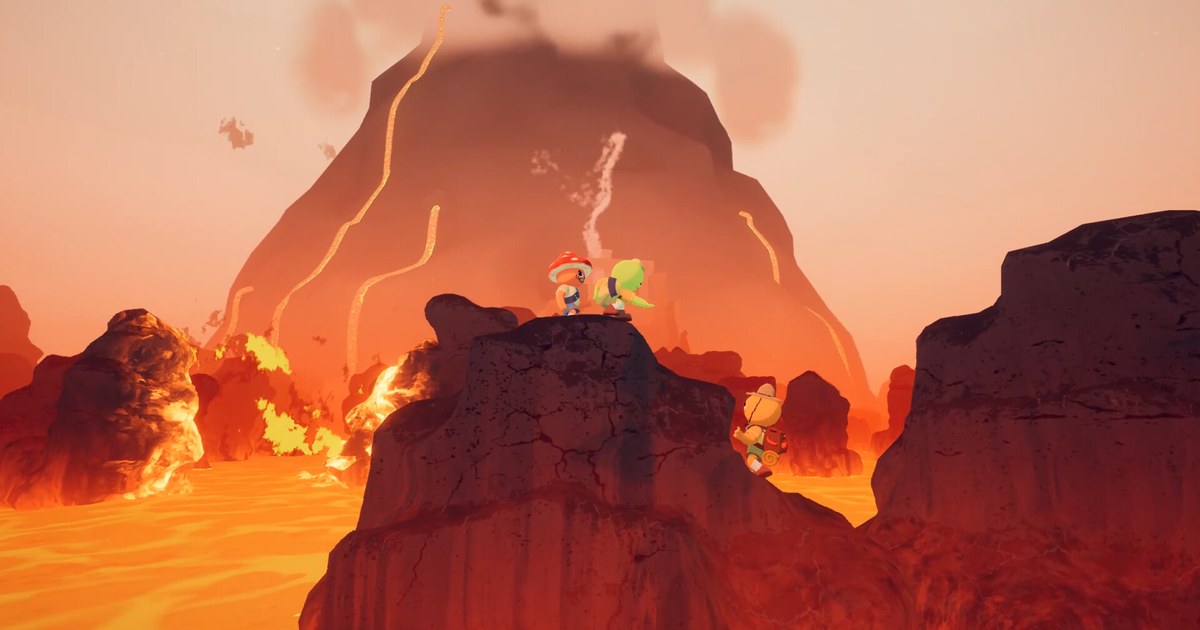

Can your PC run PEAK? The quick answer comes down to three lines on the Steam store page: a graphics card at the level of a GTX 1060 or RX 6600 XT, 8 GB of RAM (16 GB recommended), and 16 GB of free storage.
The processor line is vague, listing only an Intel Core i5 at 2.5 GHz or equivalent with no generation, so it is a weak yardstick on its own. Two more conditions sit outside the spec table.
The first is your Windows build: the official developer FAQ explains that PEAK is built on Unity 6, which does not support older builds of Windows 10 and 11. The second is game size.
On October 22, 2026, at 8 AM PT, PEAK launched on PS5, Xbox Series X|S and Nintendo Switch 2 with crossplay, and that update added 208 island maps to the game files, which made the install noticeably bigger.
PEAK is the co-op climbing game from Aggro Crab and Landfall that came to Steam on June 16, 2025, where up to four scouts climb a mountain together while yelling at each other over proximity voice chat. Every value below was checked on the Steam store page and the official FAQ on November 10, 2026.
As of November 10, 2026, PEAK costs US$7.99 on the US Steam store and is currently 38% off at US$4.95. It is sold as a single base game with no DLC or extra editions, and the interface supports 15 languages including English.
PEAK PC system requirements (as of November 10, 2026)
| Item | Minimum | Recommended |
|---|---|---|
| Operating system | Windows 10, 64-bit | Windows 11, 64-bit |
| Windows build (developer FAQ) | Windows 10 21H1 (build 19043) or newer | Windows 11 21H2 (build 22000) or newer |
| Processor | Intel Core i5 at 2.5 GHz or equivalent | Intel Core i5 at 3.0 GHz, AMD Ryzen 5, or equivalent |
| Memory | 8 GB RAM | 16 GB RAM |
| Graphics | NVIDIA GTX 1060 or AMD RX 6600 XT | NVIDIA RTX 2060, AMD RX 7600 XT, or equivalent |
| DirectX and graphics API | DirectX 12 (choose DX12, Vulkan or DX11 at launch) | DirectX 12 (choose DX12, Vulkan or DX11 at launch) |
| Storage | 16 GB listed; the real install is larger since the October 22 update | 16 GB listed; check the real size under Properties > Installed Files |
Read the GPU line and your Windows build before anything else
The PEAK spec sheet is short, but a few details change how you should read it. First, the CPU line names a clock speed and not a generation, and two Core i5 chips several generations apart perform very differently. Match the graphics card first and treat the CPU line as a rough guide.
Second, the two cards on each graphics line are not a like-for-like pair. The RX 6600 XT on the minimum line is a much newer generation than the GTX 1060, and the RX 7600 XT on the recommended line also came out well after the RTX 2060.
A January 2026 patch said some players with newer Radeon cards should see slightly better frame rates, but the official table does not say how older Radeon cards fare, so if you sit near the minimum, test the lighter settings in the steps below.
Third, the Windows build number matters more than the version name. Windows 10 needs 21H1 (build 19043) or newer and Windows 11 needs 21H2 (build 22000) or newer, so a PC that has skipped updates for a long time can crash at launch even with a strong GPU. Fourth, treat 16 GB as a floor.
In the November 9 notes for patch 3.1.0, the team said a lot of players had asked about the file size and that the jump surprised some of them and explained that with the console launch they stopped patching in new maps every two to three weeks and instead shipped a fixed set of 208 maps that will cycle forever.
The last major content update, The Final Ascent, added the Gloom and Citadel biomes on August 11, 2026, and the team has said it does not plan any more major updates.
How to check whether your PC or laptop can run PEAK
- 1Find your graphics card and RAMOpen the Performance tab in Task Manager or run dxdiag, note your GPU name and how much memory you have, then compare them with the table. The full walkthrough is in how to check your PC specs on Windows 11. Whether your GPU reaches a GTX 1060 or RX 6600 XT matters more than the CPU line.
- 2Confirm your Windows build and DirectX 12Press Windows+R, type winver and press Enter to see your version and build. Windows 10 needs build 19043 or higher and Windows 11 needs 22000 or higher. For the DirectX version, use the System tab in dxdiag as shown in how to check your DirectX version.
- 3On a laptop, make sure PEAK uses the dedicated GPULaptops with two graphics chips can launch games on the integrated one, which makes PEAK slow even when the dedicated card meets the table. Set PEAK.exe to the high performance GPU in Windows graphics settings, as explained in how to choose which GPU a game uses. A December 2025 patch fixed a bug where the airport and most of the mountain vanished when running DX12 on an integrated graphics card.
- 4Free up comfortably more than 16 GBThe store says 16 GB, but the install grew with the crossplay update. After installing, right-click PEAK in your Steam library and open Properties > Installed Files to see the real install size. The developer FAQ also says your PC needs enough free space to run the game well, and for crashes it suggests keeping the game and Steam on the same drive.
- 5If it stutters, lower Texture Quality and Render Scale firstTexture Quality was added in August 2025 for players with low VRAM, and the developers said it can fix low frame rates, missing graphics and even crashes. Render Scale was reworked so that Medium and Low give bigger performance gains. Capping your frame rate and turning on V-Sync is the other fix the developers recommend.
- 6Still unstable? Switch the graphics APIPEAK asks you to choose DX12, Vulkan or DX11 when it starts. If it crashes or the picture breaks, relaunch with a different one. If textures in the airport do not load, the developer FAQ says this can happen when your GPU is below the minimum spec and suggests adding -gpuCulling false to the Steam launch options, then starting with DX11 or DX12.
Checklist before you install and climb
- My graphics card is a GTX 1060, RX 6600 XT or better.
- I have at least 8 GB of RAM, or 16 GB to match the recommended spec.
- winver shows Windows 10 build 19043 or later, or Windows 11 build 22000 or later.
- The install drive has comfortably more than 16 GB free.
- On a laptop, the charger is plugged in and PEAK.exe is set to the high performance GPU.
- I checked the Steam price (US$7.99 list, US$4.95 at 38% off as of November 10) and when the sale ends on the store page.
Want to keep the falls and the rescues?
DOR is a free Windows app that detects PEAK when you launch it and records the whole session from launch to exit.
Recordings land in My Clips in the app, and you trim only the moments worth keeping, like a slip just below the summit or the time you hauled a friend up a ledge, then save them in 16:9, 9:16 or 1:1.
Your friends' voices from proximity chat come through with the game sound and are saved on one track together with your mic. The steps for finding and sending those moments are in how to share PEAK gameplay videos. If you plan to record while climbing with three friends, leave some headroom.
The free plan records at 720p or 1080p and 30 or 60 fps (1080p at 30 fps by default), and dropping to 720p at 30 fps eases the load on a PC near the minimum spec. On supported NVIDIA graphics cards such as the RTX series, DOR records with NVENC hardware encoding.
For spec guidance when recording at the same time, see recommended specs for game recording and recording games on a low-end PC. Older recordings are cleared only when the full gameplay video storage (5 GB by default) fills up, and your recent recordings plus the ones you liked are kept.