
Verdict: most people should buy the Gigantus V2 Large, low sens aimers should upgrade to the Zero SOFT XL
If this is your first proper gaming mousepad, buy the Razer Gigantus V2 in Large (450×400mm). It sits at the cheapest end of cloth gaming pads, yet it is the second most used pad in public pro gear data.
Measured reviews describe it as a control pad with a heavier start and a medium glide once the mouse is moving. It comes with Razer's warranty of up to 1 year, and you can pick it up from Razer's own store or almost any big retailer.
If you have already put years into VALORANT or CS2 and want to refine a low sensitivity aim, the ARTISAN NINJA FX Zero is the upgrade.
It is the most used mousepad among pros, it starts easily and then grabs firmly when you stop, and it is the only one of the two that lets you pick the foam hardness (XSOFT, SOFT or MID). When in doubt, take SOFT in XL. Our ratings: Gigantus V2 ★★★★½ 4.5, Zero ★★★★☆ 4.0. The Zero loses half a star on value and return terms, not on performance.
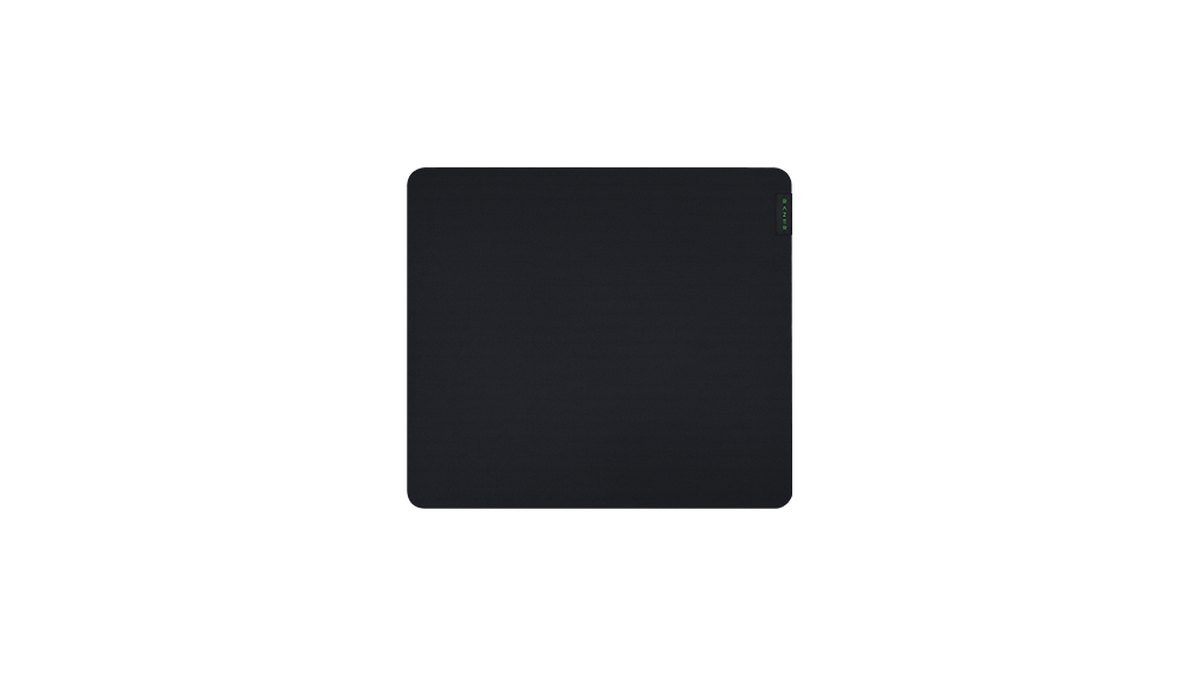
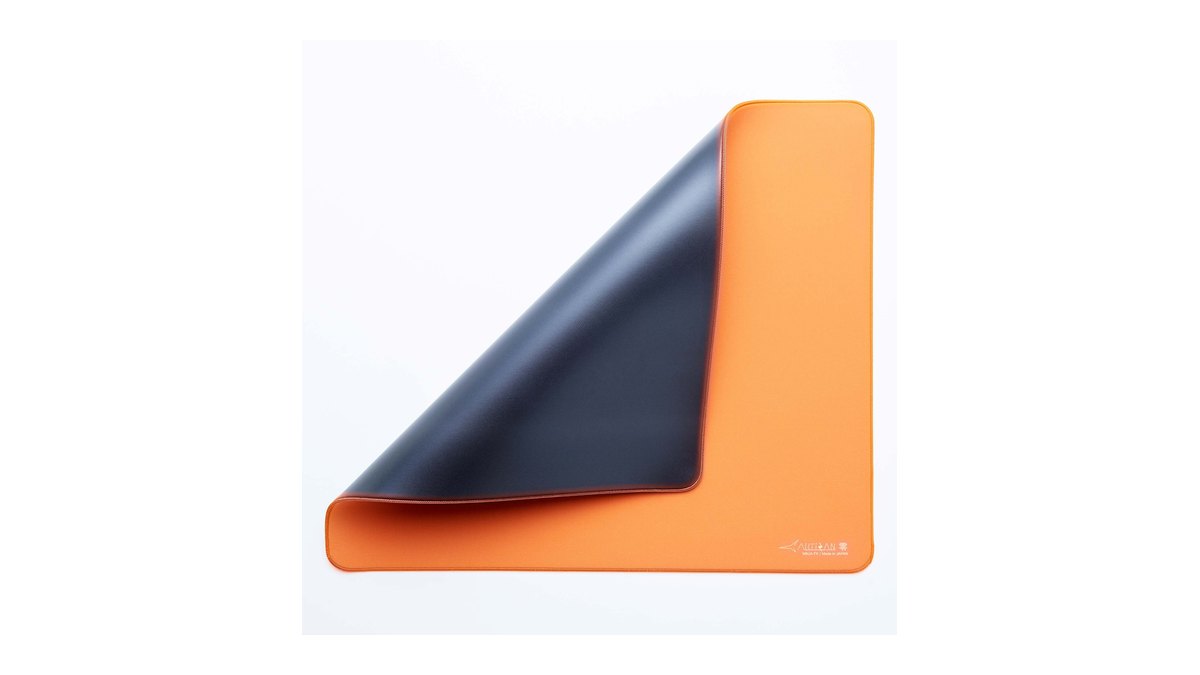
- First pad, or you want to spend less: Razer Gigantus V2 Large ★★★★½ 4.5. A pro favorite control surface at the entry price, up to 1 year of warranty.
- Low sens control upgrade for VALORANT or CS2: ARTISAN NINJA FX Zero SOFT XL ★★★★☆ 4.0. The most used pad among pros, with a choice of foam hardness.
- You want to choose your friction level and keep Razer's warranty: Razer Gigantus V2 Pro in Control or Balance ★★★★☆ 4.0.
- Uneven desk or you want a thick cushion: SteelSeries QcK Heavy ★★★★☆ 4.0. The thick foam hides seams and bumps.
- Your mouse uses small dot skates: if you buy the Zero, skip XSOFT and choose SOFT or MID.
Star ratings: Gigantus V2 4.5, Zero 4.0, V2 Pro 4.0
| Category | Gigantus V2 | NINJA FX Zero | Gigantus V2 Pro |
|---|---|---|---|
| Overall | ★★★★½ 4.5 | ★★★★☆ 4.0 | ★★★★☆ 4.0 |
| Performance (35%) | 4.0 · high static, medium dynamic friction; review dates from 2020 | 4.5 · easy start, firm stop, little humidity effect | 4.0 · five friction levels, no humidity data |
| Value (25%) | 5.0 · among the cheapest cloth gaming pads | 3.5 · premium tier, imported outside Japan | 3.5 · premium tier, costs more than the Zero |
| User reputation (20%) | 4.0 · strong store ratings, little community debate | 4.5 · widely recommended as a safe all rounder | Not rated · too little owner feedback |
| Popularity (10%) | 5.0 · second most used pad among pros | 5.0 · number one across all pros, VALORANT and CS2 | 4.5 · new for 2026, top 30 in Korean sales ranking |
| Durability and support (10%) | 4.0 · up to 1 year warranty, 14 day returns on Razer's store | 3.0 · physical defects exchanged within a week of delivery | 4.0 · up to 1 year warranty, stitched edges |
On pure performance the Zero scores higher. Its measured review is more recent (March 2025), its start and stop behavior is clearly defined, sweat and humidity barely affected it, and the stitching was rated tight. So why is the Gigantus V2 our first pick?
Value and availability. We judged value by the November 10, 2026 price range and by where each pad sits inside its own class. At $14.99 for the Large on Razer's US store, the V2 is one of the cheapest cloth pads you can buy while still giving you a surface pros actually use.
The Zero is cheaper than the Gigantus V2 Pro inside the premium class, but outside Japan it is an import: in the US you buy it from an authorized reseller or from Artisan's global store, which charges in yen and adds shipping and import duties on top.
The durability and support gap comes from return terms. That is why we split the verdict into a first pad and a step up pad.
Glide and stopping power: the Zero starts light and stops hard, the V2 starts heavy
Both are control leaning cloth pads, but they brake at different moments. According to measured reviews, the Zero has medium static friction (low for a control pad) and high dynamic friction, so the first push feels light and the pad catches the mouse firmly at the end of a flick.
The Gigantus V2 was rated high static and medium dynamic friction, so it takes a bit more force to start and then glides at a medium pace. Keep in mind the V2 was measured in 2020 and the Zero in March 2025, so this is not a same day, same method comparison.
That is why we describe a difference in character rather than calling one pad faster or slower. Even the Zero's speed label depends on who you ask: Artisan calls it a balanced pad with the slogan Easy to Start, Easy to Stop, while the measured review puts it as an all rounder tilted toward control.
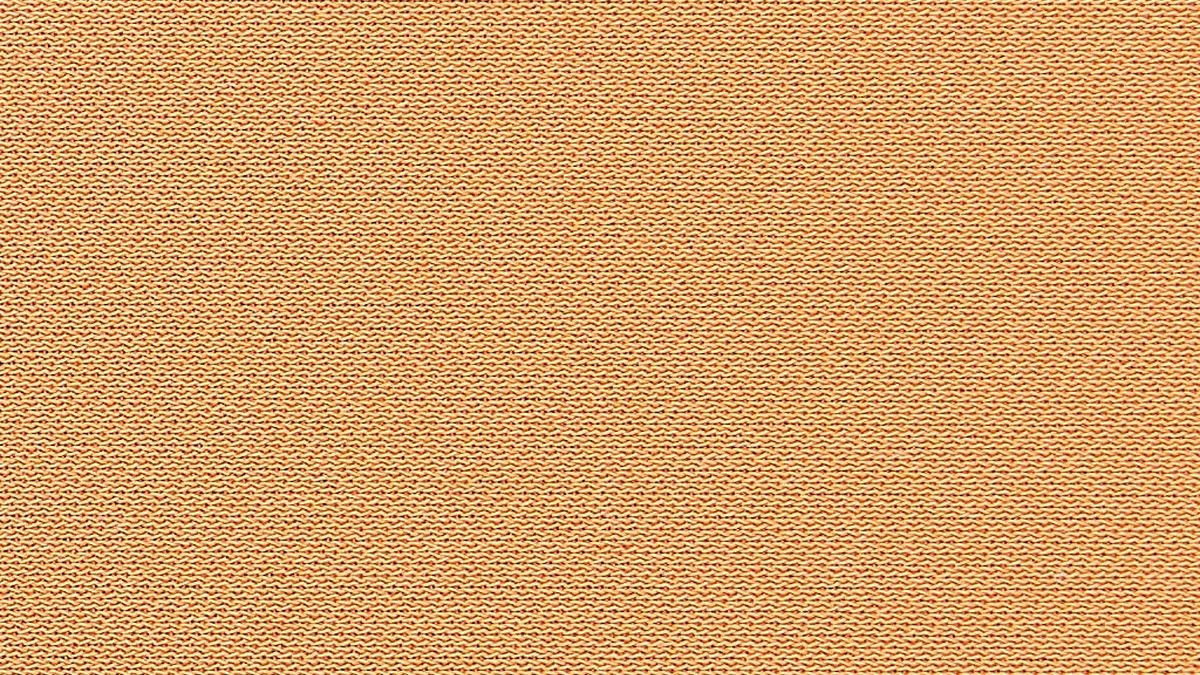
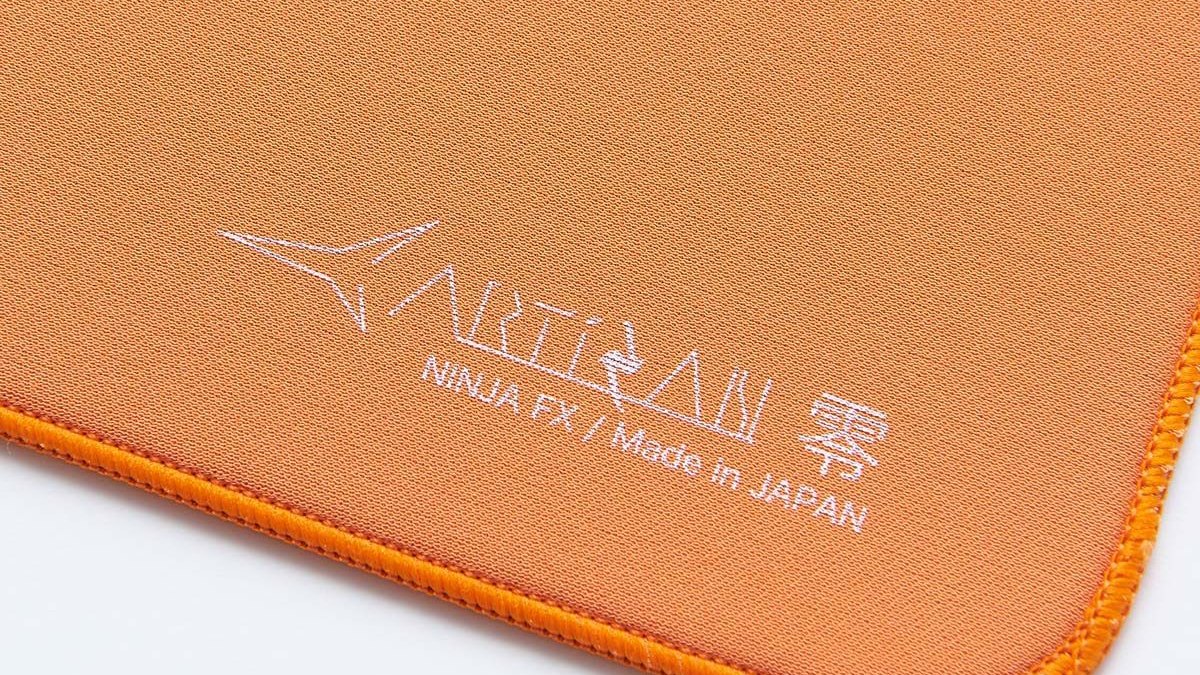
The Zero's top is a 100% polyester knitted fabric with a fine, tight weave. Its measured review lists two downsides: the texture can feel rough on bare skin, and it picks up hair and skin flakes easily.
The Gigantus V2 uses a textured micro weave, which Razer describes as low friction for fast swipes and high stopping power for control. Mapped onto in game movement, the split looks like this.
If you do a lot of big turns that have to stop dead on head height, as in VALORANT, the Zero's grab during motion suits you. If you want micro adjustments to start with a little resistance, the V2's heavier start suits you.
One more thing Artisan states openly: the glide and texture of the Zero can vary by color, and special editions such as Boardzy Zebra and 2000FUN YAKO glide differently from the regular Zero. If you love your current pad, rebuy the same color.
Specs: the Zero gives you more choices, the V2 keeps it simple and goes bigger
| Spec | ARTISAN NINJA FX Zero | Razer Gigantus V2 |
|---|---|---|
| Release | Long running best seller | 2020 |
| Surface | 100% polyester knitted fabric | Textured micro weave cloth |
| Maker's description | Balanced, easy to start and easy to stop | Low friction for fast moves, high stopping power for control |
| Foam hardness | XSOFT, SOFT, MID | One option (high density rubber foam) |
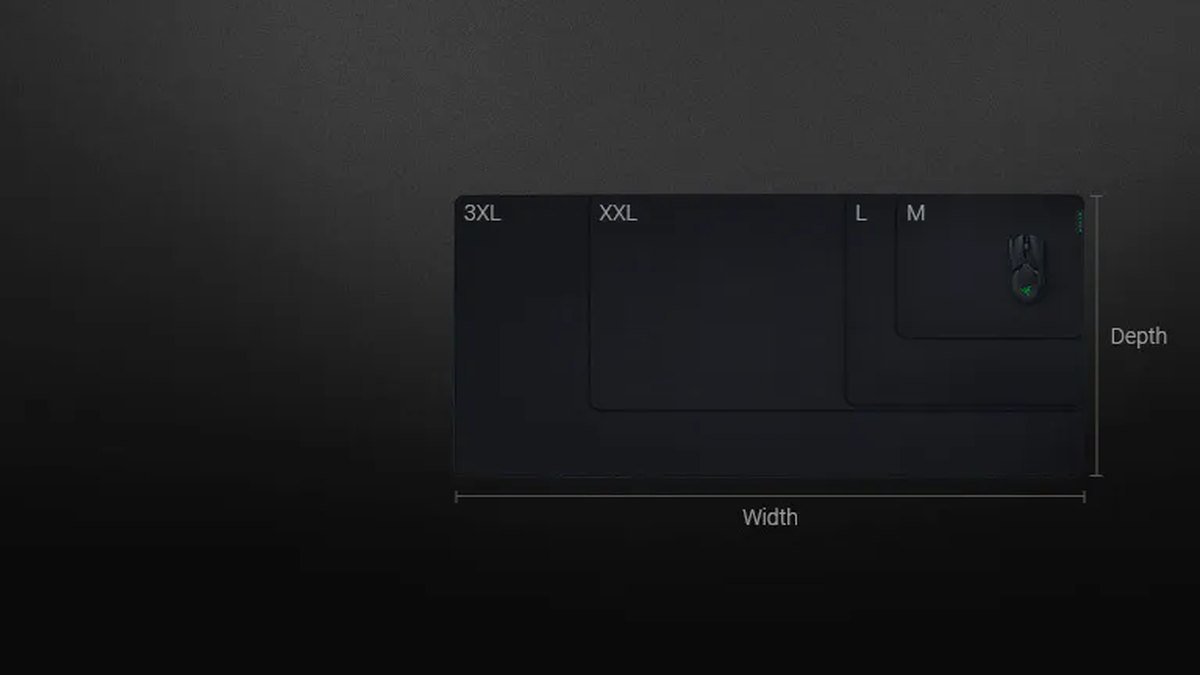
| Sizes (mm) | S 240×210, M 310×240, L 420×330, XL 490×420, XXL 500×490 | M 360×275, L 450×400, XXL 940×410, 3XL 1200×550 |
| Thickness | 4mm (MID is 3mm) | M and L 3mm, XXL and 3XL 4mm |
| Edges | Stitched | Unstitched |
| Colors | Black, Orange, Sakura, limited collabs | Black plus many printed collab editions |
| Warranty and returns | Physical defects that affect glide, reported within 1 week of delivery | Up to 1 year warranty, 14 day returns when bought from Razer's store |
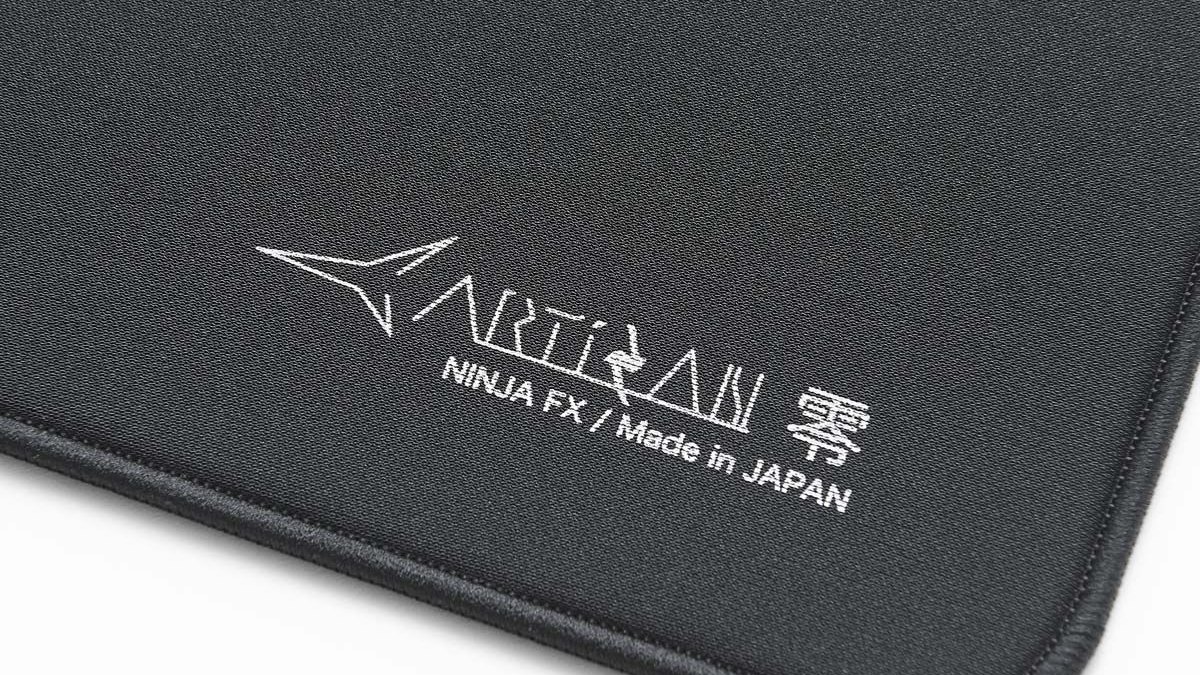
The Zero is made in Japan and works like a menu: five sizes times three hardness levels. Special colors are limited to certain sizes and hardness levels, so check that your combination exists before you set your heart on it.
The Gigantus V2 has no hardness choice, but it scales all the way to a 3XL desk mat and has an anti slip rubber base. Its measured review noted that the Large crept 1 to 2cm on a slick desk after intense matches, worth knowing if you have a glass or coated desktop.
On sensor compatibility, Razer says the V2 is tuned for all sensors, while Artisan warns that some mice may not track properly on its pads and that this is not covered by returns. So when your Zero arrives, test tracking with your own mouse during the first week.
Size: low sens players should start at Zero XL or Gigantus V2 Large
Pick size from your sensitivity, not from the label. Measure your cm/360, the distance your mouse travels for one full in game turn. If you are not sure your DPI is what the software says, start with our mouse DPI check guide, and turn off Windows acceleration and tune lift off distance with the mouse acceleration and LOD settings guide.
Most low sens VALORANT and CS2 players land around 40cm or more, which puts the baseline at XL for the Zero and Large or bigger for the V2.
The Gigantus V2 Pro Large is listed as 480×500mm, but Razer's own pages disagree on which number is width, so if your desk depth is tight, confirm the orientation with the retailer.
| cm/360 | Suggested width | Zero size | Gigantus V2 size |
|---|---|---|---|
| Under 30cm | 360 to 420mm | L (420×330) | M (360×275) |
| 30 to 45cm | 450 to 490mm | XL (490×420) | L (450×400) |
| 45 to 60cm | 490 to 500mm | XL or XXL (500×490) | L is tight, XXL for room |
| Over 60cm or under the keyboard too | 900mm or more | XXL for the mouse area only | XXL (940×410) or 3XL (1200×550) |
Hardness: if you buy the Zero and cannot decide, get SOFT
Hardness is the option only the Zero offers. The same top fabric sits on three foam densities, and according to measured reviews SOFT and XSOFT feel noticeably different in static friction.
XSOFT is so soft that light pressure lets you feel the desk underneath, which gives strong braking if you press down to stop, but the reviewer advised against it with small dot skates that dig in.
SOFT is clearly firmer and was the recommendation for anyone new to soft foam, and Artisan itself describes SOFT as the all purpose option. MID is closest to a normal cloth pad, so it feels the least foreign if you are moving over from a Gigantus V2. The Gigantus V2 comes in one high density rubber foam only.
- XSOFT: very soft. Strong stopping power and less bounce when you press down. Not for small dot skates.
- SOFT: moderately soft. Artisan's all purpose default. Start here if this is your first Zero.
- MID: firm and 3mm thick. Consistent glide and tracking, the easiest switch from a regular cloth pad.
Pro usage: the Zero is number one, the V2 sits in second or third
| Dataset | NINJA FX Zero | Gigantus V2 | Also worth noting |
|---|---|---|---|
| All pros across games, 2,165 players (June 2026 data) | 1st, about 13% | 2nd, about 8% | QcK Heavy about 8% |
| VALORANT pros, about 700 players (public data, November 2026) | 1st, about 17% | Tied 3rd, about 5% | V2 Pro outside the top 5 |
| CS2 pros, about 950 players (public data, November 2026) | 1st, about 9% | 3rd, about 6% | QcK Heavy Black 2nd, about 8% |
| Japanese price comparison mousepad ranking (November 10) | 2nd (XL) | Regular edition outside top 30 | QcK Heavy 9th |
The numbers leave no doubt that the Zero is the pro favorite, and across all games the gap to the V2 has opened from roughly even a year ago to about 5 percentage points now. Among VALORANT pros it is even wider, at about 17%. But popularity is not proof that a pad fits your hand.
Public gear data shows what pros use, while sensitivity, desk, sweat and budget differ from player to player. Treat the pro data as evidence that the Zero's surface is proven, then decide based on your own sensitivity, desk, sweaty hands and budget. If the Zero is hard to get where you live, the V2 is a pro proven surface you can buy anywhere.
Humidity, care and warranty: humidity results favor the Zero, warranty terms favor the V2
In its measured review, the Zero showed little effect from sweat, humidity or water drops, bounced back from being rolled up in a tube without creases, and had tight stitching. The Gigantus V2 stayed consistent in slightly humid conditions and was easy to keep clean, but that review is from 2020.
If you have sweaty hands or a humid room in summer, the stronger moisture result belongs to the Zero. Neither brand publishes a replacement interval, and the reviews did not test long term wear, so ignore any fixed swap every few months rule. Warranty terms differ.
Razer offers up to 1 year of warranty and 14 day returns on purchases from its own store. Artisan exchanges physical defects that affect glide when reported within a week of delivery, and treats tracking or mouse compatibility as outside that policy.
A few loose threads on the FX stitching are not considered a defect either. Lay the Zero down and test it the week it arrives.
Also consider: Gigantus V2 Pro and QcK Heavy
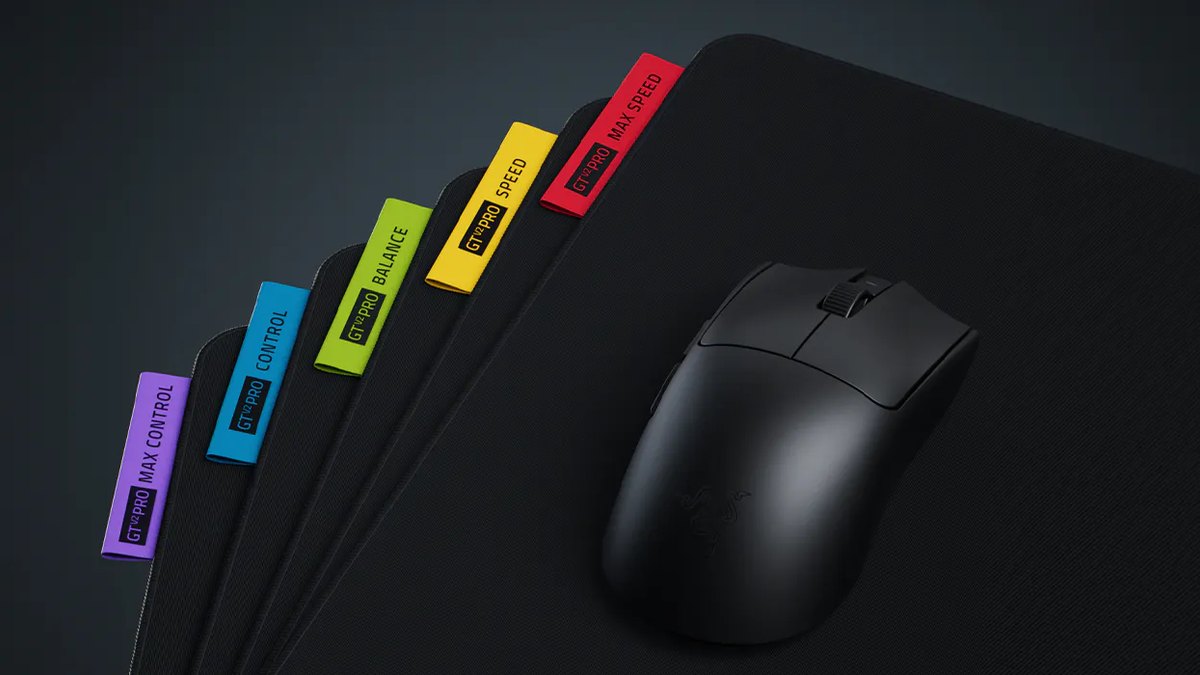
The Gigantus V2 Pro (★★★★☆ 4.0) is Razer's premium cloth pad, announced on March 24, 2026 alongside the Viper V4 Pro.
Each of its five friction levels, Max Control, Control, Balance, Speed and Max Speed, has its own yarn and weave, with soft foam under Max Control and Control, medium foam under Balance and Speed, and hard foam under Max Speed.
Sizes are L (480×500mm), XXL (940×410mm) and 3XL (1200×530mm), all 4mm thick, and the XXL and 3XL come only in Max Control, Balance and Max Speed. Razer says it engineered the X and Y glide to be close, and the measured review did not notice a meaningful difference.
Razer also says pros such as NiKo, Faker and Zellsis were involved in its development. The reviewer suggested Balance as a first premium pad and felt Max Control could be sluggish for fast tracking. If you want a Zero alternative under Razer's warranty, Control or Balance are the grades to look at.
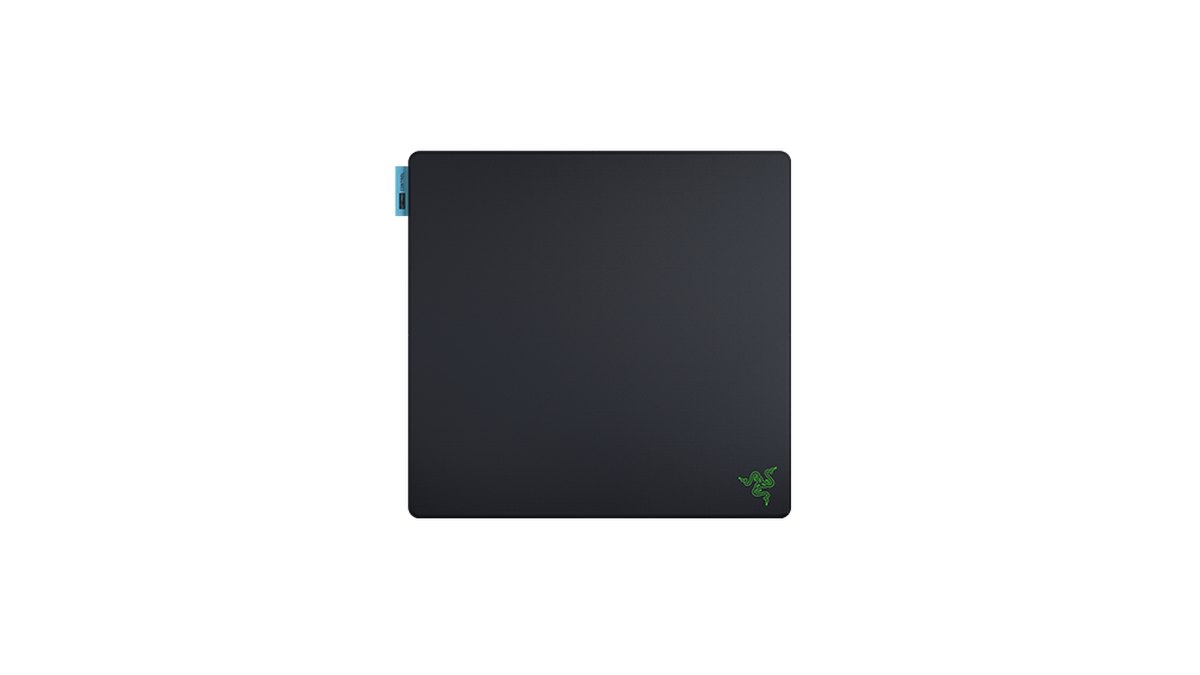
The SteelSeries QcK Heavy (★★★★☆ 4.0) is the thick pad that covers desk seams and bumps. In pro data across all games it ties the Gigantus V2 at about 8% in third place, and in CS2 the QcK Heavy Black is second. Its measured character is high static and medium dynamic friction, close to the V2, so it is the V2 alternative when your desk is uneven or you want wrist cushioning.
Prices (as of November 10, 2026)
| Product | List price | Street price range |
|---|---|---|
| Razer Gigantus V2 | Razer US store: L $14.99 (M $9.99, XXL $29.99, 3XL $49.99) | Check the retailer |
| ARTISAN NINJA FX Zero | Artisan global store, charged in yen: L ¥5,000, XL ¥6,000 (shipping and duties extra) | Check the retailer (authorized US resellers) |
| Razer Gigantus V2 Pro | Razer US store: L $49.99, XXL $79.99, 3XL $99.99 | Check the retailer |
| SteelSeries QcK Heavy | Check the retailer | Check the retailer |
These are list prices we saw on official stores on November 10, 2026, with no coupons or card deals included. Ordering the Zero from Artisan's global store adds shipping and import duties, so the landed cost is higher than the yen figure. Prices and stock change often, so check the retailer before you buy.
Who each pad is for
- Gigantus V2 fits: your first gaming pad, budget minded VALORANT or CS2 players, anyone still learning their preference, anyone who needs an XXL under the keyboard too.
- Gigantus V2 falls short for: players who want stitched edges and proven humidity resistance, or a choice of foam hardness.
- Zero fits: low sens players ready for a control upgrade, sweaty hands or humid rooms, players who want to pick their hardness.
- Zero falls short for: anyone who wants a cheap first pad, fans of a smooth surface, or XSOFT on a mouse with small dot skates.
- Gigantus V2 Pro fits: players who want to choose a friction level and stay under Razer's warranty.
- QcK Heavy fits: uneven desks and players who want a thick cushion.
What owners say: the Zero is the safe all rounder, the V2 is rated well in store reviews
In Korean gaming communities, the Zero has been recommended for years as the balanced, safe choice, and that view shows up in more than one place.
Complaints are mostly about taste: the most repeated one is that it lacks character, and its measured review also notes the texture can feel rough on bare skin. XSOFT came up in one community thread as a love it or leave it option that nothing else quite replaces.
In a Taiwanese thread, the answer for an undecided buyer was simply an Artisan cloth pad. Japanese buyers often confuse Artisan's Zero Classic line with the NINJA FX Zero, but they are different products.
The Gigantus V2 has high ratings on Korean shopping sites, and its feedback comes mostly from store reviews rather than community debate. The Gigantus V2 Pro is still too new for much owner feedback, and a question about which grade feels closest to the regular V2 is still waiting for an answer.
How we picked and rated
This comparison assumes a low sensitivity VALORANT or CS2 player deciding between the pro favorite Zero and the cheap, everywhere Gigantus V2.
The five categories are performance (static and dynamic friction from measured reviews, humidity, base and finishing), value (the November 10, 2026 price range in each market and position within the entry or premium cloth class), user reputation (store ratings and opinions repeated across communities; single posts do not move the score), popularity (public pro gear data and sales rankings) and durability and support (warranty, return terms and build observations).
We factored in that the two reviews were done years apart. For the full set of buying criteria, read our mousepad buying guide, and if you are changing mice too, see our best gaming mouse picks.
Changed pads? Record before and after and compare
- 1Record a baseline on your old padKeep your sensitivity and DPI unchanged and play a few matches. With DOR running, VALORANT is detected automatically and every match is recorded in full, collected in My Clips inside the app.
- 2Pick one aim routineChoose a routine in the Range or Deathmatch. Capture practice screens like the Range with DOR's screen recording so you can compare the exact same drill later.
- 3Record the new pad under the same conditionsGive the new pad a few days, then record again with the same sensitivity, the same routine and the same map. Do not judge from day one alone.
- 4Compare stopping point and overshootVALORANT kills become automatic clips with Ace and Clutch tags, and CS2 creates automatic clips for kills, deaths and assists. Put the before and after clips side by side and watch where your crosshair stops at head height and how far it overshoots.
Video is more honest than feel. Trim the before and after recordings to the same moments, or merge them into one video in DOR Studio (dor.gg/studio), and you will see whether the Zero's firm stop actually helps you or whether the V2's heavier start suits your micro adjustments.
For a full walkthrough, read how to record before and after a gear upgrade. DOR is a free Windows app and records up to 1080p at 60fps on the free plan.