
The short answer: the GPU usually limits first, the CPU only in high refresh competitive play
If you are planning a Ryzen 5 7500F with an RTX 5060 or RTX 5060 Ti, go ahead and buy it. Judging by the closest benchmarked pairings, the graphics card runs out of headroom first in AAA games and at 1440p, so a pricier CPU is unlikely to change your frame rate much.
A 7500F with an RX 9070 XT makes sense if you mostly play demanding games at 1440p; if you chase 240 fps or more in competitive shooters at 1080p, the CPU becomes the wall. A 9800X3D with an RTX 5070 Ti rarely runs short on CPU, so your next upgrade is the GPU.
A Ryzen 5 5600 with an RTX 5060 Ti is often CPU-bound at 1080p. A bottleneck is not decided by the part names on a spec sheet. It depends on the game, the resolution and your target frame rate, so the final call should come from your own GPU usage numbers and a quick resolution test.
| Pairing | 1080p competitive, high refresh | 1080p AAA | 1440p AAA | Verdict |
|---|---|---|---|---|
| 7500F + RTX 5060 | CPU can limit in heavy scenes | Mostly GPU-bound | GPU-bound | Balanced entry build, buy as is |
| 7500F + RTX 5060 Ti | CPU limits a bit more often than with the 5060 | Mostly GPU-bound | GPU-bound | Little reason to step up the CPU |
| 7500F + RX 9070 XT | CPU-bound, more so at higher fps targets | Mixed, some games CPU-bound | Mostly GPU-bound | Works for 1440p, CPU holds it back at 1080p high refresh |
| 9800X3D + RTX 5070 Ti | CPU limit only at several hundred fps | GPU-bound | GPU-bound | Plenty of CPU headroom, upgrade the GPU next |
| 5600 + RTX 5060 Ti | CPU-bound | Often CPU-bound | Leans GPU, but 8GB VRAM is a variable | At 1080p, consider a CPU upgrade too |
How to tell: read GPU usage and watch what happens when resolution drops
Every frame needs work from both the CPU and the GPU, and whichever finishes later sets your frame rate. If the graphics card is busy the whole time and you still lack frames, you are GPU-bound. If the graphics card sits idle waiting for the CPU to hand it the next frame, you are CPU-bound.
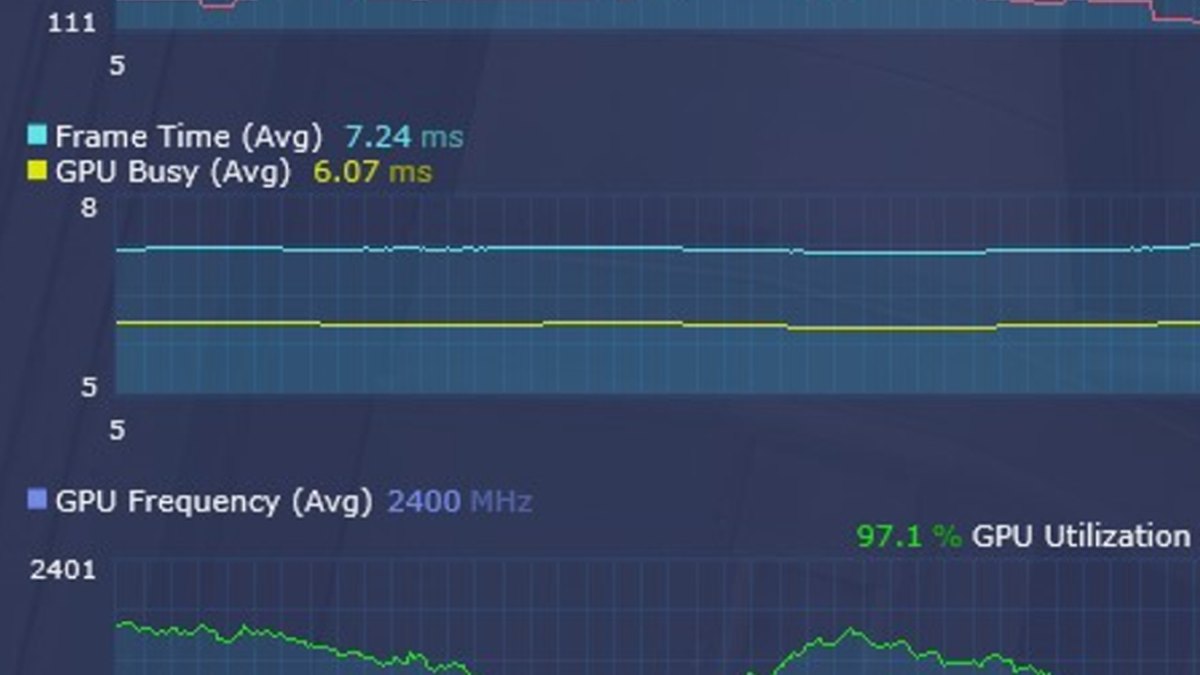
Intel's graphics analysis documentation describes the same thing: when the GPU is the limit, GPU Busy sits near 100%, and anything lower means the GPU spends time waiting on the CPU.
The limit can also flip from scene to scene inside one game, so judge it in heavy moments like big team fights, not in menus or lobbies.
| What you see | Suspect first | How to confirm |
|---|---|---|
| GPU usage stays near full (roughly 95% or more) | GPU-bound | Lower settings or resolution and see if fps rises right away |
| GPU usage is low and you miss your target fps | CPU, RAM or the game engine | Make sure no frame cap is active first |
| Dropping resolution one step barely changes fps | CPU-bound | Lower render scale and compare again |
| High average fps but frequent stutters | CPU, VRAM overflow or temperatures | Check 1% lows and VRAM usage together |
| Total CPU usage is low but frames still drop | A few cores maxed out, still CPU-bound | Check per core usage or PresentMon frame times |
| Low GPU usage and fps locked to a fixed number | A frame cap, which is normal | Check in game caps, V-Sync and driver max frame rate |
What benchmarks show: higher resolution and slower GPUs shrink the CPU gap
Recent game benchmarks that include the 7500F itself are scarce, so we look at the Ryzen 5 7600X and 7600, which reviewers group in the same performance class. A 2025 scaling review compared the 9800X3D and 7600X across four graphics cards and three resolutions.
As the table shows, with an RX 9060 XT 16GB the gap between the two CPUs disappeared from 1440p up, and it took a card as strong as an RTX 5080 to expose a big CPU difference. Averages can hide the real story, though.
In the same review, the RTX 5080 at 1440p medium produced matching average fps, yet the 9800X3D delivered 17% higher 1% lows.
| Resolution and preset | RTX 5080 | RX 9070 | RX 9060 XT 16GB |
|---|---|---|---|
| 1080p medium | 20% | 8% | 5% |
| 1440p medium | 10% | 7% | No difference |
| 1440p ultra | 9% | 3% | No difference |
| 4K ultra | No difference | No difference | No difference |
A review published in early November 2026 paired budget graphics cards with slower CPUs and averaged ten games at 1080p. Because it is 1080p only and includes several CPU heavy titles, stretching it into a 1440p conclusion would be an overstatement.
Still, it clearly shows that on a 7600 class CPU, moving up one GPU tier can deliver less than you expect. Paired with a 7600, the RTX 5070 was only about 16% faster than the RTX 5060, while on a 9800X3D the gap was about 39%.
Other testing also shows that upscaling with DLSS or FSR lowers the internal render resolution, which makes you hit the CPU limit sooner.
| CPU | RTX 5070 | RTX 5060 | RX 9060 XT 8GB |
|---|---|---|---|
| Ryzen 7 9800X3D | 184 / 129 | 132 / 100 | 135 / 106 |
| Ryzen 5 7600 | 134 / 92 | 116 / 80 | 125 / 90 |
| Ryzen 5 5600 | 116 / 79 | 104 / 69 | 116 / 81 |
| Ryzen 5 5500 | 93 / 63 | 84 / 53 | 104 / 72 |
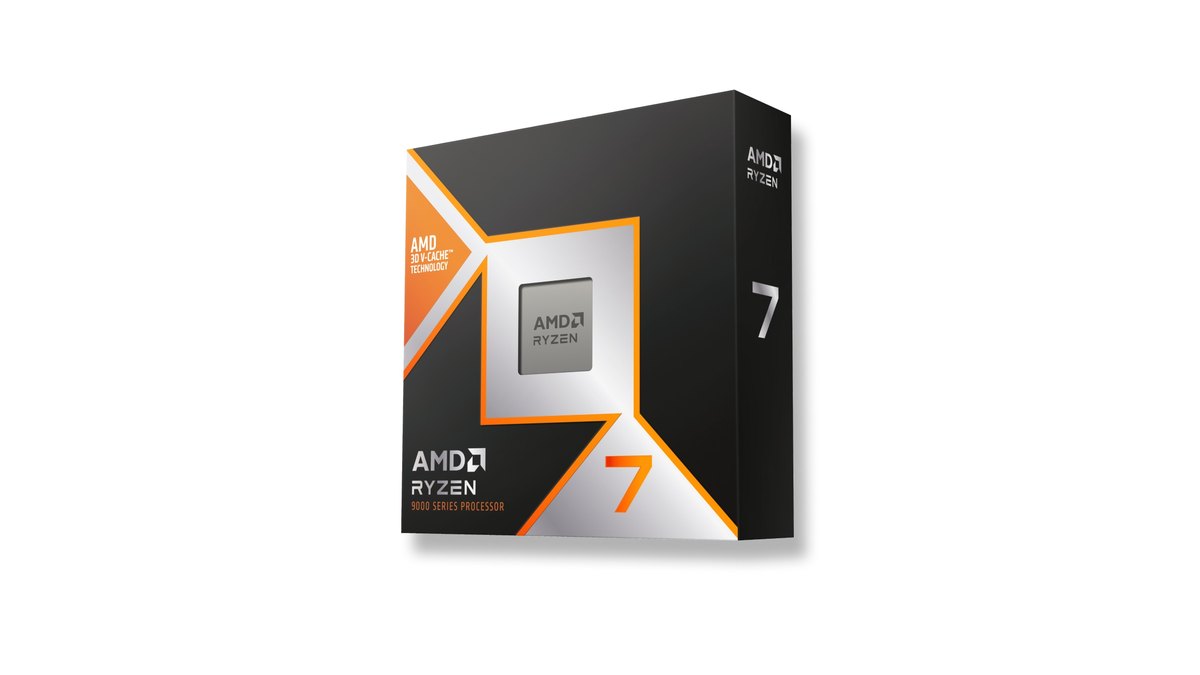
Key specs of the parts in these pairings
| Part | Key specs | What matters for pairing |
|---|---|---|
| Ryzen 5 7500F | 6 cores, 12 threads, up to 5.0GHz, 32MB L3, 65W, AM5, no integrated graphics | Grouped with the 7600 and 7600X; cooler inclusion depends on the box, tray or multipack version, so check the listing |
| Ryzen 7 9800X3D | 8 cores, 16 threads, up to 5.2GHz, 96MB L3 (2nd gen 3D V-Cache), 120W | Headroom for high refresh gaming and 1% lows; no cooler included |
| GeForce RTX 5060 | 8GB GDDR7, 145W TGP, 550W recommended PSU, PCIe 5.0 x8 | Stutter can grow on older PCIe boards when settings overflow VRAM |
| GeForce RTX 5060 Ti | 16GB or 8GB GDDR7, 180W TGP, 600W recommended PSU, PCIe 5.0 x8 | Two memory sizes; pick 16GB if you keep cards for years |
| GeForce RTX 5070 Ti | 16GB GDDR7 256 bit, 300W TGP, 750W recommended PSU, two NVENC encoders | Still leaves CPU headroom even on a 9800X3D |
| Radeon RX 9070 XT | 16GB GDDR6 256 bit, 304W board power, 750W minimum PSU, PCIe 5.0 x16 | Fast enough that CPU differences show at 1080p high refresh |
| Radeon RX 9060 XT 16GB | 16GB GDDR6, 160W board power, 450W minimum PSU, PCIe 5.0 x16 | Showed almost no CPU gap at 1440p even with a 7600 class CPU |
Prices as of November 10, 2026
| Product | Launch price (MSRP) | Street price range |
|---|---|---|
| Ryzen 5 7500F | $179 (US launch) | Check retailers |
| Ryzen 7 9800X3D | $479 (US launch) | Check retailers |
| Ryzen 5 5600 | $199 (US launch) | Check retailers |
| GeForce RTX 5060 | $299 (US launch) | About $460 to $570 |
| GeForce RTX 5060 Ti 8GB | $379 (US launch) | About $530 to $680 |
| GeForce RTX 5060 Ti 16GB | $429 (US launch) | About $820 to $880 |
| GeForce RTX 5070 Ti | $749 (US launch) | About $1,540 (one listing in stock) |
| Radeon RX 9070 XT | $599 (US launch) | About $950 to $1,170 |
| Radeon RX 9060 XT 16GB | $349 (US launch) | About $790 (one listing in stock) |
Prices move often with memory costs, exchange rates and stock, and the same chip can cost very different amounts depending on the partner card. Graphics cards in the US were selling well above launch prices on this date, so the MSRP column is a reference point rather than what you will pay.
These ranges exclude coupons and card offers; check the current price and warranty terms with the seller before you buy.
Pairing by pairing: the four builds people ask about most
7500F + RTX 5060 / 5060 Ti: a balanced build you can buy as is
Bottom line: there is little reason to spend more on the CPU. A Ryzen 5 7600 with an RTX 5060 averaged only about 12% below a 9800X3D across ten games at 1080p, and with an RX 9060 XT 16GB class card the 7600X and 9800X3D were tied at 1440p.
The RTX 5060 Ti is faster than the 5060, so you will see the CPU limit slightly more often, but at 1440p and in AAA games the GPU still runs out first. Retail availability of the 7500F varies by country; if you cannot find it locally, a Ryzen 5 7600 or 9600 fills the same slot. For the 8GB versus 16GB question, read RTX 5060 Ti 16GB vs RX 9060 XT 16GB, and for complete parts lists see gaming PC builds by budget.
7500F + RX 9070 XT: fine for 1440p AAA, CPU limited at 1080p high refresh
For mostly demanding games at 1440p, this pairing holds up. In testing with a 7600X and an RX 9070, the gap to a 9800X3D was 8% at 1080p medium, 3% at 1440p ultra and zero at 4K.
The RX 9070 XT is faster than the RX 9070, so the gap may widen a little, and one CPU heavy game still showed 13% at 1440p ultra. If you want 240 fps or more at 1080p, it is more balanced to step down one GPU tier and spend the difference on the CPU.
The RX 9070 XT also lists a 750W minimum power supply, so check your PSU before dropping it into an older system; our GPU upgrade PSU checklist covers that. To compare it with its NVIDIA rival, see RTX 5070 Ti vs RX 9070 XT.
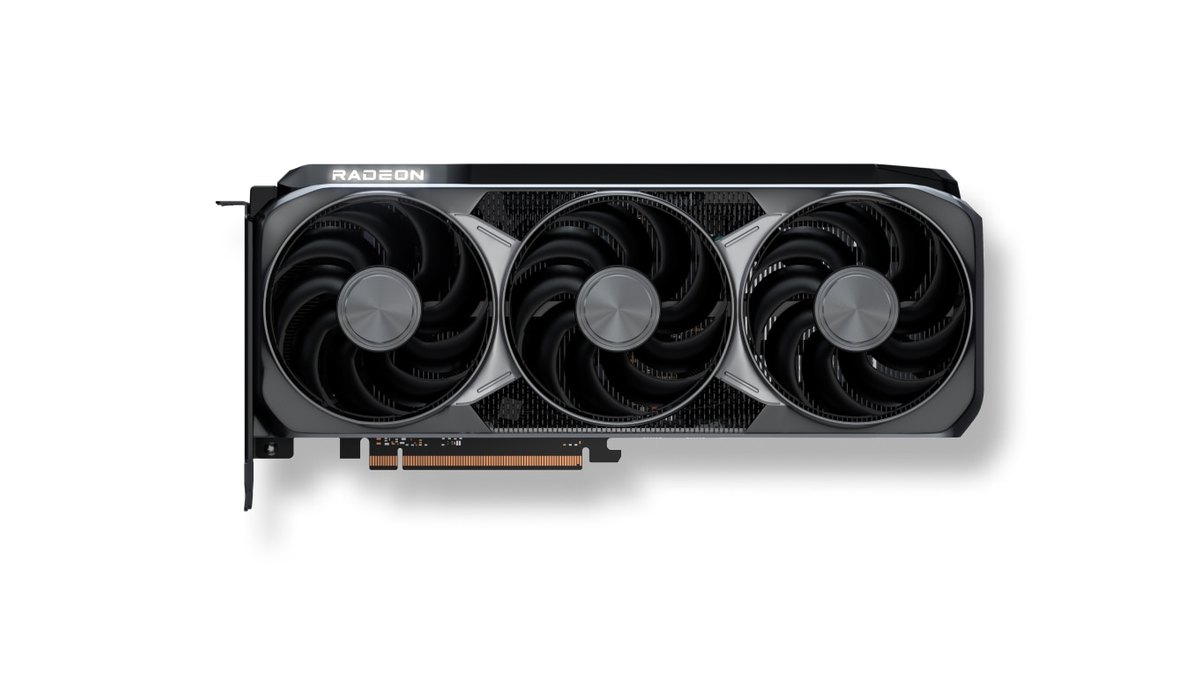
9800X3D + RTX 5070 Ti: the CPU rarely runs out first
With this build the CPU is rarely the first thing to give out at any resolution.
Even paired with an RTX 5080, the 9800X3D was 9% faster than the 7600X at 1440p ultra, and in benchmark testing of Fortnite performance mode at 1440p both the RTX 5070 Ti and RX 9070 XT had to pass 720 fps before the CPU evened them out.
Your next upgrade is the graphics card, and when you do replace it there is little reason to swap the CPU at the same time. As of November 10, 2026, the 9800X3D also sat at the top of CPU popularity rankings on major Korean and Japanese price comparison sites. For how it stacks up against the newer chip, see Ryzen 9850X3D vs 9800X3D.
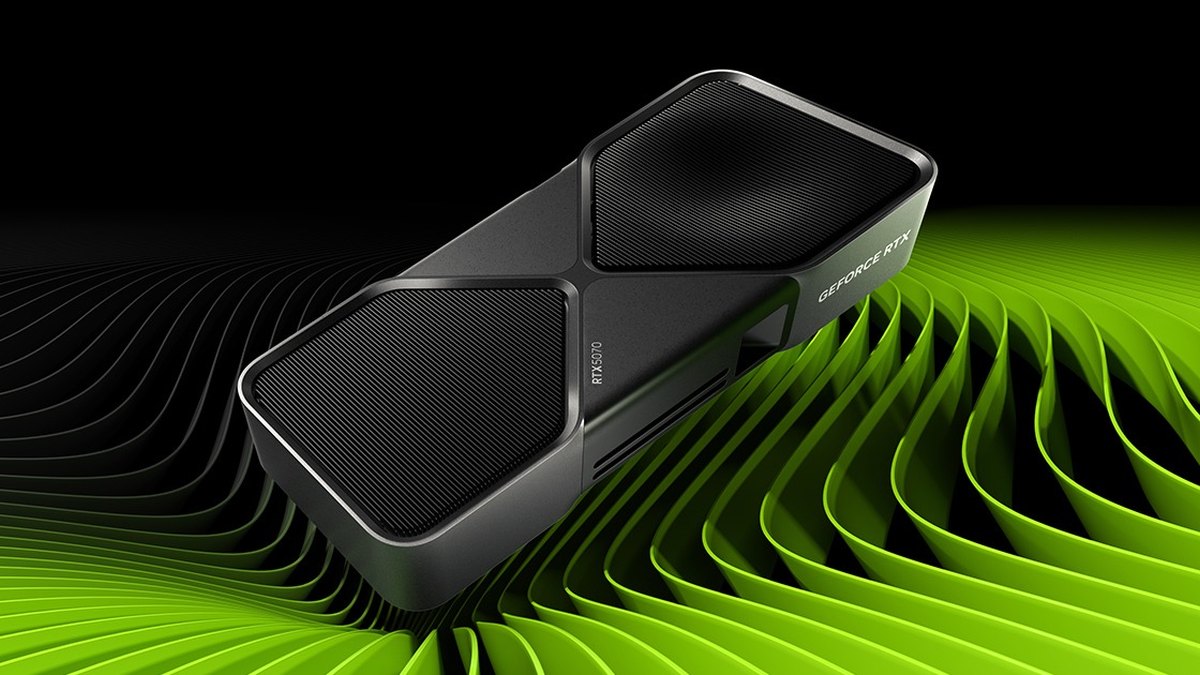
5600 + RTX 5060 Ti: expect CPU limits at 1080p
If you mainly play at 1080p, this build will often be CPU-bound. A Ryzen 5 5600 with an RTX 5060 averaged about 21% below a 9800X3D over ten games at 1080p, and on the same 5600 the RX 9060 XT 8GB averaged about 12% more than the RTX 5060.
Reviews have repeatedly found that Radeon cards lose less with slow CPUs at high frame rates, while the same reviewers say it is not worth worrying about on a fast CPU. If you go with an 8GB card, keep settings inside its VRAM.
The RTX 5060 family uses a PCIe 5.0 x8 link, and testing showed stutter growing on PCIe 4.0 and 3.0 boards when settings overflowed memory. If you are staying on AM4, some build advice replies suggest a drop in X3D CPU instead; see the AM4 5800X3D upgrade for how to decide.
How to tell if your CPU is bottlenecking your GPU, step by step
- 1Write down your parts and displayNote your CPU, graphics card, RAM amount, monitor resolution and refresh rate. Our guide to checking PC specs on Windows 11 shows where to find them.
- 2Turn off or check frame capsAn in game cap, V-Sync, a driver max frame rate, Radeon Chill or FRTC all keep usage low by design. Lift them while you test, or confirm you already hit your target.
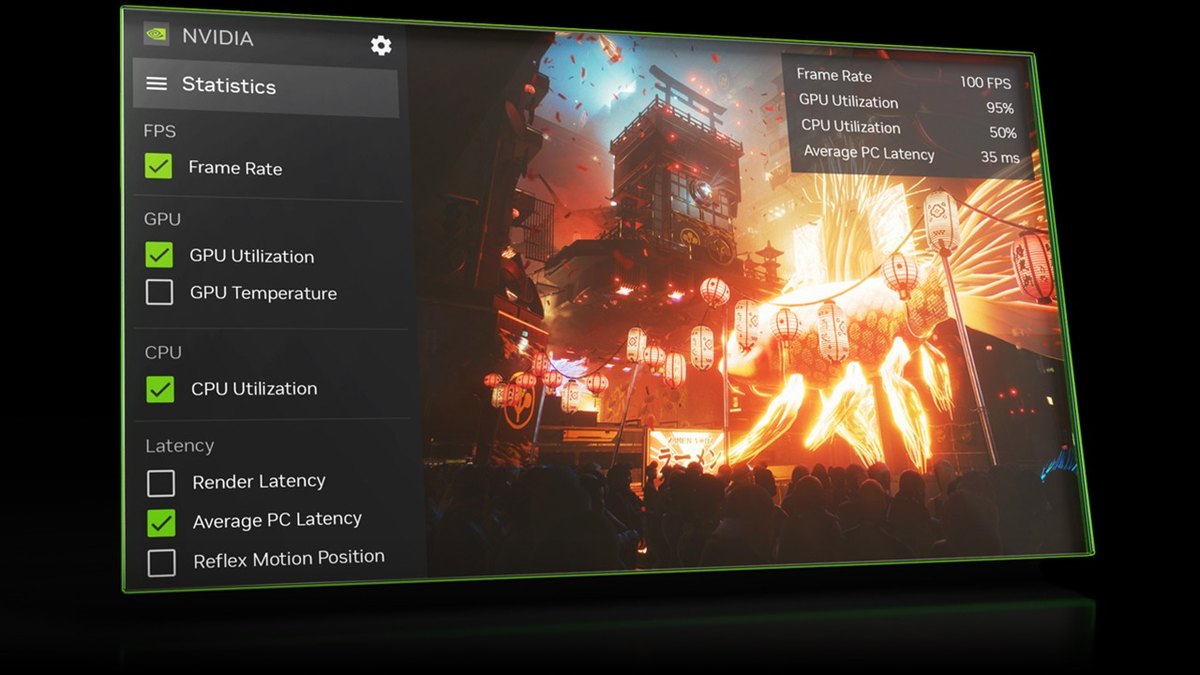
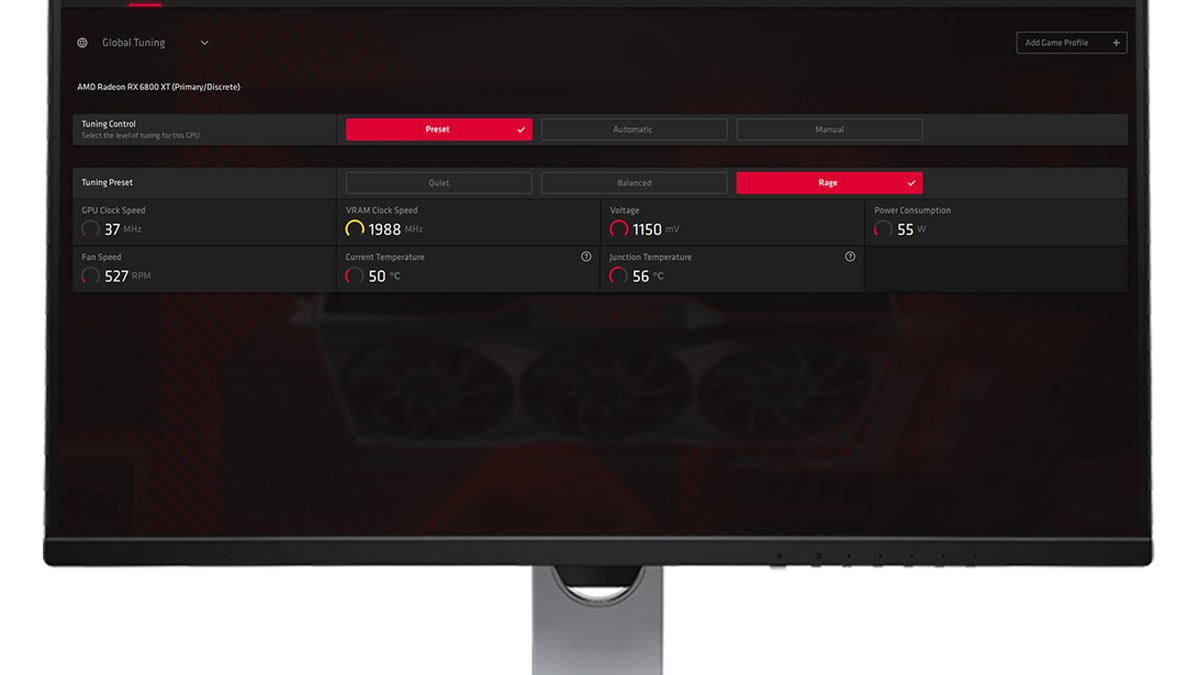
- 3Show fps and usage on screenUse the NVIDIA App statistics overlay (Alt+R), AMD Software performance metrics or Intel PresentMon to show FPS, 1% lows, GPU usage and CPU usage. See how to show fps in games for setup.
- 4Play a normal match and watch heavy scenesRead the numbers during fights, smoke and effects heavy moments. Menu, lobby and practice range readings do not match real matches.
- 5Read the usage numbersNear full GPU usage that holds means GPU-bound; low usage while missing your target means CPU-bound. In PresentMon, frame times much longer than GPU Busy point to the CPU.
- 6Drop resolution or render scale one stepIf fps jumps in the same scene you are GPU-bound; if it barely moves you are CPU-bound. This single comparison beats any bottleneck calculator.
- 7Check temperatures and background loadThermal throttling or background tasks can look like a bottleneck. Use checking GPU temperature and Ryzen X3D temperatures to rule them out first.
Six common mistakes
- Total CPU usage is 50%, so the CPU is fine: games stall when just a few threads max out. Total usage is weak evidence.
- Low GPU usage means I need a new GPU: it is the opposite. Without a frame cap, low usage points at the CPU.
- Upscaling always raises fps: it lowers internal resolution, and once you hit the CPU limit fps barely moves.
- Same average fps means no CPU difference: 1% lows can differ, and that is where stutter comes from.
- Every stutter is a bottleneck: VRAM overflow on 8GB cards, shader compilation, asset streaming and heat cause stutter too.
- Trusting bottleneck calculator percentages: the same pairing flips between limits by game, resolution and target fps. Your own measurement is the reference.
What users say: where people agree and disagree
Two views come up again and again in build advice threads: high refresh competitive games lean on the CPU while high resolution AAA games lean on the GPU, and the CPU gap shrinks as resolution rises.
Many also say X3D chips help minimum frame rates more than averages, which matches the 1% low data from reviews. The split is over upgrade order. One camp says competitive players should get an X3D CPU first; the other says the GPU comes first if 1440p and AAA games are the goal.
Radeon cards split the replies in one build thread too: some pointed to strong performance for the money, others preferred NVIDIA's app and DLSS or play games that support only DLSS.
Whichever way you lean, a piece of advice that also comes up is to measure in your own games at your own resolution before you buy.
Record the same match before and after you upgrade
Frame rate numbers alone do not always tell you whether stutter actually went away. Before you swap a part or change resolution, record the same map and the same kind of fight, then record again under the same conditions afterward and watch them side by side.
DOR is a free Windows app that detects supported games when you launch them and records each full match, collecting everything in My Clips. In VALORANT, kills, aces and clutches are tagged automatically, so finding comparable moments is quick.
The free plan records at 720p or 1080p and 30 or 60 fps, and on supported NVIDIA graphics cards such as the RTX series it records with NVENC hardware encoding. If you want to compare usage with recording on and off yourself, the settings in reducing GPU load while recording are a good companion.