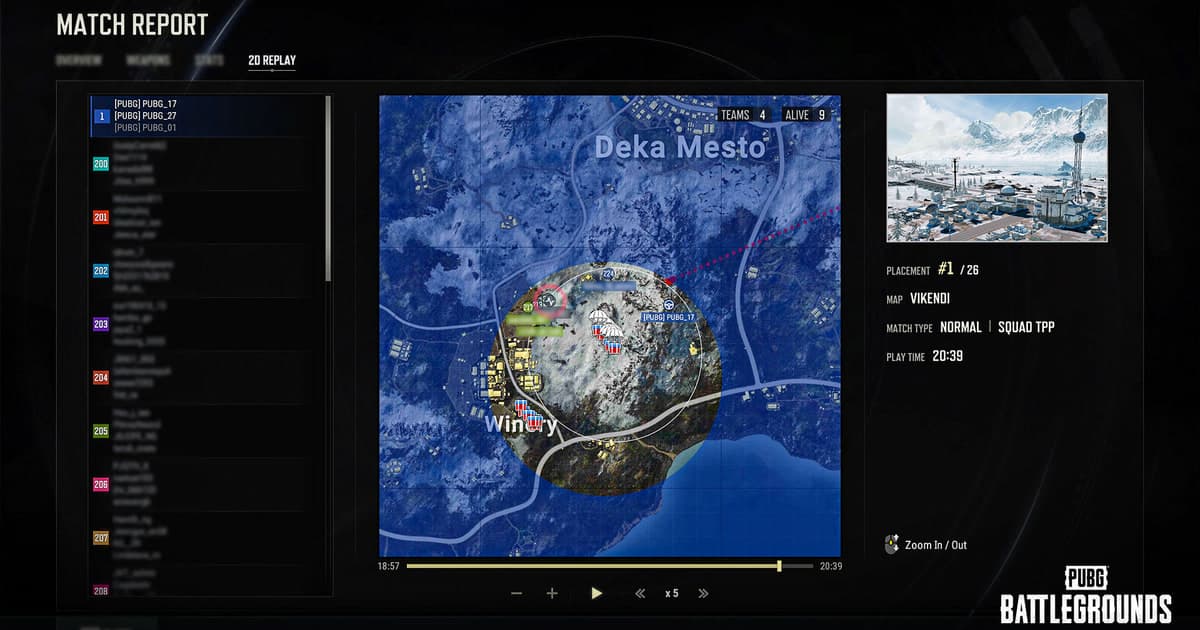
Turning a PUBG review into editable and shareable video requires separate source preservation, game playback, screen capture, and external verification. A PUBG replay contains data the game uses to recreate match state, so renaming it or placing it in an editor is not direct video conversion.
Identify the file and the required outcome first
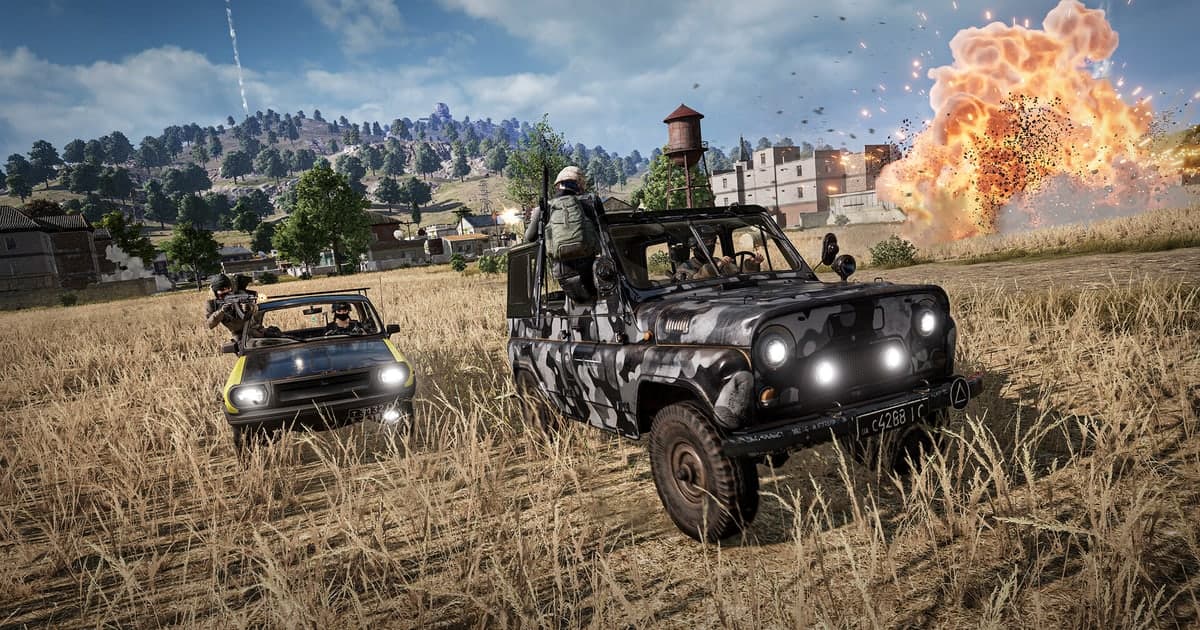
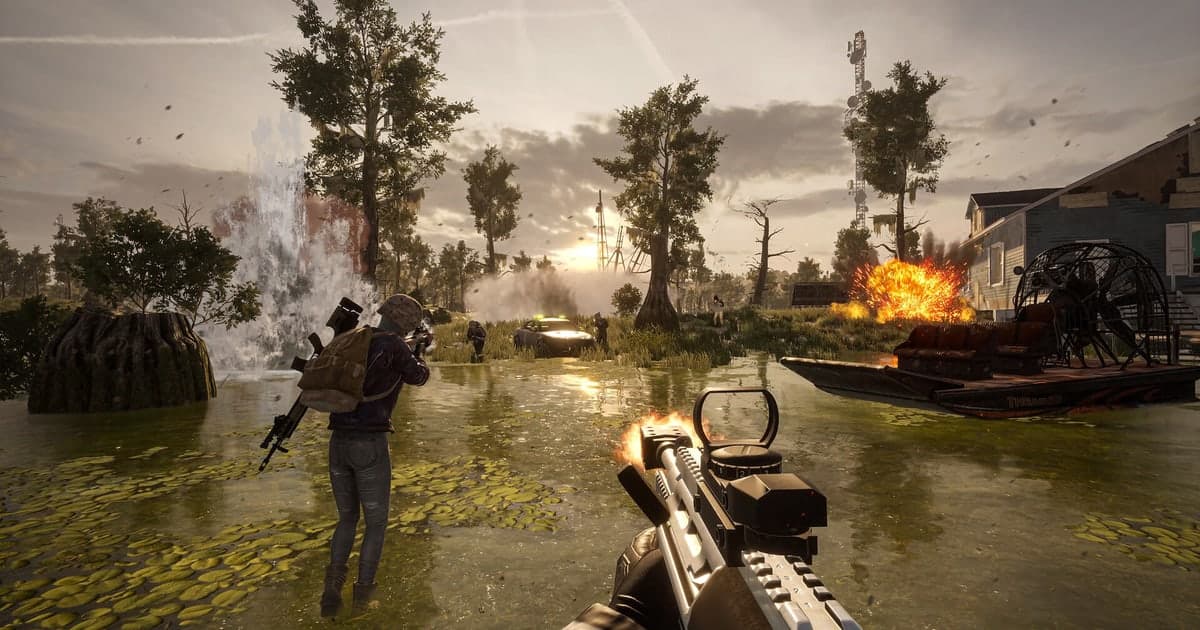
Copy the source and confirm playback in the current game first, then choose viewpoint, HUD, and speed before capturing the rendered scene in real time. An official PUBG patch note explicitly made replay files from previous updates unusable, so preserve an important sequence as video while the current version can play it. Use the wide-map free camera, player tracking, and movement before and after a fight, but treat update compatibility as the first archive risk. A long review of loot and vehicle routes needs a different output range from a short final-circle share. Do not confuse Death Cam with the full replay, and render an important chicken-dinner sequence while the current client still opens it. Use a vehicle route through grass and uneven terrain to test motion compression, then a long-range fight to verify that shots, impacts, and player positions remain synchronized. Keep the minimap and kill feed in an analysis cut, but record a separate HUD-free camera pass for a cinematic share. Do not rename or upload an unplayable replay to a random converter; first establish whether the current client can understand that source.
A source-safe workflow
- 1Preserve the source and baseline — Copy the file and note game and app versions, display mode, audio devices, encoder, destination, and free space.
- 2Create a sixty-second reproduction — Use real-match conditions and include fast movement, game effects, microphone speech, and any required voice path.
- 3Inspect each result separately — In both the original app and an independent player, verify video, every audio source, frame pacing, seeking, and size.
- 4Change only one variable — Adjust one setting directly tied to the observed failure, then repeat the same sample and compare.
Compare the options and their failure conditions
| Option | Best fit | Verify before committing |
|---|---|---|
| replay source | Interactive camera and speed review | Playback in the current game build |
| Record the replay viewer | Preserve a staged sequence as standard video | HUD, resolution, audio, and frame pacing |
| Future automatic clips | Collect moments from new matches quickly | Supported game and a real sixty-second test |
Checks after a one-match test
- A backup of the source file and settings exists.
- Current game and application versions are recorded.
- Game audio and microphone were checked separately.
- Output location and free space were verified.
- The sample opens in an independent player.
Test DOR as a separate capture path
A staged camera pass from an old PUBG replay still requires recording the game viewer. For future supported-game moments, compare a separate clip path with a fresh sample. PUBG game page, OBS versus ShadowPlay, recording file location guide.
Official source and version boundary
PUBG stated in the Update 12.2 Replay System notes that replay files from previous updates could no longer be used. official PUBG Update 12.2 patch notes.