
Watching the Worlds final this week and want to try League of Legends yourself? The match details are in our Worlds final date and time guide; this article covers the step before that: creating a Riot account.
A Riot account is the single login for League of Legends, VALORANT, Teamfight Tactics and the rest of Riot's games, so there is no separate VALORANT signup.
The whole process takes a few minutes, but three things trip people up: picking a username they later regret (it cannot be changed), a verification email that never shows up, and a Play button that stays grey after installing Vanguard.
Everything below was checked against Riot Support articles on November 12, 2026, including the email verification guide, the multi factor authentication FAQ and the parents FAQ, so you can follow it start to finish without guessing.
Three things to decide before you sign up
First, choose the email. Riot's parents FAQ says every Riot account needs its own email address, so use one you can open right now and are not already using on another Riot account. Second, think about your login username.
It is only for signing in, other players never see it, it can only contain English letters and numbers, and it must be unique across all Riot accounts worldwide. Riot says it cannot be changed later, so avoid your real name or birth year.
The name people see in game is your Riot ID, which you can change. Third, decide where you will play. Each League account is tied to one region and you can only play League with players in the same region.
If your friends are on another server, read how to play League on another server before creating the account. If you prefer, you can also create the account through Google, Apple or Facebook sign in on desktop; Riot still asks for an email and a date of birth.
From a new Riot account to your first match
- 1Start from the official siteUse the Play for free button on the official League of Legends or VALORANT site, or Create Account from the Riot sign in page. Whichever game you start from, you get the same Riot account. Starting from the official site rather than an ad or a forum link keeps you away from phishing pages that copy Riot's design.
- 2Enter your email and date of birthType your email and pick your birthdate. Use your real date of birth: Riot uses it for age checks, and in regions where you are under the age of consent a parent or guardian approves the account through Riot's Parent Portal. In the United States, parent verification is optional and underage accounts are not limited if parents skip it.
- 3Pick a username and passwordThe username is your login, not your public name. Letters and numbers only, unique across every Riot account, and permanent. Choose a long password you do not use anywhere else. Accept the terms to finish creating the account.
- 4Verify your email and set your Riot IDWhen you first log into the client, a pop up asks you to verify your email. Check that the address shown is yours, click Send Email, open the message and click Verify email, then wait a few seconds for the green checkmark and click Finish. Your public name is a Riot ID in the Name#Tag format, set and changed on your account page; the rules are in how to change your Riot ID.
- 5Install the Riot Client and restart for VanguardDownloading the game installs the Riot Client. League and VALORANT both need Riot Vanguard running, and on a first install the Play button stays locked until you restart your PC. If you still see a VAN error after restarting, work through League Vanguard error fixes code by code.
Riot account signup: what you need at each step (as of November 12, 2026)
| Step | What you need | Where people get stuck |
|---|---|---|
| An address you can open now and have not used on another Riot account | Typos mean the verification email goes nowhere | |
| Date of birth | Your real birthdate | Under the age of consent for your region, a parent or guardian has to approve |
| Username | English letters and numbers only, unique worldwide | It cannot be changed later, so do not use your real name |
| Password | Long and hard to guess | Reusing a password from another site is the most common way accounts get stolen |
| Email verification | Access to your inbox | No email? Click Resend and check spam or junk |
| First launch | Riot Client and Riot Vanguard | The Play button stays locked until you restart after installing Vanguard |
Do these right after signing up
- Turn on multi factor authentication on the Riot account page. The email code is the base method, and you can then add Riot Mobile or Google or Microsoft Authenticator.
- Check which region your League account belongs to with the gear icon at the bottom right of the login screen.
- The PBE test server needs its own separate account. If you want early access to new champions, see how to make a League PBE account.
- Do not share your login or buy accounts. A shared or bought account can be taken back by whoever still controls its email and password.
- Ignore anyone claiming to be Riot Support who asks for your password or a verification code.
Keep your first matches
The fastest way to improve in your first weeks is to rewatch your own games. DOR is a free Windows game recording app: launch League of Legends or VALORANT and it detects the game and records the whole match, then collects it in My Clips.
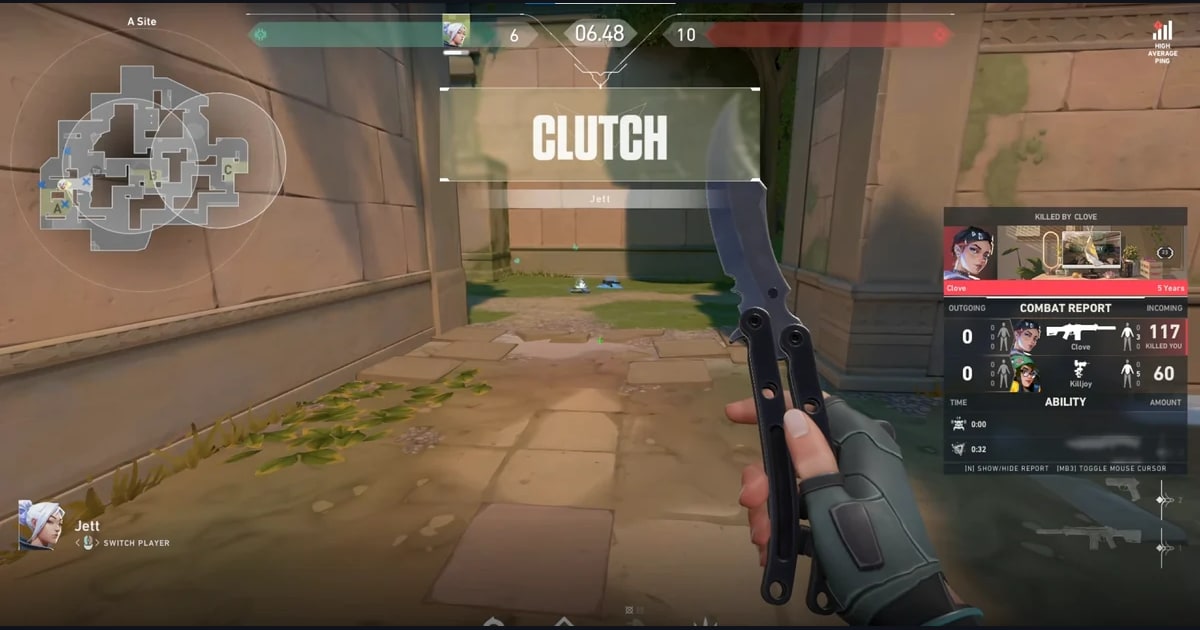
In League it also cuts kills, multikills and objectives into automatic highlight clips, and in VALORANT it clips your kills and tags aces and clutches.
League replay and spectator recording is on by default, so playing back an older .rofl replay records it too, and both games get a POTG clip for the match plus party clips that gather moments from friends you queued with. See what works in each game on the League of Legends page and the VALORANT page.