
Whether you searched for how to change your Riot ID, how to change your VALORANT name or how to rename yourself in League, the answer is the same: you change your Riot ID.
On November 20, 2023, Riot moved League of Legends from Summoner Names to Riot IDs, and the Riot ID is the one universal name you carry across every Riot game. There is no separate VALORANT name change and no separate League name change.
Edit your Riot ID in one place and the new name shows up everywhere. A Riot ID has two parts, a Game Name and a tagline, written as Name#Tag.
Most games only show the Game Name above your champion or agent to save space, while the full ID with the tag appears in places like your profile and friends list. Your friends need that full ID to add you, so after a change you will want to send the new one around.
Our League and VALORANT add friend guide covers the friend request side. This guide walks through where to change your Riot ID, what it costs, how the 90 day cooldown works, the rules for names and taglines, and what to do when the page says the ID is already in use. Everything here follows Riot Player Support guidance as of November 10, 2026.
Three things to know before you change your Riot ID
First, your Riot ID is not your login. Changing it does not touch the username and password you sign in with; it only changes the name other players see. Second, each Riot ID is tied to one account and one email, and it applies to every Riot game.
You cannot run one name in League and another in VALORANT on the same account. If you juggle a main and an alt, make sure you are signed in to the right one before you save. Third, the change is free and there is no paid way to skip the wait: after a change, the next one unlocks 90 days later.
Riot lists one exception. If you changed your Riot ID in the last 90 days and the new name is getting you harassed or causing other problems, you can open a Player Support ticket and ask for help. One more distinction that trips people up: a Riot ID change is not a region transfer.
Your account stays on the same server after a rename, and if you want to play on another region you need a transfer or a new account, which we explain in how to play League on another server.
How to change your Riot ID, step by step
- 1Sign in to the right accountYour Riot ID belongs to one account, so if you have more than one, confirm which account you are signed in to. Also check the date of your last change. If fewer than 90 days have passed, the change will not be available yet.
- 2Pick a new Game Name and taglineGame Names run 3 to 16 alphanumeric characters and taglines 3 to 5. Riot does not allow names that include Riot or lookalike spellings of it, personal details such as your real name or address, impersonation of esports pros, or offensive wording. Game Names do not need to be unique, so keep two or three tagline ideas ready in case your first pick is taken.
- 3Open the Riot ID change pageFrom any game, sign in at account.riotgames.com in a browser and edit the Riot ID and tagline fields. If you have the League or TFT PC client open, go to the Shop, click the Account button and choose the Riot ID Change offer; a popup sends you to the same account page. VALORANT players can go straight to the account page.
- 4Enter the new ID and saveType the Game Name and tagline, then click Save Changes. If you see a message that the Riot ID is already in use, either someone already has that exact Name#Tag or you entered a blocked region code such as NA1, EUW or OCE as your tagline. Keep the name, change the tag and save again.
- 5Share the new ID with your friendsCopy your new Name#Tag as text and send it to your duo, your five stack and your Discord. Anyone who only knows your old ID will need the new one to send a friend request. If requests still fail, run through the checks in our League and VALORANT add friend guide.
Riot ID change rules at a glance (as of November 10, 2026)
| Rule | What applies | Easy to miss |
|---|---|---|
| Cost | Free; there are no paid Riot ID changes | Nothing to buy in the shop, you only save the change on the account page |
| Cooldown | 90 days after your last change | Harassment over a recent new name can be raised with a Player Support ticket |
| Game Name | 3 to 16 alphanumeric characters | Does not need to be unique |
| Tagline | 3 to 5 alphanumeric characters | Once changed, you cannot return to a region code like NA1 or EUW |
| Uniqueness | The full Name#Tag must be unique | The already in use error usually clears with a new tag |
| Scope | Every Riot game, including League and VALORANT | One name per account across all games |
| Not allowed | Riot in the name, personal info, pro impersonation, offensive terms | Reported names can be sent for a forced rename, and repeat reports can lead to account or honor penalties |
Riot ID change checklist
- You are signed in to the account you actually want to rename, not an alt
- At least 90 days have passed since your last change, and you are fine waiting another 90 for the next one
- You know a changed tagline cannot go back to a region code such as NA1, EUW or OCE
- The name has no Riot, no real name or address, no pro player's name and nothing offensive
- If you want a matching tag with your team, you have agreed on it first; our team name ideas list has tag suggestions
Record your first match under the new name and share it
DOR is a free Windows game recorder.
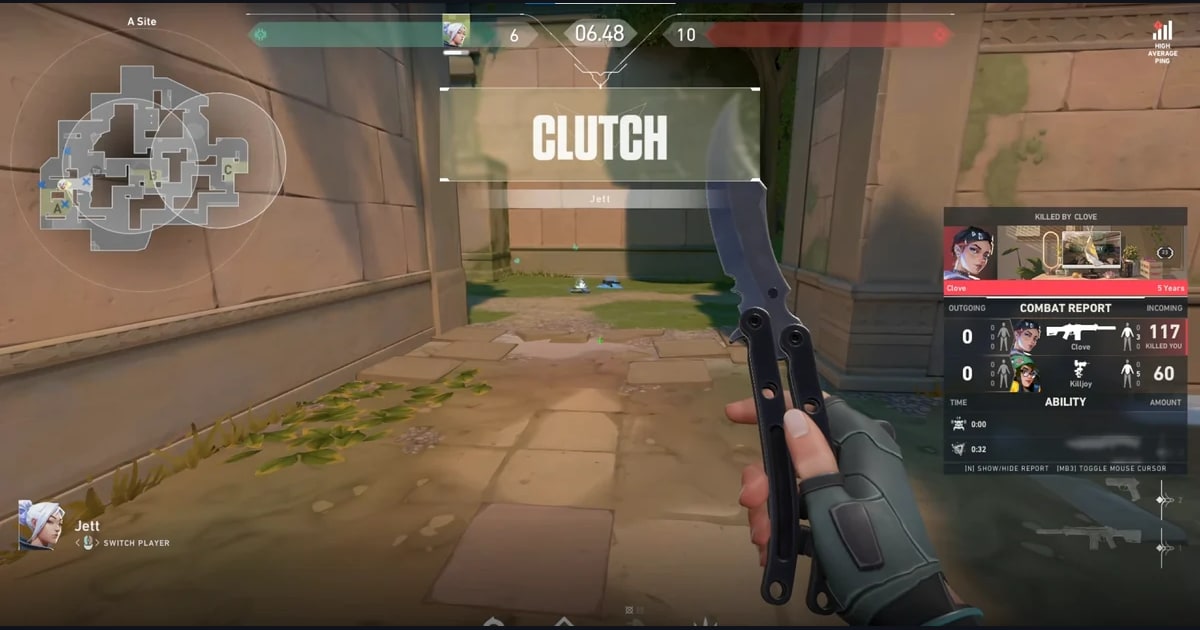
When you launch League of Legends or VALORANT, it detects the game and records the whole match automatically, then saves auto clips of the big moments to My Clips in the app: kills, multikills and objectives in League, and kills with ace and clutch tags in VALORANT.
Pick the multikill or ace from your first match under the new Riot ID, trim it in the app and send it to friends as a dor.gg link, so your highlight doubles as the new name reveal. See how to share League gameplay and how to share VALORANT clips for the sharing flow, and the League of Legends game page and VALORANT game page for what DOR does in each game.