Here is the short answer: The Hunt: Roblox 20 had 20 free UGC items, and you earned each one by finishing a single task in one of 20 featured games linked to the Roblox anniversary hub. No Robux was needed.
However, several outlets reported that the event ended at 10 AM PT on September 28, 2026, so as of November 24, 2026 you probably cannot claim new items.
Limited rewards are reported to become unobtainable after an event closes, so check the official Roblox announcement and the hub yourself for any extension.
This guide keeps the full list of what each game asked for, explains how to check items you already earned, and shows how to prepare for the next event. If you want to keep your event runs on video, start with how to share Roblox gameplay videos.
The answer: one task in each of 20 games, claimed at the hub
The flow was simple. You opened quests from the event hub or jumped straight into a featured game, finished its task, and the badge and reward were linked; to continue the era progression you also had to claim rewards at the hub. The order you finished games in did not change the rewards.
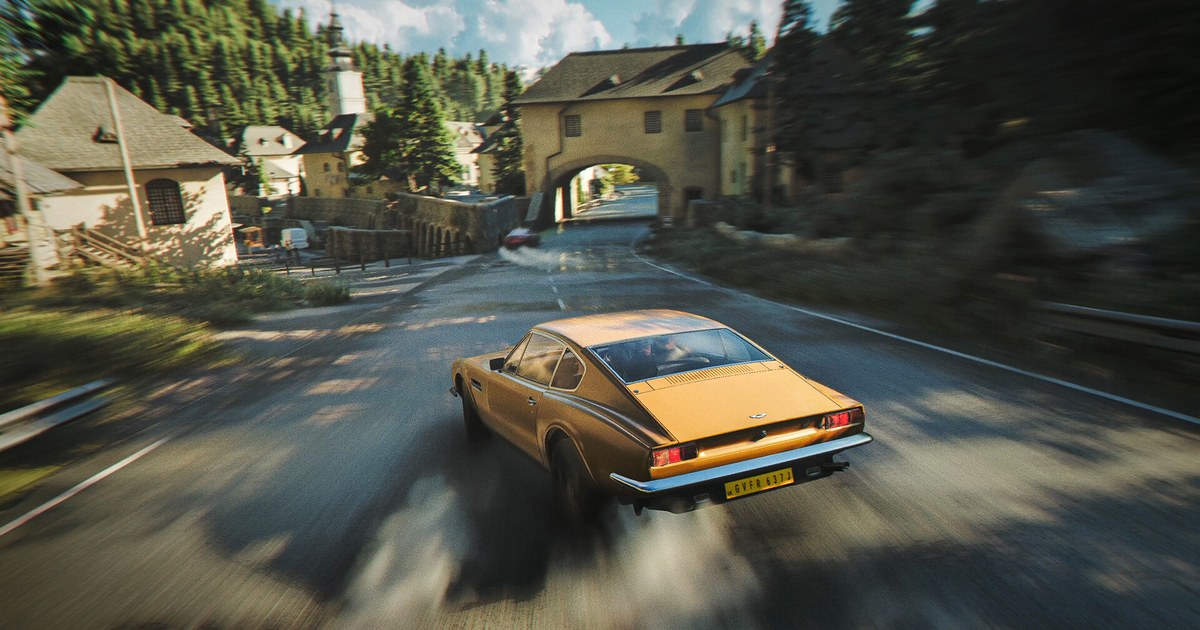
The quickest ones were the KO based games such as Crossroads, Chaos Canyon, and Rocket Arena, plus Base Wars, which needed only one win. Games like Apocalypse Rising 2, where several conditions stacked in a single run, took longer.
After the event, the featured games remain playable from their own pages, but Hunt quests and time limited rewards are reported to disappear. If you earned items, look in your inventory, and if lag blocked a quest, review the best Roblox settings for more FPS first.
How to check and organize your event rewards
- 1Check the official announcement for the endFirst check the official Roblox announcement and the event hub to see whether rewards can still be claimed. Several outlets reported a September 28, 2026 end, so unless there was an extension, assume new rewards are gone.
- 2Look for your UGC in the inventoryIf you already finished tasks, check your inventory for the items. Counting how many of the 20 you earned, by name, makes it easy to compare at the next event.
- 3Find out why a game got stuckIf a quest did not progress, separate two causes: you misread the condition, or the game crashed. If crashes repeat, see how to fix Roblox crashing for the cause.
- 4Start the next event with a task tableWhen the next event opens, write the per game conditions in a table first and do the quick ones, such as KO counts or one win, before anything else. Leave the long games for last.
- 5Record your runA video of the moment you finished a task and the reward screen shows where you got stuck and which order was fastest, so you can review it later.
The Hunt: Roblox 20 free UGC tasks by type (as of November 24, 2026)
| Type | Games | Task |
|---|---|---|
| KO games | Crossroads, Chaos Canyon, Rocket Arena | Get 3 KOs, 4 KOs, and 5 KOs with rockets |
| Collect and deliver | Sword Fights on the Heights IV, Murder Mystery 2, Lumber Tycoon 2, Grow a Garden | Collect 4 swords, collect 50 coins, deliver wood to Geck, deliver 50 stolen fruits to Sam |
| Rescue and quests | Natural Disaster Survival, Jailbreak, Berry Avenue RP, Roblox High School | Rescue 3 animals, rescue 5 NPCs, finish doctor, police, and flight attendant quests, return 3 relics to Chuck |
| One match or a few runs | Base Wars, Dress to Impress, Blade Ball, Piggy | Win 1 match, play the event mode twice, collect 3 tickets from the special NPC, escape 2 Book One maps |
| Longer tasks | Apocalypse Rising 2, Work at a Pizza Place, World // Zero | Meet several conditions in one run, finish the Roblox 20 story quest, clear the OG tower and the final boss |
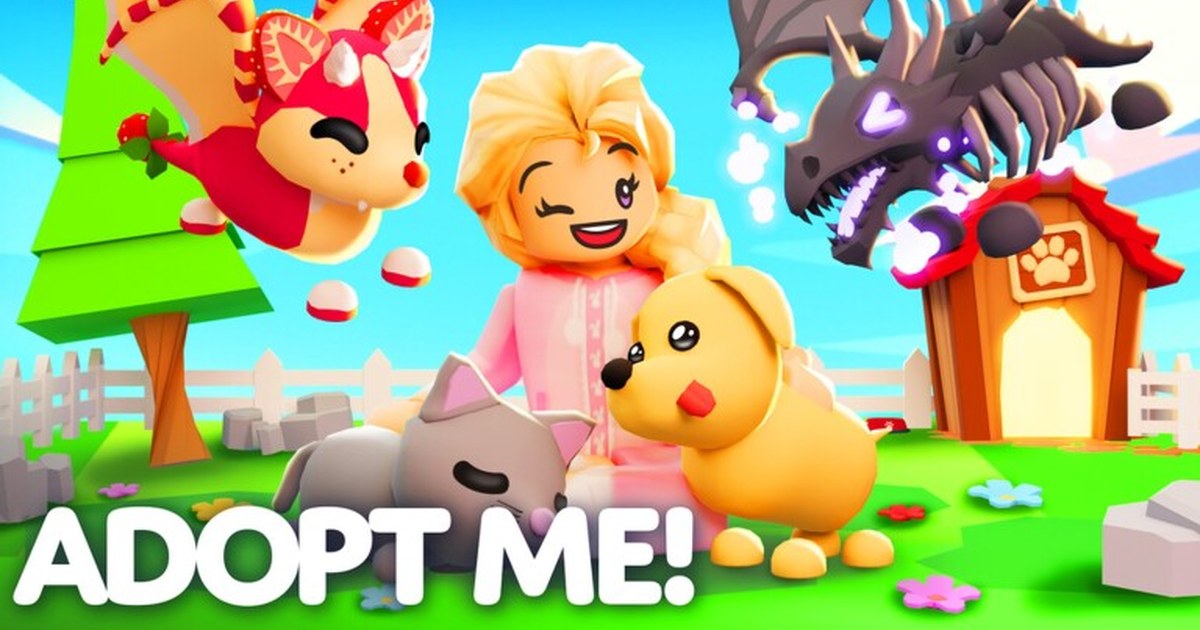
| Event item tasks | Adopt Me!, Build a Boat for Treasure | Buy the Throwback Egg for 400 Bucks and hatch it, build a boat, reach the bakery, and bake a cake |
Event reward checklist
- You checked the official announcement and hub for the end
- You counted your UGC items in the inventory
- You sorted the long games separately
- You found the cause for any game where a quest stalled
- You are ready to build a task table for the next event
Record your event runs with DOR
DOR is a free Windows game recording app. When you launch a supported game, it detects it automatically and records the whole match, and recordings collect in My Clips. Anything that is not a game can be captured with screen recording, so you can include the moment you check quests in the hub.
Trim the parts you want in the app, join clips or change the aspect ratio to vertical in DOR Studio, then export an mp4 or share a dor.gg link. You record, edit, and share without a watermark. At the next event, keep a video of how you finished each task and the reward screen.