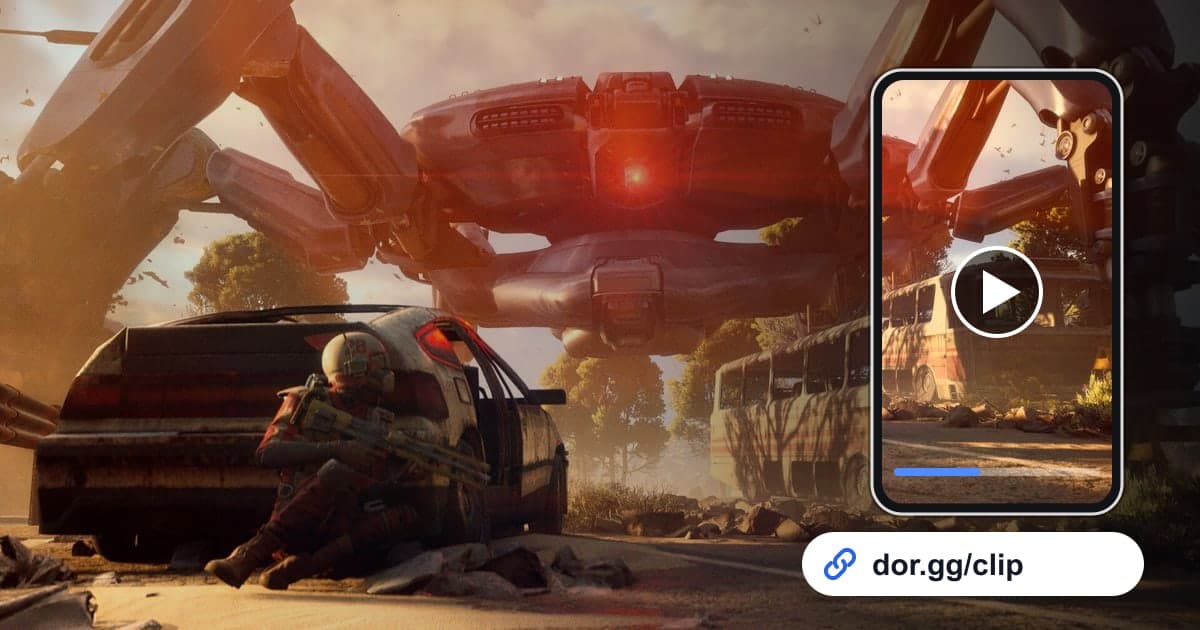
ARC Raiders is an extraction game where you slip past ARC, the machines that rule the surface, and other Raiders, then make it out alive with your loot. That is why the scenes you most want to show friends are usually about the process rather than the result. Think of the few minutes you spent sneaking to extraction with a full bag, the moment three of you finally brought down a giant ARC machine, or the tense seconds at a corner deciding whether to shoot another Raider. This guide covers just one method: record those scenes with DOR, trim them down, and send them as a dor.gg link.
Understand how the recording is saved
DOR detects ARC Raiders when you launch it and records the full raid. This game does not get automatic highlight clips that detect kills or fights and cut them for you, so after the raid you find the scene in your library and trim it yourself. Long stretches of quiet movement with short bursts of action are typical here, which makes using sound and on-screen changes as cues especially important. If you want to add text or background music to a trimmed scene, you can keep polishing it in the DOR browser clip editor.
How to send an ARC Raiders scene to friends
- 1Install DOR and head into a raidInstall DOR, a free Windows app, and launch ARC Raiders. DOR detects the game automatically and records the full raid as an mp4. If you use party voice in a duo or trio, connect a mic; game audio and your voice go into the same recording.
- 2Write a one-line note after each raidWhen you run several raids in a row, similar recordings pile up in your library. Note whether you extracted, which ARC machine you took down, and who you ran into, and picking the raid to share later becomes easy.
- 3Find extractions by scrubbing back from the endIf you extracted, the key scene is at the end of the recording. Open it in your library, start from the end, and scrub backward to the moment you turned toward the extraction point. If you spent a long time hiding on the way, shorten that part and keep the dangerous moments.
- 4Start ARC machine fights at the first sightingWith a big machine, showing only the final blow does not show how hard the fight was. Set the start at the moment the machine first appears on screen, and end after it falls and you check the wreck. If the fight ran long, you can also trim the decisive damage and the takedown as two separate clips.
- 5Start Raider encounters where you first hear themThe fun of meeting another Raider is the tension before it happens. Start where you hear footsteps or distant gunfire and stop moving, and keep going until the fight ends or you pass each other. If the noise of the fight drew in more Raiders and the situation kept going, include that too; it makes the story.
- 6Choose an aspect ratio in the trim toolIn the library's trim tool, set the start and end and choose 16:9, 9:16, or 1:1. Encounters and extractions, where the terrain and enemy positions need to be visible, work best in 16:9, while a single shot of an ARC machine going down can suit 9:16.
- 7Send the dor.gg link to your party and friendsWhen the trim is done, you can share it as a dor.gg link. Paste it in party chat for the people who ran the raid with you, or in a messenger for friends who do not play yet. They can play it right away in a PC or phone browser without DOR.
Finding and polishing each ARC Raiders scene
| Scene | How to find it in the recording | What to tidy up before sending |
|---|---|---|
| Successful extraction | Scrub backward from the very end of the raid to the moment you headed for extraction | Do not keep too much of the sneaking |
| Taking down a giant ARC machine | A stretch of mechanical noise followed by explosions | Include both its first appearance and the moment it falls |
| Shaking off a drone swarm | Short bursts of fire in a row and the camera moving fast | End a little later so viewers see where you escaped to |
| Running into another Raider | Footsteps or distant gunfire, and the point where you stop moving | Keep the few seconds of silence before you meet |
| A valuable loot grab | Opening a crate or container and the inventory screen appearing | Keep the inventory screen short so the item reads at a glance |
| A raid that failed by a hair | The start of the last fight before going down | Start from the first shot or the moment you were spotted |
Checklist before sending the link
- The extraction clip includes the moment you started heading for the extraction point.
- The ARC machine clip shows both its first appearance and its fall.
- The Raider encounter clip keeps the tense stretch before you met.
- If party voice was recorded, you asked before sharing it.
- Inventory or menu screens are not left running long.
- You added a one-line note about whether it was solo or a party and what you got out with.
Wrapping up ARC Raiders sharing with DOR
DOR is a free Windows app that detects ARC Raiders on launch and records the full raid. Since this game has no automatic highlight clips, the basic flow is to find the scene in your library after the raid, trim it, and send a dor.gg link. General rules for start and end points are in How to Trim Game Clips. On an NVIDIA graphics card, NVENC hardware encoding is used by default. DOR Studio, which opens in a browser with nothing to install, lets you merge scenes from several raids, add the names of the loot you grabbed as text, adjust background music and volume, and then download an mp4 or share a link. If you are looking for teammates to raid with, see the ARC Raiders duo and trio finder.