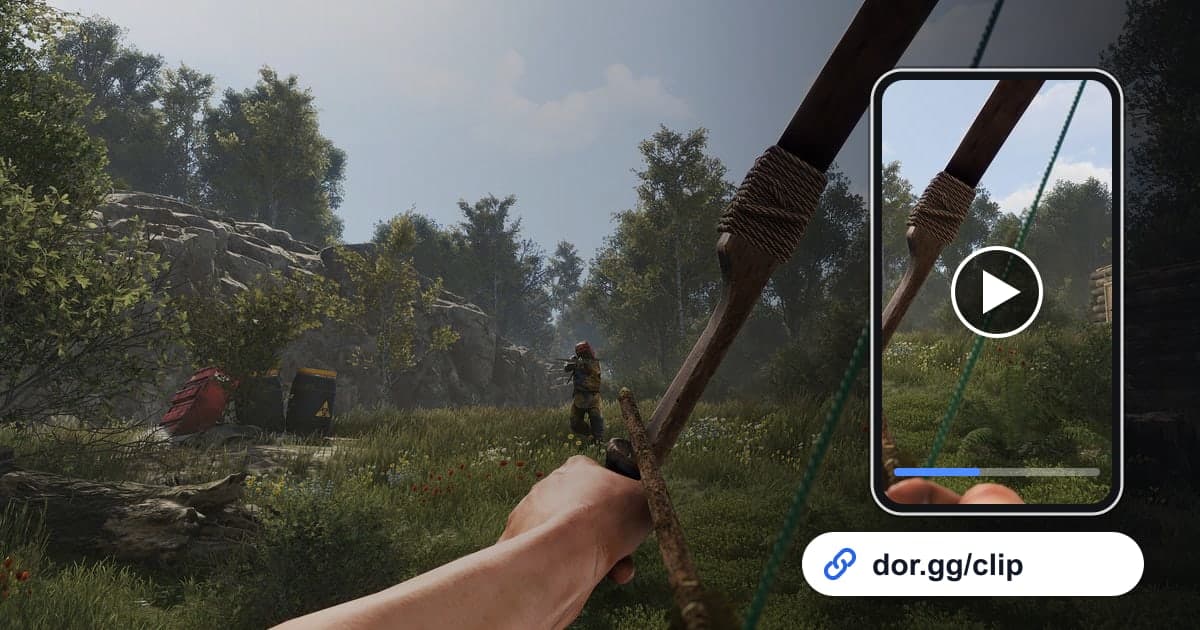
If you held your base all night in Rust, or blew your way through to an enemy Tool Cupboard, you want the teammates who missed it to see it. This guide covers one method: record Rust with DOR, cut out just the raid or fight, and send it to friends as a dor.gg link. Rust sessions often run for hours of farming, building and waiting, while the moments that matter take only a few minutes. So this guide puts less weight on the record button and more on the cues that help you find a scene in a long recording, plus what to check so your base details do not leak when you share.
The essentials first
When you launch Rust, DOR saves the whole session as one video on its own. If there was a raid, start your segment where the explosions begin; if you were offline raided, start where you walk back into your base after logging in. Trim it and paste the dor.gg link into team chat. How to prepare for capturing multi-hour sessions without hiccups is covered in Recording Long Gameplay Sessions.
Sending a Rust moment to your team, step by step
- 1Install DOR and join a Rust serverInstall the free DOR app on your Windows PC and launch Rust. DOR detects the game automatically and records, and every minute you spend on the server runs into one video until you close the game.
- 2Note the time when a raid kicks offYou cannot let go of the mouse during a defense, so drop a rough time into team chat right after it ends. That lets you jump straight to where the explosions started in a multi-hour recording instead of scrubbing from the beginning.
- 3Walk the offline-raid damage right after logging inNothing is recorded while you are offline, but the walk back through your base after logging in sits at the very start of the recording. Move slowly past the broken walls, empty boxes and blast marks so your teammates see exactly what happened.
- 4Pick the session in the library and cut in stagesWhen you close the game, the session lands in the library as one mp4. For long scenes like a raid, trimming separate segments for the approach, the breach and the looting makes the story easy to follow. Choose 16:9 to keep the PC view, or 9:16 or 1:1 if many teammates watch on their phones.
- 5Paste the link into team chatTrimming creates a dor.gg link. Paste it for the clan members or duo partner who were not online that day; there is no need to hunt for somewhere to upload a large recording.
- 6Turn wipe day into one video in the studioTo tie your first base and first raid of the wipe into one video, open DOR Studio in your browser, merge the trimmed videos, add text describing each scene, and set the background music volume below the explosions. Share the result as a link or download it as an mp4.
Cues for finding each Rust moment
| Rust situation | Cue to look for in the recording | What to show your friends |
|---|---|---|
| Raid defense | The point where explosions start going off back to back | Which wall got breached and where you held them |
| Raiding someone | The gear check before heading out and the first explosion | The entry route and the moment you took the Tool Cupboard |
| After an offline raid | Walking into your base right after logging in | A walkthrough of broken walls and looted boxes |
| First session on wipe day | From joining the server to hanging the first door | Going from empty hands to a first foothold |
| PvP fight | Where the first gunshot is heard | Your cover position and the shot that decided it |
| Mishap during a long farm run | Where everyone bursts out laughing on voice | A short clip focused on the reaction |
Checks before sending Rust footage
- You are fine with your base location or map grid being visible if the video spreads beyond your team
- No shot of you typing a code into a code lock is inside the segment
- Your mic did not capture team calls such as plans for the next raid
- You have at least 20GB of free disk space before a long session like wipe day
- The waiting time before the breach in a raid video is not overly long
- The damage walkthrough covers every box and wall your teammates will ask about
How DOR records Rust
DOR is a free Windows desktop app. When you launch Rust, it detects the game and records it with full-session recording: one mp4 from launch to exit. There are no per-match highlights or automatic raid clips, so you find and trim the scenes you want yourself. Long recordings fill the disk quickly, and as the app settings note, recording stops automatically when free space drops below 20GB. If a recording did not save, start by checking disk space in Fixing Recordings That Will Not Save. On NVIDIA graphics cards, NVENC hardware encoding is the default, and game audio like explosions goes into the same video as your mic. For detailed trimming tips, see How to Trim Game Clips.