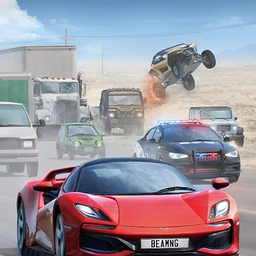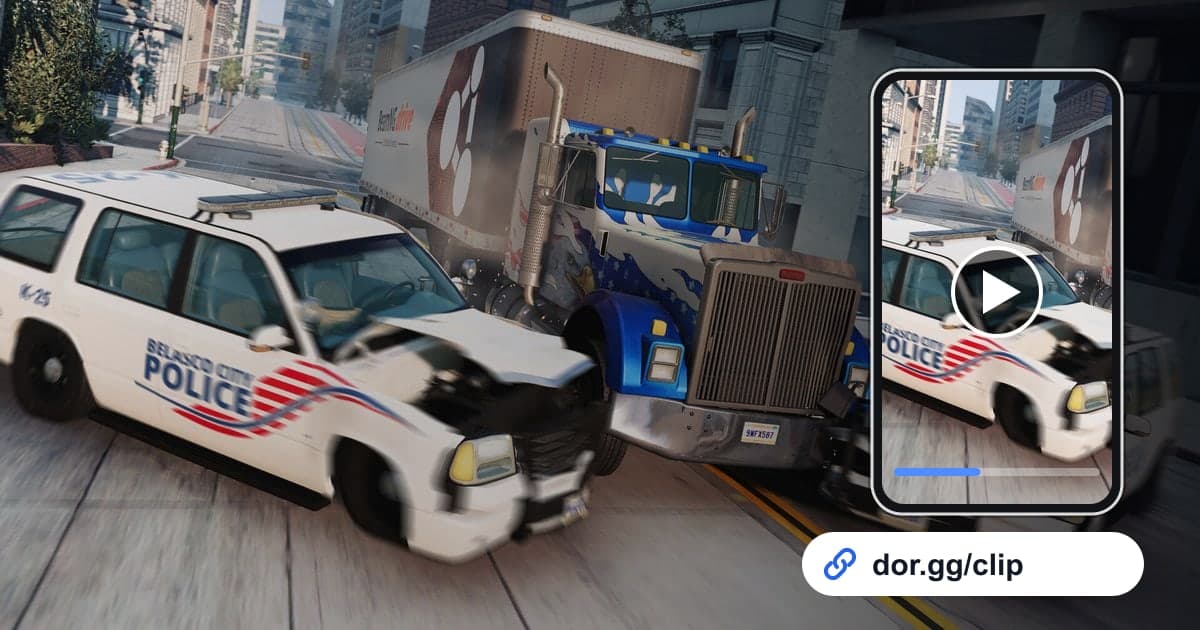
BeamNG.drive is a vehicle simulator whose soft-body physics calculates every component of a car in real time, so in a crash the body crumples and the wheels bend the way they would in real life. That is why most scenes worth showing friends from this game are crashes that last only seconds. This guide covers recording BeamNG.drive with DOR, finding the single best wreck in a long recording full of repeated experiments, trimming it short, and sending it as a dor.gg link. Use it for a crash clip for a friend who loves cars, or a funny failed jump to post in the family group chat.
Repeated experiments pile up in one video
DOR captures BeamNG.drive with full-play recording. Reset the car and drive again dozens of times and no new file is created per attempt; everything from launch to exit runs together as one video. There is no feature that detects crashes or landings to make clips automatically, so you find the scene in the recording and cut it with the trim tool. Crashes in this game are short and punchy, which suits vertical shorts well, and how to make a vertical game video explains what to keep in the center when you turn a landscape frame vertical.
Sending the best attempt from repeated crash tests
- 1Write down the time right after a great wreckIn BeamNG.drive you often try the same crash many times with small changes, so similar scenes keep repeating in the recording. When a wreck turns out the way you hoped, glance at the clock and jot down the time. Later you will find that one attempt among dozens in no time.
- 2Install DOR and launch the game as usualDOR is a free Windows desktop app that detects the game automatically and starts recording when you launch it. There is no record button to press; just pick a vehicle and map and start experimenting. Game audio such as engine and crash sounds is recorded together with your mic.
- 3Separate attempts by reset pointsWhen you open the recording in the library, there is a point where the screen jumps every time you reset the car to its starting position. Treat those points as the boundaries between attempts, and between the boundaries near the time you noted, look for the scene where the body crumples hardest.
- 4Trim it short, 5 to 15 secondsA crash clip only needs to start two to three seconds before impact and run until the car comes to a full stop, which usually takes 5 to 15 seconds. Starting too early just stretches out the straight-line driving, so cut the launch boldly.
- 5Choose a ratio for your audienceUse 16:9 to show the wide road and surrounding terrain, and 9:16 when you send a jump or rollover to friends or family on phones, since it keeps the car large in the middle of the frame. For scenes where one car's movement is the whole point, such as a gravity experiment, 1:1 works too.
- 6Send it as a dor.gg linkOnce trimming is done, you get a dor.gg link. Paste it in the group chat or Discord channel where you talk about cars, and the person receiving it can watch the crash right away in a browser even without the game.
Experiments and modes: the moment to find and the best ratio
| Experiment or mode | Moment to find in the recording | Suggested ratio |
|---|---|---|
| Free-roam head-on crash | Two to three seconds before the body first starts to crumple | 16:9 |
| High-speed ramp jump | From just before the wheels leave the ground to the car rolling to a stop after landing | 9:16 |
| Police chase scenario | From the pursuit car closing in to the moment you escape or get caught | 16:9 |
| Time trial | The final corner right before the finish line | 16:9 |
| Gravity or wind experiment | The scene right after changing the setting, when the car starts moving strangely | 1:1 |
| Truck delivery wreck | A loaded truck leaning in a corner and tipping over | 9:16 |
Checks before sending a crash clip
- The two to three seconds before impact are included so the setup is clear.
- The clip runs until the car fully stops or comes to rest after flipping.
- The opening stretch of just launching and accelerating is trimmed out.
- For jumps and rollovers, you checked the car stays in frame in the vertical ratio.
- Before a long session of repeated tests, you made sure the recording drive has well over 20GB free.
- Out of several similar crashes, you picked the one that wrecked best first.
How DOR captures BeamNG.drive
BeamNG.drive was added as a DOR-supported game in the October 2026 app update. DOR is a free Windows desktop app: launch the game and it detects it automatically, recording everything from launch to exit as a single mp4 that you rewatch in the app's library. On PCs with an NVIDIA graphics card, NVENC hardware encoding is the default. Long stretches of repeated experiments fill the disk quickly, and recording stops automatically when free space drops below 20GB. In the library's trim tool, set a start and end and choose 16:9, 9:16, or 1:1 to create a dor.gg link, which the recipient can play without installing an app, even in a phone browser. To gather the day's crashes into one compilation, DOR Studio runs in the browser with no install and lets you merge videos and add effect templates, text, and background music. You can see the editor in detail in the DOR browser clip editor.