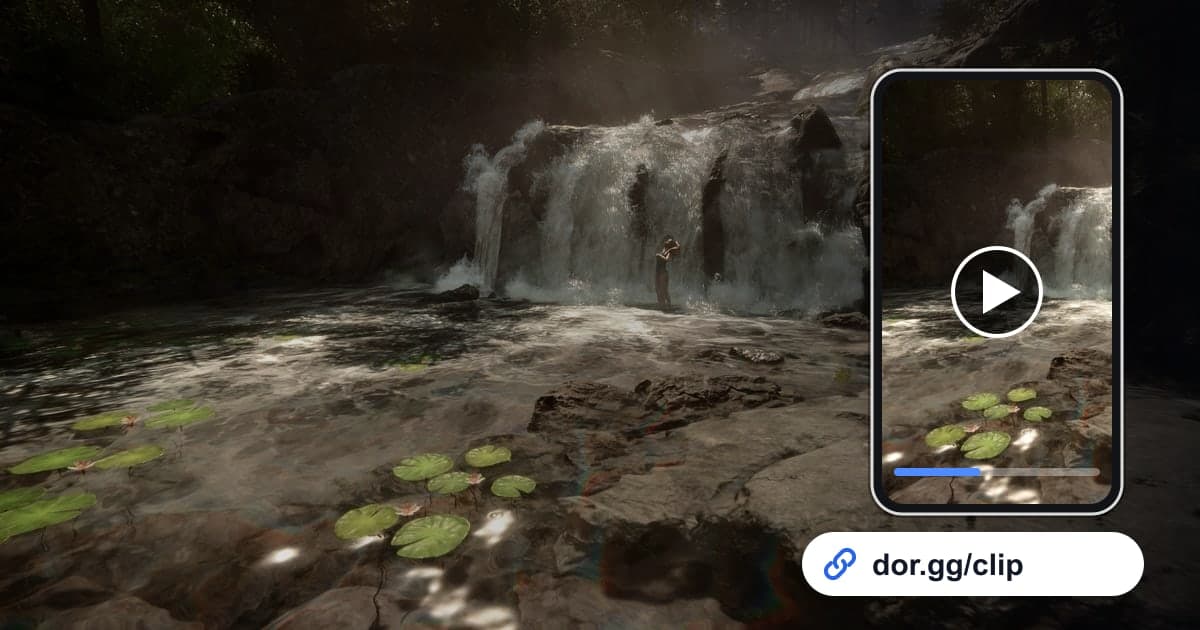
Sons Of The Forest is an open-world survival horror game where you're sent to a remote island to find a missing billionaire and end up fighting to stay alive among cannibals and mutants. The moment a fortress you stacked log by log is finished, the moment you find gear at the end of a dark cave, and the moment you and a friend hold off a night attack all matter more the longer you've played. Starting with the October 2026 app update, DOR detects the game and records the whole session, so this guide covers finding those scenes in hours of survival footage, trimming them, and sending them.
Several in-game days fit in one video
Sons Of The Forest has no match to split on, so everything from launch to exit is saved as one mp4. A long sitting can carry several in-game days and a change of season in a single video, and loading the same save the next day starts a new video from that point. If recording stops partway through a long session or you can't find the file, the checks to run are in How to Fix Recordings Not Saving.
Turning a long survival recording into a shareable clip
- 1Install DOR and launch Sons Of The ForestInstall the free DOR app on your Windows PC and launch Sons Of The Forest. DOR detects the game and starts recording automatically. Check that the game is on under full-play recording in settings. If you turn recording off for just this game, a confirmation prompt appears.
- 2Walk a lap right after finishing the baseBuilding takes a long time log by log, which is dull to send as-is. When your fort or cabin is done, walk slowly around it once and step inside, deliberately creating a 20 to 30 second tour. In the recording, you only need to trim that stretch.
- 3Use night and snow to find your placeOnce a recording runs for hours, time notes alone aren't enough. Scrub using visible changes like dusk, when the screen darkens, or the start of winter, when the ground turns white, and you'll find raid defenses and winter survival scenes much faster.
- 4Start raid clips where the tension beginsA night raid feels right if you start a few seconds before the first enemy shows up, at the moment a friend shouts that they saw something. Keep about a minute through the last enemy going down and the breather after, and use 16:9 because the wide frame helps a dark scene read.
- 5Trim in the library and make the linkIn the app library's trim tool, set the start and end and choose 16:9, 9:16, or 1:1. Tall structures in a base tour can also suit 9:16. When the trim is done, a dor.gg link is created, so there's no need to pass a big recording file around.
- 6Send different clips to co-op friends and newcomersSend the friend you played with the base you built together and the cave run so you can talk about where to expand next, and send a friend who doesn't know the game the one-minute raid defense. They play it right away in a phone or PC browser without the app.
What to keep by season and time of day, and the cues to find it
| Season or time of day | Scene to keep | Cue in the recording |
|---|---|---|
| Your first day on the island | Looking around the forest right after the helicopter crash | The very start of the session where you began a new game |
| Spring and summer days | A finished log cabin or seaside compound | The stretch where you walked a lap around the base after building |
| Night | Holding off an attack that came in after dark | Where the screen darkens and combat noise and shouting rise |
| Caves and underground | Finding gear deep in the dark | The stretch where the screen goes almost black except for your flashlight |
| Winter | Holding out on a snow-covered island as food runs short | The point where the ground starts turning white |
| With companions | Surviving alongside Kelvin or Virginia | Building or travel stretches where a companion is in frame |
Before a long survival session
- Sons Of The Forest is on under full-play recording in settings.
- If you're playing for hours, the recording drive has comfortably more than 20GB free.
- You've decided to walk a lap and leave a tour stretch whenever you finish a base.
- Your mic is connected if you want your co-op conversation in the video.
- You know whether the clip is for a co-op friend or someone new to the game.
Recording Sons Of The Forest with DOR
DOR is a free Windows desktop app. When you launch Sons Of The Forest, it detects the game and records it as full play. There are no automatic clips that pick out raids or finished builds, so you find the scenes in the recording and trim them yourself. Survival games tend to run long once you start, so the disk fills quickly; remember that recording stops automatically once free space drops below 20GB. For the PC-side prep that keeps an hours-long session recording smoothly, see Recording Long Gameplay Sessions Without Stutter. On NVIDIA graphics cards, NVENC hardware encoding is the default, and game audio and your mic are recorded together. Merge scenes trimmed from several sessions in the DOR Studio in your browser, adjust length, add text, background music, and volume, then download an mp4 or share a link.