
Sharing a rank does not automatically make two VALORANT players a good duo. An entry player who needs immediate trades, a utility caller, and a quiet focus player all seek different partners. Clear server, role, and voice expectations reduce invitations that cannot work.
Find a VALORANT duo on DOR
A duo post gets answers when it lands where people already play the same game. On DOR's guild explore page, pick an active guild tagged with VALORANT and send a join request; once the owner approves it, you can join its schedules right away. For a wider friend search, see the game friends and party finder guide.
- Post a guild schedule titled something like "VALORANT duo ranked tonight" with 2 slots, the mode, and a party code so people can press Join.
- After a match, DOR suggests the DOR users you just played with; follow the ones who traded well so they stay on your duo shortlist.
- If you already queue with people from Discord, connect Discord in Find friends to see which of your Discord friends use DOR, then follow them as duo candidates.
Criteria for choosing a VALORANT duo
| Criterion | Put this in the post | Check in the first session |
|---|---|---|
| Region and mode | Server, Competitive or Unrated, current goal | Are ping and availability workable? |
| Agent role | Primary role and useful secondary role | Do entries, trades, and utility connect? |
| Voice | Mic status, call volume, casual chat limits | Is information brief, accurate, and respectful? |
| Play habits | Aggression, review preference, session length | Do they reset after a loss without blame? |
Four steps for checking a duo candidate
- 1Write searchable conditionsMake server, mode, role, and schedule visible at a glance.
- 2Review a recent clipLook for vision, entry, and information context rather than an aim score.
- 3Set voice boundariesAgree on mic, chatter, feedback, recording, and sharing.
- 4Run a short trialAfter a few games, confirm that both play and atmosphere fit.
Copy-ready VALORANT duo recruitment post
Minimum rules for privacy and safety
- Leave real names, phone numbers, school or workplace details, and exact locations out of a public recruitment post.
- Confirm roles, schedule, and goals in a public channel before moving to a private messenger, then make the first game a short trial session.
- Agree on voice chat and whether recording or clip sharing is acceptable before the session. You can decline uncomfortable requests without justification.
- End the conversation and use the platform’s block and report tools if anyone harasses you, asks for money, or requests account access.
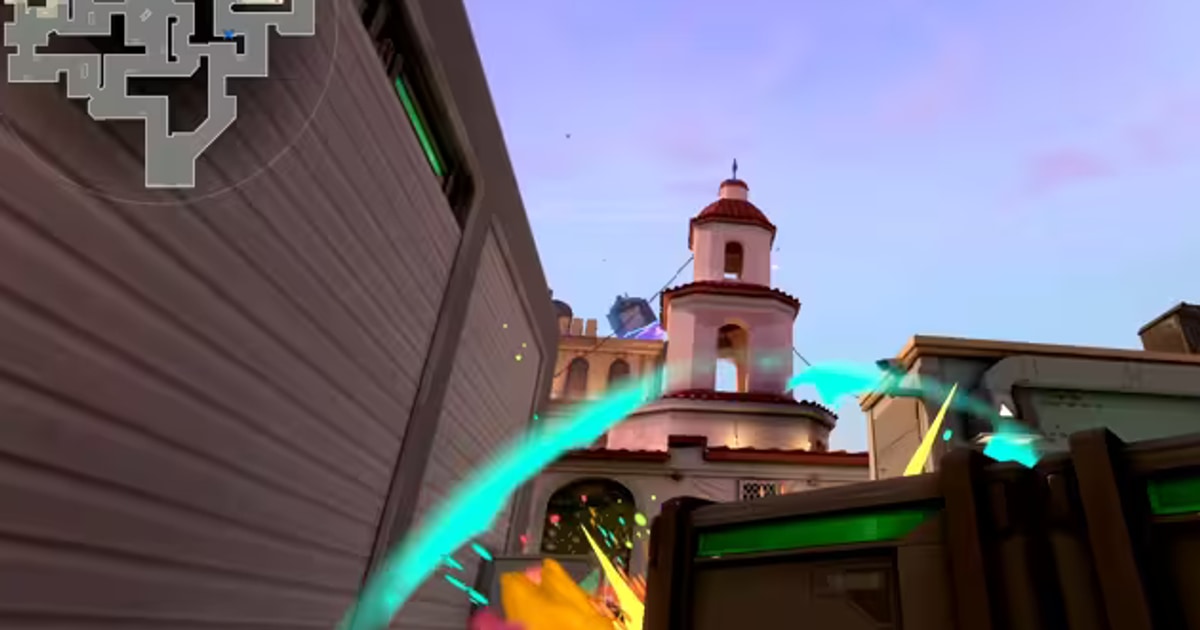
DOR helps you find players on the guild explore page and gather a party with guild schedules, while you check skill and attitude yourself in a short trial match. It is a place to browse public gameplay, clips, and communities, then start the conversation yourself. Review the VALORANT page for play context, plus the broader game friends and party finder, gaming Discord server finder, and gaming guild and clan finder guides.
Keep one VALORANT duo game from both POVs
Once a duo settles in, you play many games with the same person, and more of the rounds you won together feel worth keeping. DOR's Party Clip works for any match where at least two people, you included, played in the same party, so it fits a duo.
When you each upload one clip from your own POV (3 to 30 seconds) from a match you both recorded with DOR, it joins them into one highlight video. In VALORANT, only matches in four modes count: Competitive, Unrated, Swiftplay and Custom.
- When you agree on recording and clip sharing as described above, also agree that both of you will queue in the same party with DOR running. Each player can upload only from their own PC's recording.
- DOR picks three suggested scenes from your clips by score, and before uploading you can use Change Scene to pick one of them. Your clip can't be changed after uploading, so if your partner uploaded first, hold Tab in the editor to see on the match timeline which round their clip is from before you choose.
- If your partner shows as Not on DOR in the invite list, use Copy invite link and send them the link, and they can watch the clips already uploaded in a PC browser without signing in. The finished video can be made in 16:9, 1:1 or 9:16 and is saved as an mp4 on the creator's PC.