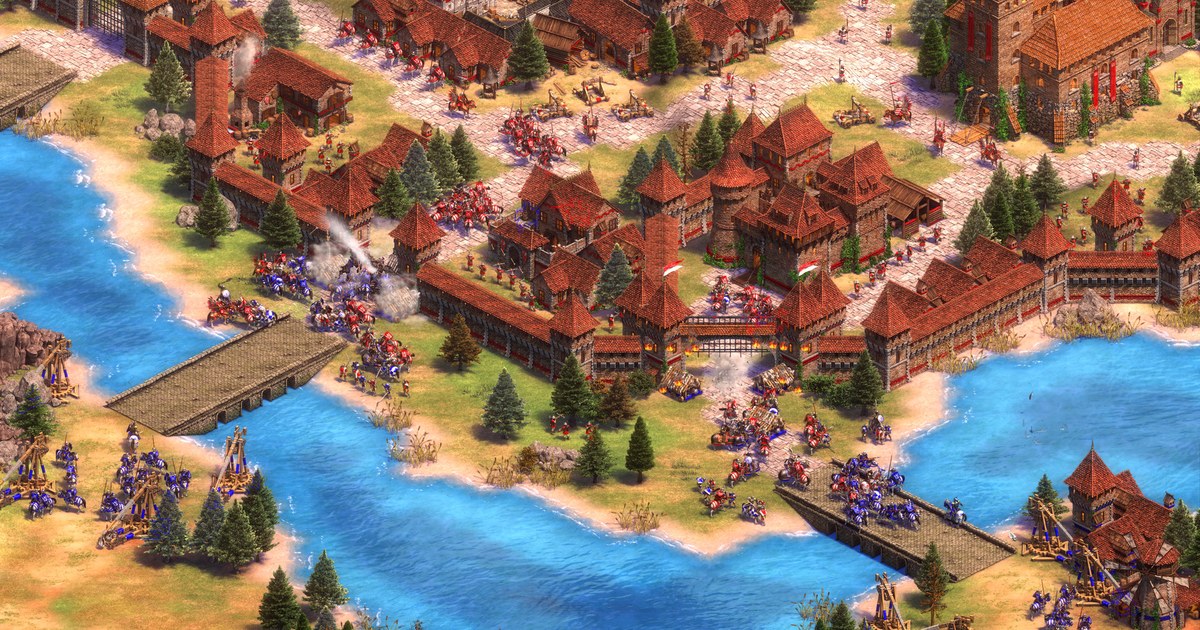

Short answer: Age of Empires II: Definitive Edition saves replay files in your user folder, not the install folder, at C:\Users\(your Windows user name)\Games\Age of Empires 2 DE\(numeric ID folder)\savegame, with the .aoe2record extension.
The fastest way there is to launch the game, go to Single Player > Load Game, and click Open Saved Games Folder. That button opens the folder in File Explorer for you, so you never need to know the numeric ID. To watch a replay in game, open the Replays tab on the same Load Game screen.
One catch: according to the official support article (as of November 2026), replays created in a previous update no longer play on the new version, and there is no way to restore them. That is why matches you want to keep for a long time are safer as video than as a replay file.
Below we cover the folder layout, how to open a replay, how to watch a friend's replay, and how to keep a match after a patch.
Bottom line: open the folder with the in game button, keep important matches as video
When you look for your replays, the in game button is more reliable than digging through File Explorer by hand.
On Steam, a folder named after your Steam ID (a 17 digit number starting with 7656) is created under Games\Age of Empires 2 DE, and its savegame folder holds both replays (.aoe2record) and saved games (.aoe2spgame).
If you have used more than one Steam account there will be more than one numeric folder, which makes it easy to pick the wrong one, and the Microsoft Store or Xbox app version may use a different default folder.
Whatever version you own, the Load Game button opens the folder for the account you are using. Also note that the My Games\Age of Empires 2 DE folder is where the official documentation says logs are collected, so it is not your replay folder.
A replay is not a video file but a record the game recalculates to show the same match again, so once the game updates, older files will not open. To see how long replays last in other games, check replay retention by game.
How to find and open a replay file
- 1Open the folder from the gameLaunch Age of Empires II: Definitive Edition, go to Single Player > Load Game, and click Open Saved Games Folder. File Explorer opens the savegame folder, and the .aoe2record files are your replays.
- 2Play it from the Replays tabOn the same Load Game screen, choose the Replays tab to see your recorded single player and multiplayer games. Pick the match you want and open it.
- 3Copy the files you want to keepRename the .aoe2record file of an important match so you can tell the date and opponent, then copy it to another folder or to cloud storage. Replay files are far smaller than videos, so keeping them costs little space.
- 4Add a friend's replayPaste a .aoe2record file you got from a friend or downloaded from the official stats page into the savegame folder. If it does not appear in the Replays tab, go back to the main menu and return.
- 5Save it as video before an updateOnce a patch lands, older replays will not play. For matches you want to archive or share, record them as video before the update, or record every match as video from the start.
AoE2 replay files and where to find them
| What | Location or method | Good to know |
|---|---|---|
| Your replays (.aoe2record) | Games\Age of Empires 2 DE\(numeric ID)\savegame | Listed in the Replays tab of Load Game |
| Saved games (.aoe2spgame) | The same savegame folder | Listed in the Saved Games tab of Load Game |
| Numeric ID folder | On Steam, your Steam ID (17 digits starting with 7656) | Several accounts mean several folders |
| Open the folder directly | Single Player > Load Game > Open Saved Games Folder | Use the same button on the Store or Xbox app version |
| A friend's or opponent's replay | Film strip play button in Recent Matches on the official stats page | Unzip and copy only the .aoe2record into savegame |
| Log files | C:\Users\(user name)\My Games\Age of Empires 2 DE\logs | A different place from your replays |
| Replays from before an update | Still in the same folder | Will not play on the new version and cannot be restored |
What to check when a replay does not show up
- You are looking at the Replays tab, not the Saved Games tab, on the Load Game screen
- The file ends in .aoe2record (a .aoe2spgame file is a saved game and shows up in the Saved Games tab)
- You put it in the numeric ID folder of the account you are signed in with (the one the in game button opens)
- You went back to the main menu and returned after adding the file
- You confirmed the replay was made on the game version you are running now
- You unzipped the archive from the stats page and added only the .aoe2record file
Keep DOR running and your AoE2 matches stay on video
DOR is a free Windows game recording app. When you launch Age of Empires II: Definitive Edition, a supported game, it detects it automatically and records your whole session from launch to exit as video, collected in My Clips in the app.
Video plays regardless of the game version, so instead of a .aoe2record file that stops opening after a patch, you get a record you can rewatch any time.
Cut the scenes you want yourself with clip trimming in the app and save them as 16:9, 9:16, or 1:1, then use DOR Studio (dor.gg/studio) to merge videos and add text, BGM, and effect templates before exporting an mp4 or sharing a dor.gg link. Everything DOR produces is free of watermarks.