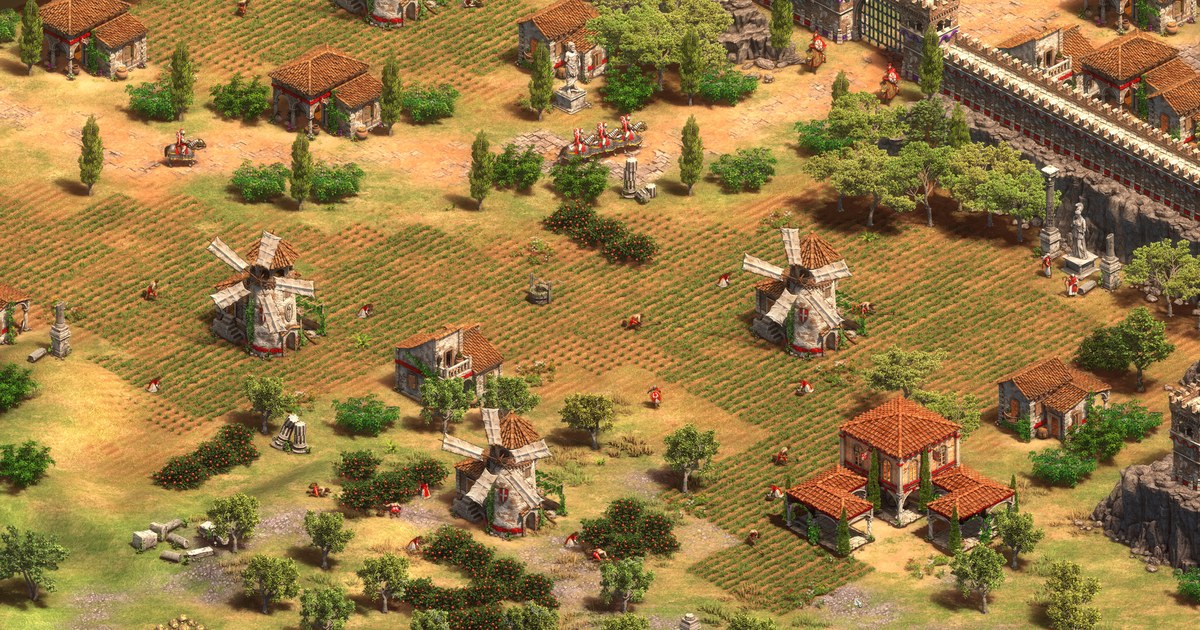

The short answer: if an Age of Empires II: Definitive Edition replay recorded before an update stops with an Out of sync error a few seconds to a few minutes in, or simply ends, it usually cannot be watched on the current version of the game.
The official Age of Empires support article says the same: a replay file from a previous update is no longer playable, and there is no way to restore it. According to reports and player explanations on the official forums, an AoE2 recorded game (.aoe2record) is not a video of the screen.
It is a time-ordered list of the commands each player issued, and the game recalculates those commands using the rules of the version you have installed right now.
So even a small patch change to gather rates or unit stats makes the result drift away from the original game, and the replay goes out of sync. You have two jobs. First, check when the replay was recorded and whether a game recorded on the current version plays back correctly.
Second, save any game you want to rewatch as video before the next patch arrives. The explanation below is based on the official support article and reports on the official forums as of November 2026. Once a game is saved as video, you no longer have to worry about how long replays are kept in each game or about patch schedules.
Symptoms, likely causes and what to do first
| Symptom | Likely cause | What to do first |
|---|---|---|
| A replay from before an update stops with Out of sync | The recording version differs from the current version | Assume it cannot be watched on this version and look for any video you saved |
| A warning says the file was created with a different build | The replay was recorded on a previous update | Choosing Yes usually ends playback quickly, so look for a saved video instead |
| It stops at the same point no matter how often you retry | The command recalculation drifts at that moment | Stop retrying and compare the recording date with the last update date |
| Games recorded after the latest patch also stop | Possibly a replay problem in the current version | Report it in the official forum bug section with the replay file |
| Only games recorded with mods enabled stop | Mods or data differ from when the game was recorded | Match the mod setup used at recording time, then play it again |
| The game is missing from the Replays tab | The file is not in the save folder or is somewhere else | Check the Replays tab and the Open Saved Games Folder button under Single Player, Load Game |
| The game is installed on a drive other than C | Per the official support article, recorded games save to the C drive regardless of install location | Check the save folder on the C drive, not the install drive |
Bottom line: a different version means no replay, so save your next games as video
If an old replay stops at the same point every time, treat it as a version mismatch rather than something broken on your PC. The message the game shows says it directly: 'Out of sync replaying game.
This is usually caused by incompatible game version or data being used.' Before playback you may also see the warning 'This replay file was created with a different build of the game than the one currently used.' According to the official support article, choosing Yes often opens the replay, but it ends very quickly.
Reinstalling or verifying game files does not change the installed version, so neither will bring an old replay back.
Running a separate older build is not an officially supported feature, and there are reports that the third party tools the community used for this no longer work, so we do not recommend it.
Replays you receive from other players or download can stop for the same reason if they were recorded on a different version.
On the other hand, if games recorded after the latest patch also stop, the cause may be a replay problem in the current version rather than a version gap, so it is worth reporting it in the official forum bug section along with the replay file. Either way, a video file is the only form that survives every patch for a game you want to watch again.
What to check when a replay will not play
- 1Check the recording dateLook at the date of the replay file in the save folder and compare it with when the game last updated. If it was recorded before the update, stopping on the current version is close to expected behavior.
- 2Test with a short game on the current versionPlay a short game against the AI, record it, and play it back right away. If that one plays to the end, the problem is the old replay's version gap. If it also stops, suspect the current version.
- 3Match mods and dataIf the game was recorded with mods enabled, turn on the same mods before playing it back. If a mod you have on now did not exist back then, turn it off and try again.
- 4Report it if recent games also stopIf games recorded on the current version keep stopping at the same point, post your game version and the replay file in the official forum bug section. That helps find the cause more than reinstalling does.
- 5Save games you want to rewatch as video before a patchBefore the next update arrives, record the replay while it plays, or record your gameplay from the start, so important games exist as video files. Video plays any time, regardless of version.
Before you start
- I compared the replay's recording date with the last update date
- I tested whether a short game recorded on the current version plays to the end
- I checked that my mod setup matches the one used when recording
- I know reinstalling or verifying files does not change the game version
- I have a plan to save games I want to rewatch as video before the next patch
With DOR running, your AoE2 games stay on video
DOR is a free game recording app for Windows. When you launch Age of Empires II, a supported game, DOR detects it automatically and records the whole session from launch to exit, and the recordings collect in My Clips in the app.
Because it is a video file rather than a command list, it plays the same after the next patch, and if you play a replay inside the game before an update, that playback is captured in the same session video too.
In the app you can trim just the deciding fight and save it as 16:9, 9:16 or 1:1, and in DOR Studio (dor.gg/studio) you can merge clips, add text, BGM and effect templates, then export an mp4 or share a dor.gg link. Nothing DOR produces carries a watermark.
Storage is only tidied up when the full gameplay video allowance (5GB by default) is exceeded, removing the oldest videos first while keeping recent recordings and videos you liked. The settings are covered in DOR save location and storage limit.