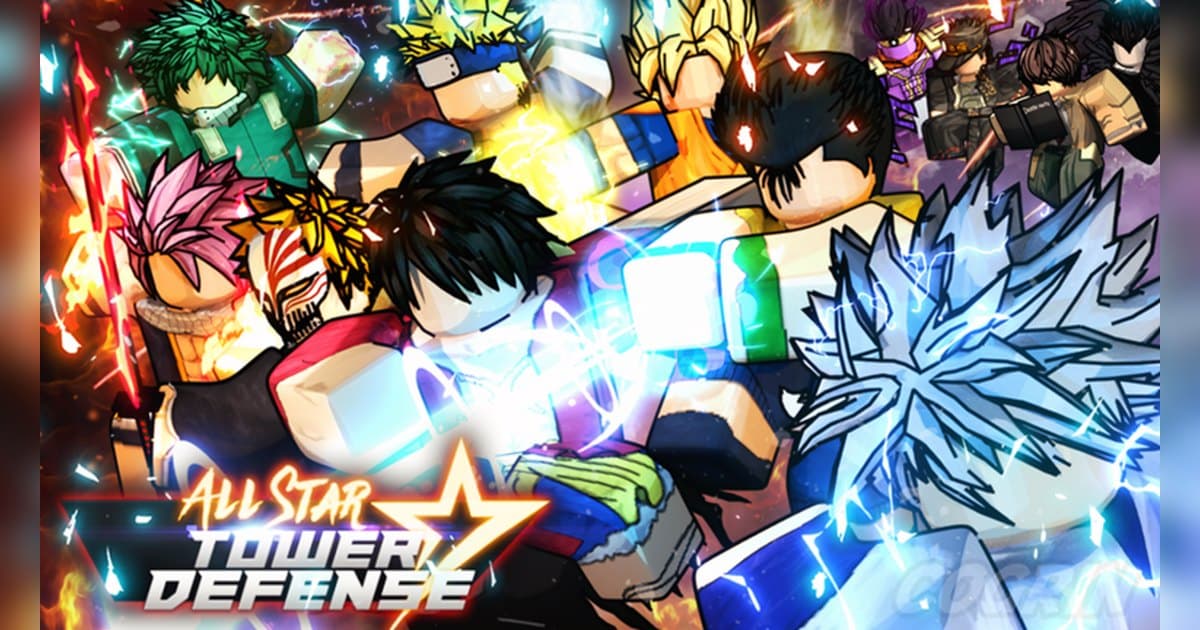
All Star Tower Defense, or ASTD, is a Roblox tower defense experience where you place units to stop waves of enemies. It is made by Top Down Games and was created on May 7, 2020. On October 20, 2026 it showed about 7.94 billion visits, the most of any experience covered in this pack, along with about 2.32 million favorites and about 1.5 million likes for roughly 92 percent positive votes. About 7,000 people were playing at that moment, a server holds up to 38 players, and the last update was on October 19. Its chart footprint is unusual. It was not in the US top ten for Top Trending, but it was 11th in US Top Revisited and 16th worldwide, and Korea and Thailand were the only two of the 15 chart settings we checked where it made the Top Trending top ten. In other words, this is an experience people return to. The country breakdown is in popular Roblox games right now. This guide sticks to the official description, badge and event posts. Unit tier lists and trade values are left out.
The short version: collect units at the Gate, survive with in battle upgrades, and push story mode and the Infinity Tower with friends
The official description explains how to play in seven short lines. Use your units to fend off waves of enemies; each unit has unique abilities; upgrade your troops during battle to unlock new attacks; summon from the Gate to unlock new units for battle; and team up with your friends to take on story mode or the Infinity Tower. It adds that new things appear in the Summon Gate and Emote Shop every hour, so joining at a different hour on the same day can show you a different Gate. For more details it points you to the update board in the lobby and the experience's social channels. One clear goal comes from the official badge: World 2, for finally making it to the second world, held by about 3.01 million players. The event list carries the announcement that All Star Tower Defense X, ASTD X, would launch on July 5, 2025. ASTD X is a separate experience, and the [OG] tag in front of this one means it is the original that has run since 2020. Progress is separate between the two, so decide which one you are playing first. For a new player, collect units in story mode and learn when to upgrade during battle, then move on to the Infinity Tower with friends. A wave you barely held or the moment the unit you wanted came out of the Gate is worth having on video. If you have not recorded Roblox before, start with how to record Roblox gameplay.
Starting All Star Tower Defense: do it in this order
- 1Join the [OG] experience with the PC versionOpen the experience with [OG] in front of its name in the PC version of Roblox from roblox.com. ASTD X is a separate experience. With DOR installed, recording starts with nothing to press.
- 2Read the update board in the lobbyThe description sends you to the update board in the lobby for details. Check what event is open and what has changed before you start.
- 3Summon from the Gate to build a first teamGet units from the Summon Gate and build your team. The Gate refreshes every hour, so if what you want is not there, check again next hour.
- 4Learn in battle upgrades in story modeEach unit has unique abilities, and upgrading during battle unlocks new attacks. Use story mode to get a feel for when to place and when to upgrade.
- 5Take on the Infinity Tower with friendsWith 38 players per server it is easy to bring friends. Team up as the description suggests and climb the Infinity Tower. If your usual group is offline, try the Roblox group finder.
All Star Tower Defense moments worth keeping, and what officially backs them
| Moment | What the official sources confirm | How to keep it |
|---|---|---|
| Pulling the unit you wanted from the Gate | The description says you summon from the Gate to unlock new units. | Press the clip hotkey right after the result to keep the summon animation. |
| A wave held with in battle upgrades | Upgrading during battle unlocks new attacks, per the description. | Holding takes time, so trim just the tense part from the full recording. |
| Your first step into the second world | The World 2 badge is awarded on reaching the second world. | It took a while, so keep the badge notice on screen a few extra seconds. |
| Climbing the Infinity Tower with friends | The description invites you to take on the Infinity Tower with friends. | Keep your friends' voices on the same track for the close calls. |
| The Gate after its hourly refresh | The Summon Gate and Emote Shop change every hour. | A short clip of the Gate right after a refresh makes comparisons easy. |
Before you join All Star Tower Defense
- You are using the PC version of Roblox from roblox.com.
- You checked for the [OG] tag so you are in the original.
- You read the update board in the lobby.
- There is enough free space for long wave runs.
- You will ask before posting videos with a friend's voice.
Keep every All Star Tower Defense wave with sound using DOR
All you do is launch Roblox. There is no button to press and nothing to set up: DOR, a free Windows PC app, recognizes the PC version of Roblox and starts AI auto recording the moment you join All Star Tower Defense. When you leave to the home screen, that session lands in your library as one mp4. Game audio and your microphone are recorded together on one track, so the chatter with friends while you hold the line stays in the file, and AI voice notes log what was said with timestamps so you can jump back to the loudest moments. To keep the unit that just came out of the Gate on its own, press the clip hotkey and the last 30 seconds are saved as a clip, with 15, 30, 45 or 60 seconds to choose from. Recording defaults to 1080p at 30fps, with 60fps available. Pick the clips you saved and press Create highlight, and the AI highlight joins them into one video; trim any part to 16:9, 9:16 or 1:1 and share it with a single dor.gg link. DOR Studio opens right in your browser for text, background music and effect templates. For the tower defense that is climbing the charts right now, see the Vanguards guide.
 #Roblox