The short answer: as of November 29, 2026, ARC Raiders has no replay feature and no killcam or death cam.
The recent updates posted on the official Embark Studios news page (Live Update 2.3.0 on October 27, Live Update 2.6.0 on November 17, and Store Update 2.7.0 on November 24) say nothing about adding a killcam, a death recap, or replays.
So if you want to rewatch a raid where you died unfairly, or a fight where you never saw where the shots came from, there is only one way: record your own screen.
The steps below show how to capture every raid automatically from your next match, and how to auto record an ARC Raiders raid and trim the best moments walks through cutting and uploading a recorded match in detail. If you want to save killcams from other games as video, see how to save killcams and death cams.
What ARC Raiders shows and how to rewatch it (as of November 29, 2026)
| What you want | In the game | How to rewatch it |
|---|---|---|
| Killcam (enemy view right after death) | Not added in official patch notes or announcements | Rewatch the last fight in your own recording |
| Full replay of a past match | No official feature | Play the automatic raid recording from the start |
| Result after the round | Summed up on the End of Round screen | Jump to the time you extracted or died in the recording |
| Players from your recent matches | Social > Recent tab, bottom right of the lobby | Match them to the fight you see in the recording |
| Reporting a suspected cheater | Select the name in Recent, choose Report, add a reason and short description | Use the recording to get the time and situation right in your description |
| Gunshots or footsteps you missed | No way to hear them again after the round | Listen again in a recording that holds game audio and your mic together |
Bottom line: you cannot rewatch inside the game, only your recording remains
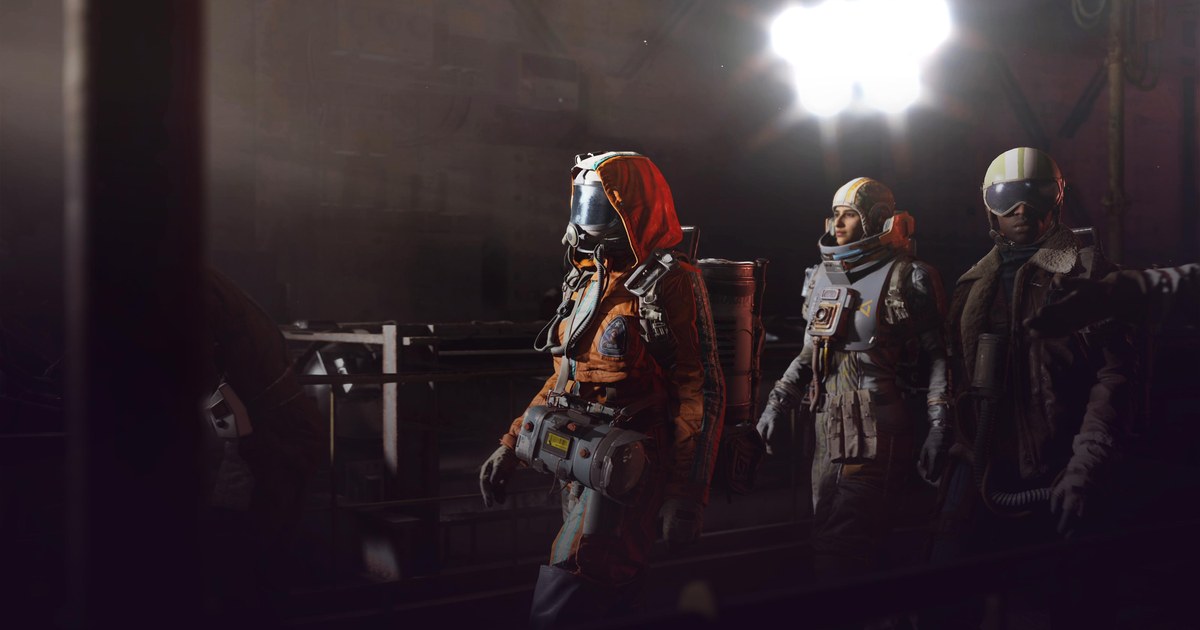
ARC Raiders is a PvPvE extraction game where you drop in solo or in a party of up to three, grab loot, and try to get out alive. It launched on October 30, 2025 and has been updated for a full year, but as of November 29, 2026, no official notice mentions a way to play back a match.
When a round ends, the End of Round screen sums up the result, but it does not replay what happened. In the community, players keep asking for a killcam so they can check suspicious deaths and learn from mistakes.
Others argue that in duos and trios a killcam could reveal an ambusher's position to the rest of the squad, that it would add processing load, and that suspicious deaths are better handled through reports.
Either way, what you can do today is the same: check the players from your recent matches in the Recent tab under Social, and keep the moment itself in your own recording. To compare how replay features work in similar shooters, see the Delta Force replay guide and whether Apex Legends has a replay feature.
Set it up so you never miss a death again
- 1Install DOR and keep it runningDOR is a free Windows app. Once it is installed and running, you no longer have to press a record button every time you start a raid.
- 2Launch ARC Raiders and start a raidDOR detects ARC Raiders automatically and records each match. Each raid becomes one video, and recordings collect in My Clips in the app.
- 3Pick a quality that suits rewatchingThe free plan offers 720p or 1080p at 30 or 60 fps, with 1080p at 30 fps as the default. If you want to recheck a distant enemy or small text, 1080p at 60 fps is easier to read. 1440p, 4K, and 120 or 144 fps come with DOR Pro.
- 4Find the moments before your deathOpen the raid you just played in My Clips and scrub back from the end to reach the last fight quickly. Game audio and your mic are recorded together, so you can listen again for the direction the shots came from.
- 5Trim only the part you needCut the part you want for a report description or to show a friend, and save it in 16:9, 9:16, or 1:1. Submit the report itself through the official form by picking the player in Social > Recent, and use the recording to note the time and situation accurately.
Check these before you save an unfair death
- Is DOR running before you start the raid
- Did you set the recording quality for rewatching, such as 1080p at 60 fps
- Did you check the player names in Social > Recent after the round
- If you suspect cheating, did you add a reason and short description in the in game report
- Did you like the raid videos you want to keep
Keep whole raids with DOR instead of waiting for a replay
Since ARC Raiders has no way to play back a match, recording is the only way to watch a past raid again. DOR is a free Windows app that detects ARC Raiders when you launch it, records the entire raid, and collects it in My Clips.
Even if you would have missed the moment to hit record, the death is on video, and you trim the scenes you want yourself.
In DOR Studio (dor.gg/studio) you can combine scenes from several raids, add text, BGM, and effect templates, then export an mp4 or share a dor.gg link, with no watermark on the result. To send a trimmed scene to friends, see how to share ARC Raiders gameplay videos.