BloxStrike is, in its own words, a fast paced competitive 5v5 shooter where strategy, aim and teamwork decide the outcome. It is made by the BloxStrike group, which has about 1.25 million members; the experience was created on May 2, 2025 and opened with a beta release event on December 5, 2025. The Early Beta Tester badge for players who joined during the beta went to about 6.62 million people. On October 20, 2026 it showed about 305 million visits, about 1.08 million favorites and roughly 22,000 people playing at that moment, with about 639,000 likes against about 36,000 dislikes, around 95 percent positive. A server holds up to 14 players and the last update was on October 19. That day it was third in Top Trending for Taiwan, fourth for Brazil, fifth worldwide and in Indonesia, sixth in the Philippines and 20th in the US. The country breakdown is in popular Roblox games right now. The [ZOMBIES!] tag in front of the name is the creator's notice about current content. This guide sticks to the official description and the update posts on the experience page. Skin prices and crate odds are left out.
The short version: buy carefully, play around the objective, and talk to your team
The official description paints a BloxStrike match like this. You fight in round based combat across detailed maps, and you beat the other team by eliminating them or by planting or defusing the objective. Each round you earn cash by performing well, then spend it on a wide arsenal of weapons, utility and gear to gain the upper hand in the rounds that follow. The description boils it down to three phrases: buy wisely, aim true and play smart. It also calls the gameplay inspired by the classics of tactical shooters. On top of that sits an evolving weapon skin economy with rare skins, patterns and wear. The update posts show the Winter Update on December 19, 2025 adding a Winter Case, a Hostage Rescue mode where your team secures hostages and extracts them safely, and weapon charms, and on May 8, 2026 trading opened with a Trading Hub, a Global Marketplace and booths you can set up yourself. The new map Helena arrived on June 12, and the Anime Update on October 6 brought a new case, a new mobile layout and performance boosts. As a new player, build the habit of watching your cash each round before buying a lot of weapons. Whether you won or lost, what you bought and where you moved is clearest when you watch the round back on video. If you have not recorded Roblox before, start with how to record Roblox gameplay.
Starting BloxStrike: do it in this order
- 1Join with the PC version of RobloxOpen the experience in the PC version of Roblox from roblox.com. With DOR installed, recording starts with nothing to press, so your first round is on video.
- 2Learn the map with cheap weapons firstSince you earn cash every round, there is no need to chase expensive weapons in round one. Learn the routes and the objective sites first.
- 3Play around planting and defusingThe description says you can win by planting or defusing, not only by eliminations. Watch how your team splits around the objective and take a position that fits.
- 4Build the habit of buying with the economyYou earn more when you play well, so agree with your team to save after a lost round and buy big after a win. If you need a regular team, try the Roblox group finder.
- 5Watch rounds back after the matchRewatching what you bought and where you moved in a lost round shows what to fix next time. Trim the good rounds and share them with your team.
BloxStrike moments worth keeping, and what officially backs them
| Moment | What the official sources confirm | How to keep it |
|---|---|---|
| A round won by planting or defusing | The description lists planting and defusing as ways to win. | It plays out to the end of the round, so use a 60 second clip. |
| A clutch as the last player alive | In 5v5 rounds you win by eliminating the other team. | Press the clip hotkey right after the win to keep the moments before it. |
| A round turned around on a save | Each round you spend earned cash on weapons, utility and gear. | Trim from the full recording with room before it so the buy is visible. |
| Extracting the hostages | The Winter Update added Hostage Rescue. | Keep your team's calls on the same track so the plan comes through. |
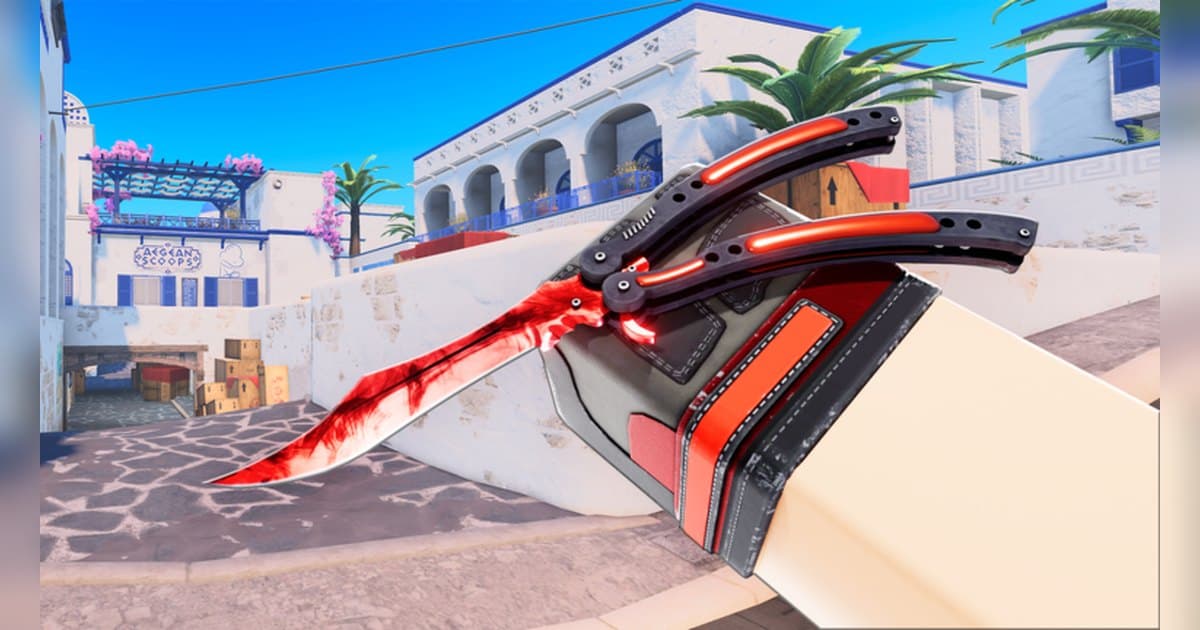
| A rare skin from a case | The description mentions rarity, patterns and wear. | Leave the result screen up a few extra seconds before saving. |
Before you join BloxStrike
- You are using the PC version of Roblox from roblox.com.
- You checked the tag in front of the name and the posts for the current mode.
- Your mic is ready for voice calls with your team.
- When trading, you check both sides on screen before accepting.
- You will ask before posting clips with your teammates' voices.
Keep every BloxStrike match with your team's calls using DOR
All you do is launch Roblox. There is no button to press and nothing to set up: DOR, a free Windows PC app, recognizes the PC version of Roblox and starts AI auto recording the moment you join BloxStrike. When you leave to the home screen, that session lands in your library as one mp4. Game audio and your microphone are recorded together on one track, so your team's calls stays in the file, and AI voice notes log what was said with timestamps so you can jump back to the loudest moments. To keep the clutch round you just won on its own, press the clip hotkey and the last 30 seconds are saved as a clip, with 15, 30, 45 or 60 seconds to choose from. Recording defaults to 1080p at 30fps, with 60fps available. Pick the clips you saved and press Create highlight, and the AI highlight joins them into one video; trim any part to 16:9, 9:16 or 1:1 and share it with a single dor.gg link. DOR Studio opens right in your browser for text, background music and effect templates. For a military shooter where you fight as a squad across a large open world, see the Blackhawk Rescue Mission 5 guide.
 #Roblox