To queue Premier in Counter-Strike 2 you need two things at once: Prime Status on the account and Profile Level 10. As of the 8 September 2026 check, Steam's official support documentation lists both side by side as entry conditions, and missing either one leaves the queue closed, so a greyed-out Premier button is almost always an account issue rather than a hardware or connection problem. The part players underestimate is the order rather than the conditions themselves. Valve's FAQ states plainly that an account without Prime Status receives no XP from any game mode on any server, which means there is no route where you grind the profile level first and add Prime later as a shortcut. This guide walks through the entry requirements, what a free account can genuinely still do, which matches actually move your CS Rating, and the sequence to follow when your account falls short, using only what the official documentation confirms. If you already qualify and the only missing piece is teammates, our guide on finding a Premier team picks up from exactly that point.
So what should you actually do
The short version is that there is only one viable path. Get Prime Status first, then earn match XP in casual and competitive until your profile reaches level 10, and only after that open the Premier queue. The official FAQ describes exactly two ways to obtain Prime, an in-game purchase or a purchase through the Steam Store, and once it is attached to your account there is currently no way to remove it. Pricing varies by region and by whatever sale is running, so check the figure shown on the store page while signed into your own account rather than trusting a number copied into an article. Valve has never published how many matches level 10 takes, so treat the hour estimates that circulate on forums as guesses and watch your own progress bar instead. Once you are in Premier, resist the urge to decide from memory why your rating moved; rewatching the round where the map slipped away teaches you far more, and the in-client method is covered in our walkthrough on how to watch CS2 demos.
The order to follow when you fall short
- 1Check the account for Prime Status firstA locked Premier button is an account state before it is anything else. Free accounts keep every other mode and matchmaking type, so the fact that casual and competitive queue normally tells you nothing about whether you meet the Premier bar.
- 2Buy Prime in game or on the Steam StoreThose are the only two routes the official FAQ describes. Nothing in the documentation grants Prime through playtime or phone verification, and once Prime is on the account it cannot currently be removed, so treat the purchase as a permanent change.
- 3Earn match XP in casual and competitiveProfile rank rises from match XP awarded after casual and competitive games conclude. Without Prime you receive no XP from any mode on any server, which is precisely why this step has to come after the purchase rather than before it.
- 4Reach Profile Level 10Profile rank tops out at 40 and Premier asks for 10 of those levels. Valve has not published how many matches that takes, so track the progress bar on your own account instead of planning around an hours figure from a forum thread.
- 5Queue Premier and pick up a CS RatingCS Rating is calibrated and assigned through Premier matchmaking only. Competitive wins never move it; they move your per-map skill group, which sits somewhere between Silver I and Global Elite, so the two numbers are not interchangeable.
- 6Build a fixed roster and stay off cooldownAbandoning matches, going AFK, excessive kicking or being kicked, and unusual-play detections all trigger cooldowns that can erase an entire evening. If you plan to run a fixed roster, confirm everyone's Prime and level before you agree on a time.
Free account vs Prime Status account
| What | Free (non-Prime) account | Prime Status account |
|---|---|---|
| Premier mode | No access | Playable once you also reach Profile Level 10 |
| Other modes and matchmaking | Full access | Full access, matched only with Prime users |
| Match XP and Service Medal | Never earned, on any mode or server | Earned normally |
| CS Rating | Not issued | Calibrated and assigned in Premier matches only |
| Competitive skill group | Not issued | Assigned per map through competitive matchmaking |
| Public leaderboards | Not eligible | Listed when inside your region's top 1,000 |
Before you press queue
- Prime Status is active on the account I actually play on
- My profile level is 10 or higher (profile rank caps at 40)
- I know CS Rating comes from Premier and skill groups come from competitive
- Everyone I queue with has Prime, not only me
- I know the cooldown tiers: 30 minutes, 2 hours, 24 hours and one week
- I know my leaderboard region follows the servers I play on most
- I treated all of this as checked on 8 September 2026 and reopened the official page
Keep the whole Premier match, not just the memory
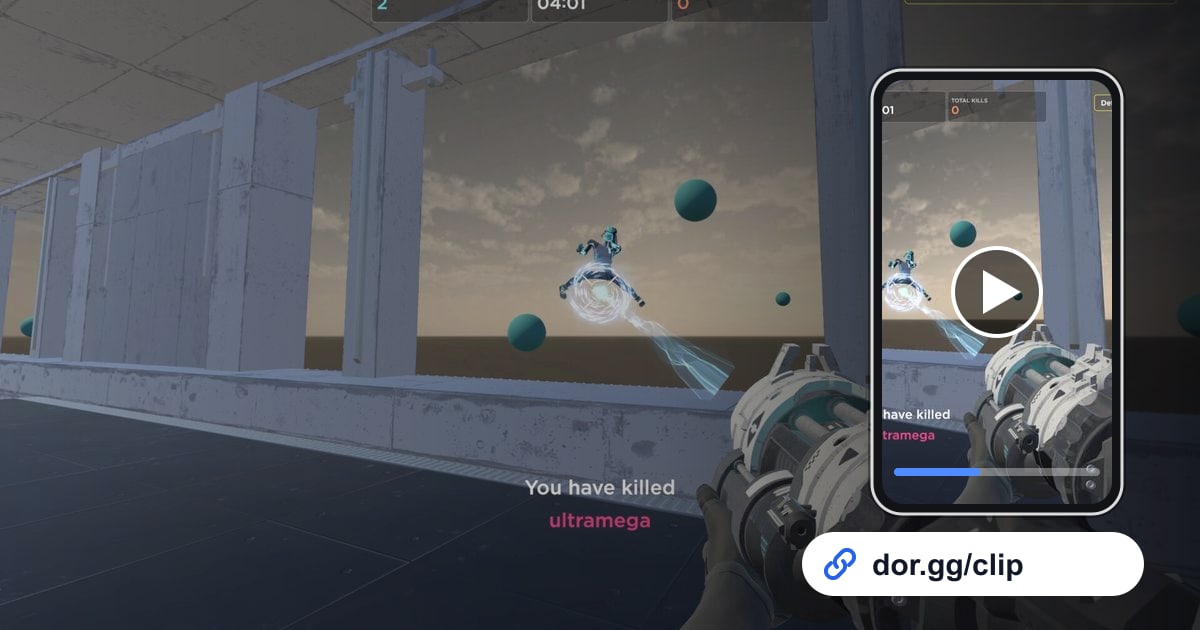
Premier matches run long, and the games that cost you rating tend to be the ones you remember least clearly. DOR is a free Windows desktop app that detects supported games automatically, records the full match end to end, and cuts highlights such as kills into separate clips stored in the in-app library. It uses NVIDIA NVENC hardware encoding by default and captures game audio and your microphone together, so the moment a call got crossed or two people read the same round differently is still audible when you go back. When you review, open the browser clip editor with nothing to install, trim only the section you care about, and hand it over as a dor.gg link, which plays in a mobile browser for teammates who are away from their desk. More material for the game sits in the Counter-Strike hub, and if you are still comparing capture tools, start with our roundup of CS2 clipping software.