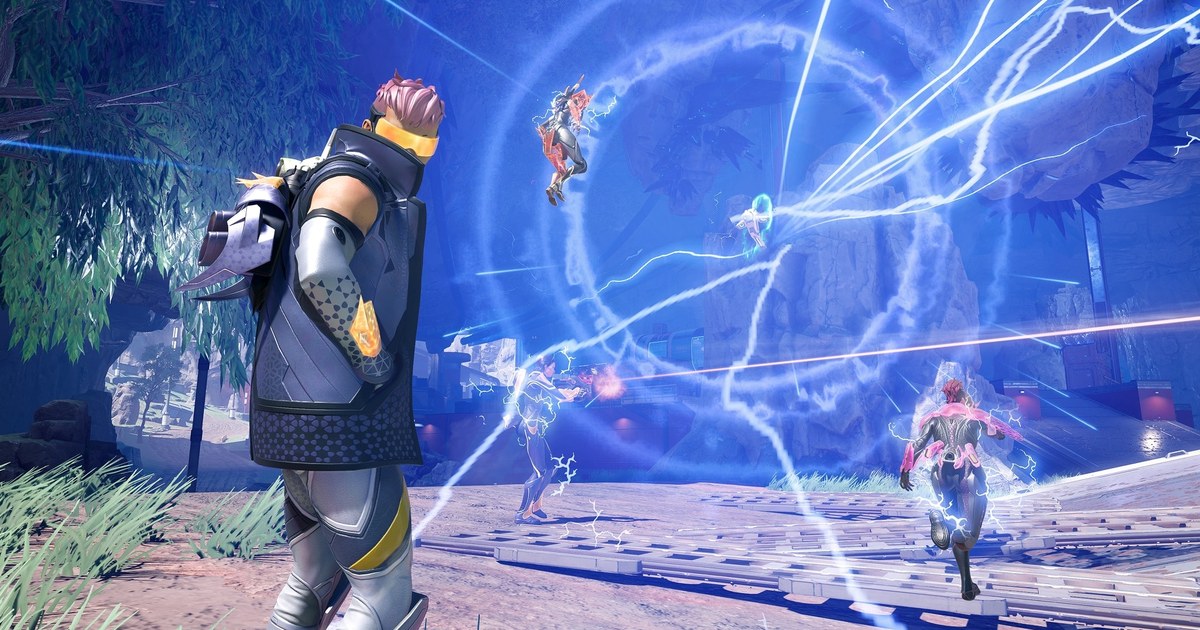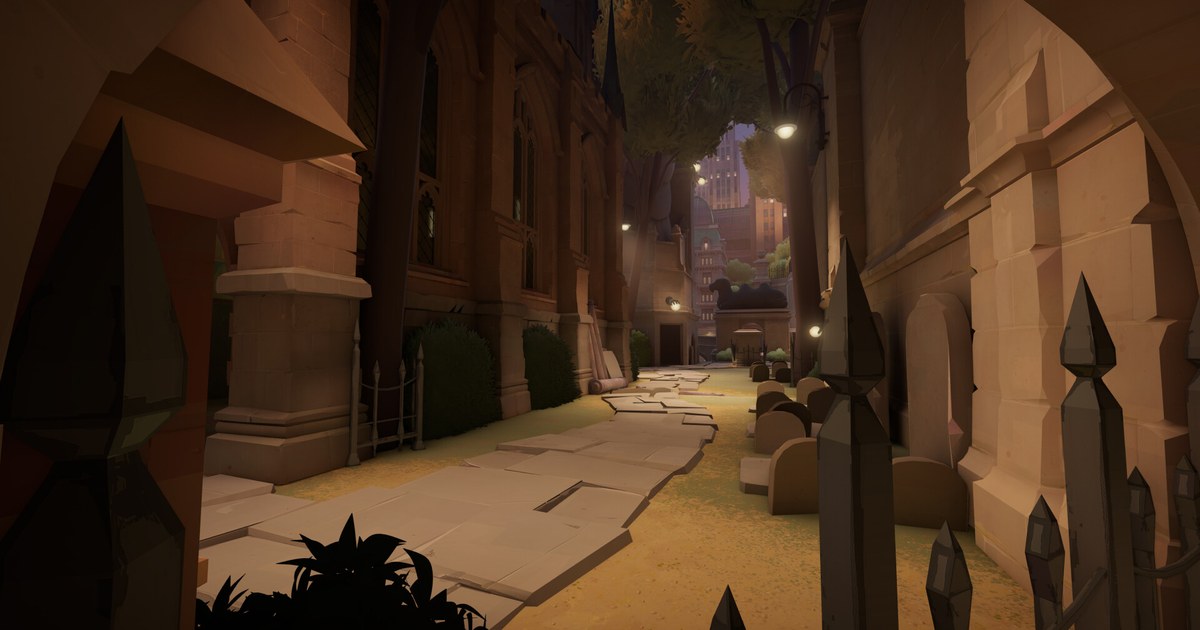

Deadlock is the 6v6 team game Valve has been playtesting since it officially announced it and opened its Steam page in August 2024: third person gunfights layered on MOBA rules, where you push lanes, collect souls, buy items and try to break the enemy Patron before they break yours.
Interest keeps climbing. After the City Never Sleeps update on September 29 began adding six new heroes one community vote at a time, reports citing SteamDB put the concurrent player peak at 303,347 on October 16, the day Violet arrived.
Yet the Steam page still says access is limited to friend invites from playtesters, so the first question most people have is simply how to get in. This guide is current as of November 3, 2026.
It covers how invites work, installing the game and what to practice before your first match, the requirements for Ranked, and when Ranked Season 1 actually ends.
Why you can't just download Deadlock yet
Deadlock is an early development build, and Valve says so plainly. The Steam page mentions lots of temporary art and experimental gameplay, states that access is currently limited to friend invites via playtesters, and lists the release date as To be announced.
In the development note that came with City Never Sleeps on September 29, Valve said it is still working on the core game and is building features such as progression and hero and hideout customization early, so they can change significantly based on feedback before a full release.
It did not give a date, and PC Gamer summed the post up as Valve saying the game is still too unfinished to release publicly. That leaves one official way in: an invite from someone who already plays. Invites only go to Steam friends, so that is your starting point.
If nobody you know plays, PC Gamer noted in October that invites are easy to find in plenty of Discord communities, and the Steam discussion boards and the Deadlock subreddit are other places people ask.
Whatever route you take, ignore anyone who wants money or items for an invite or asks for your Steam login. That is not how Valve's store page says access works.
From invite to first match in 5 steps
- 1Become Steam friends with someone who playsInvites can only be sent to people on the sender's Steam friends list. Send a friend request using their friend code or profile link and make sure they accept it. If you are asking in a community thread, the usual flow is to post your friend code, accept the incoming request, and wait for the invite.
- 2Have them send the invite from inside the gameThe person inviting you launches Deadlock and uses the friend invite option in the in-game menu to pick you. You get a Steam notification; accept it and playtest access is added to your account. Authorization can take a few minutes, so if nothing shows up right away, give it a moment and check Steam again before asking for a second invite.
- 3Install it and set your languageOnce access is granted, install Deadlock from your Steam library. It runs on Windows only and needs a 64-bit operating system. The OS, processor and graphics requirements on the store page still read TBD, so leave yourself plenty of free drive space. The game supports 17 languages, but English is the only one with full audio, so hero voice lines are in English whatever menu language you pick.
- 4Learn the basics in the tutorial and practice rangeFinish the tutorial before anything else. The Hideout, where you wait between matches, has a practice range for trying movement and abilities, and the Play menu offers bot matches if you want to walk the real map with no pressure. The goal: push troopers down three lanes, collect souls, spend them in the shop, then break Guardians, Walkers and Shrines until you can take down the enemy Patron. Learn the ziplines early, because they are how you rotate between lanes fast.
- 5Play Standard first and bank wins for RankedStart in Standard mode, the unranked queue. It has no restrictions on party size or skill spread, so you can queue with the friend who invited you, and the matchmaker accounts for how much experience you have on a hero. For something quicker, Street Brawl, the fast paced mode added in January, is also there. Ranked unlocks at 60 Standard wins, you can only pick heroes you have won at least 15 Standard games with, and you need at least three of them. Settling on three or four main heroes early gets you there faster.
Deadlock at a glance (as of November 3, 2026)
| Item | Current status | Worth knowing |
|---|---|---|
| Access | Friend invites from existing playtesters only | Official wording on the Steam store page |
| Release date | Listed as To be announced on Steam | Valve's September 29 development note gave no date |
| Platform and specs | Windows only, 64-bit OS required | OS, processor and graphics requirements still TBD |
| Languages | 17 supported | English is the only language with full audio |
| Match format | 6v6 across three lanes | Spend souls on items, push past Guardians and Walkers, destroy the enemy Patron |
| Modes | Standard, Ranked, Street Brawl | Ranked opens at 60 Standard wins, solo or duo only |
| Latest major update | City Never Sleeps on September 29, six new heroes | Rat King, Baba, Solomon, Deadman Danny, Violet and Nurse Harrow arrived by vote from October 2 to 20 |
| Peak players | 303,347 concurrent on October 16 | Reported from SteamDB data on the day Violet launched |
Before your first match
- You are Steam friends with someone who plays and accepted their invite from the Steam notification
- Deadlock is installed from your Steam library and the in-game language is set the way you want
- You finished the tutorial and tried ziplines and your abilities in the practice range
- You turned on an FPS counter for your first match and confirmed your frame rate holds up (how to show FPS in games)
- If Ranked is the goal, you know the bar: 60 Standard wins, plus 15 Standard wins on each hero you want to use
Record your first matches from day one
Rewatching your own matches is the fastest way to learn a new game. DOR is a free Windows app: leave it running and it detects Deadlock the moment you launch it from Steam, then records your whole session, from the Hideout and hero select through every match until you close the game.
When a zipline ambush works or you steal the Mid-Boss, press the clip hotkey and the moment just before (30 seconds by default) is saved as its own clip; saving the last few seconds as a clip explains how to change the key and the length.
Recordings and clips land in My Clips in the app, where you can trim a section and save it as 16:9, 9:16 or 1:1, or open DOR Studio to merge several moments and add text and music.
Send the result as a dor.gg link and it plays right in a phone browser, which makes it easy to show your first kill to the friend who invited you. For tips on posting to a server, see sharing clips on Discord, and to capture your other Steam games the same way, see how to record Steam games.