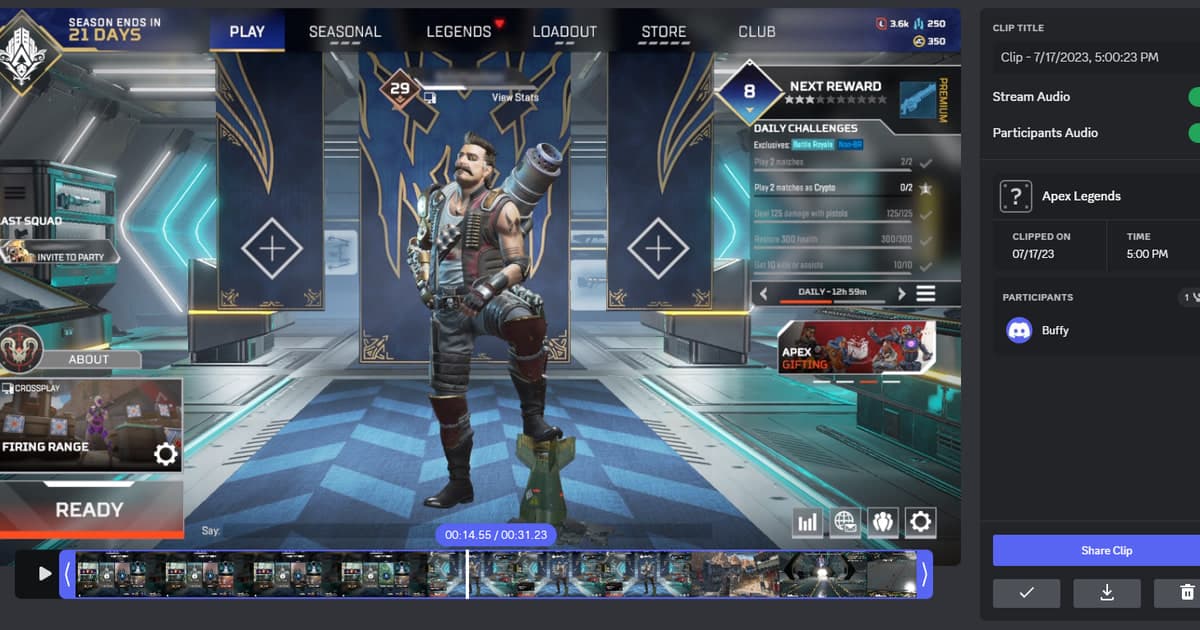
A player who wants to send the moment that just happened must first choose between Discord’s own capture feature and an external video file. Discord Clips saves a recent segment locally while you stream, whereas attaching an MP4 that another recorder already created is a separate workflow.
Identify the file and the required outcome first
Test Discord Clips when the Nitro Early Access, Windows hardware, and application-streaming requirements are met; otherwise create a normal MP4 with a separate capture tool. If game sound is absent, confirm that the game application—not the whole screen—was streamed; if an attachment is rejected, check the upload limit shown for the current account.
A source-safe workflow
- 1Choose the audience — Decide between a direct message, private channel, and public server; inspect names, voice, overlays, and notifications that could appear.
- 2Create a sixty-second sample — Use Discord Clips or an external recorder and include only the game sound and voices that are meant to be shared.
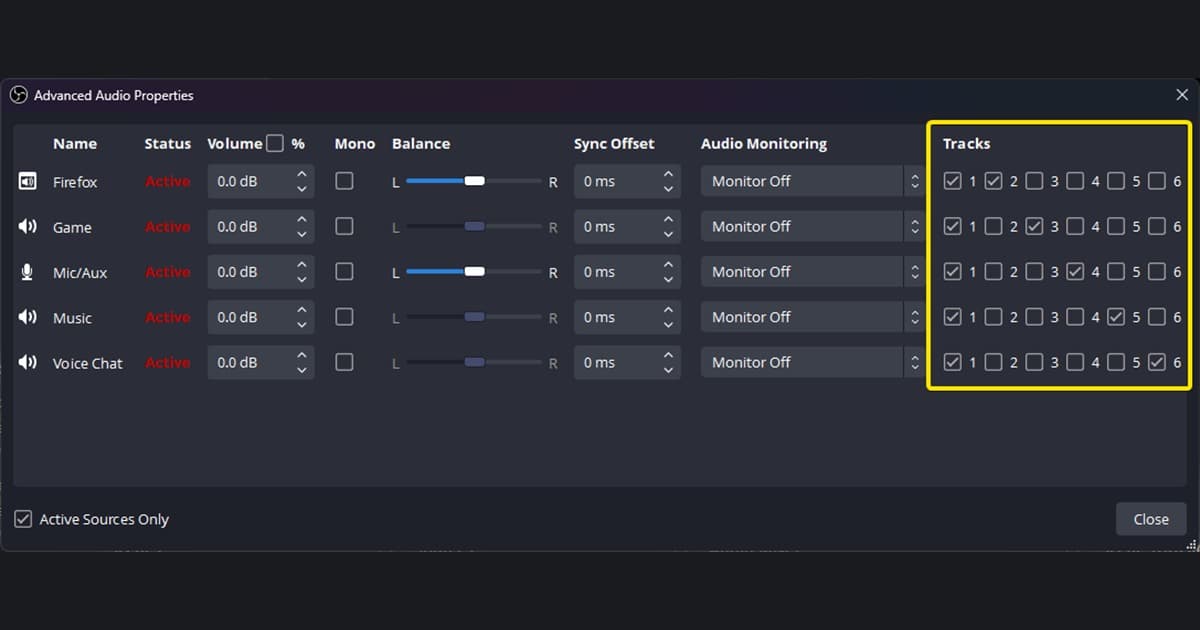
- 3Play it outside the capture tool — Check duration, game audio, microphone, first-frame rendering, seeking, and whether the file opens on an ordinary player.
- 4Share in a small channel first — Confirm the live attachment limit and preview, then shorten or re-encode only if the test requires it.
Compare the options and their failure conditions
| Option | Best fit | Verify before committing |
|---|---|---|
| Discord Clips | Saving the previous 30 seconds, 60 seconds, or two minutes while streaming | Feature availability, Windows hardware, application stream |
| External MP4 attachment | Sending a short recording that is already edited | Current account limit, playable codec, private information |
| External share link | A larger original or repeated viewing by a group | Link visibility, expiration, and download permission |
Checks after a one-match test
- No private message, desktop window, or notification is visible.
- Game audio and voice-channel audio match the intended audience.
- The file fits the attachment allowance currently shown by Discord.
- Server rules and the consent of people whose voices appear were checked.
- The local source remains available until the upload is verified.
Test DOR as a separate capture path
When Discord Clips is unavailable, producing a standard video first keeps both attachment and permission-controlled link sharing available. fix an oversized Discord video, find recording files, Valorant game page. For a game example of making shareable clips, see automatic PUBG clips.
Official source and version boundary
Discord says Clips are stored locally, capture a recent portion while streaming, and require streaming the application rather than the screen to include game audio. Discord Clips Help Center article.