Here is the short answer: the fastest way to open the most Treasure Hunters event chests is to land at Rubber Resort, open the regular and Rare Chests there, then run on toward Lantern Landing and Loguetown. If you want buried treasure, land at The Chest and dig with your pickaxe.
Chests show up in both Battle Royale and Zero Build, and squadmates share special reward finds. Chest spawns are spread across the 12 named areas on the map, so knowing the area names is enough to build a route.
Guide sites disagree on chest counts, and at least one says its list reflects the first week, so use the numbers below only to compare areas, not as an exact total. The wider event and the One Piece collab rewards are covered in our Fortnite One Piece collab guide; this page sticks to chest locations and routes.
If you keep running the same area every match, your runs start to look alike, and recording the full match with the steps in how to clip Fortnite makes it easy to check later how well your route worked.
The answer: Rubber Resort for chests, The Chest for buried treasure
If you want the most chests in one match, Rubber Resort is the first pick. It has the most regular chest spots and also has Rare Chests, so you can collect both types right after landing. Lantern Landing and Loguetown are the next two, each with roughly 40 regular chest spots.
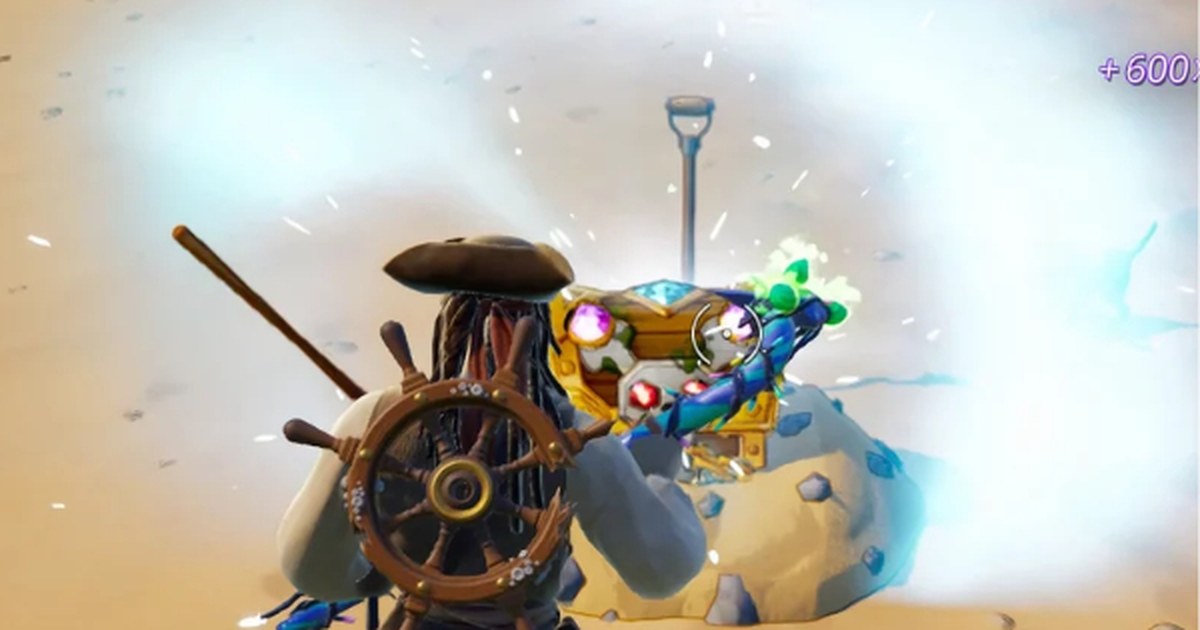
Buried treasure is concentrated at The Chest, and many guides also point to the northeast island. Buried treasure is opened by digging with a pickaxe, so chests are not visible at a glance; check the map hints before you pick a spot.
In this event, where you land and the order you run matters more than memorizing every spot. Area names below are written as they appear on the in game map.
How to run the chest event efficiently
- 1Pick one landing area firstDecide on a single drop for the match. Rubber Resort is the pick for regular plus Rare Chests, and The Chest is the pick for buried treasure. Planning several stops from the start often ends in a fight before you open anything.
- 2Grab a weapon and keep your pickaxe readyBuried treasure needs a pickaxe, so grab a weapon from the nearest chest after landing. Chests appear in both Battle Royale and Zero Build, and squadmates share special reward finds.
- 3Finish one area before leavingInside an area, chests are scattered across buildings and roadsides, so one lap opens most of them. A spawn point is only a place a chest can appear, not a guaranteed chest, so do not linger at empty spots.
- 4Move on to a connected areaA route that guides often suggest runs Lantern Landing, Arlong Park, Loguetown, then Cursed Cavern. Check the storm on the map before each move to make sure the next area is safe.
- 5Trim the reward moment from your recordingSpecial rewards are rare, so cut the moment from your full match recording and keep it to show friends later. The steps for joining several moments are in how to merge game clips.
Chest types by area and when to pick each
| Area | Chests you can find | Good for |
|---|---|---|
| Rubber Resort | Most regular chests, plus Rare Chests | Opening the most chests in one go |
| Lantern Landing | Many regular chests, some Rare Chests | The next stop after Rubber Resort |
| Loguetown | Many regular chests, some Rare Chests | Routes that continue north |
| Arlong Park and Plunder Port | Around 30 regular chests each, a few buried | A middle stop to fill your regular chests |
| The Chest | The biggest cluster of buried treasure | Digging only for buried treasure |
| Fortune's Fort and S.S. Rocky | Mostly Rare Chests | Prioritizing Rare Chests |
Before you drop
- You picked one landing area
- You are in a mode where chests spawn
- Your pickaxe is ready to dig buried treasure
- You checked this week's reward pool in game
- Recording is on so you can keep the chest moments
Keep the whole chest event match with DOR
DOR is a free Windows game recording app. When you launch Fortnite, it detects the game automatically and records the whole match, and recordings collect in My Clips. For Fortnite, kills and deaths are also saved as automatic highlight clips.
For the moment a chest reward appears, trim the part you want from the full match recording yourself. In the app you can cut a section in 16:9, 9:16, or 1:1, and in DOR Studio you can join several videos, then export an mp4 or share a dor.gg link. DOR output has no watermark. Replaying a recording also shows at a glance whether your route worked and where you lost time.