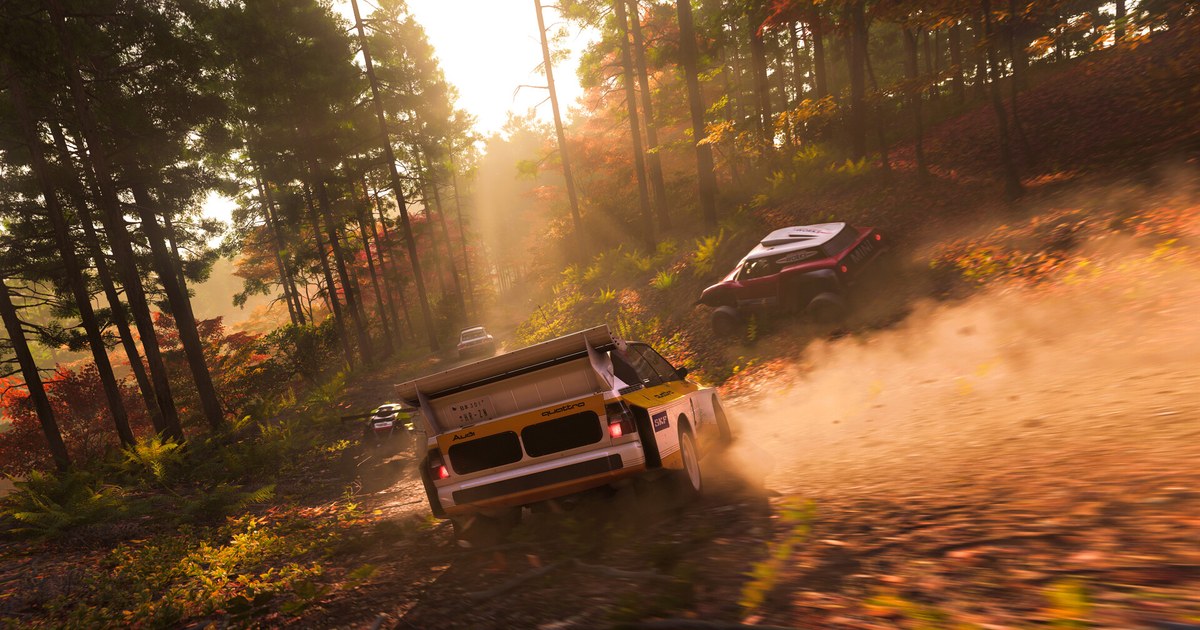

The short answer for Forza Horizon 6 PC settings is to fix three things first: turn ray tracing off, turn on an upscaler (DLSS, FSR or XeSS), and set Environment Texture Quality to what your graphics card's VRAM can hold.
Those three decide most of your frame rate, and shadows, fog and motion blur can be lowered one by one afterward.
According to the Steam store page, the minimum spec is a GTX 1650, RX 6500 XT or Arc A380 with 16GB of RAM and an SSD, the recommended spec is an RTX 3060 Ti, RX 6700 XT or Arc A580, and the install size is 167GB (as of November 24, 2026).
Guides disagree on some values, so this article only uses starting points that several of them share. After each change, confirm the frame rate actually went up, and turn on an overlay first with how to show FPS in games.
The answer: ray tracing off, upscaler on, textures matched to VRAM
First, turn off ray traced reflections and ray traced global illumination. Several reviewers rank them as the options that cost the most frame rate, and they also use at least 2GB more VRAM. Second, use an upscaler instead of lowering your resolution.
DLSS or DLAA is the default choice on RTX cards, FSR 4 on Radeon RX 9000 series, and XeSS on Intel Arc, while FidelityFX CAS has been criticized for looking weak in motion, so skip it.
Third, at 1440p start Environment Texture Quality at High with 8GB of VRAM or more, Ultra with 10GB or more, and Extreme with 12GB or more. Only turn on frame generation when your base frame rate is around 60 fps.
The order to change settings for more FPS
- 1Turn on an FPS overlay and set a baselineBefore changing anything, note your frame rate on the same stretch of road. Use how to show FPS in games to turn on an overlay, then use two spots as your baseline: a heavy one such as a night race and a stretch of open world driving.
- 2Keep native resolution and start from a high presetLeave the resolution at your monitor's native setting and start from a high preset such as Extreme. Stepping down one option at a time from there shows you which options are actually costing frames.
- 3Turn on the upscaler that fits your cardOn RTX use DLSS, or DLAA if you have frame rate to spare. On Radeon RX 9000 series use FSR 4, on Intel Arc use XeSS, and on other modern cards use FSR. If you see ghosting under the car, try a different upscaler and compare.
- 4Turn ray tracing off and check VRAMTurn off ray traced reflections and global illumination, then pick Environment Texture Quality while watching the live VRAM readout in the settings screen. If usage hits the limit, lower textures by one step.
- 5Lower shadows, fog and motion blur one by oneChange only one option at a time and measure the same stretch again. Lower shadows, then volumetric fog, then motion blur, and stop once you reach your target. The first 30 minutes or so can stutter because of shader compilation, so do not use those numbers as your baseline.
Forza Horizon 6 PC settings starting values
| Option | Starting value | Why |
|---|---|---|
| Environment Texture Quality | High with 8GB+ VRAM, Ultra with 10GB+, Extreme with 12GB+ (1440p) | It is more about VRAM than frame rate, so lower it only when memory runs short |
| Environment Geometry | High | Setting textures to High ties geometry to High as well |
| Ray traced reflections and GI | Off | The biggest frame rate cost, plus at least 2GB more VRAM |
| Screen Space Reflections | High | Keeps reflections looking good now that ray tracing is off |
| Shadows and Night Shadows | Medium to High | Guides disagree here, so adjust one step at a time while watching your fps |
| Volumetric Fog | Low to Medium | Hard to notice but fairly costly in frame rate |
| Motion Blur | Off or Short | Off or short is better for frame rate |
| Upscaler | DLSS, FSR or XeSS for your card | Looks less blurry than lowering the resolution |
Check before you finish
- Ray traced reflections and global illumination are off
- The upscaler matching your graphics card is on
- Environment Texture Quality stays within your VRAM usage limit
- Frame generation is on only when your base frame rate is around 60
- You re-measured the same stretch of road after every change
Record whole sessions with DOR before and after tuning
DOR is a free Windows game recorder. When you launch a supported game, it detects it automatically and records the whole session from launch to exit, and recordings collect in My Clips in the app.
Keeping a video from before and after a settings change makes it easy to compare the same scenes later, and you can trim your favorite corners or drift sections in the app and save them. Free recording quality goes up to 720p and 1080p at 30 and 60 fps, so follow how to record games at 60fps to set capture to 60 fps.
On supported NVIDIA graphics cards such as the RTX series, DOR records with NVENC hardware encoding. You can combine trimmed clips in DOR Studio, add text or BGM, export an mp4 or share a dor.gg link, and DOR output has no watermark. Sharing steps are in how to share Forza Horizon 6 videos.