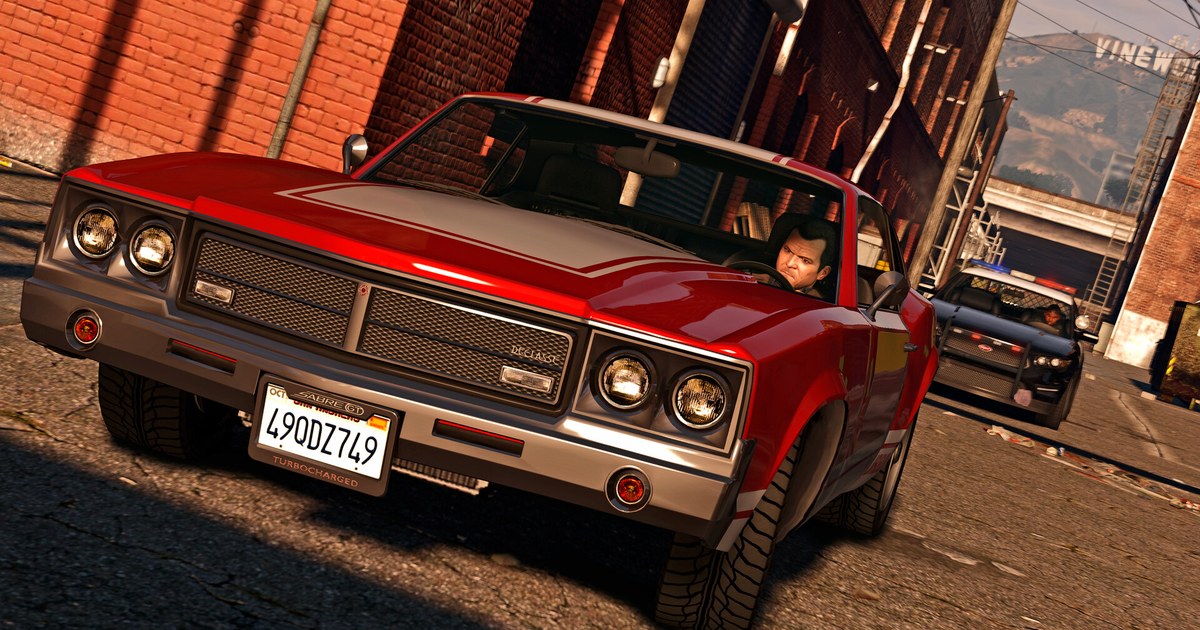

The short answer: GTA 5 on PC lists 105 GB for the Enhanced edition and 125 GB for Legacy on its Steam store page. Minimum and recommended specs show the same number, so there is no larger figure waiting for you, and these values were checked in November 2026.
If you have not picked an edition yet, start with GTA 5 Enhanced vs Legacy on PC and come back. This guide stays on storage only: how much space to clear before installing and how much to set aside for gameplay footage. The full spec sheet lives in GTA 5 size and system requirements.
GTA 5 PC storage at a glance (November 2026)
| Item | Steam listing | Note |
|---|---|---|
| Enhanced minimum and recommended | 105 GB | Same value for both, SSD required |
| Legacy minimum and recommended | 125 GB | Same value for both |
| Both editions installed | 230 GB combined | Keeping one installed saves space |
| Free space to leave for Enhanced | About 120 GB | Listed size plus roughly 15 GB |
| Free space to leave for Legacy | About 140 GB | Listed size plus roughly 15 GB |
| Recorded gameplay | Separate from the install | GB per hour depends on bitrate |
Bottom line: leave about 120 GB for Enhanced and 140 GB for Legacy
The Steam store lists 105 GB for Enhanced and 125 GB for Legacy. The size you see right after installing can differ a little from PC to PC, and the store itself notes that requirements can change as updates and content are added.
Rather than matching the listed number exactly, add roughly 15 GB of headroom, which means about 120 GB free for Enhanced and 140 GB for Legacy. The store also asks for an SSD with Enhanced, so an SSD is the right place for it.
Installing both editions adds up to 230 GB by the listed figures, so keeping one installed and switching when you need the other saves space.
How to plan your free space before installing
- 1Pick the edition firstEnhanced and Legacy differ by 20 GB in listed size. Decide by use, such as Enhanced for a fresh setup or Legacy for an existing mod setup, and the space math is settled.
- 2Check the drive's free spaceOpen This PC in File Explorer and read the free space on the drive you will install to. About 120 GB or more suits Enhanced and 140 GB or more suits Legacy.
- 3Set the install location in SteamIn Steam settings under Storage, choose the drive and add a library folder there. Point Enhanced at an SSD.
- 4Set aside space for recordingsIf you plan to keep gameplay footage, put the save folder on a different drive from the install. The tip below links a per hour size guide by bitrate.
- 5Recheck after installingOpen the game's properties in your Steam library and read the real disk usage. It can grow as updates stack up, so glance at free space about once a month.
Check before you press Install
- You have chosen Enhanced or Legacy
- The install drive has 120 GB or 140 GB free
- Enhanced goes on an SSD
- The recording folder is on another drive
- You are not planning to install both editions at once
Keep DOR running and supported games are recorded for you
DOR is a free Windows game recording app. Launch a supported game such as GTA 5 and it detects the game and records your play automatically. Recordings gather in My Clips, you can trim sections in 16:9, 9:16 or 1:1, and the results carry no watermark.
Old footage is cleared oldest first only when you exceed the Full Play Video share, 5 GB by default, while recent recordings and liked videos stay. To keep recordings off your install drive, see how to change the recording save location. Once your game space is sorted, all that is left is to keep DOR running.