The short answer is that GTA 6 fast travel means calling a ride and skipping it. There is no menu that teleports you from the map. You open your phone, call Paradise Taxi or RydeMe, get in, talk to the driver and choose skip, and you arrive at your destination right away.
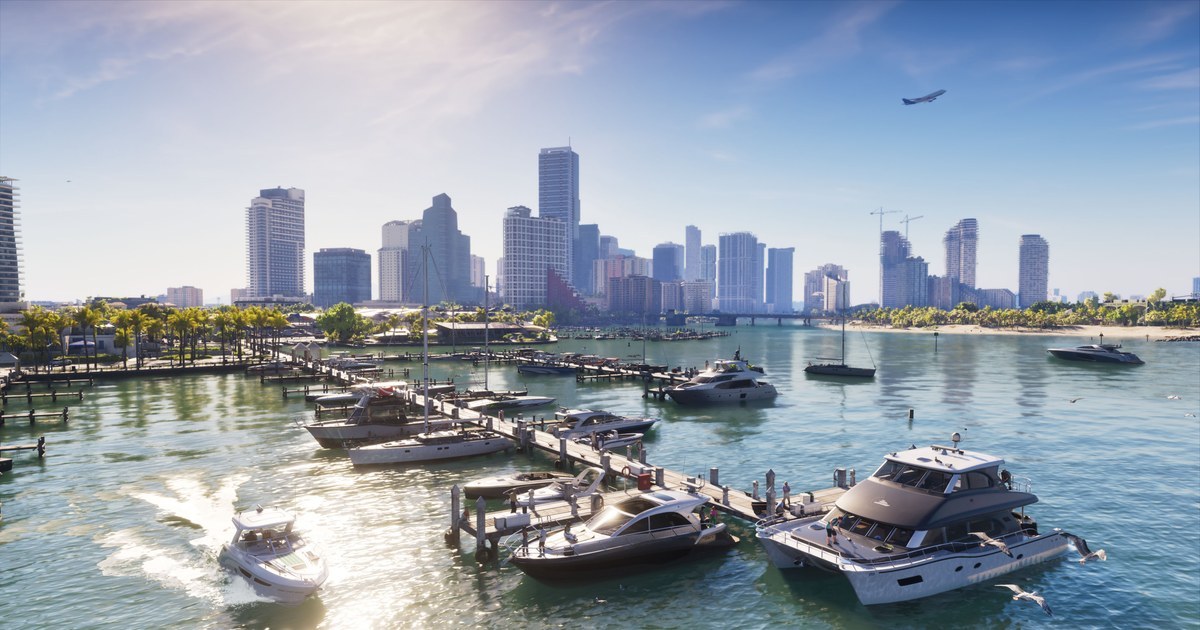
Leonida is big, and since GTA 6 came out on PS5 and Xbox Series X|S on November 19, 2026, this is the quickest way to get back to a far safehouse or the next mission marker without driving there yourself.
This guide covers the difference between the two ride options, the buttons for skipping, what it costs, why a call sometimes fails and when it is cheaper to just ride along. Guides describe a few details slightly differently, so the places where they disagree are marked.
Everything is current as of November 24, 2026. At the bottom there is also a short section on saving taxi scenes or any other moment as a video.
Short answer: Paradise Taxi first, RydeMe once you have a bank account, skip by focusing on the driver
Paradise Taxi is your only option at the start. Open your phone with Up on the D-pad, go to Contacts, then All Contacts, then Paradise Taxi. It charges the cash in your pocket, so carry some before you call.
After the Buck Me mission gives you a bank account, the RydeMe app appears on your phone and charges that account instead, so deposit money at an ATM first.
With either one, get in when the car arrives, hold L2 on PS5 or LT on Xbox to focus on the driver and choose skip, which is Triangle on PS5 and Y on Xbox. Most guides say skipping costs an extra $100 on top of the fare, so on a short trip it is cheaper to ride along.
How to travel fast by taxi
- 1Open your phone and call Paradise TaxiPress Up on the D-pad to open your phone, then go to Contacts, All Contacts and pick Paradise Taxi. It becomes available after the Gone Fishing mission and takes the cash you are carrying. When the car arrives you can set or change the destination, or cancel the call.
- 2Call RydeMe once you have an accountAfter the Buck Me mission opens your bank account, the RydeMe app shows up on your phone. Pick a destination and order the ride, and expect longer trips to cost more. The fare comes out of your account, so deposit cash at an ATM first. Opening the account is covered in the GTA 6 BuckMe bank account guide.
- 3Call from somewhere a car can reachIf a car cannot get to your location, the ride can be canceled. From a remote spot or open water, walk or swim to a road and call again. Some guides say you can even pick an undiscovered, fogged area as the destination as long as roads reach it.
- 4Focus on the driver and skipOnce you are in the car, hold L2 on PS5 or LT on Xbox to focus on the driver. A skip option appears, which is Triangle on PS5 and Y on Xbox, and choosing it ends the ride at your destination. Follow the on screen prompt if your button labels look different.
- 5Ride along on short tripsMost guides say skipping adds $100, which can be more than the fare itself on a short trip. For nearby spots, ride along and listen to the radio or check your phone, and keep skipping for long trips or when you are between missions.
GTA 6 taxi fast travel at a glance
| Item | Details | What to check |
|---|---|---|
| Map teleport | None, a ride call replaces it | The map screen has no teleport menu |
| Paradise Taxi | Called from phone Contacts | Available after the Gone Fishing mission, pays with cash |
| RydeMe | Phone app after the Buck Me mission | Charges your bank account, longer rides cost more |
| Open the phone | Up on the D-pad (PS5 and Xbox) | Contacts > All Contacts > Paradise Taxi |
| Skip controls | Hold L2 (PS5) or LT (Xbox) to focus on the driver | Skip is Triangle on PS5, Y on Xbox |
| Skip cost | Extra $100 in most guides | A few say $100 total, so check the first time |
| Where it fails | Spots a car cannot reach | Move near a road and call again |
Check before you call
- Paradise Taxi charges cash and RydeMe charges your bank account, so check your balance first
- Open the phone with Up on the D-pad, then Contacts > All Contacts for Paradise Taxi
- To skip, hold L2 (PS5) or LT (Xbox) to focus on the driver, then choose skip
- If you are far from a road, move to the roadside before calling
- On short trips, ride along instead of paying to skip
How to make a GTA 6 video
If you want to keep a taxi ride or any GTA 6 moment as a video, record it on your console, move it to your PC or phone, and edit it there.
On PS5, press the Create button and choose Save recent gameplay to keep anything from the last 15 seconds up to 1 hour, or Start new recording to capture up to 1 hour.
On Xbox Series X|S, press the Xbox button and then X to save the last 30 seconds, pick a length to keep up to the last 2 minutes, or choose Start recording to record from now.
Copy PS5 videos from the Media Gallery to a USB drive or pull them through the PS App, and view and share Xbox captures in the Xbox mobile app.
Then upload the video to DOR Studio on dor.gg, switch it to vertical 9:16, merge several clips, trim, add text, music and effects such as shake zoom, and export an mp4 or share a link. Your result has no watermark. The full workflow is in how to make a GTA 6 video, the merging steps are in how to merge game clips, and vertical Shorts are covered in how to make vertical gameplay videos.