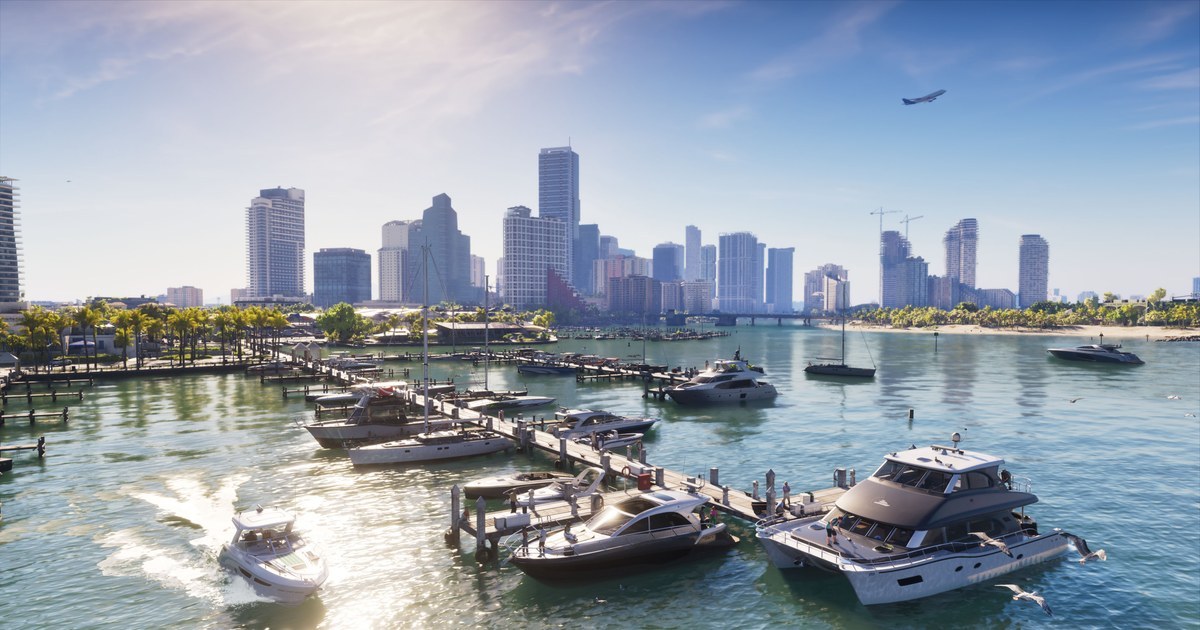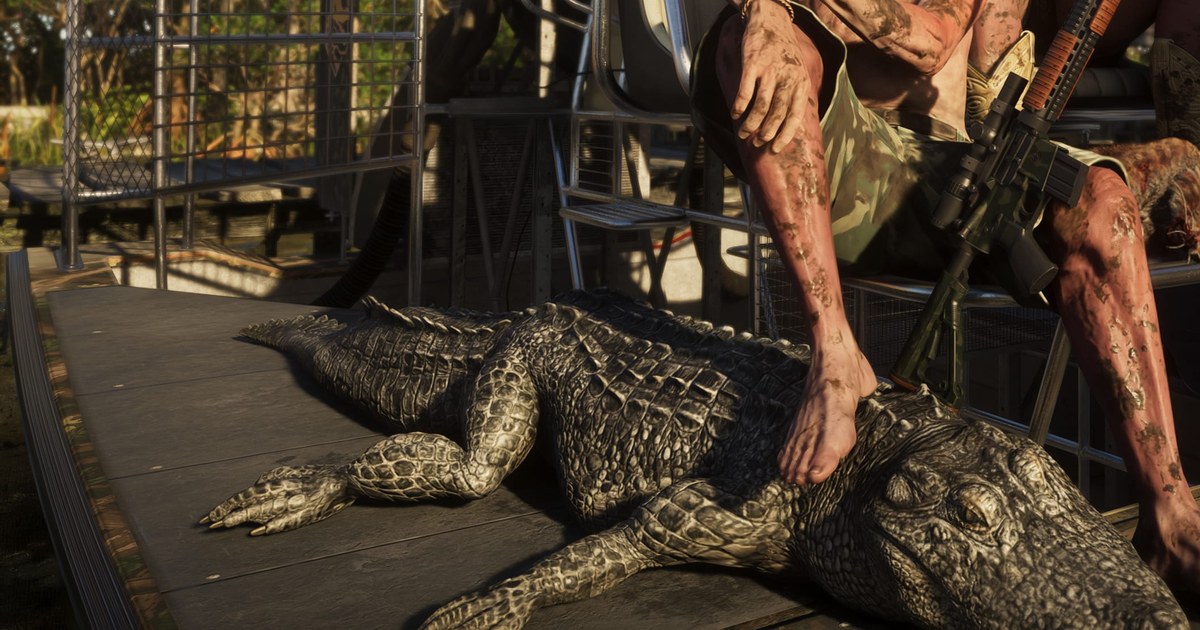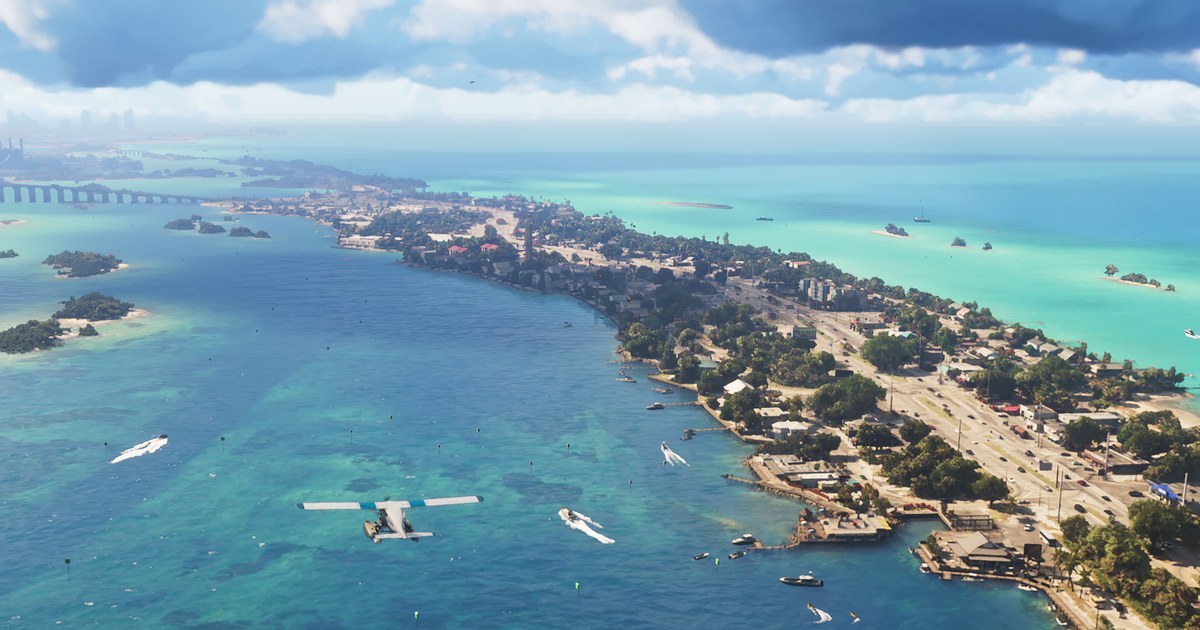
The short answer is that GTA 6 does not end when you see the ending. GTA 6 launched on November 19, 2026 for PS5 and Xbox Series X|S, and before the final mission it asks whether you really want to go ahead. After you finish it and see one of the endings, the game drops you back at that same choice.
This time Jason and Lucia say they are not ready, head back to Vice City, and you are free to play on. The final mission marker stays on the map so you can return to it whenever you want. As of November 24, 2026, New Game Plus has not been confirmed, and guide sites describe it as missing at launch.
This guide covers what you can do after the ending, how to start over, and how to replay a single mission. It does not describe any ending, so it is safe to read without spoilers. At the bottom you will also find how to record your post-ending play as a video.
Verdict: free roam after the ending, a new save or an earlier manual save to replay
The most confusing part is that continuing and starting over are two different things. Continuing just means free roam, and you can also walk back into the final mission marker to try for a different ending.
Starting the story over while keeping your upgrades and items, which is what New Game Plus means, has not been confirmed as of November 24, 2026. To start over, begin from a new save slot, and to replay one mission, load a manual save you made before it.
Because the ending depends on your final choice, keep one separate manual save right before the final mission. For how the endings split, read the spoiler-heavy GTA 6 endings and conditions.
How to keep playing after the ending
- 1Make a manual save before the final missionBefore you start the final mission, make a separate manual save from the pause menu. The ending depends on your final choice, so this save lets you jump straight back if you want to see another ending.
- 2Watch the ending and return to the choiceAfter the ending, the game takes you back to the choice right before the final mission. This time Jason and Lucia say they are not ready, and you head back to Vice City.
- 3Use free roam for what is leftSome players feel the world is frozen in place because no new story follows the ending. Even so, side activities, collectibles and 100% completion goals are still there to fill.
- 4Go back to the final mission marker when you wantThe final mission marker stays on the map. If you get curious about another ending, walk up to it and start again. It is safest to make a manual save of your current state first.
- 5Use a new save slot to start the story overIf you want the story from the beginning, start a new game in a new save slot. A New Game Plus that carries your upgrades over has not been confirmed as of November 24, 2026. Keep your old save instead of deleting it.
What you can do after the GTA 6 ending
| Item | What happens | What to check |
|---|---|---|
| Right after the ending | You return to the choice before the final mission | This time Jason and Lucia decline |
| Free roam | You go back to Vice City and play freely | Leftover side activities are still open |
| Final mission | The marker stays on the map for a retry | You can aim for a different ending |
| New Game Plus | Not confirmed as of Nov 24, 2026 | Guide sites say it is not in at launch |
| Start over | Begin from a new save slot | Keep your old save untouched |
| Replay one mission | Load a manual save from before it | See GTA 6 mission replay |
| 100% completion | You can keep filling remaining goals after the story | Collectible counts have their own guide |
What to take care of around the ending
- Keep one separate manual save slot before the final mission
- Check that Jason and Lucia decline on the choice screen after the ending
- Check that the final mission marker is still on the map
- Cheats are reported to disable trophies and saving, so keep them away from your completion save
- Make a manual save of your current progress before retrying anything
Save your GTA 6 ending and free roam as a video
If you want to keep your post-ending play or a favorite moment as a video, record it on your console, move it to your PC or phone, and edit it there.
On PS5, press the Create button and choose Save recent gameplay to keep anything from the last 15 seconds up to 1 hour, or Start new recording to capture up to 1 hour.
On Xbox Series X|S, press the Xbox button and then X to save the last 30 seconds, pick a length to keep up to the last 2 minutes, or choose Start recording to record from now.
Copy PS5 videos from the Media Gallery to a USB drive or pull them through the PS App, and view and share Xbox captures in the Xbox mobile app.
Then upload the video to DOR Studio on dor.gg, switch it to vertical 9:16, merge several clips, trim, add text, music and effects such as shake zoom, and export an mp4 or share a link. Your result has no watermark. The full workflow is in how to make a GTA 6 video, the merging steps are in how to merge game clips, and vertical Shorts are covered in how to make vertical gameplay videos.