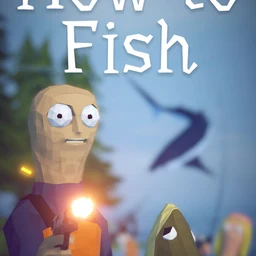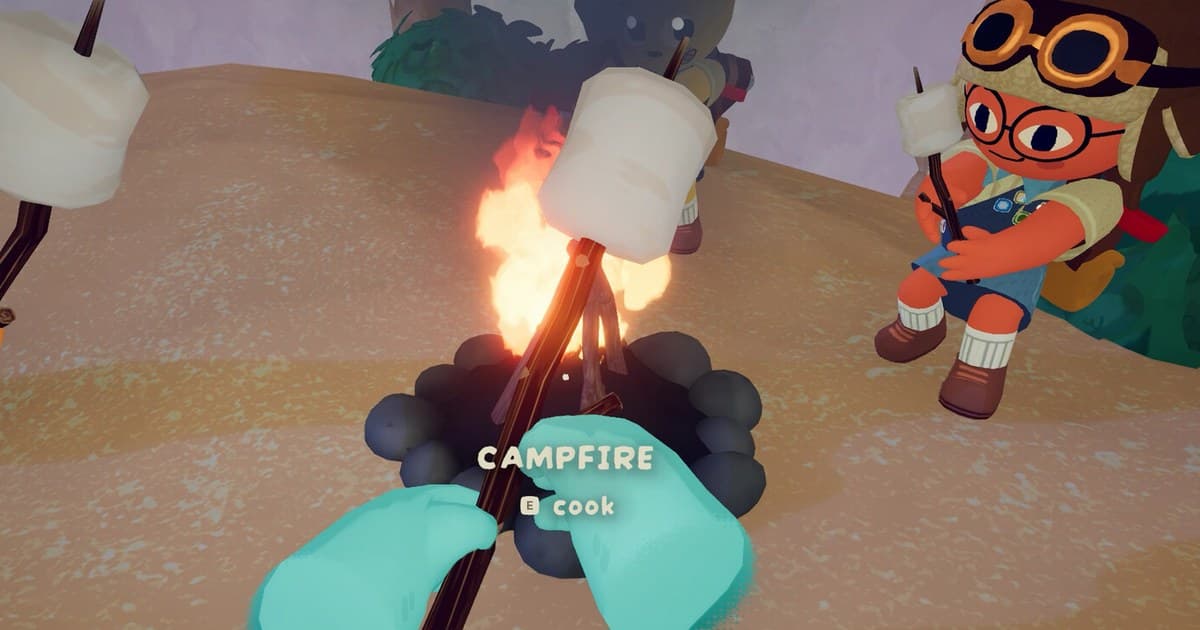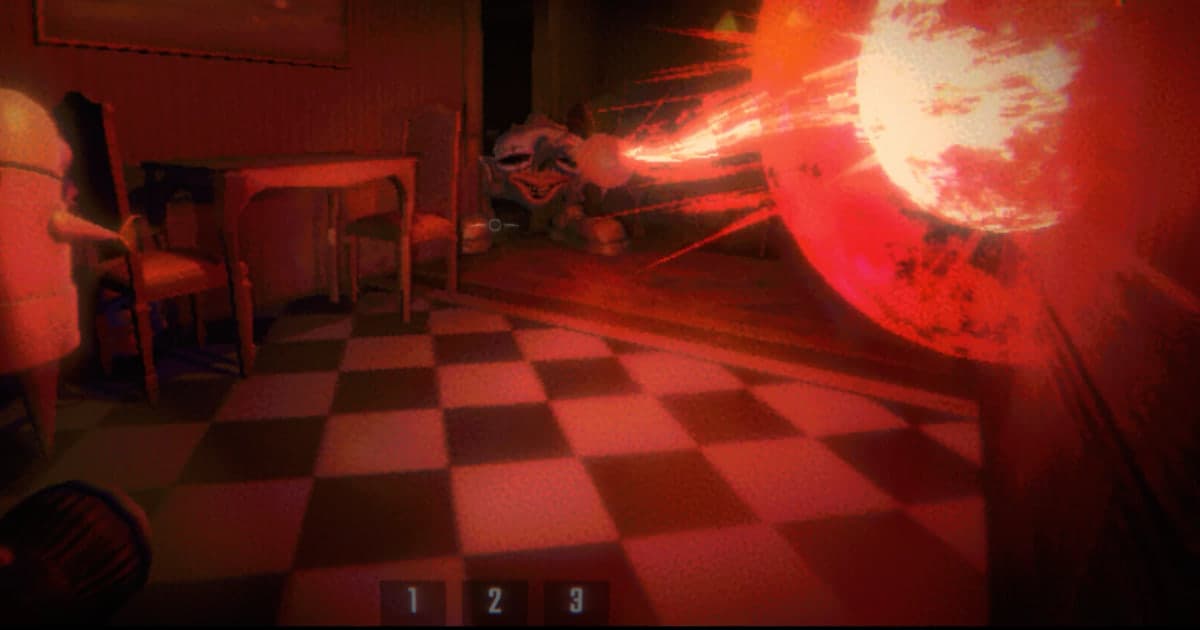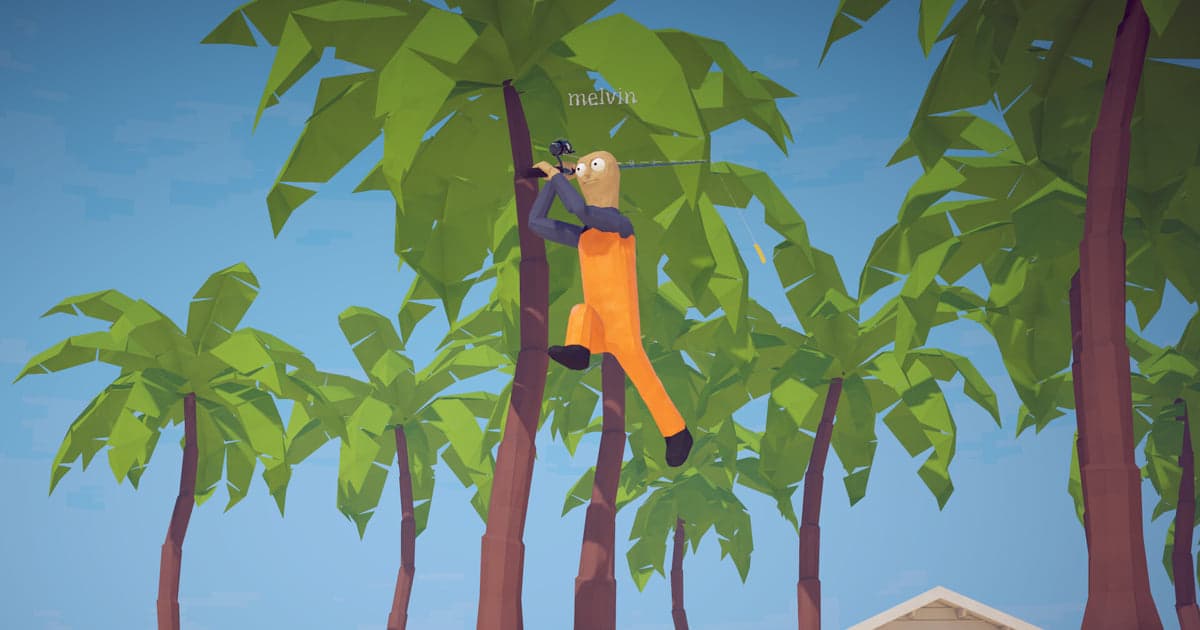
How to Fish came out on Steam on 20 August 2026, and the reason people look for clips of it is simple: the funny part is never repeatable. A shot ricochets into a fish you were not aiming at, a friend blows the whole crew off the dock, the pufferfish fight finally ends, the roulette table on island 6 eats the money you just made, or you finally reach the last island. Nobody is holding a save key at that second. This guide covers one thing: how to find that moment again and keep it before it is deleted. It is not about cutting a video and sending it to anyone; it stops at the point where the footage is safely in your own library. Lobbies have supported up to eight players since patch 1.0.4 on 21 August 2026, and the more people are on the boat, the more accidents there are worth keeping. If you still need a crew for that, start with finding game friends and a party and finding a game Discord server.
Short answer: the moment is already in the session recording, and old sessions go first once the storage allowance fills up
With DOR running, launching How to Fish starts a recording, and closing the game saves everything in between as one video. So the question is rarely whether the moment was recorded. Two things actually decide whether you keep it. First, did you press F8 right after it happened? If you did, the previous 30 seconds are already sitting in My Clips as a separate clip. Second, if you did not, you have to pull the stretch out of the session video yourself, and there is a clock on that. The share of storage reserved for full-play videos starts at 5GB, and automatic file management clears the oldest sessions inside that share. Once that quota fills up, the oldest session folders can be removed together with the F8 clips that were in them. That is why the rescue belongs before your next round, and why pressing like (favourite) is the fastest insurance when you have no time to trim: liked videos are left out of the automatic cleanup. Watch the free space on the drive too. Below 30GB you get a warning, and below 20GB DOR will not start a recording and stops one that is running. How to Fish itself asks for about 1GB of storage in the Steam minimum requirements, but session videos pile up far faster than that, so if your drive is tight, work through the fix for running out of space while recording Steam games as well.
How to recover a missed moment from the session recording
- 1Set the clip length and video quality before you launch How to FishResolution, frame rate, clip length and hotkeys are all settings that happen before the game starts. Under Settings > Highlight you set the clip key, which defaults to F8, and the clip length, where 15, 30, 45 and 60 seconds are available and 30 seconds is the default. Thirty seconds is enough for a trick shot that is over in one throw; if you mostly keep the end of boss fights, 45 or 60 seconds is easier to work with. Under Settings > Video the quality defaults to 1080p and 30 frames per second, with 60 frames available as well, while 1440p and above and 120 frames and above are Pro settings. If you want your friends' voices in the file, leave Record all sounds on.
- 2Check that Full gameplay recording is on for How to FishIn DOR, How to Fish is handled as a full-playthrough game: it records from launch to exit as a single video. On a personal PC the toggle is on by default, and in an internet cafe it is off by default, so switch it on first if you are playing there. On your first day, play for a minute or two, close the game and check that a How to Fish session appeared in My Clips. After that you can start a long run without wondering whether anything is being saved.
- 3Press F8 right after the moment endsPress F8 once as soon as the moment you want is over. DOR saves the length you configured, 30 seconds by default, counting backwards from the press, and the full session recording continues uninterrupted. Press too early and you lose the reaction that follows; press too late and the start of the moment falls outside the configured length. For a stretch too long for one clip, start the F7 screen recording instead and press F7 again to end it. For the shouting from your friends to be in the clip as well, Record all sounds has to be on.
- 4If you missed the key, end the session and open My Clips straight awayEven without F8 the moment is inside the session video. Closing the game stores that session in My Clips as one group that holds the full launch-to-exit video together with any clips you saved with F8. If the game crashed, the recording ended at that point too, so the second you are looking for is at the end of the session video. The first thing to do here is not trimming but pressing like (favourite). Liked videos are excluded from automatic cleanup, so when you are in a hurry, press like now and trim later.
- 5Trim the stretch out with the clip trimmerSet a start and an end in the session video and the trimmer produces that stretch as a new clip. Output ratios are 16:9, 9:16 and 1:1, and finishing the trim requires a DOR account login. To keep a file on disk, use the file export: the Original preset copies the file as it is, which is the cleaner choice when you are only archiving. If you want a long fight kept whole, you can leave it untrimmed and simply press like.
- 6Finish the clean-up before you launch the next roundThe share reserved for full-play videos starts at 5GB, and automatic file management deletes the oldest sessions inside that share. Once that share fills up, the oldest session folder can go with the F8 clips inside it, so finish the rescue the same day. If you want sessions to last longer, raise the full-play share under Settings > File management, in the Storage split by video type panel. Keep an eye on free disk space as well: below 30GB you get a warning, and below 20GB DOR will not start a recording and stops one in progress.
Moments people miss, and how to get them back (checked 16 October 2026)
| Moment | If you pressed F8 right after | If you missed it |
|---|---|---|
| Gun or bow trick shot | One press of F8 saves the previous 30 seconds as its own clip. For a single-shot moment the default 30 seconds already covers the setup and the reaction. | Trim the stretch around that time out of the session video. The developers end a patch note with the words Happy trick shotting, so expect several of these in one session. |
| Pufferfish, whale and the final boss | These need the last stretch of the fight, so raise the clip length to 45 or 60 seconds and press right after the kill. | The whole fight is still in the session video. The Islet Update 1.1.0 on 28 September 2026 added a new mini-boss, so there is even more worth keeping. |
| Explosive accidents and friendly fire | Press right after it happens. F8 does not interrupt the session recording, which keeps running. | Since patch 1.0.11 on 1 September 2026 your own explosives kill you even with friendly fire disabled, and that kind of sudden ending is easy to spot in the session video. |
| The ending and reaching the last island | Press right after the ending screen appears. Closing the game afterwards also closes the session recording. | The ending sits at the very end of the session video. Press like or trim that stretch before you launch the next round. |
| A first catch for the fishipedia | Press right after the catch. Since patch 1.1.3 on 29 September 2026 the fishipedia shows the name of the bait that catches a fish once you have caught it. | Pull that catch out of the session video. Recalling the order in which the fishipedia filled up helps you narrow down the time. |
| The second the game crashed | If the frame rate stutters or the screen freezes, press F8 right there and the previous 30 seconds is kept. | That second is at the end of the session video that just closed. Press like or trim it before you launch the game again. |
Check this before you launch the next round
- Full gameplay recording is on for How to Fish under Settings > Game (on by default on a personal PC, off by default in an internet cafe).
- You pressed like (favourite) on the session videos and F8 clips you want to keep. Liked videos are not removed by automatic cleanup.
- The drive that stores recordings has more than 20GB free. Below 30GB a warning appears.
- Clip length, resolution, frame rate and hotkeys were set before the game launched.
- F8 does not collide with your How to Fish key bindings or another recording program. If it does, change the key under Settings > Highlight.
- If a clip with your friends' voices is going anywhere public, you checked which voices and nicknames were recorded with it first.
What DOR does in How to Fish: automatic full-session recording and the 30 seconds before F8
DOR is a free recording app for Windows PCs. When How to Fish launches, DOR detects the process and starts recording; when you close the game, that session is stored as a single video. On a personal PC it is on by default, so there is no record button to remember, and you can turn it off per game under Settings > Game with the Full gameplay recording toggle (off by default in internet cafes). Moments you want are saved by pressing F8, and if you miss the key you pull them out of the session video yourself. F8 saves the previous 30 seconds counting back from the press, and the length can be 15, 30, 45 or 60 seconds. When you need a longer capture of the whole screen, F7 records the entire monitor and a second press of F7 ends it. Audio is recorded as one track: with Record all sounds on, which is the default, everything your PC plays is included, Discord calls among it, and with it off you get the game window plus your microphone. Recordings play back in My Clips, where the trimmer (login required) gives you 16:9, 9:16 and 1:1 output, and the file export saves a copy. Resolution, frame rate and clip length are settled before How to Fish starts. DOR itself runs on Windows PCs, so this is the flow when How to Fish is played on a Windows PC.