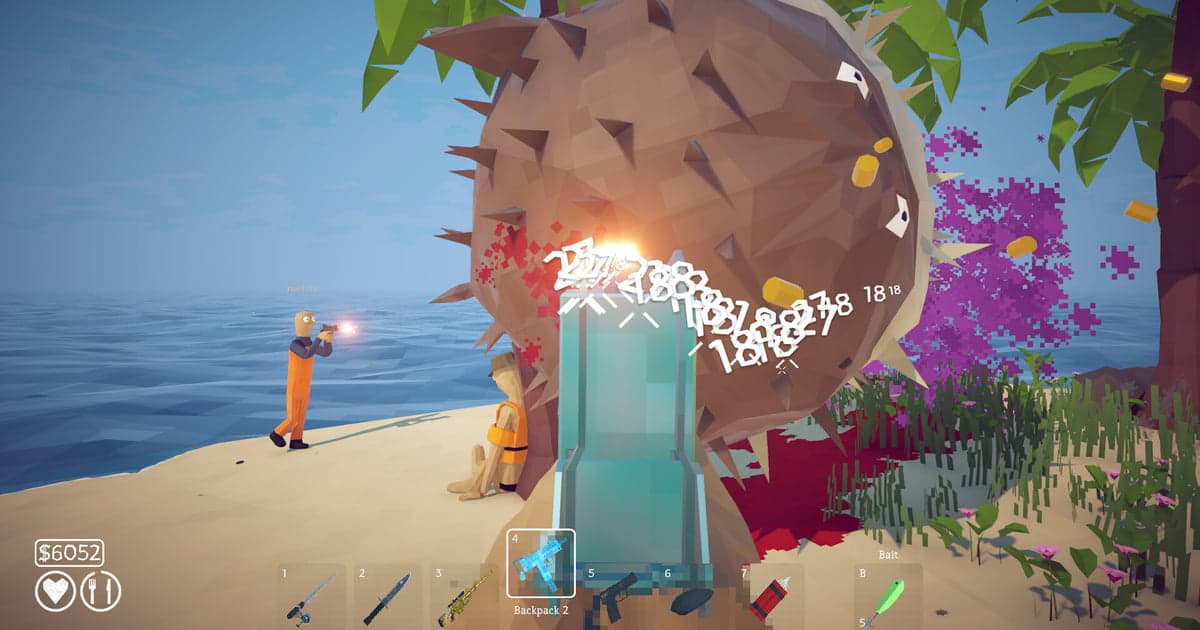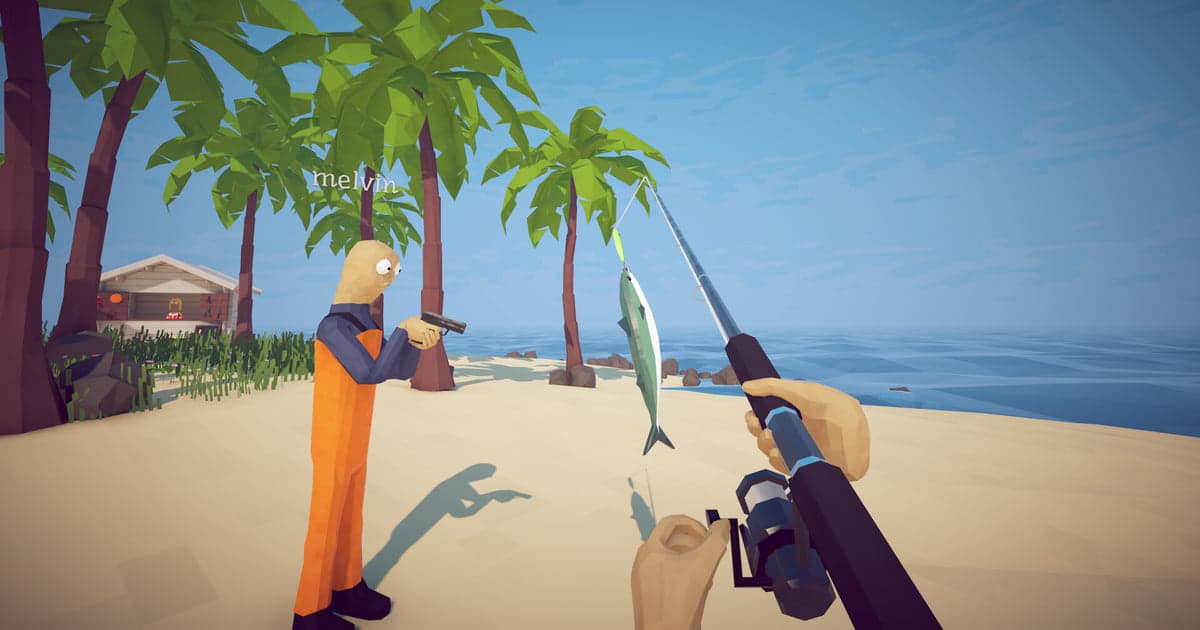
Before buying How to Fish, most people search for their device rather than for a guide. In English the head terms are xbox, ps5 and console release date; in Japan they are ps5 and switch; in Vietnam it is mobile. Here is the short answer: as of 16 October 2026 the one platform you can buy and install it on is Windows PC through Steam, and there is no PS5, Xbox, Switch, Mac or mobile edition. What you can do is run that same Windows build somewhere else, which has been true since the 1 September 2026 patch post: a Steam Deck plays it as Verified and GeForce NOW streams it. Console ports are a plan from the 12 October 2026 post and nothing more. The Korean store page lists the game under a translated title and the Simplified Chinese page uses a localised one, which splits search results, so check the developer name, Dazed Games, when a result looks close. This article separates three things people keep mixing up: what you can buy today, how to run the Windows build on other hardware, and what has only been announced. Co-op matters here too: your friends also need the Steam version, so line up everyone's hardware before you buy rather than after. If you still need people to play with, finding game friends and party members covers that separately.
The answer: Windows through Steam is what you buy, while Steam Deck and GeForce NOW run that same build
The platform list on the Steam store page is the fastest answer. Start with what you can buy: it contains Windows and does not contain macOS or Linux, and the Mac and Linux requirement boxes have headings with nothing inside them. Empty boxes are not a sign that a port is close; they are how Steam shows that a platform is not supported at all. The minimum specification is a 64-bit version of Windows 10 or newer, 8 GB of memory, a GeForce GTX 1050 or Radeon RX 460 class card, 1 GB of storage and a broadband internet connection. PS5, Xbox, Nintendo Switch and phones have no store listing for this game. Next, the hardware you play on is a separate question. In the patch 1.0.11 post of 1 September 2026 the developers wrote that How to Fish is now fully Steam Deck Verified and now playable through GeForce NOW. A Deck runs the Windows build through the SteamOS compatibility layer, and GeForce NOW runs it on NVIDIA's own PCs and streams the picture to your device. NVIDIA's FAQ lists laptops, desktops, Macs, Chromebooks, iPhone, iPad, Android devices, select TVs and the Steam Deck as supported devices, and states that you need to own the game on a supported store, so the Steam copy is still the purchase you make. Finally, the console versions: the 12 October 2026 post says the team will be working on a bigger content update, porting to consoles and bugfixes in the coming months. No system, no date and no price, so do not plan around a release window. If you already bought it for a Mac or hoped to play it on a console, check the refund window before anything else, because it depends on your playtime and purchase date: Steam refund rules explains what still qualifies. If you plan to wait for a console version, subscribing to the developer's Steam announcements is the reliable route, since the post always lands before the news write-ups and community rumours. To follow the community at the same time, pick a server using the criteria in finding a game Discord server.
How to check platform support for yourself
- 1Read the platform icons and the Deck rating on the Steam store pageThis is the quickest check. The information panel on the right of the How to Fish store page shows an icon for each supported operating system. As of 16 October 2026 only the Windows icon is there; there is no macOS or Linux icon. The same page carries a separate Steam Deck compatibility badge, which currently reads Verified. The two say different things: the icons are the systems you can buy and install on, while the Deck badge is about how well that Windows build behaves on a Deck. If a Mac build ever ships, the icon set changes first, so you can come back to the same spot in a few months and get a current answer in one glance.
- 2Look at whether the Mac and Linux requirement boxes are emptyScroll to the system requirements near the bottom of the store page. Only the Windows column has content: a 64-bit processor and operating system, Windows 10 or newer, a Core i5-5257U or Ryzen 3 1200 class processor, 8 GB of memory, GeForce GTX 1050 or Radeon RX 460 class graphics, 1 GB of storage and a broadband connection. The recommended column only repeats the 64-bit line, so no recommended figures have been published. The Mac and Linux boxes have headings and no entries.
- 3Search the PlayStation, Microsoft and Nintendo stores directlySearch How to Fish on the PlayStation Store, the Microsoft Store and the Nintendo eShop and no release comes back. Fishing games share very similar titles, so other games will appear in those results; open the entry and confirm whether the developer is Dazed Games before you decide you found it. Use the same check on Game Pass listings, which is where the xbox game pass question usually comes from. Remember that even after a port is announced, the day it is actually buyable is the day these search results change.
- 4Check mobile stores by developer name, not by titleSearching the App Store or Google Play returns several fishing apps with close titles, but none of them is the Dazed Games release. Steam is where this game is officially distributed, which means any file offered elsewhere is not an official build. There is no browser version of the game either. A page that offers to play it in a browser is a cloud streaming service such as GeForce NOW running the Windows build for you, which is not the same as a mobile or web edition existing.
- 5Read the developer's Steam announcements for console progressThe recent news section of the store page and the community announcements list both carry posts written by the developers. The 12 October 2026 post is about reaching ten million players in two months, and its body says they will be working on a bigger content update, porting to consoles and bugfixes in the coming months. It names no system, no date and no price. If you are waiting for a console release, read this list before any third-party article, because that is where the detail will appear first.
- 6To play away from a PC, check the Deck rating and GeForce NOWIf you want to play without sitting at a desktop, these two are the options that exist today. The patch 1.0.11 post of 1 September 2026 announced that How to Fish is fully Steam Deck Verified and playable through GeForce NOW. Confirm the Deck rating on the store page, and confirm in the GeForce NOW library that the game is there and that your device is on NVIDIA's supported list, rather than taking either from a forum post. NVIDIA's FAQ says you connect your store account and stream games you own, so either route still starts with buying the Steam version.
How to Fish platform availability (checked 16 October 2026)
| Device or platform | Available now? | Evidence and how to check |
|---|---|---|
| Windows PC (Steam) | Yes, the version you buy | Windows is the single entry in the store platform list and the one OS icon on the page. Minimum: 64-bit Windows 10 or newer, 8 GB memory, GTX 1050 or RX 460 class graphics, 1 GB storage, broadband connection. US price $7.99. A Windows handheld is a Windows PC, so it installs the same build, but check that the device clears the minimum spec. |
| Mac (macOS, MacBook) | No Mac edition, cloud only | macOS is absent from the store platform list and the Mac requirement box is empty, and no developer post mentions a Mac version. The route left on a Mac is streaming the Windows build through GeForce NOW, which NVIDIA's FAQ lists as supported along with the Chrome browser on macOS. |
| Linux desktop | No Linux build | Linux is absent from the platform list and the Linux requirement box is empty as well. Steam Deck Verified is a rating for that one device, not a promise about running the game through a compatibility layer on a Linux desktop. |
| PS5, Xbox, Nintendo Switch | Not yet, porting announced | No listing on the PlayStation, Microsoft or Nintendo stores. The 12 October 2026 developer post mentions porting to consoles in the coming months and names no system, date or price. |
| Phones (iOS, Android) and browser | No app, cloud only | There is no official phone app and nothing you can play in a browser without an account on a streaming service. GeForce NOW's supported devices include iPhone, iPad, Android and the Chrome browser, so streaming works, but that is the Windows build being streamed, not a mobile edition. Fishing apps with similar names in app stores are different games. |
| Steam Deck (SteamOS) | Yes, Verified | The patch 1.0.11 post of 1 September 2026 says the game is now fully Steam Deck Verified, and the store page's Deck compatibility rating reads Verified. It is not a native Linux build: the Deck runs the Windows build through the SteamOS compatibility layer, so you still need the Steam copy. |
| GeForce NOW (cloud) | Yes | The same 1 September 2026 post says How to Fish is now playable through GeForce NOW. NVIDIA's FAQ lists PCs, Macs, Chromebooks, iPhone, iPad, Android, select TVs and the Steam Deck as supported devices, and says you must own the game on a supported store to launch it. |
Check before you buy
- Your PC runs a 64-bit version of Windows 10 or newer. Mac and Linux are empty in both the platform list and the requirement boxes, so there is nothing to install there.
- Your language is covered. Sixteen languages are supported with full audio, including English, Japanese, Korean, Simplified Chinese and Traditional Chinese.
- If your device is a Mac, a phone or a TV, your route is streaming the Windows build through GeForce NOW. Check NVIDIA's supported device list first, and note that you still need to own the game on Steam.
- You know it is a paid game. As of 16 October 2026 the price is $7.99 in the US, with regional prices such as ₩8,400, ¥880, NT$159 and 99,000₫.
- For online co-op you have the broadband connection listed in the minimum requirements, and your friends own the Steam version as well.
- If you are waiting for consoles, you follow the developer's Steam announcements. As of 16 October 2026 no system or release date has been announced.
Playing on Windows: full-session recording and the F8 clip
If your answer ends up being a Windows PC, you get one extra option for keeping the footage. DOR is a free Windows desktop app. When it detects the How to Fish executable (How to Fish.exe) it starts recording and saves everything up to the moment you quit as a single video. It is on by default on a personal PC and off by default in internet cafes, and you can turn it on or off per game under Settings > Games with the Full gameplay recording toggle. When something worth keeping happens, press F8 right afterwards and the previous 30 seconds are saved as a separate clip. You can set that length to 15, 30, 45 or 60 seconds and change the key. Resolution, frame rate and clip length are set before you launch the game. The defaults are 1080p and 30 fps, with 720p, 1080p, 30 fps and 60 fps available on a free account. Audio is recorded as a single track; with Record All Sounds on, everything your PC plays, including a Discord call, goes into the file, which is how you keep what your friends said, so check for other people's voices and names before you publish anything. Long sessions fill a drive quickly: below 30 GB free you get a warning, and at 20 GB or less recording will not start and a running recording stops. The Full gameplay video share of storage is 5 GB by default, and once that share is exceeded the oldest sessions are cleared when a recording finishes. Sessions and clips you have liked are skipped, as is the newest session, so like or trim what you want to keep the same day. For clearing space, fixing low disk space for Steam game recording covers the cleanup. DOR is a Windows desktop app, so it records How to Fish while that Windows build runs on your Windows PC.