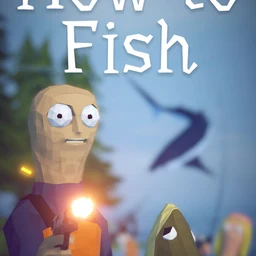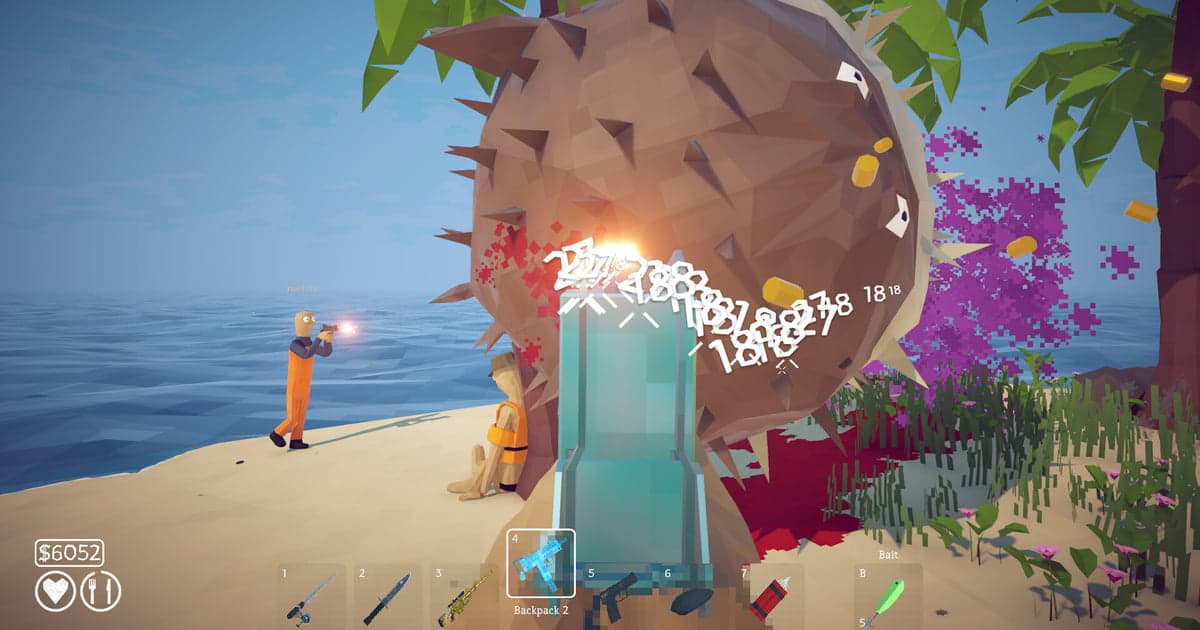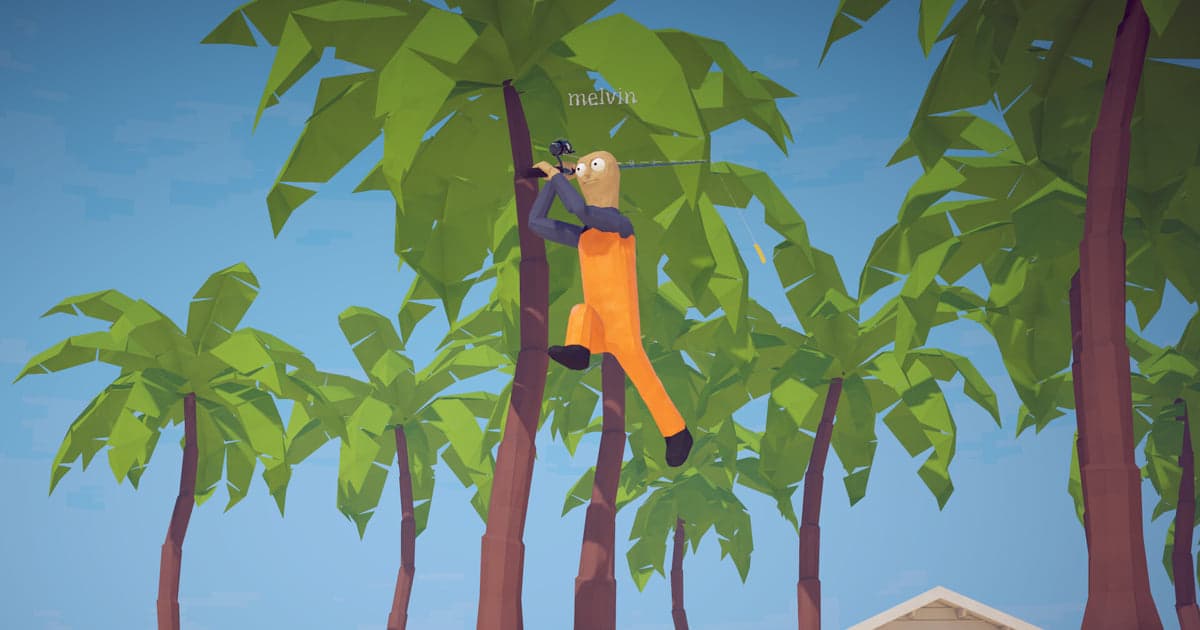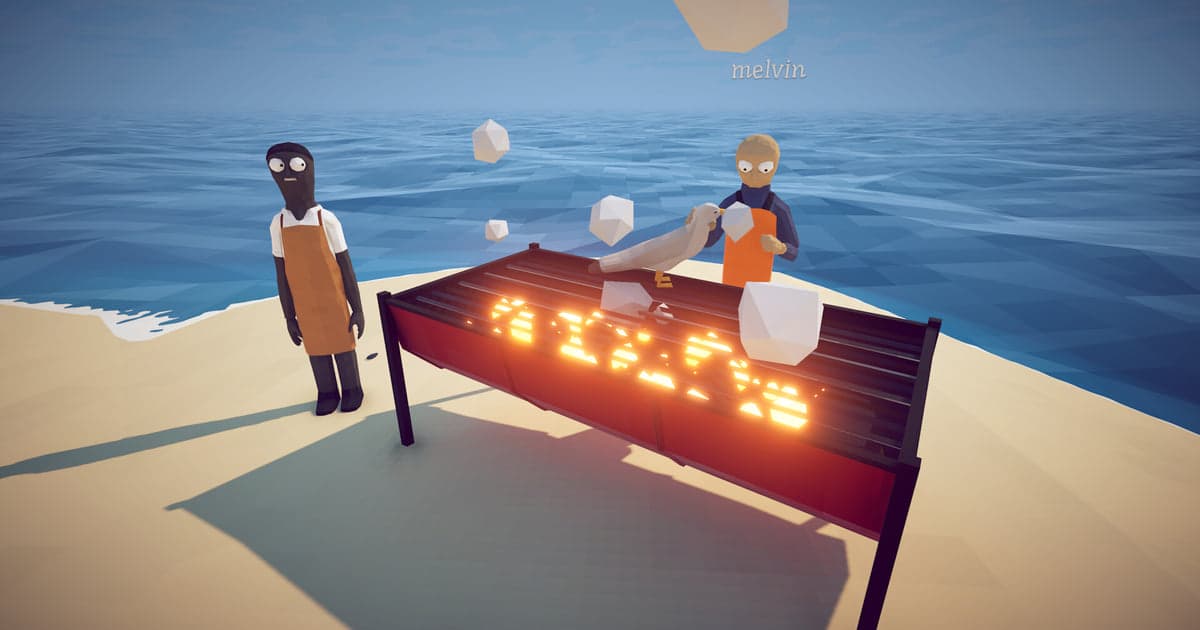
Before a group buys How to Fish, someone always asks the same question: how many players can actually play together? The results do not agree, and the reason is easy to find. The Steam store description still calls it a 1-4 player physics based fishing simulator, so every page that copies the store answers four. The developers, Dazed Games, raised the limit in a patch the day after launch, and that patch note is still the clearest source for the player count. The game reached 10 million players within two months according to the developers' own announcement on 12 October 2026, so plenty of people are asking. This guide sticks to official sources: the current maximum, how a host opens a lobby and invites friends, what the Steam categories do and do not include, and the handful of settings worth finishing before an eight-person session starts. If you still need people for those slots, we cover finding a group to play with separately.
The short answer: 8 players per lobby, and the host decides who gets in
Up to 8 players can share a lobby. The source is patch 1.0.4, published on 21 August 2026, which lists 'Added support for up to 8 player lobbies' among its changes. The newest patch at the time of writing is 1.1.3 from 29 September 2026, and no note in between changes the limit, so 8 is current. The store page is the outdated source here: its description still says 1-4 players in English, Korean, Japanese, Simplified Chinese, Traditional Chinese and Vietnamese (checked 16 October 2026). The second half of the question is who can join. Patch 1.0.5, a day later, added the option to host a private lobby that is only joinable through an invite, plus the option to change the session type in server settings while in-game, which requires a restart after the change. That is the setting to use when the eight slots are for friends only. If you are short of players, the developers' 1.0.9 announcement points to their community Discord both for bug reports and for finding someone to play with, and our guide on checking a Discord server before you join covers how to tell an active, well-run server from a dead one. The game is $7.99 on Steam (checked 16 October 2026), and since there is no split-screen or Remote Play Together category, everyone in the lobby plays from their own PC.
Setting up an 8-player co-op session, including what to do before launch
- 1Update the game and compare versionsThe 8-player limit arrived in patch 1.0.4 on 21 August 2026, so a client last updated in launch week still stops at four. Restart Steam to pull the update, as the developers ask in their own notes. The first content update, 1.1.0, landed on 28 September 2026 and the most recent patch, 1.1.3, on 29 September 2026, and neither touched the player cap. If a friend sees a smaller lobby size than you do, compare versions before anything else.
- 2Set resolution, frame rate and clip length before you launchIf you plan to record the session, do this first. Recording starts the moment the game does, so resolution, frame rate and clip length are chosen beforehand. Settings > Video defaults to 1080p at 30 fps, and a free account can pick 720p or 1080p at 30 or 60 fps, while 1440p and above and 120 fps and above are Pro settings. Under Settings > Highlights, Highlight Length offers 15, 30, 45 or 60 seconds and the clip key defaults to F8. In an eight-person lobby, 45 or 60 seconds tends to catch the build-up as well as the accident itself.
- 3Decide whether your friends' voices are recordedDOR records audio as a single track. With Record All Sounds on, which is the default, everything your PC plays is captured, Discord calls included, so the seven people you are shouting at are in the video too. Switch it off and you get the game window's audio plus your own microphone. Decide which one you want before the session, and if you later show the video to anyone, listen back first for other people's voices and in-game names.
- 4Host the lobby and pick the session typeThe host creates the lobby and chooses the session type in server settings. Patch 1.0.5 added a private lobby that is only joinable through an invite, which is the setting for a friends-only group of eight. You can change the session type while in-game, but the change requires a restart, so settle it before anyone joins. Keep the server name to plain letters and numbers: special characters have been rejected since patch 1.0.4 because they broke the save file.
- 5Invite friends until the slots are fullA private lobby is not something people find by searching, so send an invite to each of the other seven. If you are short of players, the developers' 1.0.9 announcement points to their community Discord as the place to find someone to play with, alongside the bug-report channel. If somebody cannot get in, match versions on both sides first, then look at the Steam connection line that patch 1.0.9 added to the main menu; the developers say a red relay line means the connection failed.
- 6Keep the moments with F8, or F7 for a longer stretchDOR records the whole session by itself, so there is no record button to remember. When something worth keeping happens, press F8 once and the previous 15, 30, 45 or 60 seconds, whichever length you picked, is saved as its own clip while the session recording continues. For a longer stretch, F7 records the whole monitor until you press F7 again. In an eight-person lobby several things go wrong at once, so press F8 once for each one you notice. When you stop playing, favourite what you want to keep or trim it the same day.
How to Fish co-op rules at a glance (checked 16 October 2026)
| Item | Current value and official source | What it means for your first session |
|---|---|---|
| Maximum players | 8 per lobby. Patch 1.0.4, 21 August 2026: 'Added support for up to 8 player lobbies'. | You can plan a night for more than four people; the eighth slot is the ceiling. |
| Store description | Still reads 1-4 players in all six store languages (checked 16 October 2026), wording written before patch 1.0.4. | Do not size the group from the store page, because the patch notes are newer. |
| Private lobby | Patch 1.0.5, 22 August 2026: 'Added option to host a private lobby, only joinable through invite'. | For a friends-only run, the host opens the lobby as private and sends invites. |
| Session type | Can be changed in server settings while in-game, and the change requires a restart (patch 1.0.5). | Settle public or private before you start, or a restart lands in the middle of the session. |
| How co-op works | Steam categories list Single-player, Multi-player, Co-op and Online Co-op. There is no shared-screen, split-screen or Remote Play Together category (checked 16 October 2026). Full controller support, Save Anytime and Family Sharing are listed, and there is no Steam Workshop category. | Two people cannot share one PC; each of the eight joins from their own machine and account. |
| Public lobby safeguards | Patch 1.0.5 stopped players from instantly ending the game on joining, patch 1.0.10 on 27 August 2026 removed rich text from chat after griefers abused it, and special characters in server names were disallowed in 1.0.4 because they broke the save file. | Public lobbies work, but a private lobby with a plain-text server name is the quiet option. |
Check these before your first 8-player session
- The game is up to date: 8-player lobbies need patch 1.0.4 or newer, and the developers recommend restarting Steam to get the update.
- DOR is version 1.7.0 or newer, which is the release where How to Fish detection was added.
- Full gameplay recording is on for How to Fish under Settings > Game (on by default on a personal PC, off by default in PC cafes).
- Resolution, frame rate, clip length and the clip key are set before launch.
- The drive DOR saves to has more than 20GB free; below 30GB you get a warning, and at 20GB or less recording stops.
- F8 and F7 are not bound to something else in the game or in another recording app.
Recording an 8-player session with DOR: finish the setup before launch
DOR is a free recording app for Windows PCs. It detects How to Fish (How to Fish.exe) and records from launch to exit as a single video; this is on by default on a personal PC and can be switched off per game under Full gameplay recording in Settings > Game, and detection for this game is in app version 1.7.0 and newer. Press F8 during play and the previous 15, 30, 45 or 60 seconds, whichever length you chose, is saved as a separate clip, while F7 records the whole monitor until you press it again. Resolution and frame rate default to 1080p at 30 fps, with 720p or 1080p at 30 or 60 fps on a free account and 1440p or 120 fps and above on Pro. Audio is one track, and Record All Sounds is on by default, so a Discord call with seven other people ends up in the video. Session videos and clips sit together in My Clips, where trimming to 16:9, 9:16 or 1:1 needs a free DOR account. Two things are worth knowing before an eight-player night. A moment is kept with F8, or found in the session video afterwards. And if the game crashes, whatever happened just before it sits at the end of that session's video, so favourite or trim that video before you launch again. Recording also needs room: DOR warns below 30GB free and stops at 20GB or less, so if your drive is already tight, what to do when a recording runs out of disk space applies here as well. Because each player records their own screen, the same accident exists from several angles, and putting friends' points of view together is covered separately.