The verdict: Cloud III for most people, Cloud II for button first users
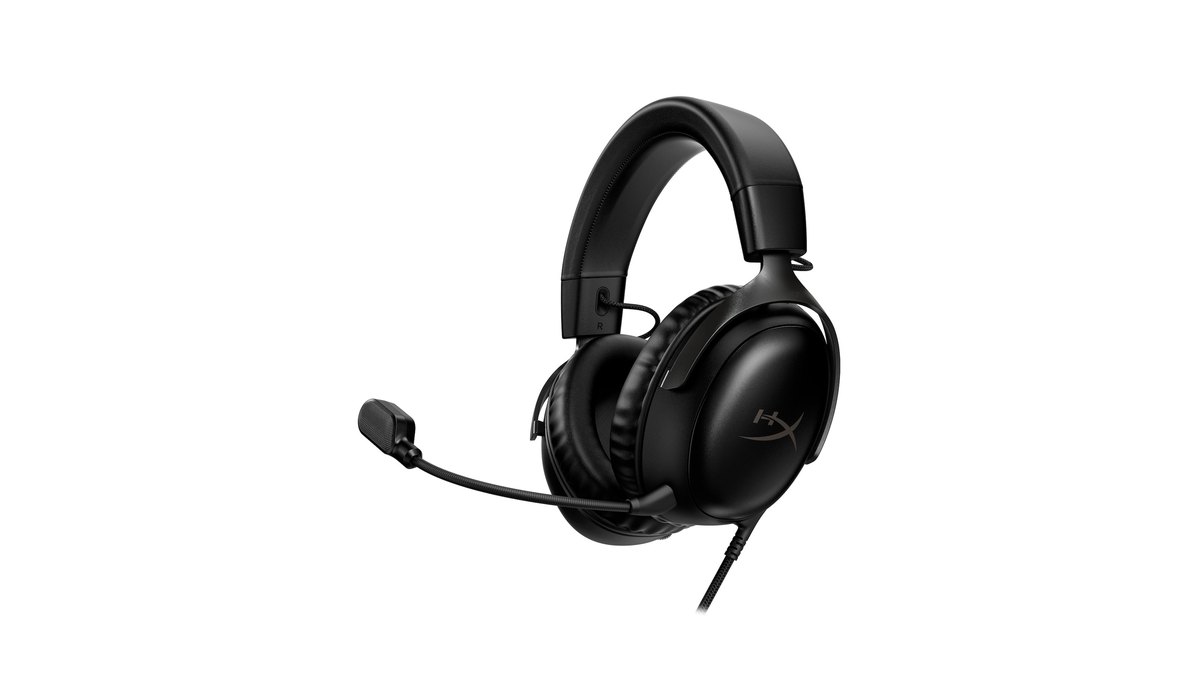
If you are buying new, the HyperX Cloud III (★★★★☆ 4.0) is the safer pick for most people. Under the hood the two headsets are close relatives: 53mm dynamic drivers, aluminum frames, memory foam cushions, roughly 320g with the mic attached, and a 2 year warranty.
On top of that shared base, the Cloud III adds a 3.5mm cable plus a USB-C dongle and a USB-A adapter in the box, a graphic EQ and DTS Headphone:X spatial audio on PC, a volume wheel and mic mute button on the ear cup, and an LED that tells you when the mic is muted.
Lab reviewers called it very sturdy, comfortable and equipped with a very good mic. It is also the model that is easy to buy new in Korea, Japan, Taiwan and Vietnam, and it shows up in retail rankings in Korea and Japan.
The HyperX Cloud II (★★★½ 3.5) is still a good buy in a few cases.
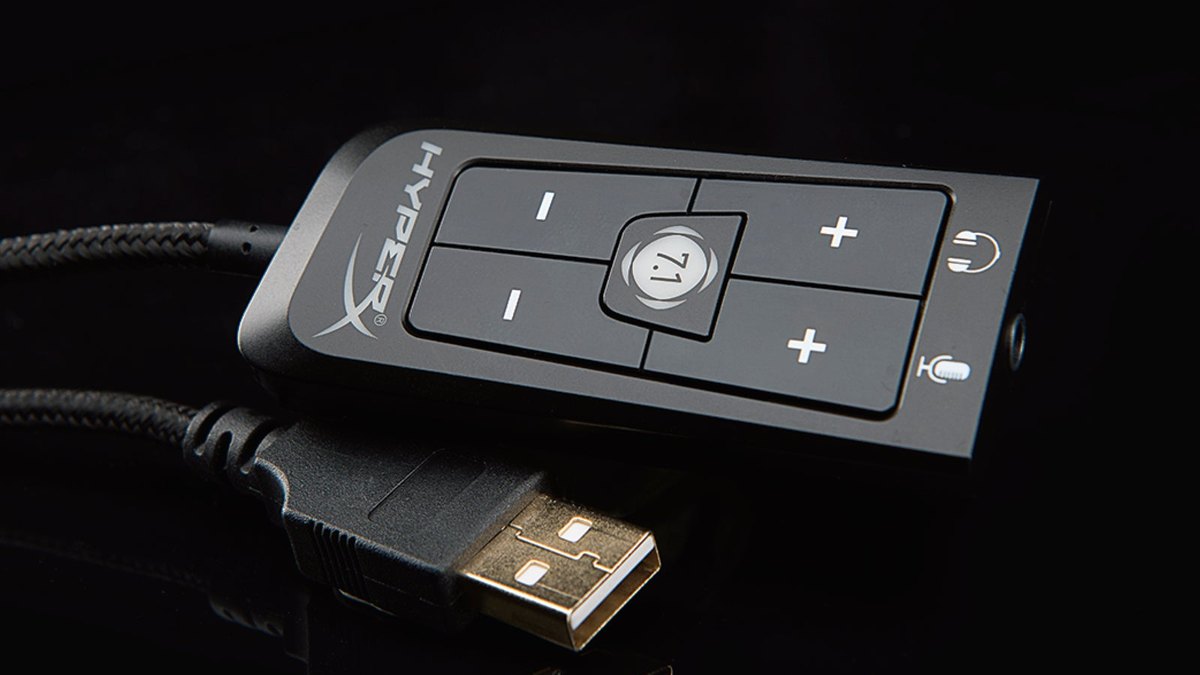
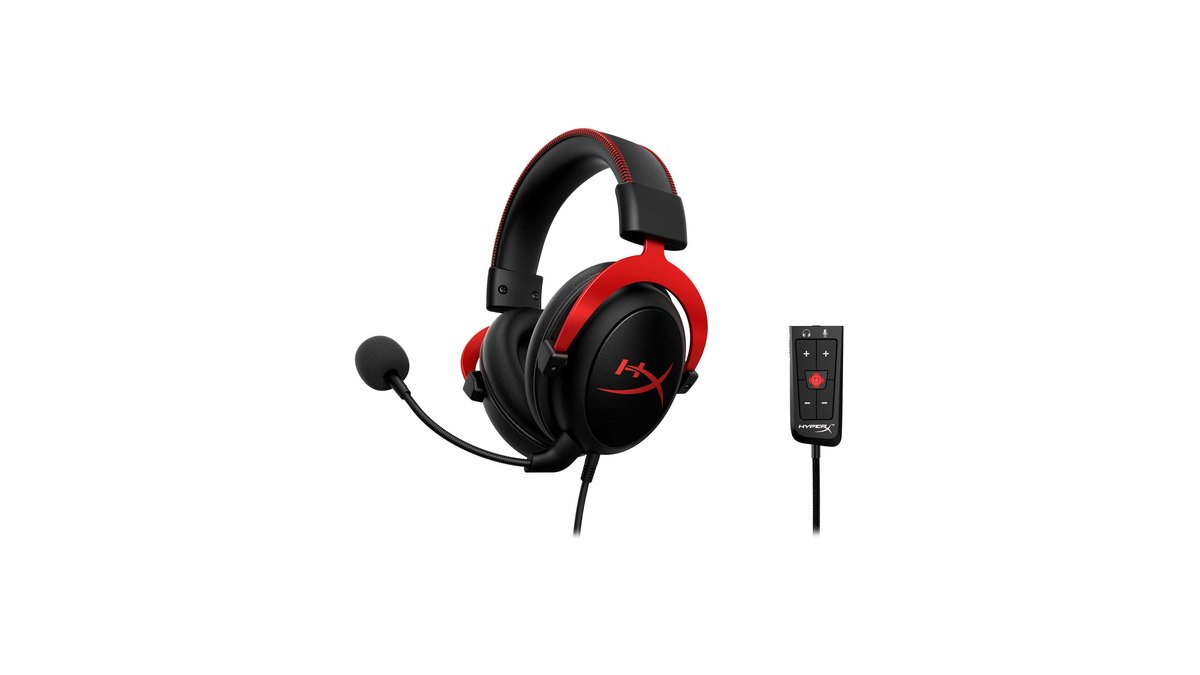
Pick it if you want the inline USB control box that switches virtual 7.1, headphone volume and mic volume with physical buttons and no app, if you prefer the default sound that lab reviewers rated slightly bassier than the Cloud III, or if you have worn a Cloud II for years and like it.
In the US, HyperX still sells it directly and its list price sits a step below the Cloud III, so the value case is stronger here than in most of Asia, where new retail stock is thin.
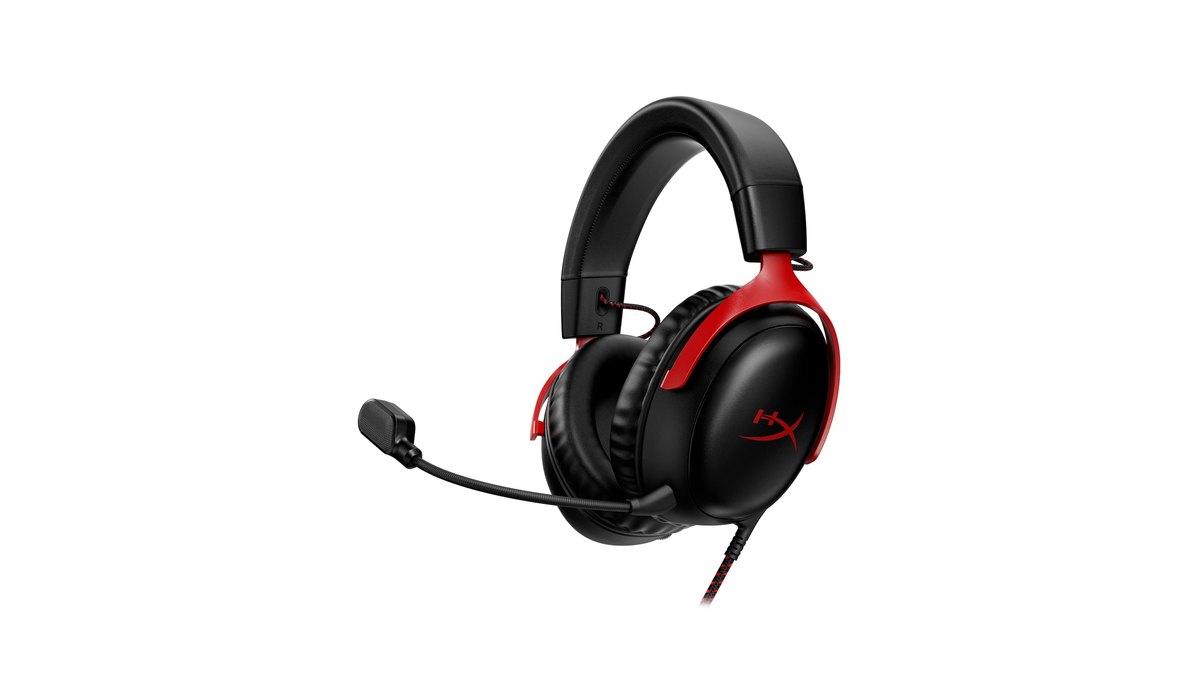
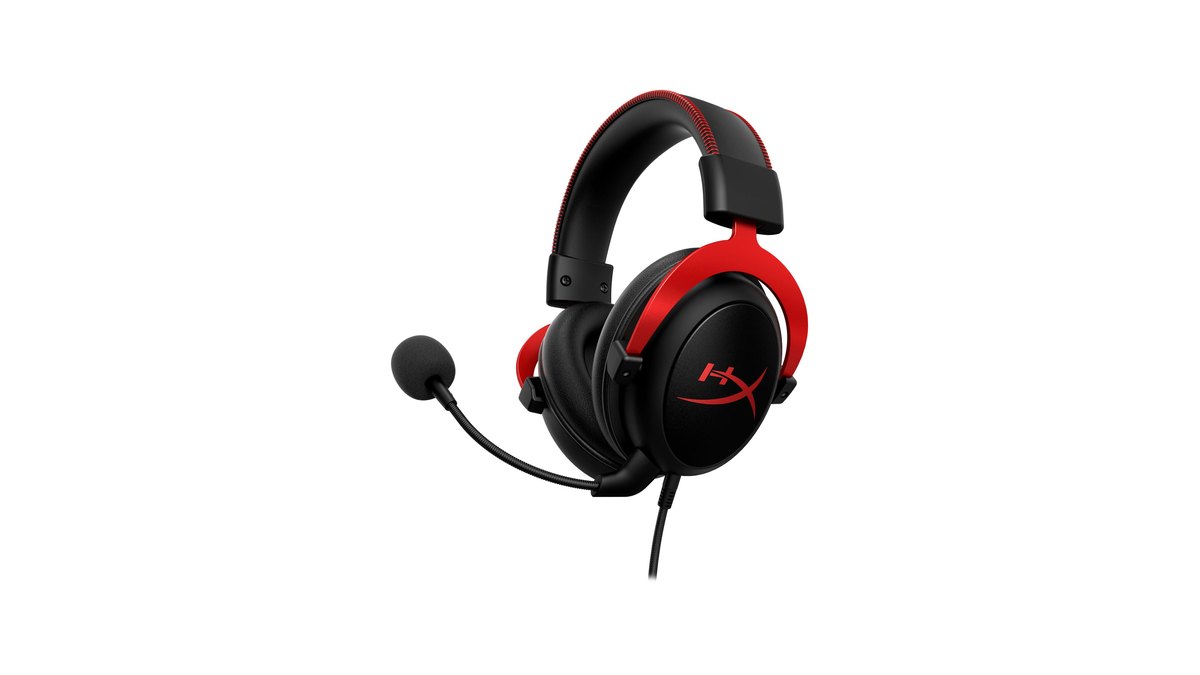
Star ratings: Cloud III 4.0, Cloud II 3.5
| Criteria | Cloud III | Cloud II | Reference: BlackShark V3 Pro |
|---|---|---|---|
| Overall | ★★★★☆ 4.0 | ★★★½ 3.5 | ★★★★☆ 4.0 |
| Performance (35%) | 3.5 · Wide connection and EQ options, light default bass | 3.5 · Well liked default sound and mic, no EQ | 4.0 · Low latency wireless, ANC |
| Value (25%) | 4.5 · Low end of its class, easy to buy new | 3.5 · Strong in the US, scarce new in Asia | 3.0 · Premium priced |
| User reputation (20%) | 4.0 · Comfortable and sturdy | 4.0 · Trusted long running standard | 4.0 · Sound and mic praised |
| Trend (10%) | 3.5 · Top 11 in Korea, top 23 in Japan retail | 3.5 · Third among pros, outside retail charts | 4.0 · First among pros |
| Durability and support (10%) | 4.0 · 2 year warranty, all metal frame | 3.5 · 2 year warranty, regional support varies | 4.0 · Up to 2 year warranty |
Both headsets earn the same performance score. Lab review verdicts gave the Cloud II the edge on default sound, slightly lower latency over USB and better background noise handling on the mic, while the Cloud III won on how much you can change the sound yourself.
One caveat matters here: the Cloud II unit in that lab review was built before HP bought HyperX in 2021, so there is no proof it behaves exactly like the Cloud II sold today, and we did not score it above the Cloud III. The gap comes from value and support.
The Cloud III sits toward the low end of wired gaming headsets, is widely sold through official channels and carries a clearly stated 2 year warranty.
The Cloud II scores well on value in the US, where it lists for less, but in Korea, Japan, Taiwan and Vietnam new stock is limited and support channels are less clear, so we averaged it to 3.5 on value and durability.
This lines up with our earlier best gaming headset picks, where the Cloud III was the top value choice at 4.0.
Specs side by side: same skeleton, different connections and controls
| Spec | Cloud II | Cloud III |
|---|---|---|
| Release | On sale since early 2015, sold under HP part numbers since 2021 | June 2023 |
| Type | Over ear, closed back | Over ear, closed back |
| Drivers | 53mm dynamic, neodymium | 53mm dynamic, angled and retuned |
| Frequency response · Sensitivity | 10Hz to 23kHz · 98dBSPL/mW | 10Hz to 21kHz · 100dBSPL/mW |
| Weight (official) | About 318g (0.7lb) | 308g, 320g with mic |
| Mic | Detachable, cardioid, noise cancelling | Detachable 10mm cardioid, mesh filter, mute LED |
| Controls | USB control box (volume, mic volume, mute, 7.1) | Ear cup volume wheel and mic mute button |
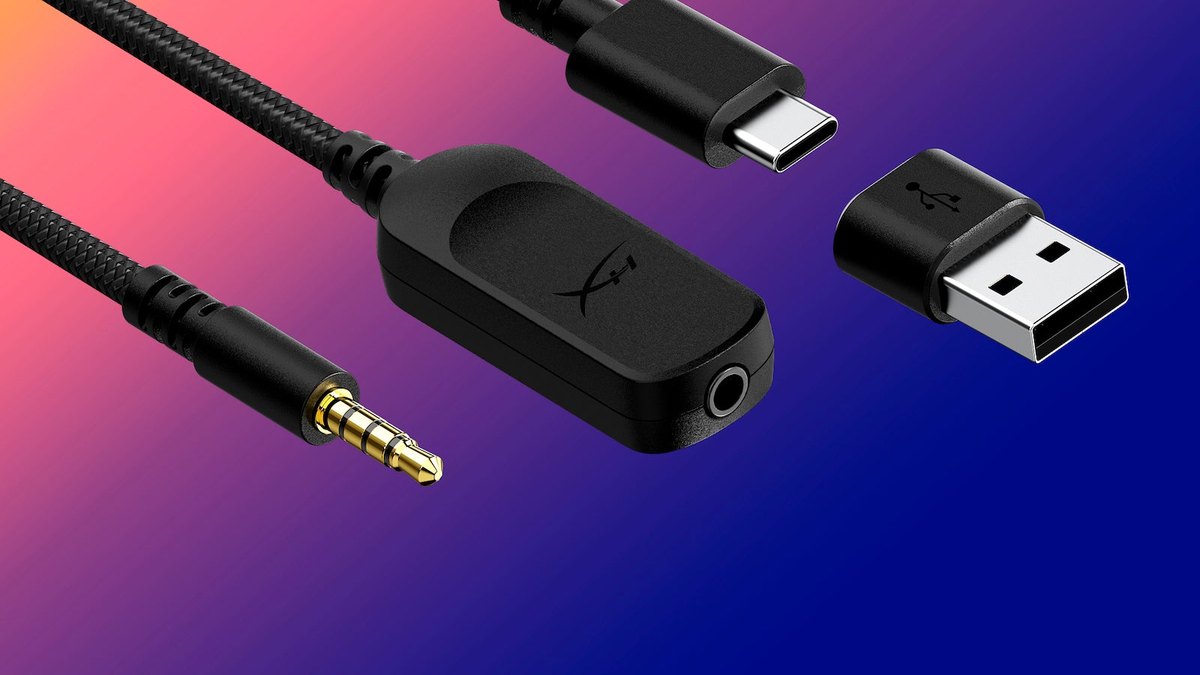
| Connection | 3.5mm plus USB-A control box | 3.5mm, USB-C dongle, USB-A adapter |
| Spatial audio | Virtual 7.1 (control box button) | DTS Headphone:X (PC over USB) |
| Software | None | HyperX NGENUITY (EQ, mic volume, monitoring) |
| In the box | Control box, mic, extra velour ear cushions | Mic, USB-C dongle, USB-A adapter |
| Warranty | 2 years | 2 years |
The parts that make sound and the parts that touch your head are nearly identical. Both use 53mm drivers, and the difference at the top of the frequency range (23kHz versus 21kHz) is outside what people can hear, so it should not decide anything.
What really separates them is how you plug them in, how you adjust them and how far you can reshape the sound. Note that HyperX also sells wireless models with similar names, such as the Cloud III Wireless, Cloud III S Wireless and Cloud II Core Wireless.
Those have different weight, batteries and connections, so they are separate products and are not part of this comparison. Everything here is about the wired Cloud II and the wired Cloud III.
Sound and spatial audio: Cloud II out of the box, Cloud III once you tune it
Out of the box, lab reviewers preferred the Cloud II. Its default tuning has a little more bass and a balanced midrange. The Cloud III was described as very neutral in the mids but short on thumping low end.
The difference is that the Cloud III can be fixed in software: plug in the USB dongle on a PC and the HyperX NGENUITY app gives you a graphic EQ and presets to lift the bass or tame the treble, plus DTS Headphone:X spatial audio.
The Cloud II has no app; you switch its virtual surround on and off with the 7.1 button on the control box, and HyperX notes that this virtual 7.1 effect is output as a two channel stereo signal.
On the downside, reviewers said the Cloud II's treble is a bit weak and its bass delivery changes a lot with glasses and fit, while the Cloud III's sound shifts depending on how you position it on your head. Both are closed back, so neither has a wide soundstage.
If your goal is hearing footsteps clearly, game settings matter more than the headset. In VALORANT, turn off headset side virtual surround, meaning the Cloud II's 7.1 button or the Cloud III's DTS, before enabling HRTF so the two effects do not stack. We walk through it in VALORANT HRTF settings for footsteps, and for PUBG see PUBG footstep sound settings.
We could not find a lab verdict that says either headset locates sounds better, so we do not rank them on positional audio.
Mic: Cloud II filters noise better, Cloud III has more conveniences
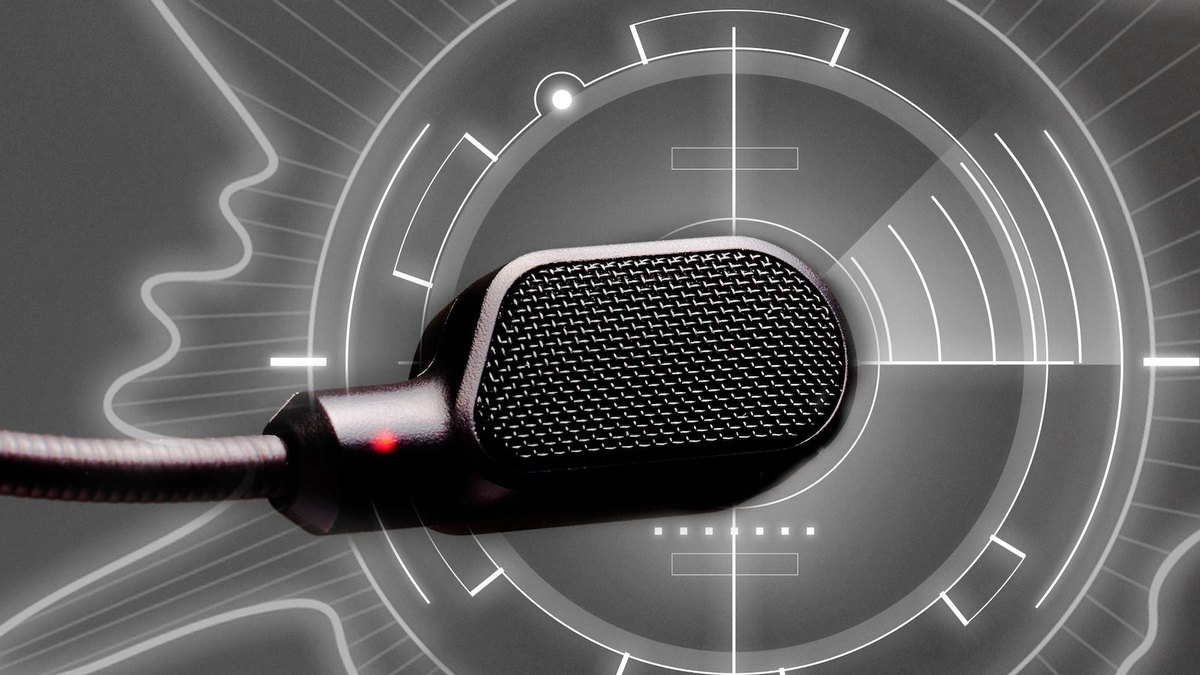
Both mics are detachable, cardioid and noise cancelling, with the same official sensitivity. In the head to head verdict, lab reviewers gave the Cloud II the edge at filtering background noise.
The Cloud III mic still earned a very good rating for keeping your voice clear in noisy rooms, and it adds a 10mm capsule behind a mesh filter plus an LED at the tip that lights up when you are muted.
Over USB, the app also lets you set mic volume and mic monitoring, which feeds your own voice back into the headset. The Cloud II handles mic volume and mute on the control box, but there is no mute light.
For Discord and in game voice, both mics reviewed well, so you do not need to rule either one out over the mic. If you want your voice to sound clean in gameplay videos or streams, a separate desk mic is the bigger upgrade.
The quickest way to check whether your voice gets buried under game audio is to listen back to a recording with your mic in it. Our guide on how to record game sound and mic together shows how to set that up.
Connections and controls: Cloud III plugs into more things
The Cloud III is clearly more flexible. Its headset cable ends in a 3.5mm plug, so it goes straight into a controller or phone. Add the included 3.5mm to USB-C dongle for USB-C ports, then the USB-C to USB-A adapter for regular USB ports.
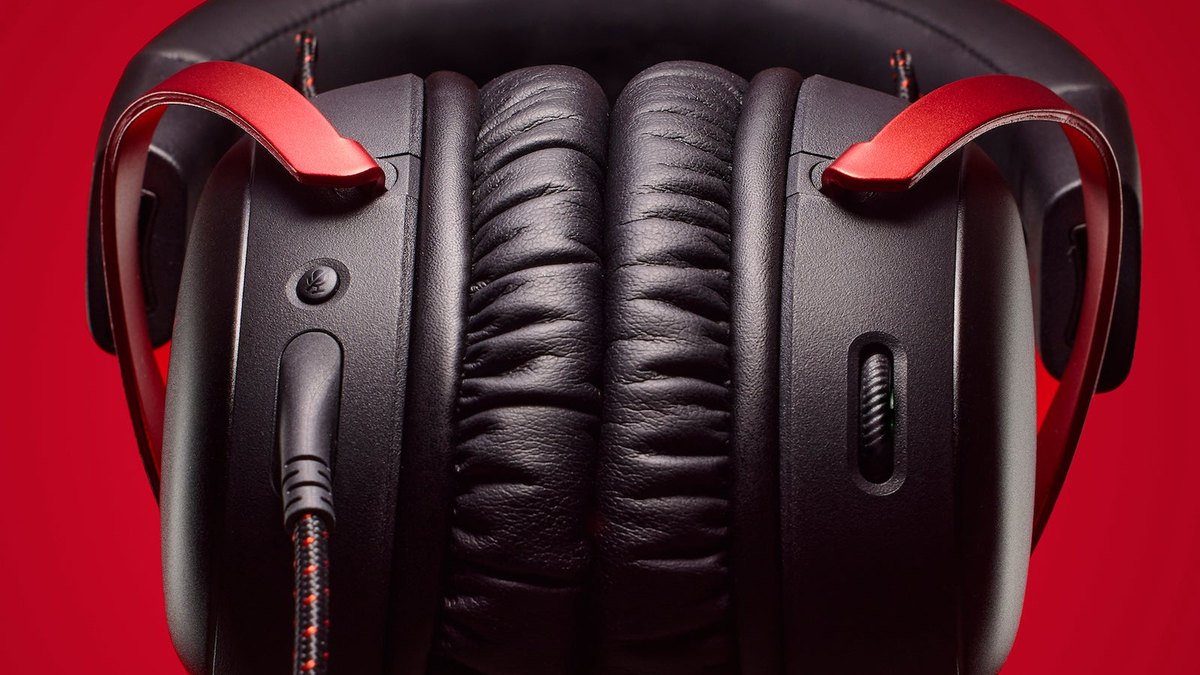
The volume wheel and mic mute button sit on the ear cups, so you can adjust things without looking. The Cloud II uses a 3.5mm headset cable that plugs into a USB-A control box. That box works as a sound card and gives you one button each for 7.1, headphone volume, mic volume and mute.
It hangs on the cable, so most people leave it on the desk and press it there, and it needs an adapter for USB-C only laptops. For devices that only take 3.5mm, such as an Xbox controller, both headsets connect the same analog way.
Comfort, weight and build: practically the same
Treat these as the same headset when it comes to fit. Official weights are about 318g for the Cloud II and 320g with the mic for the Cloud III, and both use aluminum frames with memory foam and leatherette cushions.
Lab reviewers found both comfortable and well built, and called the Cloud III very sturdy. The difference is in the box. The Cloud II ships with an extra set of velour cushions you can swap in when leatherette gets warm in summer, while the Cloud III only comes with leatherette.
One user who recommended both noted that ears get a little sweaty after about five hours, and one Cloud III owner with a larger head said it fit when another headset felt too tight. With the same frame and weight, comfort alone is not a reason to pick one over the other.
Pro use and popularity: pros still wear the Cloud II, shoppers buy the Cloud III
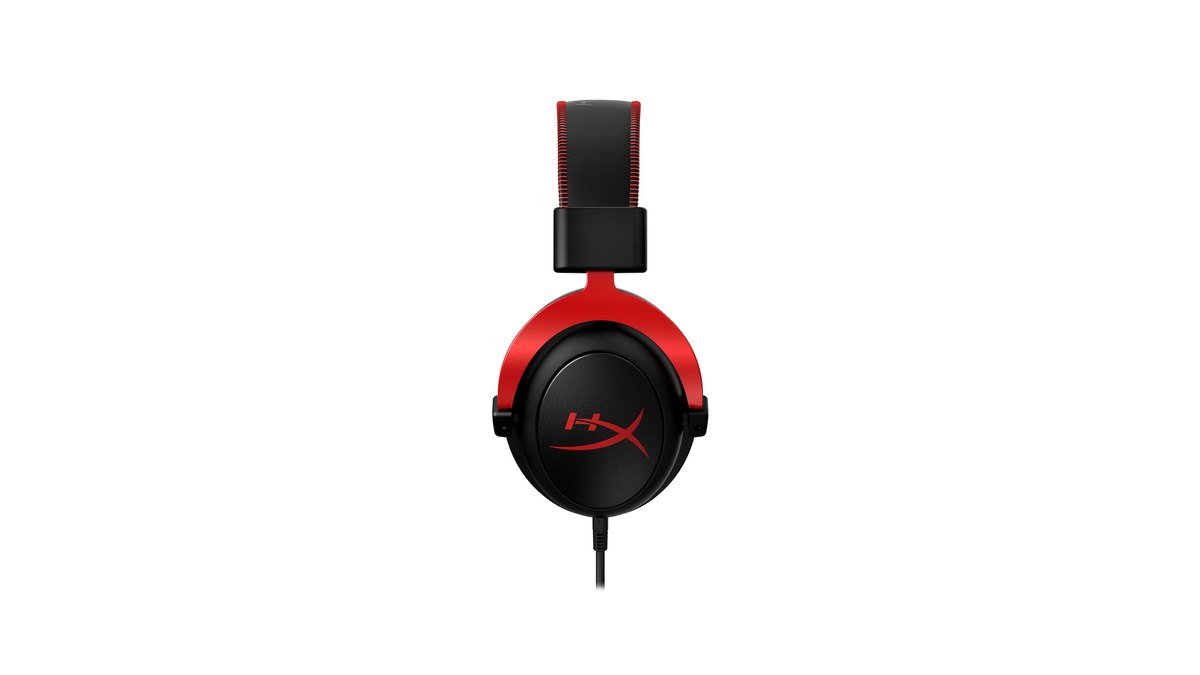
Among pros, the Cloud II is still ahead. In public pro gear counts checked on November 10, it ranks third among all pro headsets at about 11 percent, second in CS2 and third in VALORANT. It is also the most common headset in the PUBG pro list.
The Cloud III ranks sixth overall at about 3 percent and fifth in VALORANT. Retail tells the opposite story.
On a major Korean price comparison site, the Cloud III is the 11th most popular PC headset while the Cloud II is outside the top 30, and on Japan's main gaming headset sales chart the Cloud III sits at 23rd while the Cloud II is not ranked.
So why do pros still use the HyperX Cloud II? Product notes on pro gear trackers point to a build that survives years of LAN events, comfortable pads, a solid mic and sound, and its status as an industry standard for many seasons. At the same time, its share keeps falling.
In the mid 2026 count, the Cloud II slipped from about 18 percent a year earlier to 13 percent, while the wireless Razer BlackShark V3 Pro climbed to second in that count and ranks first overall in the November 10 count.
If you want what pros are moving to, with wireless and low latency, start with our BlackShark V3 Pro vs PRO X3 LIGHTSPEED comparison. For most players, being able to buy new and get warranty service matters more than pro usage share.
Where to buy and warranty: both are easy to find in the US
In the US, HyperX sells both headsets directly, and on November 10 both were in stock and on sale. The Cloud II comes only in Black and Red there, while the Cloud III has several colors including Black, Black and Red, White and White and Pink.
The Cloud II's list price is a step lower, which is why it remains a reasonable buy for American shoppers who like its control box. Both carry a 2 year warranty.
Outside the US the picture changes: HyperX regional stores in Asia list the wired Cloud III but not the wired Cloud II, and where the Cloud II does show up, it is often imported stock.
If you are buying outside North America, the Cloud III is the easier choice, and an imported Cloud II is worth buying only after you confirm the seller's warranty terms. November 10 prices are in the table below.
Prices (as of November 10, 2026)
| Product | List price | Street price range |
|---|---|---|
| HyperX Cloud III | $99.99 | About $57.99 to $69.99 |
| HyperX Cloud II | $79.99 (official store) | Check with the retailer |
| Reference: Razer BlackShark V3 Pro | $259.99 (official store) | About $209.99 (official store sale) |
In the US the Cloud III often sells well below its $99.99 list price, so on sale it can cost less than the Cloud II's $79.99 list price. Compare both on the day you buy. Prices change with retailer, color and sales events, so check the current price with the seller before you check out.
What users say: comfortable on one side, light bass on the other
- In favor of the Cloud III: some owner posts say it stays comfortable over long sessions and fits larger heads. Ratings on retailer pages are high.
- Against the Cloud III: one recent owner review says the default bass is thin and the EQ helps, which matches lab findings. There is also a report of the app installer getting stuck.
- In favor of the Cloud II: pro gear trackers describe it as a proven long running standard, and older owner reviews give its mic good marks.
- Against the Cloud II: an older review says the control box 7.1 mode makes sound muddy, and new retail stock is hard to find outside the US.
Who should buy which
| If you are | Pick | Why |
|---|---|---|
| Buying new and want an easy warranty claim | Cloud III | Widely sold through official channels with a stated 2 year warranty |
| Switching between PC, console and phone | Cloud III | Supports 3.5mm, USB-C and USB-A |
| A PC player who wants more bass or DTS | Cloud III | App graphic EQ and DTS Headphone:X |
| Someone who wants physical 7.1 and mic volume buttons, no app | Cloud II | USB control box handles it in hardware |
| Used to the Cloud II, or buying it for less in the US | Cloud II | Same fit, lower US list price |
| After wireless, low latency and what most pros use | BlackShark V3 Pro | First in public pro counts, wireless with ANC |
How we picked and rated
This comparison is based on HyperX's official spec sheets, box contents and warranty terms, lab review verdicts and pros and cons summaries, retail popularity rankings in several countries, public pro gear counts, and retailer reviews and community posts.
Star ratings are a weighted average of performance (35%), value (25%), user reputation (20%), trend (10%) and durability and support (10%), rounded to the nearest half point.
We judged value by each headset's November 10 street price range, where it sits among wired gaming headsets, and whether you can buy it new through official channels. We left out detailed lab numbers that are not publicly available, and one or two community posts never moved a score. You can see other headsets rated the same way in our best gaming headsets list.
Changed headsets? Record before and after and compare
Memory is a poor judge of whether a new headset actually helped. Video is better. DOR is a free Windows game recording app: launch a supported game and it detects it and records the full match, and every recording lands in My Clips inside the app.
In PUBG and VALORANT it also saves highlight clips of moments like kills automatically.
Because recordings capture game audio and your mic together on one track, you can hear right away whether your voice is getting buried under the game, and you can compare how quickly you turned toward footsteps in similar situations.
- 1Record a baselinePlay a few rounds in the range or the same mode with your old headset. DOR records each match automatically.
- 2Record the new headset under the same conditionsKeep game audio settings, mic volume and mode the same, then play the same number of rounds with the new headset. Keep recording quality the same too (free default is 1080p at 30fps).
- 3Listen to your voiceOpen both recordings in My Clips and listen to voice chat moments. If your voice gets lost under game audio, adjust mic volume or mic position.
- 4Compare reaction momentsCompare how long it took to turn or aim after hearing footsteps in similar scenes. Trim and save the moments you want inside the app.
For a fuller walkthrough of before and after recordings, see how to tell if new gaming gear actually helped, and for choosing your first headset, read our gaming headset buying guide.
Recordings capture the game audio your PC sends out plus your mic input, so use them to check your mic and your reactions, and judge sound quality by listening to the same song and the same game scene on each headset.