Can you watch LoL replays on your phone? Short answer: not directly. A replay file (.rofl) only opens inside the League of Legends PC client. There is no Android or iOS app that can play it. So this guide skips the dead ends and covers only the routes that work. New to replays in general? Start with our LoL replay guide, then come back.
Which route should you take?
One question settles it. Do you want a moment, or the whole game? If it's a kill or a teamfight, clips win. Make the clip on PC, send the link to your phone, done. If you need the full game for review, record your PC screen instead. Curious how .rofl becomes a normal video file? We broke that down in the ROFL to MP4 guide. More LoL guides live on the League of Legends hub.
From PC to phone in four steps
- 1Install DOR on your PC — It's free. Grab the Windows installer and set it up. Your phone needs nothing installed.
- 2Play League as usual — DOR detects the game automatically — no manual source setup. Kills and highlights are saved as separate clips on their own. NVENC hardware encoding is on by default, so the performance cost stays low.
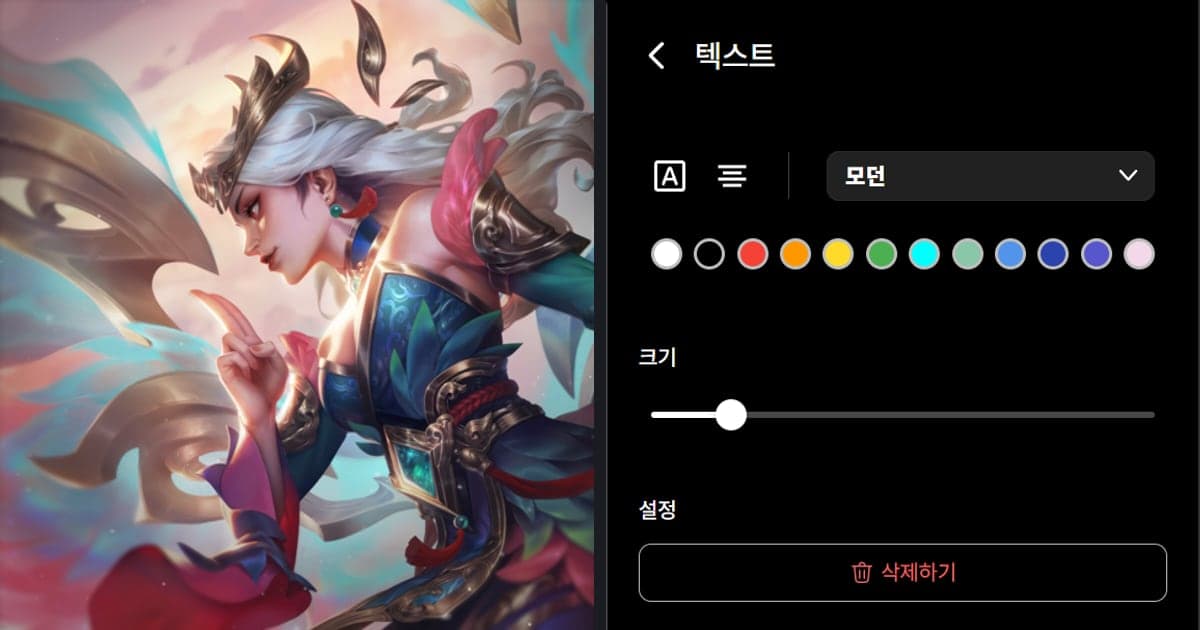
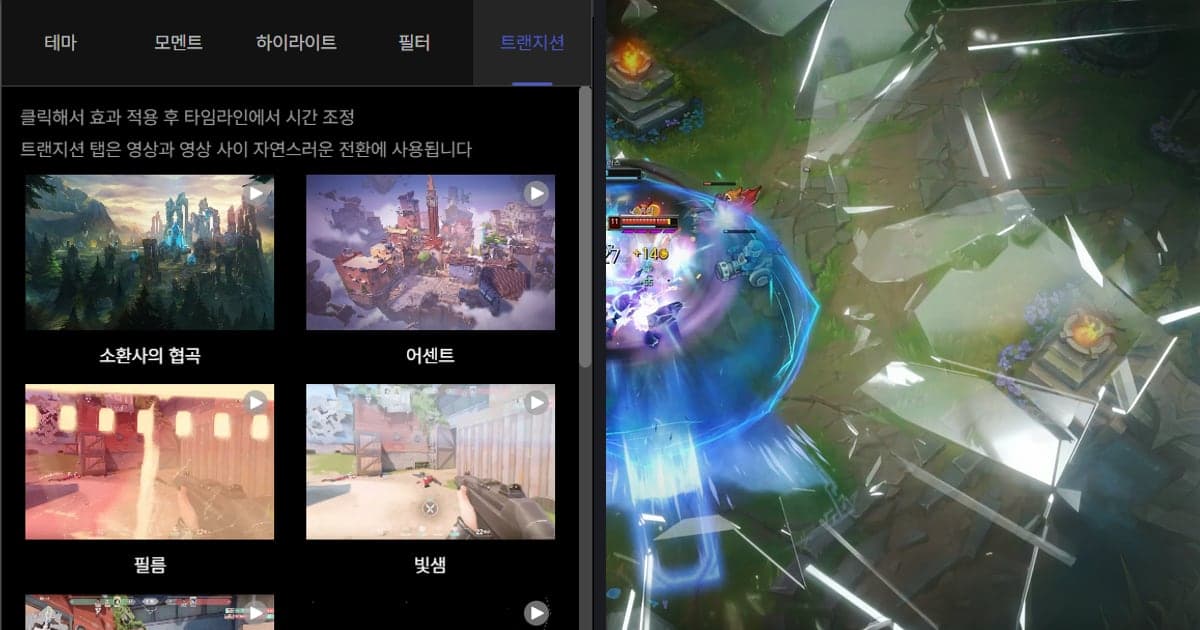
- 3Review clips on dor.gg — After the match, open dor.gg in a browser. Trim each clip with the browser editor so it gets straight to the point.
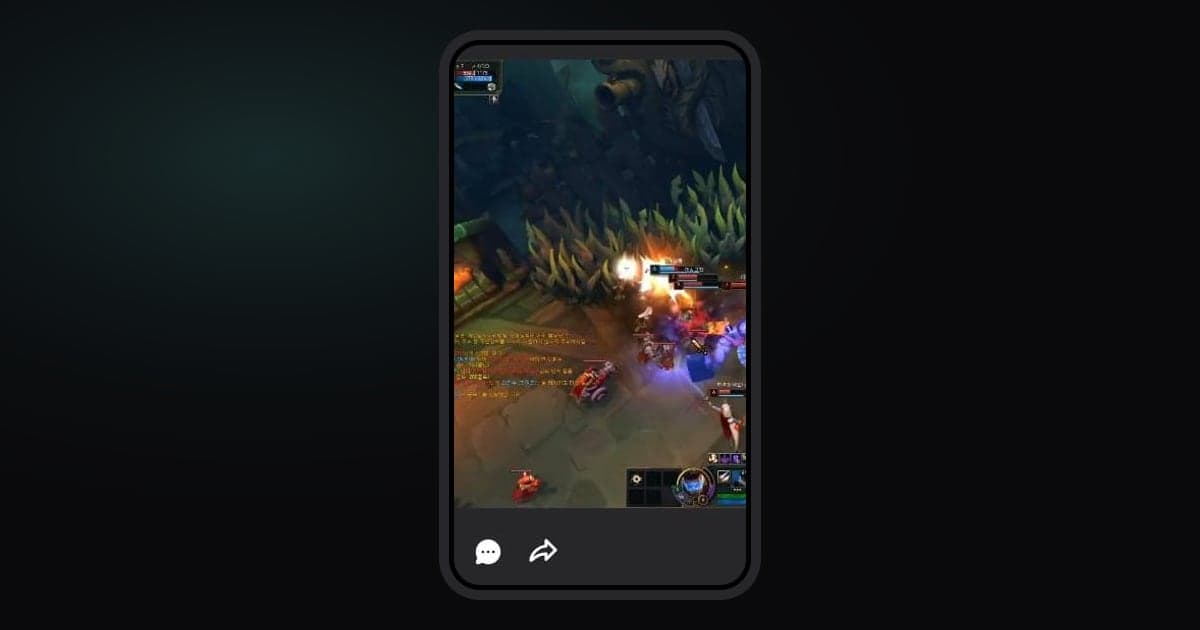
- 4Send the link to your phone — Copy the clip link and drop it in Discord or any messenger. It plays right in your phone browser.
Ways to watch LoL replays on a phone, compared
| Method | Does it work? | Best for |
|---|---|---|
| Opening the .rofl file on your phone | No — PC client only | Not worth trying |
| Auto clips with DOR on PC → dor.gg link | Yes — plays in your phone browser | Kills and highlights |
| Full match recording on PC → send the file | Yes — files get large though | Reviewing a whole game |
| Remote desktop app controlling your PC | Barely — laggy and clumsy | Emergencies away from your PC |
Check before you send it to your phone
- Replays can stop working after a patch. Did you save the moments you care about as clips?
- Is the link you sent a dor.gg clip link? A raw .rofl file won't open on a phone.
- If this game deserves a full review, did you turn on full match recording?
- Did you trim the dead time with the browser editor before sharing?
Why DOR shortens this workflow
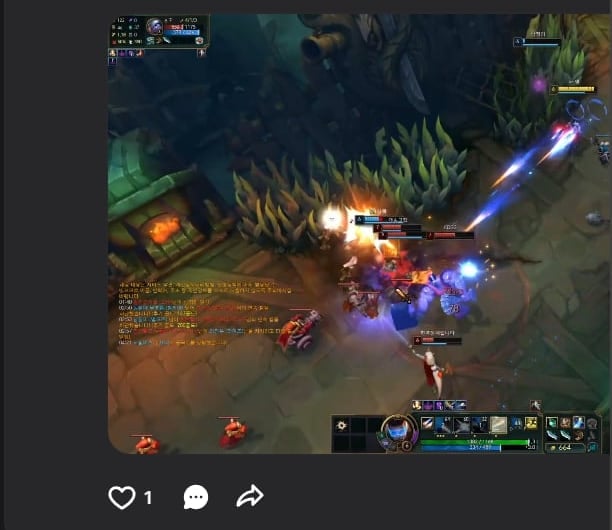
The whole trick is producing a phone-playable format on PC, automatically. DOR is free, detects League on its own, and saves kills and highlights as individual clips. It records full matches too. Every clip lives on dor.gg for viewing and sharing, so on your phone you just open a link. No converter software, no file juggling.
Official source
The PC-only limitation and the patch-version restriction come straight from Riot's documentation. Check the official Riot Games replays FAQ for the details.