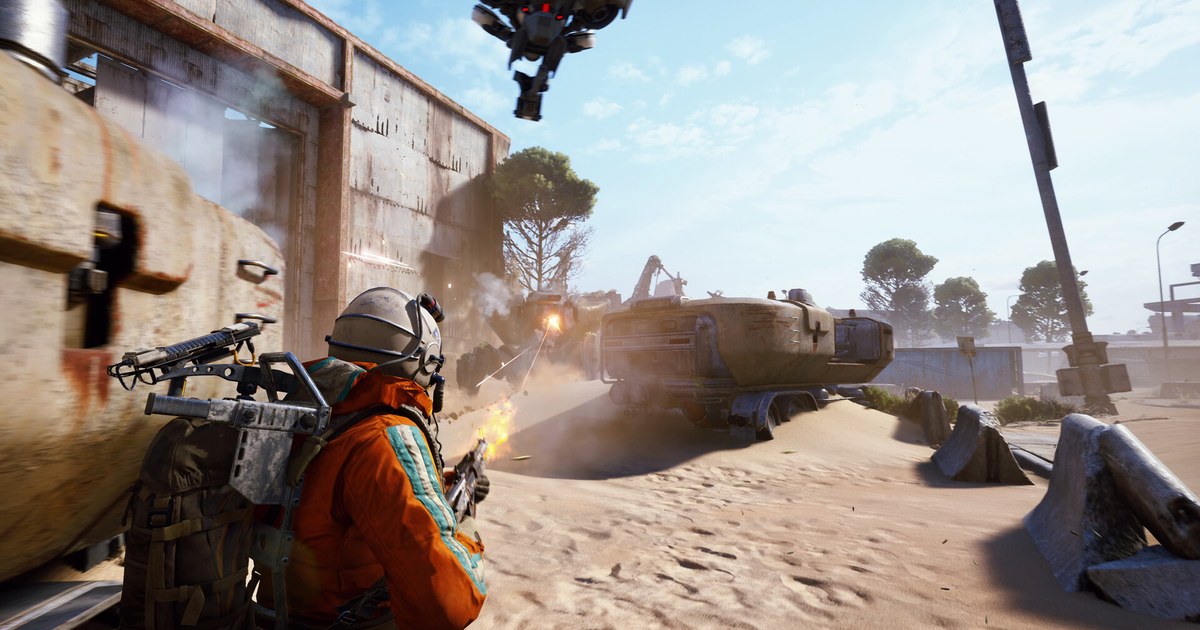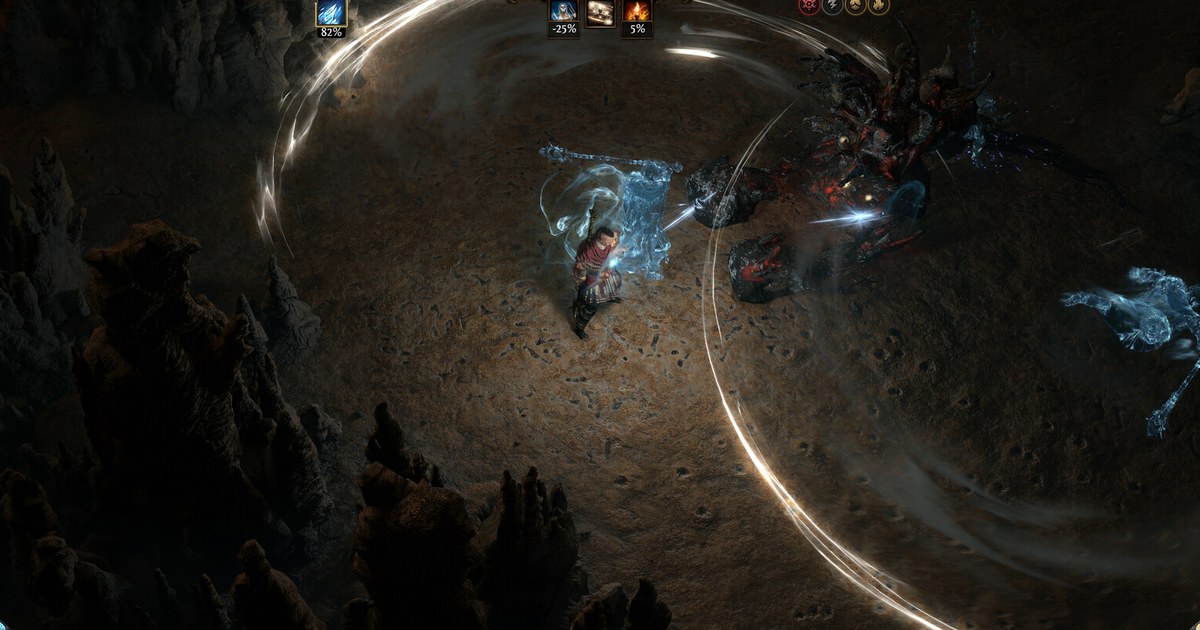

Path of Exile 2 leaves early access on December 11 (PST) and becomes free for everyone, so a lot of players who skipped the paid early access are now asking the same three things: can my PC run it, how many gigabytes do I need, and what time does it unlock.
The short answer is that the bar is moderate on the graphics card, strict on video memory, and heavy on storage. Steam asks for a GTX 960 class card with at least 3 GB of VRAM, 8 GB of RAM, and 100 GB of free space, with an RTX 2060, 16 GB of RAM and an SSD recommended.
Grinding Gear Games revealed the 1.0 content at ExileCon on November 6: Acts 5 and 6 with 24 new areas and 18 new bosses, two new classes (the Shadow and the Duelist), and the Conquerors of Wraeclast challenge league.
Platforms at launch are PC through Steam, the Epic Games Store and the standalone client, plus PS5 and Xbox Series X|S. Release date details, registration rewards and the new classes are covered in our Path of Exile 2 1.0 release guide, and more about the game is on the Path of Exile 2 game page. Every spec below was checked on the Steam store on November 12, 2026.
Path of Exile 2 PC system requirements (Steam, as of November 12, 2026)
| Item | Minimum | Recommended |
|---|---|---|
| Operating system | Windows 10 | Windows 10 |
| Processor | Intel Core i7-7700 or AMD Ryzen 5 2500X | Intel Core i5-10500 or AMD Ryzen 5 3700X |
| Memory | 8 GB RAM | 16 GB RAM |
| Graphics | GeForce GTX 960 (3 GB), Intel Arc A380 or Radeon RX 470 | GeForce RTX 2060, Intel Arc A770 or Radeon RX 5600 XT |
| Video memory | A GPU with at least 3 GB of VRAM is required | Not listed separately |
| DirectX and network | DirectX 12, broadband internet connection | DirectX 12, broadband internet connection |
| Storage | 100 GB available space | 100 GB available space, SSD recommended |
Check VRAM and free space first, then the CPU
Most spec questions about Path of Exile 2 come down to two lines that are easy to skim past. The first is the extra note on the minimum tier: a GPU with at least 3 GB of VRAM is required.
That is why the minimum names the 3 GB version of the GTX 960 specifically, and why an older 2 GB card that otherwise looks close can fall short. Integrated graphics share system memory, so on a laptop or a PC without a dedicated card, check how much video memory Windows reports before you download.
The second line is storage. Both tiers list 100 GB of available space, and the recommended tier adds that solid state storage is recommended.
Path of Exile 2 streams large areas and lots of effects during map clears, so a hard drive tends to show up as slow loading and hitching rather than a lower frame rate.
The CPU lines matter less for deciding whether the game starts at all, but they matter in late game maps with dense monster packs, where the processor does a lot of the work.
Note that the operating system line says Windows 10 on both tiers, and Steam lists Windows as the only PC platform for this release. One more thing to keep in mind is that these are the early access requirements.
As of November 12, 2026, Grinding Gear Games has not posted a separate spec sheet for 1.0, so the table below is the current reference. Check the store page again in the days before December 11 in case Grinding Gear Games updates it.
How to check your PC before the December 11 launch
- 1Find your graphics card and its VRAMOpen Task Manager, go to the Performance tab and select GPU to see the card name and dedicated memory, or run dxdiag and check the Display tab. The full walkthrough is in how to check your PC specs on Windows 11. If the card has less than 3 GB of VRAM, it is below the official minimum even if the model name looks close.
- 2Confirm DirectX 12 and your Windows versionBoth tiers list DirectX 12 and Windows 10. Press Windows+R, type dxdiag and read the DirectX Version line on the System tab, as shown in how to check your DirectX version. Install pending Windows updates and your latest graphics driver before launch day rather than on the night itself.
- 3On a laptop, point the game at the dedicated GPULaptops with two graphics chips sometimes start games on the integrated one, which can make a capable machine look like it fails the minimum. Set the game's executable to the high performance GPU in Windows graphics settings, following how to choose which GPU a game uses, and keep the charger plugged in while you play.
- 4Clear 100 GB on an SSD, with room to spareThe store asks for 100 GB on both tiers and recommends solid state storage. Pick an SSD for the install, and leave extra space beyond 100 GB because the 1.0 patch adds two acts and a league on top of what early access players already have. After installing through Steam, right click the game and open Properties, then Installed Files, to see the real size on disk.
- 5Convert the launch day to your time zoneDecember 11 PST runs from 3am ET on December 11 to 3am ET on December 12, or from 8am to 8am the next day in the UK. GGG had not announced the launch hour as of November 12, so add the time to your calendar as soon as it is posted on the official site or the Steam news page.
- 6If it stutters, change the renderer and lower effectsPath of Exile 2 lets you switch the renderer in the graphics options. If the game crashes or stutters, try a different renderer such as Vulkan or DirectX 12 first, then lower effects heavy settings and resolution before upgrading anything.
Checklist before you download on launch day
- My graphics card has at least 3 GB of VRAM and is a GTX 960 class card or better.
- I have 8 GB of RAM at minimum, or 16 GB to match the recommended tier.
- dxdiag shows DirectX 12 and my graphics driver is up to date.
- There is comfortably more than 100 GB free on an SSD.
- I know when December 11 PST starts in my own time zone.
Keep your first 1.0 boss kills on video
DOR is a free Windows app that detects Path of Exile 2 when you launch it and records the whole session from launch to exit.
Recordings land in My Clips in the app, and when you are done you trim out only the moments worth keeping, like your first kill of a new Act 5 boss or a big unique drop in a map, then save them in 16:9, 9:16 or 1:1. Ways to send those clips to friends are in how to share Path of Exile 2 gameplay videos.
Long mapping sessions make big files, so check how much space one hour of game recording takes when you plan your drive space on top of the 100 GB install. The free plan records at 720p or 1080p and 30 or 60 fps, with 1080p at 30 fps as the default; on a PC close to the minimum spec, 720p at 30 fps keeps the load light.
On supported NVIDIA graphics cards such as the RTX series, DOR records with NVENC hardware encoding. For spec guidance when you play and record at the same time, see recommended specs for game recording.
Older recordings are cleared only when the full gameplay video storage (5 GB by default) fills up, and recent recordings plus the ones you liked are kept.