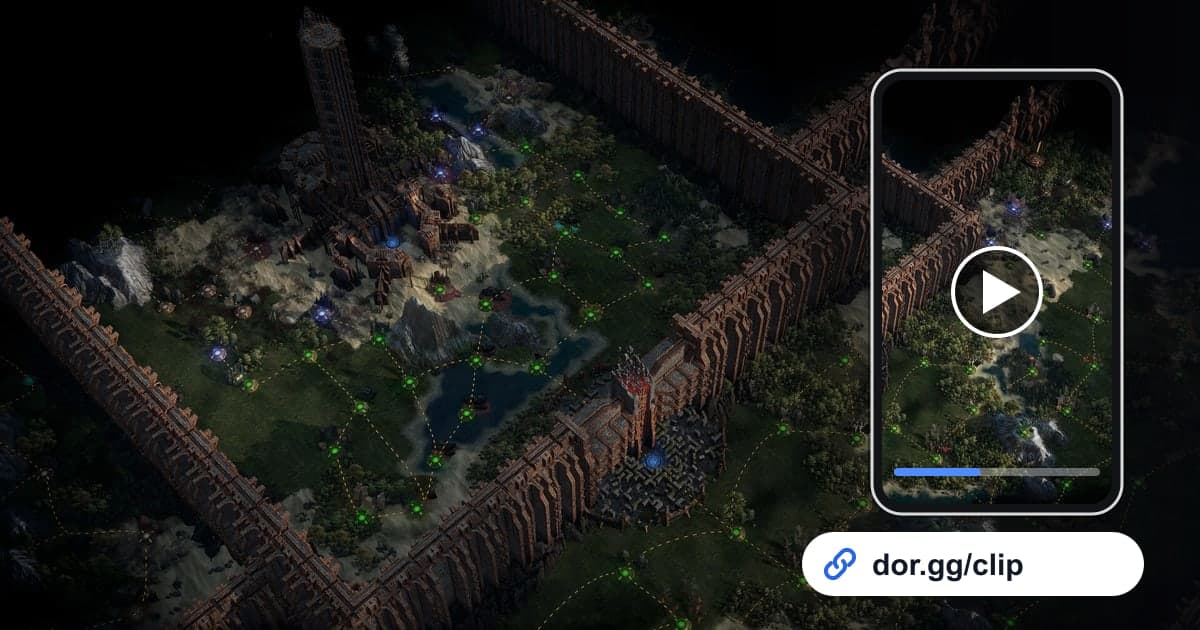
When you finally drop a boss you have been stuck on for hours, or your carefully tuned build starts wiping the screen in one go, you want to show friends who play the same game. This guide covers one method: record Path of Exile 2 with DOR, trim just that moment, and send it to friends or party members as a dor.gg link. Both the campaign and endgame mapping can easily run for hours once you start, so the recordings get very long. That is why this guide focuses on splitting a long recording into sections, how long to cut boss kills versus build showcases, and how to manage disk space during long sessions.
In Short
When you launch the game, DOR detects Path of Exile 2 and starts recording; when you close it, the whole session goes into your library as one mp4. Find where the boss health bar appears or the loading screen into a map, trim only the part you need, and you get a dor.gg link to paste into party chat or a friend's DM. Preparing to capture an hours-long mapping session reliably to the end is covered in How to Record Long Gameplay Sessions.
Sending a Path of Exile 2 Moment to Friends
- 1Install DOR and check disk space firstInstall the free DOR app on your Windows PC, then make sure the drive where recordings are saved has plenty of free space. Mapping sessions easily turn into recordings hours long, and recording stops automatically when free space drops below 20GB, so it is safer to clear room before a long session.
- 2Launch the game and play as usualWhen you start Path of Exile 2, DOR detects it and begins recording automatically. Time spent gearing up in town, area loading screens, and map runs all continue in one video until you quit.
- 3Jot down when bosses and drops happenSearching an hours-long recording from the start takes a while. When you kill a boss or get a great drop, note the rough time since the session started, like "boss around 2h10m" or "unique near 3h," and you can jump straight to that area of the recording.
- 4Use loading screens to go one map at a timeWithout notes, split the recording at the loading screen that appears each time you enter a map. Each stretch between loading screens is one map, and the part with the densest monster packs is the best scene to show off your build.
- 5Trim boss kills right away and send a linkOpen the session in your library and trim from where the boss health bar appears to the moment it goes down. Skill effects fill the whole screen in this game, so leaving it at 16:9 looks best. Send the dor.gg link created after the trim to a friend going through the same act.
- 6Combine several maps in the Studio for a build showcaseTo really show a build, merge clear scenes from a few maps in DOR Studio in your browser, and overlay the name of the skill you use in each scene as text. If the game audio is loud, lower the background music volume to balance it, then share the finished video as a link or download it as an mp4.
Path of Exile 2 Moments by Stage, and How Long to Send
| Stage and moment | Cue to find it in the recording | Who to send it to and clip length |
|---|---|---|
| Campaign act boss kill | Where the boss name and health bar appear at the top of the screen | A friend on the same act, 1 to 3 minutes so the patterns show |
| Endgame map clear | The loading screen that appears each time you enter a map | A friend curious about your build, the flashiest 30 to 60 seconds |
| Build showcase | A stretch where you chain key skills and whole packs vanish at once | Guild or community friends, about a minute with text labels |
| Unique or high-value drop | The item name hitting the ground as party voice chat gets excited | Party members, 15 to 30 seconds from just before the drop to pickup |
| Party co-op boss fight | The loading screen as the party enters the same boss area | The party who fought with you, the full fight in 2 to 5 minutes |
| Frustrating character death | Just before the screen darkens and resurrect options appear | A friend who can help spot the cause, the last 20 seconds |
Before You Send a Path of Exile 2 Clip
- A boss fight clip includes the moment the health bar first appears, so viewers know which boss it is
- A build showcase has the skill names or key gear added as text
- In a drop clip, the item name stays on screen long enough to read
- Party voice chat does not include other members' private conversations
- You have at least 20GB of free disk space before the next mapping session
- Long stretches of town prep or loading are not left in the video
How DOR Records Path of Exile 2
Path of Exile 2 became a DOR-supported game with the October 2026 app update and is captured with full-session recording. DOR, a free Windows desktop app, notices when the game starts and saves everything from launch to exit as one mp4. The video is not split by map or boss, and there are no automatic clips that detect boss kills or drops, so you find the moments in the recording and pull them out with the trim tool in your library. The longer you play, the faster the disk fills, and recording stops automatically below 20GB free; if a recording cuts off partway, check disk space first in How to Fix Recordings Not Saving. On NVIDIA graphics cards, NVENC hardware encoding is the default, and game sound goes into the same video as your mic while you make party calls. Joining clear scenes from several maps into one video is done in the DOR browser clip editor, which needs no install.