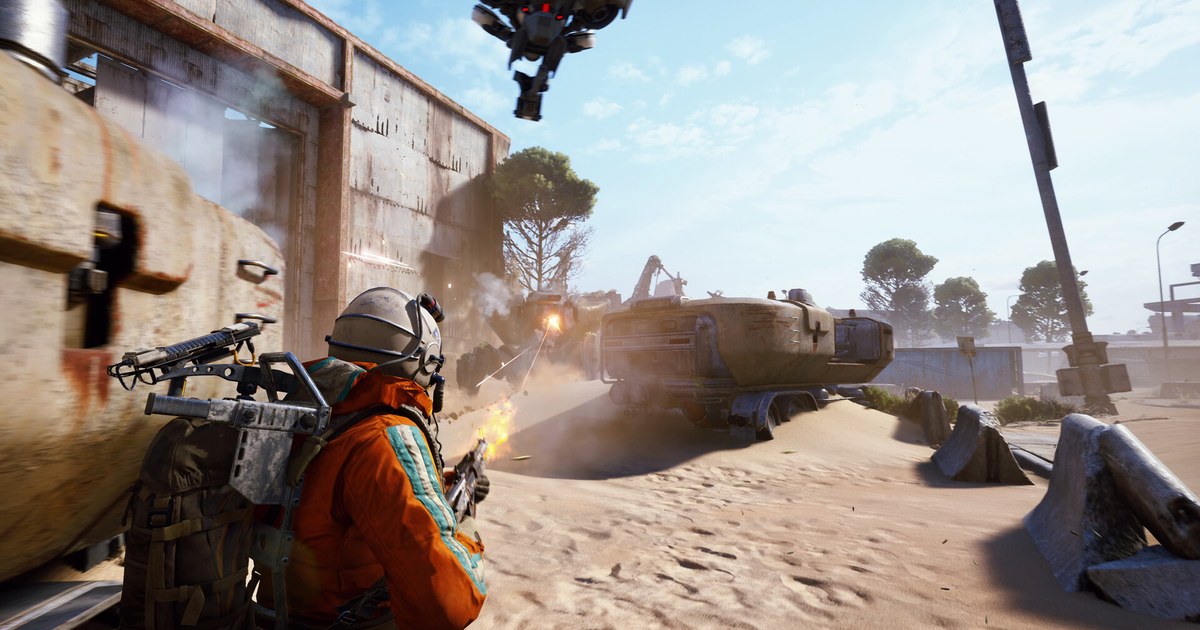
ARC Raiders is an extraction shooter, so a crash hurts more than in most games: you queue in with gear you chose to risk, and if the client closes halfway through a raid you are left wondering what happened to your loadout and your run.
The good news is that most PC crashes fall into a handful of known patterns, and Embark Studios keeps an official help center page called Troubleshooting Game Crash and Launch Issues for PC that covers them, last updated on September 30, 2026.
This guide follows that page, adds the one ARC Raiders specific driver fix AMD has published for Radeon RX 9000 cards, and sorts everything by what you actually see on screen.
If the game runs but feels choppy rather than closing, start with our ARC Raiders best settings guide instead, since lowering the load is a different job from fixing a crash. Everything below was checked on November 12, 2026, for the Steam version on Windows.
ARC Raiders PC crashes by symptom, with the official cause and first fix (as of November 12, 2026)
| What you see | Official cause or note | Try this first |
|---|---|---|
| Crash in the main menu or while loading | PC below the minimum requirements, or the Raider Voice (Beta) option, which Embark says may cause crashes | Compare your PC with the Steam minimum specs and turn off Raider Voice (Beta) |
| Random crashes after an update | Outdated GPU, chipset or other drivers, an outdated DirectX, or damaged game files | Update drivers, DirectX and Windows, then verify integrity of game files in Steam |
| Intermittent crash on Blue Gate with a Radeon RX 9000 card | AMD listed this crash as fixed in AMD Software: Adrenalin Edition 25.12.1, dated December 10, 2025 | Update AMD Software to 25.12.1 or a newer release |
| Easy Anti-Cheat error 30005 | Another program, such as antivirus software, is locking an EAC file | Restart the PC. If it returns, exclude the EasyAntiCheat_EOS folder in your antivirus |
| Maximum Simultaneous Game Instances | EAC thinks ARC Raiders is already running in the background | End the ARC Raiders process in Task Manager. If it is not listed, restart the PC |
| ARAV8007 System Integrity Violation | Embark's fix is a clean reinstall of the game folder | Delete the ARC Raiders folder under steamapps\common and reinstall through Steam |
| Exit code 0 or 0x1 | The PioneerGame file is set to run as administrator | Untick Run this program as an administrator on PioneerGame |
| Exit code 0x3 | A problem with the Cerebro.dll file in the game folder | Delete Cerebro.dll in Binaries\Win64, then verify game files |
Sort the crash first: an error window, a menu or loading crash, or a mid raid crash
Before changing anything, note exactly when ARC Raiders closes and whether a window appears.
If you see an Easy Anti-Cheat message such as error 30005 or Maximum Simultaneous Game Instances, a System Integrity Violation code ARAV8007, or an exit code like 0, 0x1 or 0x3, Embark has a specific fix for each, so jump straight to that row in the table.
If the game closes in the main menu or on the loading screen with no message, Embark's first two checks are your hardware against the minimum requirements and the Raider Voice (Beta) option.
If it closes in the middle of a raid, drivers are the usual suspect, and if you own a Radeon RX 9000 series card and it happens on the Blue Gate map, AMD has listed that exact crash as fixed in a driver release.
Crashes that started right after a game or Windows update are worth a file verification in Steam before anything more drastic. Working in this order saves you from reinstalling a large game when a single checkbox was the problem.
Fix it in the order Embark's PC crash guide uses
- 1Check the minimum specs and turn off Raider Voice (Beta)Steam lists the minimum as Windows 10 or later 64 bit on the latest update, an Intel Core i5-6600K or AMD Ryzen 5 1600, 12 GB of RAM, a GeForce GTX 1050 Ti, Radeon RX 580 or Intel Arc A380, and DirectX 12. If you are close to that line, crashes during loading are more likely. Next, find Raider Voice (Beta) in the game's options and switch it off. Embark's crash page names it directly as something that may cause crashes, so it is the cheapest test you can run.
- 2Update your graphics driver and the rest of your driversPress Windows key + R, type dxdiag and open the Display tab to see which graphics card you have. Use the AMD Auto-Detect tool, Intel's driver detection page or NVIDIA's app to install the latest driver. Embark also suggests checking your CPU chipset, motherboard BIOS, monitor, network adapter and peripherals for updates. If you play on a Radeon RX 9000 series card and crash on Blue Gate, make sure you are on Adrenalin 25.12.1 or newer, since AMD listed that crash as fixed in that release.
- 3Update Windows and DirectX, then restartEmbark's page notes that an outdated DirectX can cause crashes, input lag or audio glitches. Run Windows Update until no more updates are offered, install DirectX from Microsoft if prompted, and restart the PC fully rather than just signing out. A restart also clears leftover processes from a previous crash, which matters for the Easy Anti-Cheat errors below.
- 4Verify the game files in SteamIn your Steam library, right click ARC Raiders, choose Properties, open Installed Files and click Verify integrity of game files. Steam compares your install with the current build and downloads anything missing or damaged. This is the quickest fix for crashes that began right after a patch. If you end up needing a full reinstall, check free space first with our ARC Raiders install size guide.
- 5Clear Easy Anti-Cheat errors and exit codesFor EAC error 30005, restart first. If it comes back, add an antivirus exclusion for the Program Files (x86)\EasyAntiCheat_EOS folder. For Maximum Simultaneous Game Instances, end the ARC Raiders process in Task Manager or restart. For ARAV8007, delete the ARC Raiders folder in steamapps\common and reinstall. For exit code 0, open Binaries\Win64 in the game folder, right click PioneerGame, choose Properties, Compatibility, and untick Run this program as an administrator. For 0x1, do the same on the PioneerGame file in the ArcRaiders folder. For 0x3, delete Cerebro.dll from Binaries\Win64 and verify files again.
- 6Turn off overlays and third party software as a last resortEmbark's final suggestion is disabling overlays and other third party software. Close in game overlays, performance monitors, RGB and mouse utilities, and anything that hooks into games, then launch ARC Raiders with as little running as possible. If the crash stops, turn things back on one at a time to find the one that clashes. If nothing on this list helps, contact Embark through the ARC Raiders help center with your PC specs and the exact moment the crash happens.
Check these before you contact Embark support
- Did you note the exact error text or exit code, and whether the crash happens at launch, in the menu, while loading or mid raid?
- Is Raider Voice (Beta) switched off, and does your PC meet the Steam minimum requirements?
- Are your graphics driver, Windows and DirectX up to date, with AMD Software 25.12.1 or newer on a Radeon RX 9000 card?
- Did Verify integrity of game files finish without finding problems after the latest patch?
- Is PioneerGame running without administrator mode, and is the EasyAntiCheat_EOS folder excluded from your antivirus?
If a raid was being recorded, keep the last minutes for your ticket
DOR is a free Windows game recorder that detects ARC Raiders when you launch it and records each match automatically, and the recordings collect in My Clips inside the app.
If DOR was recording when a raid ended in a crash and the footage is in My Clips, trim the final minutes in the app so support can see what happened right before the client closed, along with the time it occurred.
If you suspect the recorder side of your setup, our guide on what to do when a game crashes while recording walks through that separately. Once the crashes are fixed, your next extraction or ARC takedown can go straight to your squad as a link, the way our guide on sharing ARC Raiders gameplay videos shows.