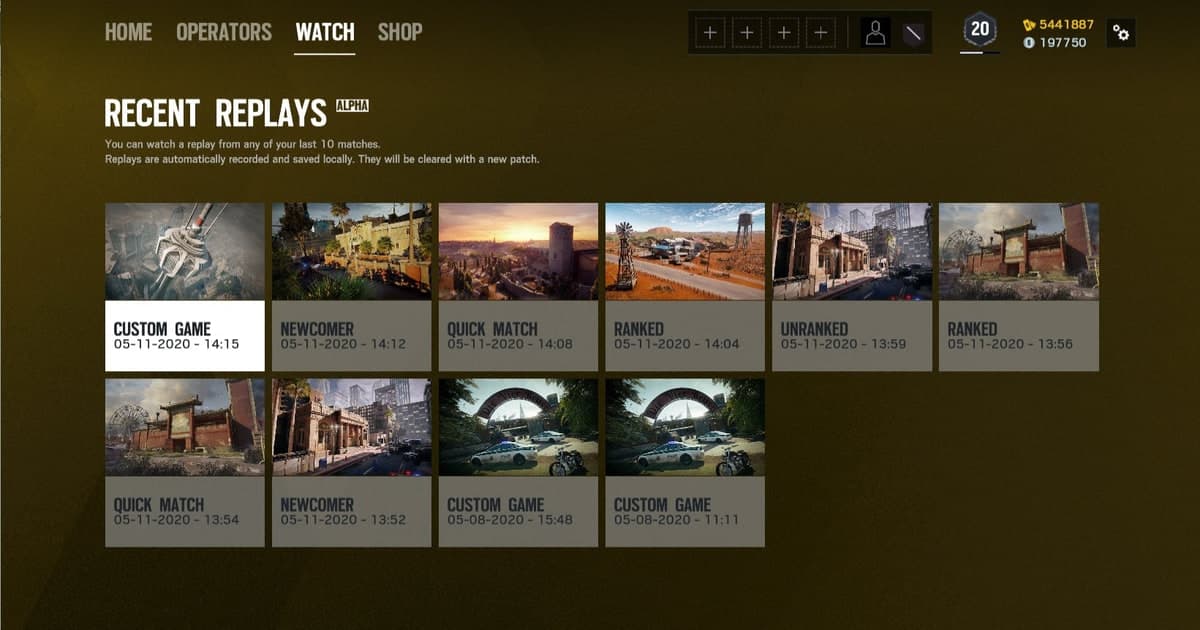
Turning a Rainbow Six Siege review into editable and shareable video requires separate source preservation, game playback, screen capture, and external verification. A Rainbow Six Siege Match Replay contains data the game uses to recreate match state, so renaming it or placing it in an editor is not direct video conversion.
Identify the file and the required outcome first
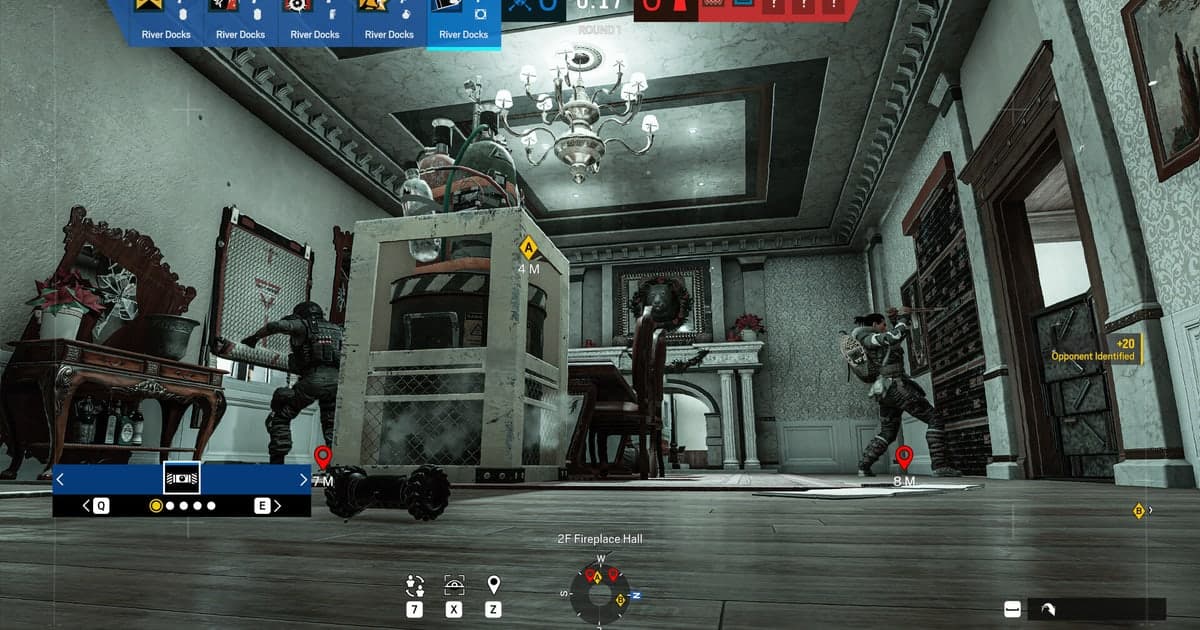
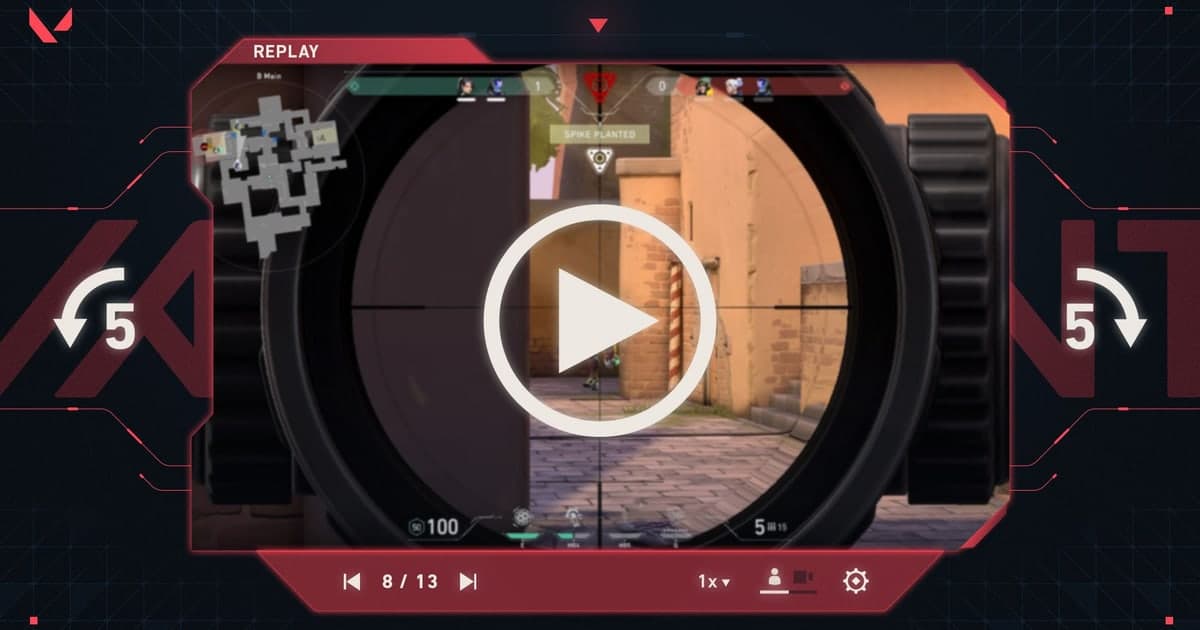
Copy the source and confirm playback in the current game first, then choose viewpoint, HUD, and speed before capturing the rendered scene in real time. Ubisoft’s current System Override page says the number of supported Match Replay files increased from twelve to thirty on PC only, and it does not describe direct MP4 export. For a Siege tactical review, capture the same round from attacker first person, defender perspective, and top-down free camera as separate shots. Timestamp preparation-phase drone information, wall breaches, gadget placement, and site entry, then replay only the angle needed for each decision. Keep the HUD and round information in an analysis cut, but record the same action with a clean camera composition for a shareable highlight so the two purposes do not conflict. Decide in a one-round sample whether operator gadget audio and team voice belong in the final review. Do not rename or upload an unplayable replay to a random converter; first establish whether the current client can understand that source.
A source-safe workflow
- 1Preserve the source and baseline — Copy the file and note game and app versions, display mode, audio devices, encoder, destination, and free space.
- 2Create a sixty-second reproduction — Use real-match conditions and include fast movement, game effects, microphone speech, and any required voice path.
- 3Inspect each result separately — In both the original app and an independent player, verify video, every audio source, frame pacing, seeking, and size.
- 4Change only one variable — Adjust one setting directly tied to the observed failure, then repeat the same sample and compare.
Compare the options and their failure conditions
| Option | Best fit | Verify before committing |
|---|---|---|
| Match Replay source | Interactive camera and speed review | Playback in the current game build |
| Record the replay viewer | Preserve a staged sequence as standard video | HUD, resolution, audio, and frame pacing |
| Future automatic clips | Collect moments from new matches quickly | Supported game and a real sixty-second test |
Checks after a one-match test
- A backup of the source file and settings exists.
- Current game and application versions are recorded.
- Game audio and microphone were checked separately.
- Output location and free space were verified.
- The sample opens in an independent player.
Test DOR as a separate capture path
A staged camera pass from an old Rainbow Six Siege replay still requires recording the game viewer. For future supported-game moments, compare a separate clip path with a fresh sample. Rainbow Six Siege game page, OBS versus ShadowPlay, recording file location guide.
Official source and version boundary
Ubisoft says Operation System Override increases the number of supported Match Replay files from twelve to thirty for PC only. Ubisoft Operation System Override Match Replay update.