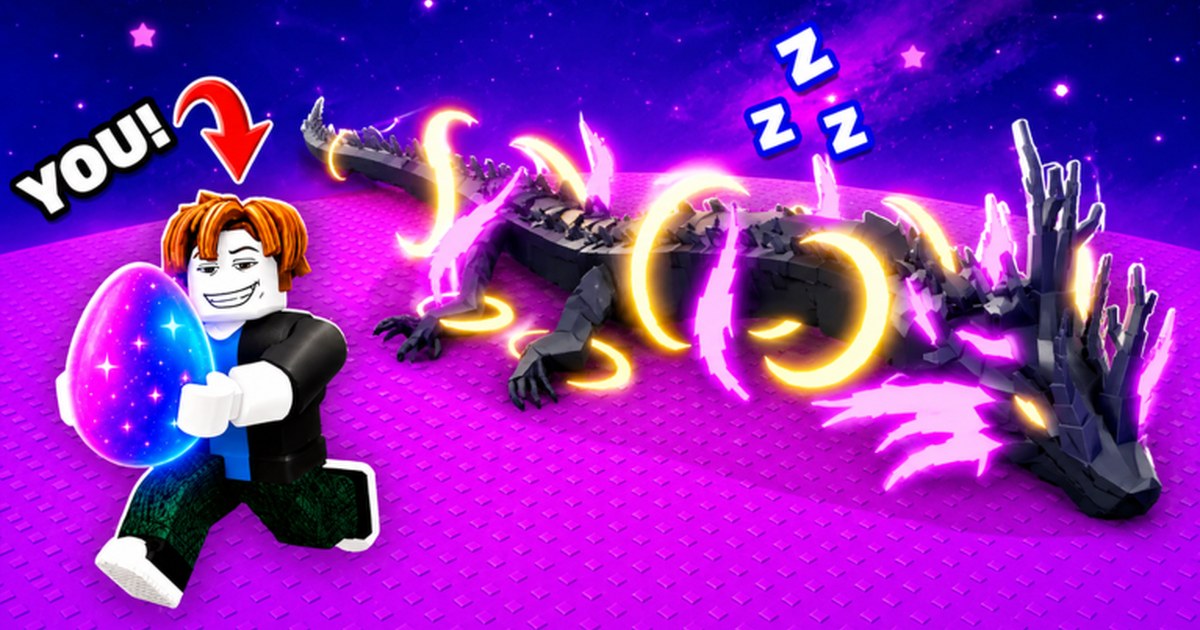
The short answer is that Steal An Egg has no working codes as of November 24, 2026. Several code trackers reach the same conclusion, the official experience description never mentions codes, and no code redeem box has been found in the game.
So if you type in a code from a search result and nothing happens, that is the expected outcome. The most common trap is a similarly named experience. Codes only work inside the experience they were made for, so a code from another game does nothing here.
If you want to see how codes work in an experience that really uses them, read Ragdoll Playground codes and how to play, and if egg stealing is new to you, Break and Steal an Egg guide covers a close cousin of this genre.
Where to check for Steal An Egg codes and what to look for
| Where to look | What to check | Verdict as of Nov 24, 2026 |
|---|---|---|
| In-game menu and shop | Whether a code entry box exists | No entry box was found, so there is nowhere to type a code |
| Experience description | Whether it mentions codes | It only describes how to play |
| Developer group announcements | Whether a new code post exists | If a code ever ships, this is where to confirm it |
| Code list websites | Update date and source | Check the experience name first and skip undated lists |
| Similarly named experiences | Experience name and creator group | Codes from other experiences do not work in this game |
| Codes in videos and comments | Whether the game has a place to enter them | With no entry box, no code can be used |
The answer: check official announcements instead of code lists
You only have two things to do. First, skip the code hunt and start playing. As the experience description says, steal eggs from other pets, hatch them to collect rare pets, and use the money your pets earn to upgrade your treadmill and base.
Nothing in the early game is blocked behind a code. Second, check for new codes only in the experience description and the developer group announcements. When a game adds codes, it usually adds a redeem box and announces it officially, so while there is no box, ignore any long code list you find.
Also never follow a site that asks for your Roblox password or cookie value in exchange for codes, no matter how convincing it looks.
How to check whether a new code has appeared
- 1Match the experience name and creator groupOn Roblox, open the experience named exactly Steal An Egg. Experiences with extra words such as Jump To, Push to or Build a are different games and have their own codes.
- 2Read the experience descriptionLook for any new code or reward note on the experience page. As of November 24, 2026, the description only covers how to play: stealing eggs, hatching them and training on the treadmill.
- 3Check the developer group announcementsSee whether the group that made the experience has announced a code. Codes usually arrive with updates, so read announcements near the latest update date first.
- 4Look for an entry box in the gameBrowse the menus and the shop for a place to type a code. If there is none, a code you found is not for this game.
- 5Capture the reward on videoIf a code appears, it may expire quickly, so redeem it the day you find it and keep a recording of the reward. The steps for trimming and sending the moment are in how to share Roblox gameplay videos.
Check before you type any code
- The experience name is exactly Steal An Egg
- The page that gave you the code shows a date and source
- The game really has a code entry box
- The site does not ask for your Roblox password or cookie
- The code appears in the developer group announcements or the description
Record your egg heists with DOR
DOR is a free Windows game recording app. When you launch a supported game it detects it automatically and records the whole session from launch to exit, and the recordings collect in My Clips in the app.
A rare hatch in Steal An Egg or the moment another player steals your egg and you run can be kept without any extra setup. Trim just the part you want in the app and save it in 16:9, 9:16 or 1:1, then combine videos in DOR Studio, add text and BGM, and export as mp4.
You can record, edit and share without a watermark, and send a single dor.gg link to friends. Free recording supports 720p and 1080p at 30fps and 60fps.