
You update your graphics driver, and a game that ran fine yesterday now hitches every few seconds. Or the shader compilation screen shows up every single time you launch.
The standard advice on every forum is to clear your shader cache, but plenty of people do it, see an even choppier first match, and assume they broke something.
This guide, current as of November 10, 2026, explains what the shader cache actually is, when clearing it makes sense, how to do it on Windows, NVIDIA and AMD, and why in game shader preloading deserves your patience.
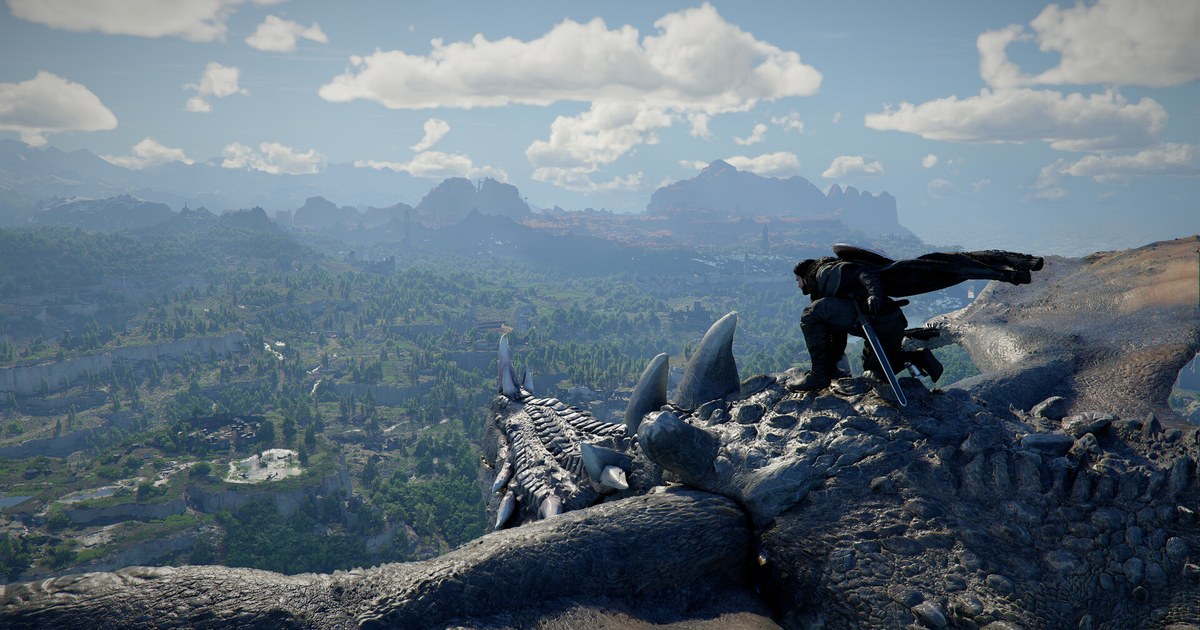
The problem shows up most in games like Modern Warfare 4, which prepares shaders on first launch and after big updates, and in large open worlds like Crimson Desert, where new areas keep throwing fresh effects at your GPU. One thing to set straight up front: clearing the cache does not raise your average FPS. It cleans out corrupted or outdated data that causes repeated compiling and sudden frame time spikes.
What to try first, by symptom
| Symptom | Most likely cause | Try this first |
|---|---|---|
| Only the first match after a driver update stutters | The game is rebuilding shaders for the new driver | Do not clear anything yet. Play two or three more matches and reassess. |
| Shader compiling restarts from zero every launch | Cache is not being saved, or it is corrupted | Clear the Windows DirectX Shader Cache and your GPU cache, then restart. |
| Same spot hitches for days on end | Stale or corrupted cache | Clear the GPU side cache, then run the same spot twice and compare. |
| Stutter in a match you joined before preloading finished | Precompilation did not complete | Wait on the main menu until the progress indicator is full. |
| Stutter got worse after setting NVIDIA Shader Cache Size to Disabled | Nothing is cached, so everything compiles every time | Set Shader Cache Size back to Driver Default. |
| Gameplay is smooth but your recording stutters | Recording encoder settings | Follow the order in fixing game recording stutter to check your recording settings. |
Before you clear anything: what the cache does and what clearing it costs
Shaders are small programs that tell your GPU how to draw lighting, shadows, water, smoke and everything else on screen. Modern DirectX 12 and Vulkan games have to compile those shaders for your specific GPU and driver version, then save the result to disk so they can reuse it next time.
That saved data is the shader cache. When the game hits an effect it has never compiled before, it builds it on the spot, and the frame waits. That hitch is what people call shader compilation stutter.
Update your driver or install a big game patch and the old cache no longer matches, so the game compiles again. That is why stutter and compile screens cluster right after updates, and it is normal behavior, not a fault.
Clearing the cache is worth it in a narrower set of cases: you have played for several sessions after an update and still hitch in the same spots, the game recompiles from zero every launch, or you see broken textures and flashing that point to corrupted data. Clearing gives the game a clean slate.
The trade off is that the next launch and the first match rebuild everything, so they take longer and can stutter more than before. Judge the result on your second or third match on the same route, never the first. If the hitches shrink, the cache was the problem. If nothing changes, look elsewhere.
How to clear shader cache, in order
- 1Let in game shader preloading finishIf the game has its own shader preloading step, as recent Call of Duty titles do, start there. That step is an important part of the first boot: leaving the main menu pauses it, and jumping into a match before it finishes can cost you performance. Modern Warfare 4 runs it again after major updates and resumes where it left off if you interrupt it. Since October 21, 2026, copies installed through the Microsoft Store or the Xbox PC app on Windows 11 (24H2 or later) with a supported GPU (NVIDIA RTX or AMD RDNA cards, for example) can also receive precompiled shaders through Advanced Shader Delivery; when that works, the launch screen shows Precompiled shaders installed in the bottom left corner. Keep your graphics driver current, and if you do not see that line, wait until the main menu progress indicator is full before you queue.
- 2Clear the DirectX Shader Cache in WindowsOn Windows 11, open Settings > System > Storage > Temporary files, tick only DirectX Shader Cache, and click Remove files. Disk Cleanup works too: search for Disk Cleanup in the Start menu, pick your C drive, tick the same DirectX Shader Cache entry, and click Delete Files. Untick everything else you do not need. Your save files and game settings are not stored in this entry.
- 3NVIDIA: check Shader Cache Size and empty the cache foldersIn NVIDIA Control Panel, go to Manage 3D settings > Global Settings and find Shader Cache Size. If an old optimization guide had you set it to Disabled, that alone can cause constant recompiling, so set it back to Driver Default. For a full wipe, set it to Disabled temporarily and restart, then type %LOCALAPPDATA%\NVIDIA into the File Explorer address bar and delete the files inside DXCache and GLCache. Recent drivers also keep a cache under AppData\LocalLow\NVIDIA\PerDriverVersion, so check there too. Afterwards, set Shader Cache Size back to Driver Default and restart again. The rest of the panel is covered in NVIDIA Control Panel gaming settings.
- 4AMD: run Reset Shader CacheOpen AMD Software: Adrenalin Edition, go to the Gaming tab, open Graphics, expand Advanced, and find Reset Shader Cache. Click Perform Reset to wipe the shader cache the driver has stored. The exact location shifts a little between driver versions, so if you cannot see it, type shader cache into the AMD Software search bar. This button only clears the driver cache, so clear the Windows DirectX Shader Cache separately as in the earlier step.
- 5Restart and let the first launch compile fullyRestart your PC, then launch the game. The compile screen will run longer than usual because every shader is being rebuilt from scratch. Do not alt tab away or jump straight into a match; let it finish. For Steam games that use Vulkan or OpenGL, keeping Shader Pre-Caching enabled in Steam settings lets Steam download precompiled shaders and shortens that first launch.
- 6Play the same stretch twice and compareRun the area or map that used to hitch once just to rebuild the cache, then run the same route again and pay attention the second time. The first run is building fresh cache, so it is not a fair comparison. If you want numbers, turn on an on screen counter with how to show FPS in games. What matters is whether the sudden drops got fewer, not whether the average moved.
After clearing, confirm these
- The in game shader preloading or compile progress reached 100 percent.
- NVIDIA Shader Cache Size is set to Driver Default, not Disabled.
- You judged stutter on the second match after clearing, not the first.
- You compared the same location, graphics settings and background apps.
- If the game still recompiles every launch, you checked free space on your C drive.
Prove the stutter is gone with before and after footage
Shader stutter lasts a fraction of a second, so feeling like it improved is not much to go on. Record the stretch that hitches before you clear anything, then record the same stretch on your second match afterwards and watch them side by side. The difference is easy to see.
DOR is a free Windows game recorder. It detects supported games when you launch them and records the whole match, or the full session from launch to exit, and gathers everything in My Clips inside the app.
For Modern Warfare 4 it detects the campaign and multiplayer separately and records the full session.
Trim just the part you want to compare in 16:9, 9:16 or 1:1, then put both clips together in DOR Studio (dor.gg/studio) and export an mp4 or share a dor.gg link when you ask for help on Reddit or Discord.
On supported NVIDIA graphics cards such as the RTX series, DOR records with NVENC hardware encoding. To keep recording conditions identical between the two runs, follow the same method as before and after recording for gear upgrades.