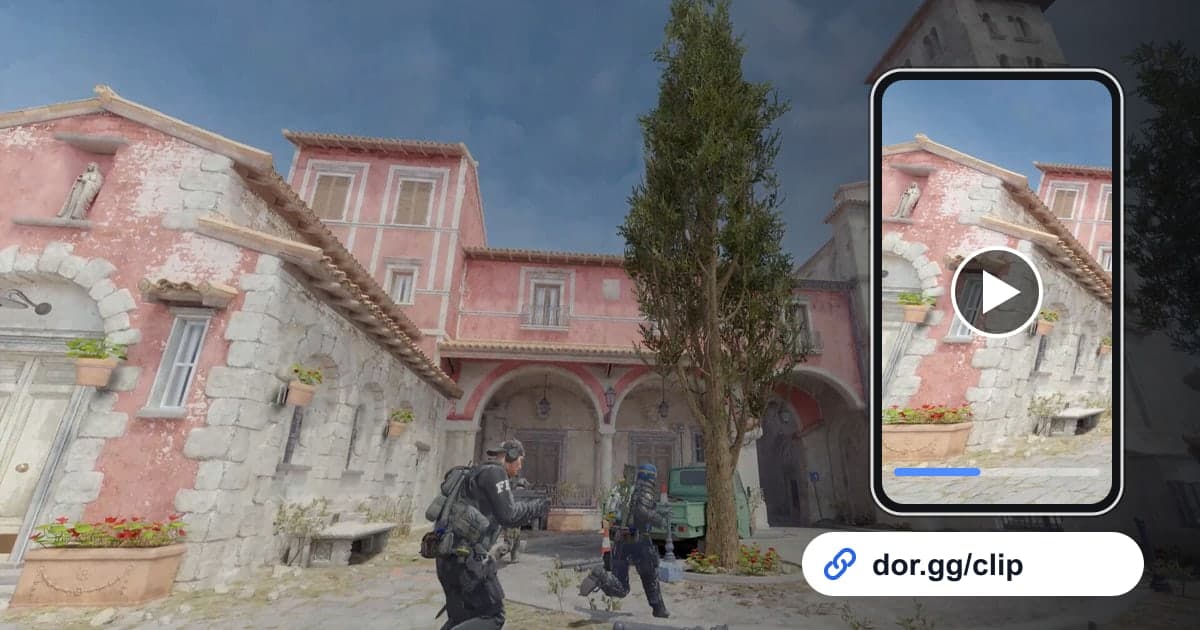
In Counter-Strike 2, a clutch where you were left alone against several players and still took the round, or an ace where you took down all five opponents in one round, does not come across through scoreboard numbers. This guide covers one thing: recording Counter-Strike 2 with DOR, then picking the moment to send from the automatic clips and the full-match recording and passing it to friends or teammates as a link. It does not explain the game's own recording features; the whole flow stays inside the DOR library and studio.
Send one kill, or send one round
In CS2, the unit you send matters. When a single kill is the point, like a long-range one-tap or a kill through a wall, tidying up the automatic kill clip is enough. A clutch, though, is all about the decisions from the moment you are left alone until the round ends, and an ace is worth watching because five kills chain together within one round, so sending the whole round is the right call. What exactly counts as a clutch is explained in what is a clutch.
Sending a CS2 moment to friends as a link, in order
- 1Install DOR and start a CS2 matchDOR is a free Windows desktop app; once installed, it detects Counter-Strike 2 launching and records automatically. There is no record button to press mid-match, so you can focus on calls and fights. If you make calls over team voice, your microphone is recorded with the game sound, so you can hear the calls again when reviewing.
- 2Skim the kill, death and assist clips after the matchWhen the match ends, the DOR app library holds the full-match recording plus automatic clips of your kills, deaths and assists, all as mp4. When there are a lot of clips, look first for spots where several kill clips from the same round sit back to back; that is the quickest way to pick out clutch or ace candidates.
- 3Start a clutch at the moment you are aloneThe start of a clutch video is not the start of the round but the moment your last teammate goes down and you are on your own. Find that point in the full-match recording, set it as the start, and set the end at the moment the round win is confirmed. Then pick an output ratio of 16:9, 9:16 or 1:1 in the library trim tool.
- 4Keep an ace as one unbroken roundShowing an ace with kill clips alone tends to drop the movement and decisions between kills. To show all five kills without breaks, the sure way is to cut the round in one piece from the full-match recording, from just before the first kill to the last. If that runs too long, you can also join the five kill clips in the studio.
- 5Find grenade lineups in the full-match recordingSmoke, flash and molotov lineups involve no kill, so they are not kept as automatic clips. Find the round where you practiced the lineup in the full-match recording and cut from the moment you take your position to the moment the utility lands. Keeping it 16:9 with the aim point in the middle of the screen makes it easy for teammates to copy.
- 6For five-stack reviews, pass the lost round around as a linkIf you play in a regular five-stack, watching lost rounds together is often more useful than watching wins. Cut the round from the death clips and full-match recording and paste the dor.gg link into your team chat or Discord channel, and each teammate can watch the same moment in the browser and share thoughts without downloading a file.
CS2 moments: how DOR keeps them and what your friend should watch
| Moment | How it is kept in DOR | What your friend should watch |
|---|---|---|
| Clutch (1vX) | Several kill clips; the full round is in the full-match recording | The order you picked opponents off after becoming the last one alive |
| Ace | Several kill clips; the full round is in the full-match recording | How five kills flow together within one round |
| The decisive shot | Kill clip | Whether your crosshair was already at head height |
| A flash-assisted kill | Assist clip | When the flash went out and when your teammate entered |
| Grenade lineup | No automatic clip; find it in the full-match recording | Where you stand, where you aim, where it lands |
| Reviewing a lost round | Death clips and the full-match recording | Where the first player went down and to whom |
Check before sending a CS2 video
- The clutch video starts at the moment I was left alone.
- The ace video contains all five kills.
- In the assist moment, the instant I threw the flash is not cut off.
- The grenade lineup video shows both where I stand and where I aim.
- The review video is cut so the first player going down comes early.
- I listened for anything in the team voice audio I would not want others to hear.
- The chat I am sending to is the one with the teammates or friends from that match.
The part DOR handles in CS2
DOR is a free Windows app: launch Counter-Strike 2 and it detects the game, records the whole match, and keeps kills, deaths and assists as separate highlight clips. Recordings are saved to the library as mp4, and with an NVIDIA graphics card, NVENC hardware encoding is the default. How to combine several kill clips into one video is covered in detail in how to merge game clips. The finished video travels as one dor.gg link, and a friend who opens it can play it right away, even in a phone browser, with no install step. If you are looking for regular teammates to review with, the CS2 Premier team finder can help.