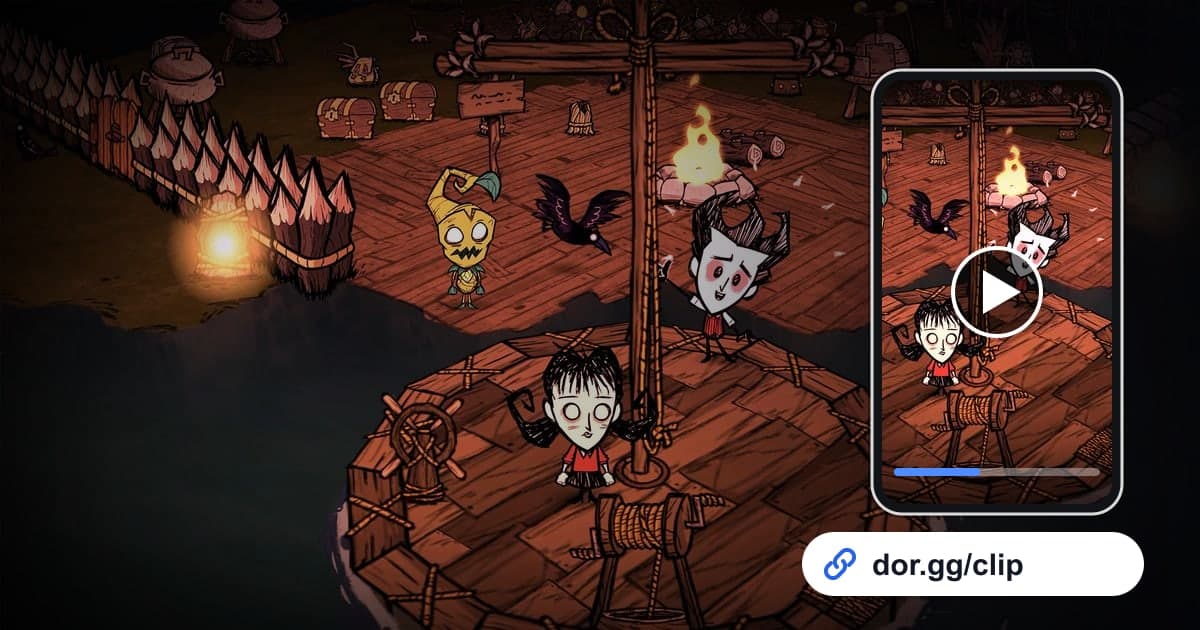
Don't Starve Together is a co-op survival game where you and your friends gather resources, build a base, and try not to starve in a strange world. The moment you finally bring down a seasonal boss after days of prep, the winter you scraped through on almost no health, and the anticlimactic ending where everyone drops one by one and floats around as ghosts are all scenes you will want to rewatch with the people who were there. This guide covers recording Don't Starve Together with DOR, picking those scenes out of a long survival run, trimming them, and sending them to server friends as a dor.gg link.
One session, not one day, is one video
DOR captures Don't Starve Together with full-play recording. The video does not split when an in-game day ends or the season changes; hours of survival from the moment you launch to the moment you quit run together as one video. There is no feature that detects boss kills or character deaths to make clips, so you find the scene in the recording and cut it with the trim tool. Longer sessions mean bigger files, so if you are worried about a recording failing to save partway through, read the disk space section of how to fix recordings not saving first.
Sending a scene from a long survival run
- 1Pick a recorder and check space before opening the serverNot everyone on the server needs to record; one or two people is usually enough. Whoever records should clear room on the save drive ahead of time, expecting hours of survival. Recording stops automatically once free space drops below 20GB.
- 2Install DOR and join the server as usualDOR is a free Windows desktop app that detects the game automatically and records when you launch it. Just join the server and gather resources like always; game audio and your mic are recorded together, so your friends' voices in the scary moments are kept too.
- 3Remember the in-game day when something big happensBecause Don't Starve Together keeps counting days, simply remembering which day the boss showed up or which day everyone died is a strong clue. Note the real-world time as well and you will find the spot in the recording even faster.
- 4Count days by brightness shifts while scrubbingAs you scrub the recording back and forth in the library, darker nights pass at regular intervals. Count how many nights have gone by to get near the day you remembered, then look within it for the boss appearing or a character going down.
- 5Match length and ratio to the sceneBoss fights need the prep to build tension, so give them 2 to 3 minutes, while ghost moments and wipes work at around 30 seconds. The top-down view makes more sense when the surroundings are visible, so use 16:9 as the default, and 1:1 is fine for short scenes sent to friends on phones.
- 6Drop the dor.gg link in the server group chatOnce trimming is done, you get a dor.gg link. Paste it as a keepsake for the friends who survived with you, or as server news for friends who could not log on, and anyone who receives it can watch in a browser without launching the game.
Survival situations, recording cues, and how long to cut
| Survival situation | What to look for in the recording | Length to cut |
|---|---|---|
| Seasonal boss kill | From the giant boss appearing and the party gathering to the moment it falls | 2 to 3 minutes |
| First winter | The stretch where everyone huddles around a campfire in a snow-covered world | 1 to 2 minutes |
| Night emergency | The screen suddenly goes dark and someone sprints toward the light | 30 seconds to 1 minute |
| A friend turns into a ghost | The moment a friend's character goes down and starts floating as a ghost | 20 to 40 seconds |
| Finished base tour | A lap around the buildings and farms gathered over many days | About 1 minute |
| Full party wipe | The last few dozen seconds before the final survivor falls | About 30 seconds |
Checks before sending a survival video
- The boss clip includes both the boss appearing and the boss falling.
- You checked night scenes on a phone screen to make sure they are not too dark.
- The opening shows enough to tell which friend turned into a ghost.
- Everyone agreed that sharing their voices is fine.
- You rechecked free space on the recording drive before the next session.
- You trimmed out as much of the ordinary gathering time as possible.
How DOR records Don't Starve Together
Don't Starve Together was added as a DOR-supported game in the October 2026 app update. DOR is a free Windows desktop app: launch the game and it detects it automatically, saving your play until you quit as a single mp4 video that lands in the app's library. On PCs with an NVIDIA graphics card, NVENC hardware encoding is applied by default. In the library's trim tool, set a start and end and pick 16:9, 9:16, or 1:1, and a dor.gg address is created; whoever opens it can watch without installing anything. To bundle several days of survival into one video like a journal, DOR Studio runs in the browser with no install and lets you merge videos and add effect templates and background music, and tips on ordering the pieces are in how to merge multiple game clips. If you would rather not record this game, you can switch it off per game under the full-play recording group in settings.