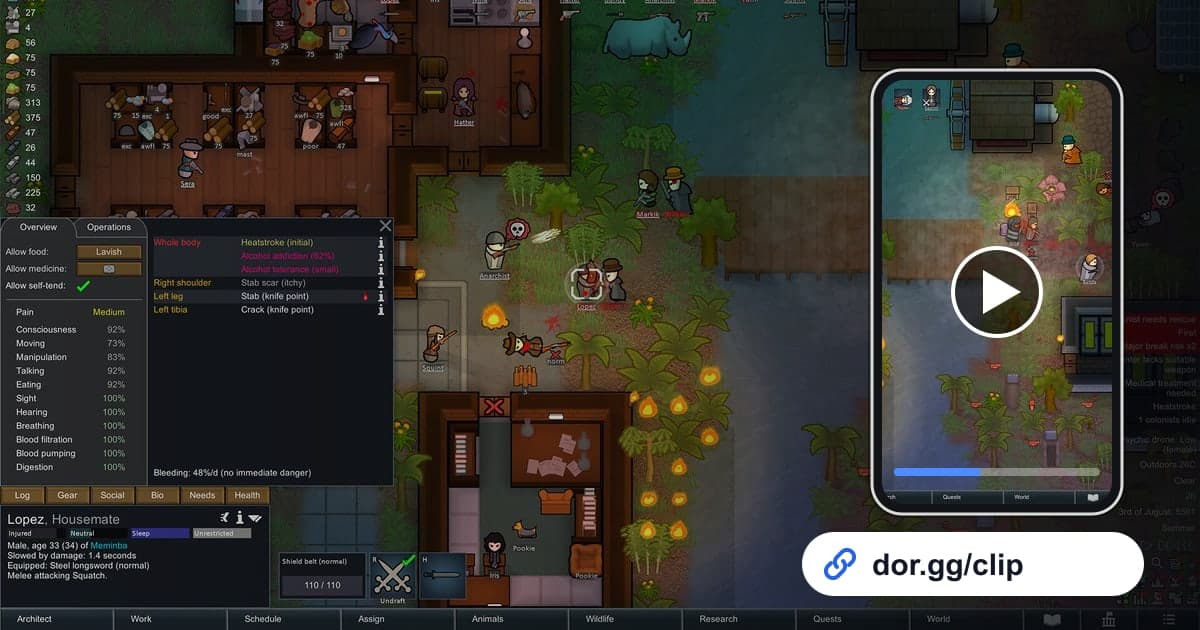
The fun of RimWorld is the story that never goes to plan. A pirate raid you barely held off, a colonist who snapped at the worst possible time, a ship you finally launched after dozens of in-game days: none of it lands the same when you just describe it. This guide covers one method: record RimWorld with DOR, trim out the climax of the story, and send it to a friend as a dor.gg link. RimWorld is a game you play for hours on fast-forward, so the recording is long while most events are over in under a minute. That makes knowing how to locate an event in a long recording more important than any recording setting.
The short version
Launch RimWorld on a PC with DOR installed and the whole session is saved as one mp4. When something big happens, just note the real-world time. After you close the game, open the recording in the library near that time, trim from the start of the event to its end, and paste the dor.gg link into your chat with a friend. For keeping a weekend-long session recording reliably, see how to record long gameplay sessions without stutter.
Sending a RimWorld highlight to a friend
- 1Install DOR and launch RimWorldInstall the free DOR app on your Windows PC and launch RimWorld. RimWorld became a supported game in the October 2026 app update, and DOR detects it automatically and records everything from launch to exit as one video. There is no record button to press.
- 2Note the real-world time when events hitThe date on the RimWorld screen is the in-game date, which does not match the playback position of the recording. When a raid alert pops or someone has a mental break, write down the real time from your PC clock or phone. If you also note when you started playing, you can work out roughly how far into the recording the event sits.
- 3Play the scenes you want to show at normal speedAt top speed, events fly by in the recording too, and your friend will struggle to follow. Slow the game down when a raid starts and the fight stays readable on video. On the other hand, crank up the speed during building or travel you do not plan to show, so those stretches are easier to skip later.
- 4Trim around the paused stretchesOpen the recording near your noted time and set a start and end point in the trim tool. RimWorld players pause constantly to give orders, and since recording continues the whole time, long frozen stretches can end up in the file. Starting the clip right after you unpause keeps it tight. Because the game is viewed from above, keeping the 16:9 output ratio shows the whole base best.
- 5Combine events into a colony chronicleTo show a colony's big moments in order, such as the first raid, the first death, and the ship launch, trim each one and merge them in DOR Studio, which opens in your browser. A short text line noting the year and what happened helps a friend who has never seen the colony follow along.
- 6Send the link to a friend on the same scenarioA friend playing the same storyteller or difficulty can compare how you handled a raid with a single video. Paste the dor.gg link of the trimmed clip into your chat; there is no need to pass around a large original file.
Clues for finding each RimWorld event in your recording
| Event | Clue in the recording | What to keep |
|---|---|---|
| Raid defense | The raid alert appears and you draft colonists to the defensive line | From the draft until the last raider falls or flees |
| Mental break | A mental break alert as one colonist starts doing something strange | A few seconds before the break until it ends or they are subdued |
| Colony boom | A slow camera pan across new rooms, farms, and workshops | One short tour, ending after a single pass |
| Animal or insect crisis | Mad animals or giant insects swarming the base | From the first sighting until it is under control |
| Caravan trip | The cut to the world map | Two pieces: the departure and the arrival |
| Ship escape | The ship finishing prep and taking off | From just before launch to the ending screen, uncut |
Check before you send the link
- At least 20GB of free disk space (below that, recording stops automatically)
- Which session's recording contains the event times you noted
- If you reloaded a save, the same raid is not in the clip twice
- The fight is not too sped up to follow
- No long paused or menu screens left at the start or end
- No stray comments or private conversation picked up by your mic
What DOR does in RimWorld
DOR is a free Windows desktop app. When you launch RimWorld, it detects the game automatically and records it with full-session recording: everything from launch to exit becomes one mp4 in the app library. There are no automatic highlights that pick out raids or deaths, so you find and trim scenes yourself. Long play fills the disk quickly, and as the app settings note, recording stops automatically when free space drops below 20GB. On days you do not want RimWorld recorded, you can turn off just this game in the full-session recording group in settings; a confirmation dialog appears when you switch it off. With an NVIDIA graphics card, NVENC hardware encoding is the default, and game audio and your mic are recorded together. For setting precise start and end points, see how to trim game clips, and for joining several events into one video, see how to merge game clips.