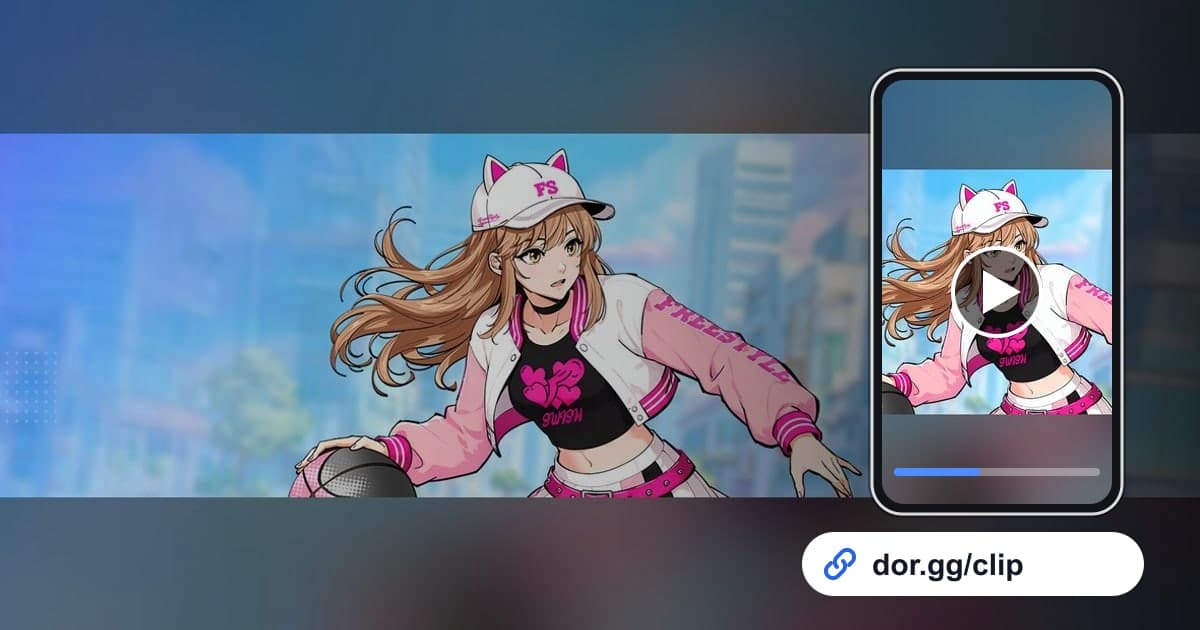
If you threw down a dunk between two defenders in FreeStyle: Reboot or hit a shot right before time ran out, record with DOR, trim those few seconds, and send a link. This street basketball game, run by JOYCITY, became a DOR 'full-play recording' game in the October 2026 app update. When you launch it, DOR detects the game and keeps everything from launch to exit as one video, so if you play several games in one sitting, they all line up inside a single file. This guide focuses on finding the short, sharp moments basketball produces inside that long recording.
Plays are short, recordings are long
Most basketball highlights are over in three to eight seconds, but the recording covers your whole session. Jotting down which game a play happened in and roughly when, right after each game, cuts your search time a lot. Give a one-motion play like a dunk only a little padding, and start a multi-pass possession from the first pass. For lining up start and end points precisely, see how to trim game clips.
Finding highlights in a basketball recording and sending them
- 1Check the recording setting and launch the gameIn DOR settings, make sure FreeStyle: Reboot is switched on under 'full-play recording,' then launch the game from its launcher as usual. DOR detects it and starts recording, and every game and every wait in between is captured until you close the game.
- 2Count games using the waiting screen between themWhen a game ends, a waiting screen instead of the court shows briefly before the next one. Scrub quickly and count how many times that screen appears, and you can jump straight to a note like 'late in game three.'
- 3Rewind from the moment the score changesThe score ticking up on screen is the easiest marker for any bucket. From there, rewind three to four seconds for a dunk or six to eight for a drive, and the clip covers everything from the catch to the finish.
- 4Find buzzer-beaters from the end of the gameA game-winner at the horn sits in the last stretch of a game, so find the results screen first and keep about 15 seconds before it. The clock and score need to be visible for the tension to land, so cut it in 16:9 with the full screen.
- 5Match the ratio to the playDunks and blocks center on one player's motion, so they still read well in vertical 9:16. Passing plays and defensive rotations need both sides of the court, so keep them in 16:9, and 1:1 works for messenger previews.
- 6Set the length by who is watchingTeammates and club members know the flow of the game, so the whole final possession is fine for them. For a friend who doesn't play basketball games, a single dunk of about five seconds explains itself best.
- 7Paste the dor.gg link in your club chatAnything you cut with the library's trim tool is shared as a dor.gg link. Paste it into your club group chat or Discord channel, and club members can play it in a browser, even on their phones, without installing anything.
FreeStyle: Reboot offense and defense plays: where to cut
| Play | Cue in the recording | Length and ratio |
|---|---|---|
| Dunk finish | The moment the score changes after a drive to the rim | 3 to 5 seconds from the drive, 9:16 |
| Crossover drive | The defender shifts to one side and a lane opens | 6 to 8 seconds from the dribble to the bucket, 16:9 |
| Blocked shot | The ball bouncing away right after a shooting motion | 4 seconds including 2 before the shot, 9:16 |
| Buzzer-beater | The final possession with almost no time left | The whole last possession, 10 to 15 seconds, 16:9 |
| Assisted bucket | Two or three passes, then an open teammate finishes | 8 to 10 seconds from the first pass, 16:9 |
| Career League win | The results screen after the game ends | Last possession plus results, 20 to 30 seconds, 16:9 |
Checklist before you send
- FreeStyle: Reboot is on under 'full-play recording' in settings.
- You noted the game number and rough time of each play you remember.
- The dunk clip includes both the start of the drive and the ball going in.
- The buzzer-beater clip shows the remaining time and the changed score.
- In vertical clips, the ball and the player stay inside the frame.
- You have comfortably more than 20GB of free disk space.
How DOR records FreeStyle: Reboot
DOR is a free Windows desktop app. When you launch FreeStyle: Reboot, it detects the game and records one mp4 until you close it; it doesn't split files by game or pull dunks out as automatic highlights. You find plays yourself in the app library, cut them with the trim tool, pick 16:9, 9:16, or 1:1, and get a dor.gg link. To string dunks and blocks from several games into one video, open DOR Studio in your browser with no install, merge clips, and add text and background music; how to merge multiple game clips covers how to order them. To polish a single dunk into a vertical short, see how to make a vertical game video. Game sound and your mic are recorded together, so the calls you traded with teammates stay in, and on days you don't want to record, you can switch this game's full-play recording off in settings, with a confirmation prompt when you do.