Garry's Mod is a physics sandbox that hands you tools without set goals, so the moment you want to show a friend is different every session. Maybe you turned into a chair in Prop Hunt and survived to the end, or a contraption you barely held together with the physgun collapsed all at once, or the whole server dissolved into chaos for a few minutes. This guide covers capturing those moments with Garry's Mod full-play recording, finding the few dozen seconds inside a multi-hour file, and sending them with a single link.
How the Recording Works First
When you launch Garry's Mod, DOR detects it automatically and saves everything from launch to exit as one video. Hopping between servers doesn't split it; until you quit the game, it all lands in the same recording, and there are no automatic clips that cut out kills or round wins for you. So the real skill is finding a scene quickly inside a long recording. The mechanics of setting a start and end point are covered in detail in How to Trim Game Clips.
From a Garry's Mod Moment to a Shareable Link
- 1Install DOR and launch Garry's ModWith DOR installed on your Windows PC, it detects Garry's Mod the moment you launch it and starts recording. Recording begins as early as the server browser, so there is no record button to remember.
- 2Note the time whenever you switch serversA single Garry's Mod session often spans several servers. Each time you change, say from a Prop Hunt server to a TTT server, glance at the clock and jot down the rough time. Later you can jump straight to that point in the recording.
- 3Scan backward from the end of a roundIn round-based modes like Prop Hunt or TTT, the end of a round is the easiest thing to spot. Open the video in the library, find the round ending first, then rewind a minute or two to pick the start of the moment you want to show.
- 4Keep builds longer and chaos shorterA physgun build only makes sense if you include a bit of the building process, so give it a minute or two. Server chaos is the opposite: keep the 20 to 40 seconds where the funny reactions hit, and your friends will watch to the end.
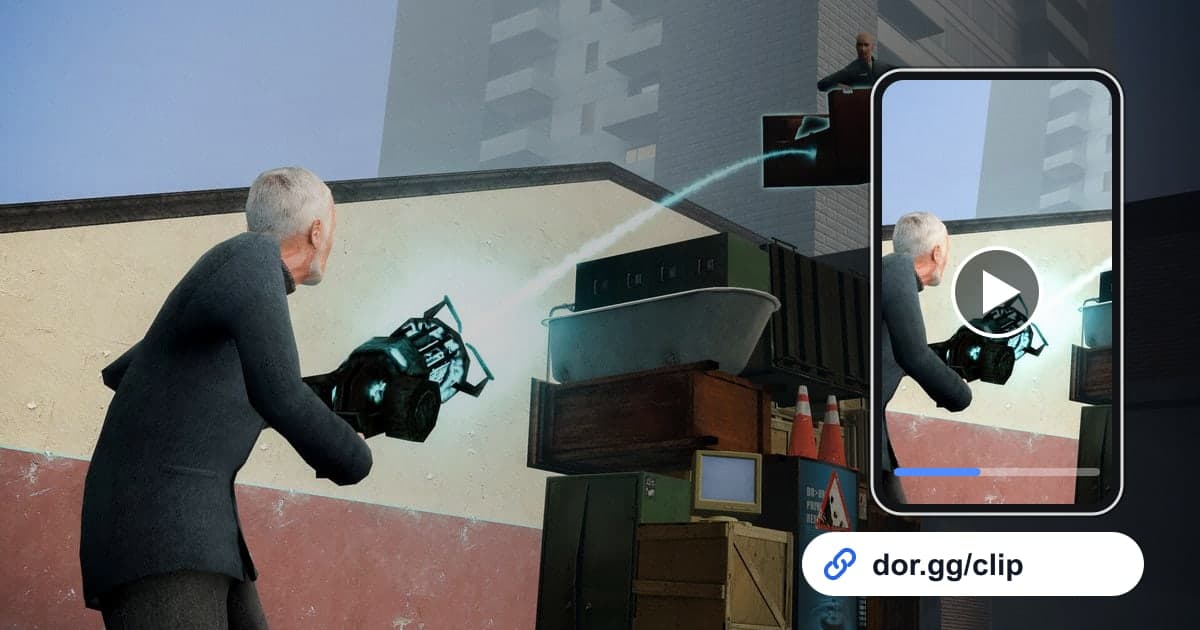
- 5Trim in the library and create a linkUse trim in the library to set the start and end and choose an output ratio. Keep 16:9 for friends watching on a PC, or pick 9:16 or 1:1 for friends on a phone. When it finishes, you get a dor.gg link.
- 6Send it differently to who was there and who wasn'tFriends who were on the same server will get it from the link alone, but for friends who weren't there, add one line about which mode it was. Whoever opens the link can watch in a browser without owning Garry's Mod or DOR.
Finding Scenes in the Recording by Game Mode
| Mode or Situation | Moment Worth Showing | Cue to Look For |
|---|---|---|
| Prop Hunt | Hiding as a prop and never getting caught | Just before the round ends and teams are reshuffled |
| TTT (Trouble in Terrorist Town) | Unmasking the traitor or a last-second twist | Rewind from where the round result appears |
| Sandbox building | A physgun contraption actually moving | Right after it is finished and friends gather around |
| Server chaos | Several players causing a scene at once | Where chat floods or voices overlap |
| Community map tour | Odd terrain and gadgets on a Workshop map | Right after the server join loading screen |
| A new server | Mishaps from not knowing the rules | The spot where you noted the join time |
Check Before You Send
- I noted roughly when I switched servers.
- For round-based modes, I used the round ending as my reference point.
- For builds, I kept enough of the beginning to show how it was made.
- I checked that other players' names or chat showing on screen is okay to share.
- I picked a ratio based on whether the viewer is on a phone or a PC.
- I have comfortably more than 20GB of free disk space.
Recording Garry's Mod With DOR
DOR is a free Windows desktop app. Garry's Mod was added as a full-play recording game in the October 2026 app update, so DOR detects the launch automatically and saves everything until you quit as a single mp4. You can open recordings right away in the app library, and with an NVIDIA graphics card, NVENC hardware encoding is the default. Game sound and your mic are captured together, so a session spent laughing with friends is preserved as it happened. If you want to stitch moments from several servers into one video, DOR Studio opens in your browser with no install and lets you add effect templates, text, and background music, and How to Merge Game Clips walks through ordering the scenes. On days you don't want Garry's Mod recorded, you can switch off just this game under Full-play recording in settings; a confirmation prompt appears when you turn it off.